Skip to content

DirectoryKits

Review Code Before You Merge

Your branch reviewed, the findings fixed and a description reviewers can follow.

BuildFree to startUpdated

Three parts, one job

Each part works on its own. In this kit each one hands the next a file.

Use

CodeRabbit

Reviews your branch from the terminal and lists each problem with its file, line and a fix.

Takes
A branch with changes you want checked before a teammate reviews them
Hands on
coderabbit-review.txt
How
On your branch run cr review --base main > coderabbit-review.txt, then tell your agent to work through the file.
Give your agent

Code Review and Quality

Has your agent sort the findings by severity, fix what blocks a merge and note how it was tested.

Takes
coderabbit-review.txt
Hands on
review.md
How
Paste review.md into [Why you made the change] and git diff main into [Diff]; your template or none goes in [Your team's PR template].

Run

Pull Request Description

Turns the review note and the diff into a title, a description and what a reviewer would still flag.

Takes
review.md
Gives you
A pull request with the findings fixed and a description a reviewer can follow in a minute

Use any part on its own, or all three in this order.

Set it up

In the order you use them.

1

Use CodeRabbit

On your branch run cr review --base main > coderabbit-review.txt, then tell your agent to work through the file.

Visit CodeRabbitFreecoderabbit.ai

Or use Sourcery or Kodus; keep the skill and the prompt.

coderabbit.ai
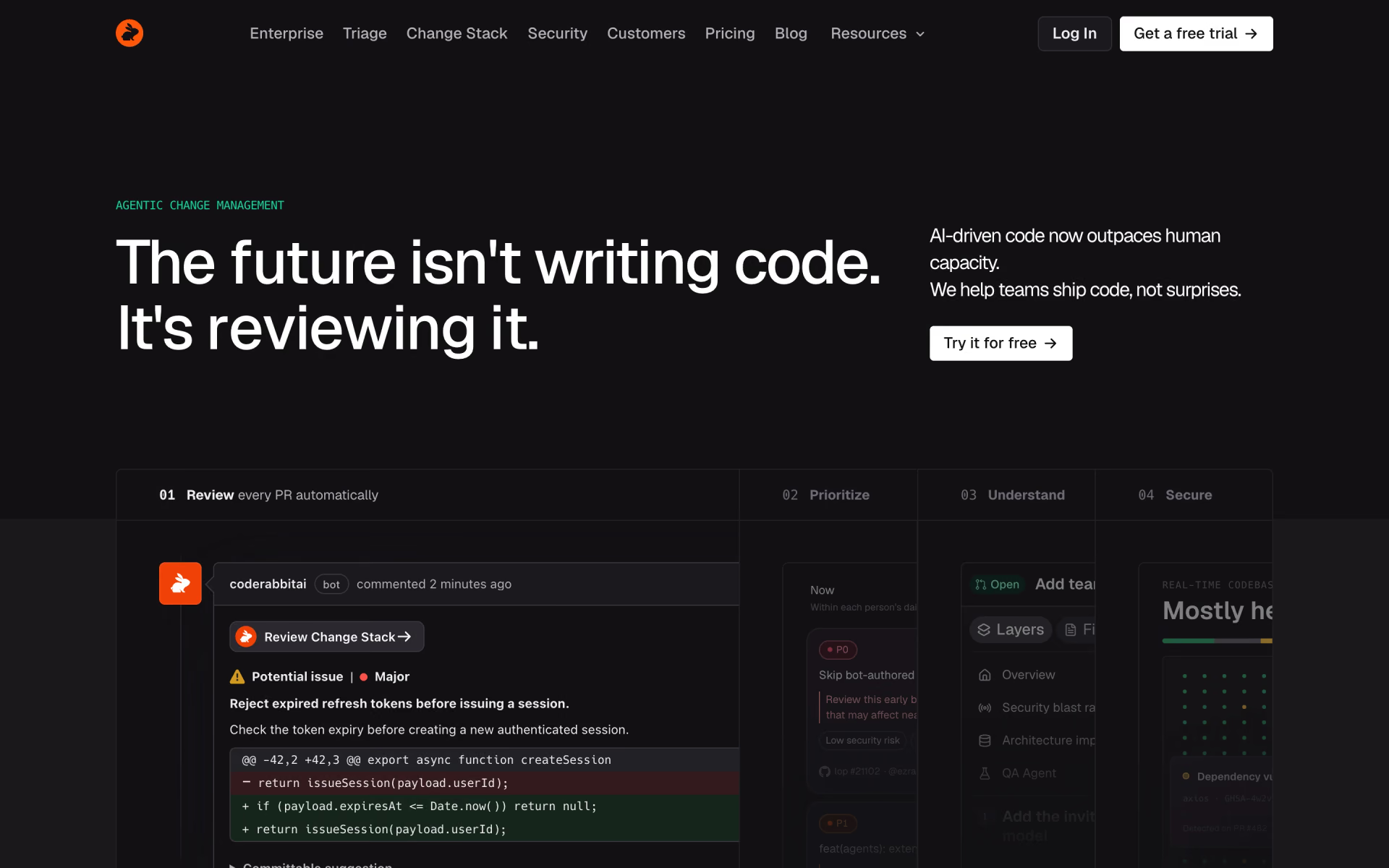
CodeRabbit homepage
2

Give your agent Code Review and Quality

Paste review.md into [Why you made the change] and git diff main into [Diff]; your template or none goes in [Your team's PR template].

$npx skills add addyosmani/agent-skills --skill code-review-and-quality
By @addyosmaniMIT104k stars
addyosmani/agent-skills › code-review-and-quality/SKILL.md

---

name: code-review-and-quality

description: Conducts multi-axis code review. Use before merging any change. Use when reviewing code written by yourself, another agent, or a human. Use when you need to assess code quality across multiple dimensions before it enters the main branch. Use when asked to review a diff or a pull request, even when the diff is pasted inline.

---

# Code Review and Quality

## Overview

Multi-dimensional code review with quality gates. Every change gets

reviewed before merge — no exceptions. Review covers five axes:

correctness, readability, architecture, security, and performance.

3

Run Pull Request Description

Fill in the 3 blanks, then run it.

Why you made the changeYour team's PR templateDiff
Fill it in
recaply.co/prompts/coding
<my_notes> {{Why you made the change}} </my_notes> <pr_template> {{Your team's PR template}} </pr_template> <diff> {{Diff}} </diff> </context> <task> Using my notes, the template and the diff above, write the pull request title and description, then list what I should fix before I ask for review. A good result: - lets a reviewer understand the change and the reason for it in under a minute - tells the reviewer where to look first and what is risky - gives test steps a reviewer can follow - catches what a reviewer would send back: leftover debug code, unrelated changes, missing tests, risky defaults, unchecked template items </tas

Questions about this kit

Is this kit free?

Yes, to start. CodeRabbit has a free plan, and the skill and the prompt are free.

Is there a tool other than CodeRabbit for this job?

Yes. Sourcery and Kodus do the same job well. Keep the skill and the prompt.

How does my agent get Code Review and Quality?

Run npx skills add addyosmani/agent-skills --skill code-review-and-quality. Your agent reads the skill when the task fits.

Where is the Pull Request Description prompt?

On its page: fill in the blanks, then copy it or open it in ChatGPT, Claude or Grok.

Who picks the kits?

We do. A sponsor can take the labelled row under a kit, but never one of its three picks.

More kits in Build

Pages, features and fixes, with your agent.

Build a Landing Page: quick look

Build a Landing Page

From one sentence to a live page, without a template look.

  1. Use Base44
  2. Give your agent Frontend Design
  3. Run Claude Code to Add a Feature
Ship a Feature: quick look

Ship a Feature

Think it through first, then let your agent write tested code.

  1. Use Claude Code
  2. Give your agent Brainstorming
  3. Run Write a Function From a Spec
Fix a Bug: quick look

Fix a Bug

Find the root cause before anyone touches the code.

  1. Use Cursor
  2. Give your agent Systematic Debugging
  3. Run Debugging for Errors and Stack Traces
Secure Your App: quick look

Secure Your App

Scan the code, fix what it finds, then check what scanners miss before launch.

  1. Use Snyk
  2. Give your agent Security and Hardening
  3. Run Security Check for Vibe-Coded Apps