The best AI browsers in 2026, by price, privacy and agents
The best AI browser for most people is Comet, free on Mac, Windows, iPhone and Android. Six compared on price, privacy and what each agent can do.
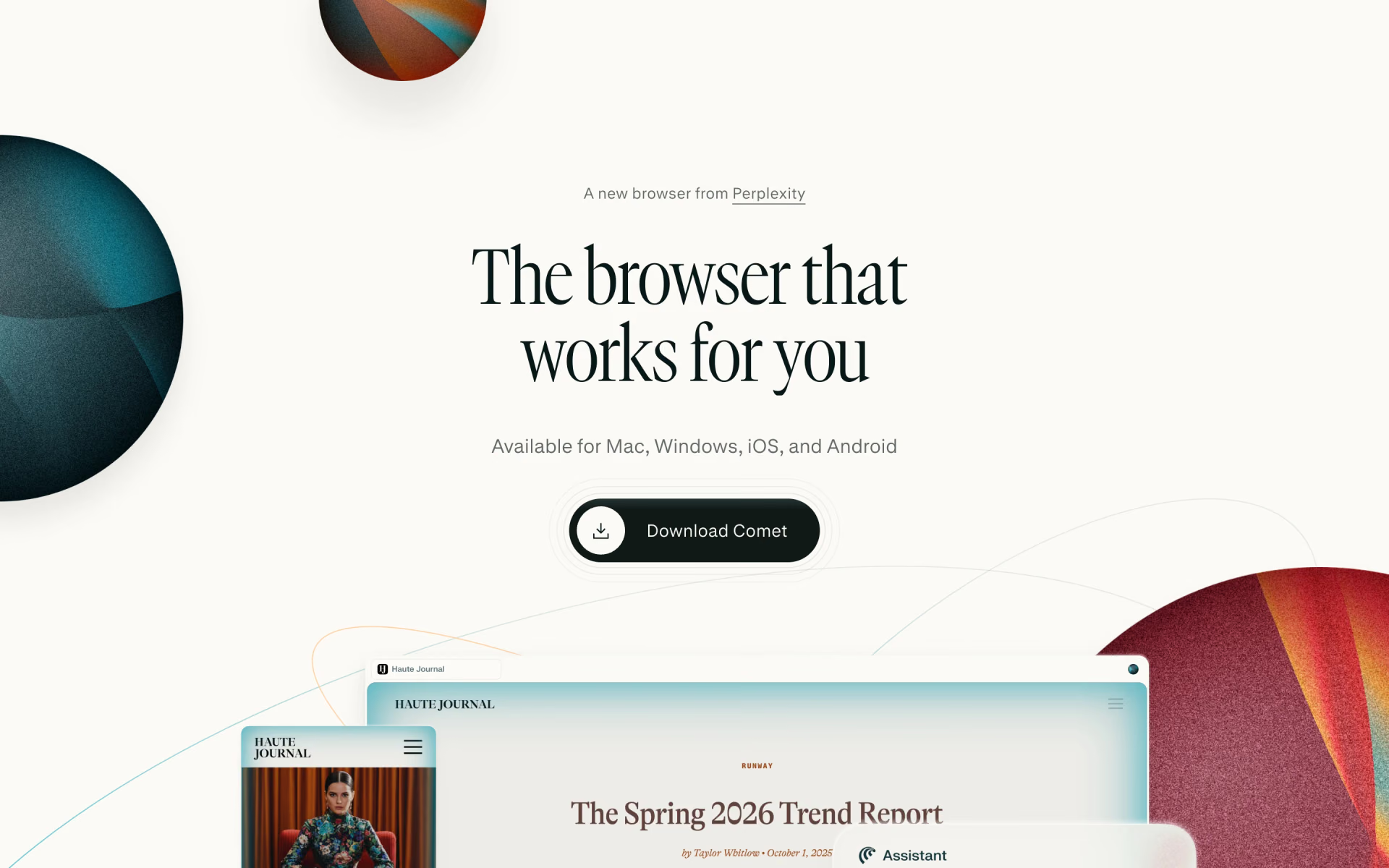
Comet is the best AI browser for most people, because it's free on Mac, Windows, iPhone and Android. Its agent shops, drafts email replies and runs errands for you on a Perplexity Pro plan, at $17 a month billed yearly. Choose Chrome with Gemini if you'd rather not switch browsers, or Brave if privacy matters most.




What an AI browser does
An AI browser is a web browser with an assistant built in, so you never copy text into a separate chat. The assistant reads the page you're on, sums up long articles and answers questions about several open tabs.
Some browsers go a step further with an agent, which clicks, types and moves between sites to finish a job you describe. Booking a table or comparing office chairs are typical examples, and most agents stop before anything risky, such as a payment. Our explainer on what agentic AI is covers the idea from the start.
Two well-known names are leaving the list. OpenAI has retired ChatGPT Atlas, its browser for Mac, and The Browser Company will shut down Arc on Dec 22, 2026. Arc's maker points its users to Dia, its newer AI browser, and our guide on what to use after Arc shuts down covers the move.
The best AI browsers at a glance
Prices are normal US monthly prices from each maker's own pages, checked on Nov 8, 2026. "Agent from" is the least expensive plan that lets the assistant act on websites for you.
| Browser | Free AI | Agent from | Runs on | Best for |
|---|---|---|---|---|
 Comet | Assistant, no agent | $17, billed yearly | Mac, Windows, iPhone, Android | Most people |
 Gemini | Gemini, up to 10 tabs | A paid Google AI plan, US only | Windows, Mac, Chromebook Plus | Staying in Chrome |
 Microsoft Copilot | Copilot with your tabs | $19.99, US only | Windows, Mac, iPhone, Android | Microsoft 365 users |
 Brave Leo AI | Leo, no account | Early test, behind a flag | Windows, Mac, Linux, iPhone, Android | Privacy |
 Opera AI | Opera AI, no account | Separate Neon browser, $19.90 | Windows, Mac | Free extras |
 ChatGPT Browser Extension | Light use, subject to rollout | Free; more on Plus at $20 | ChatGPT desktop app, 5 browsers | ChatGPT users |
The six best, one by one
1. Comet: best overall
Comet is Perplexity's browser for Mac, Windows, iPhone and Android, with Perplexity's assistant in a panel beside the page you're reading. Its examples include drafting an email that shares your schedule and buying an office chair.
The browser is free, but Perplexity's plan table gives the Free plan no agent tasks, while Pro and Max get monthly limits it doesn't publish. Pro costs $17 a month and Max $167, both billed yearly. Perplexity says browsing data stays on your device, and Comet asks before it uses a service such as Gmail.
Good
- A free browser on Mac, Windows, iPhone and Android
- Never gets your passwords or payment details, Perplexity says
- You can block sites from the assistant
Watch for
- The agent needs a paid plan
- Agent limits aren't published as numbers
2. Chrome with Gemini: best if you stay in Chrome
Gemini in Chrome adds Google's assistant to the browser many people already use, on Windows, Mac and Chromebook Plus once you sign in. It reads your current tab and up to 10 more you share, sums up YouTube videos and adds events to Google Calendar.
The agent, auto browse, handles jobs like filling a cart or booking a table, but only on computers, for adults in the US using English. Google's help page says AI Plus at $4.99 a month is enough. Its plans page, though, lists auto browse only on AI Pro at $19.99 and Ultra from $99.99.

Good
- Free Gemini help across up to 10 tabs
- Hands payments, sign-ups and terms back to you
- Saved prompts with Skills in Chrome
Watch for
- Auto browse is US-only and computer-only
- Google's own pages disagree on the plan you need
3. Edge with Copilot: best for Microsoft 365 users
Microsoft Edge has Microsoft Copilot built into a side pane and the new tab page, on Windows, Mac, iPhone and Android. Copilot can use your open tabs, sum up YouTube videos and find pages from your history. Journeys groups past browsing into topics to pick up later, free on desktop in English-language markets.
Edge's agent, Browse with Copilot, arrived in May 2026, when Microsoft retired Copilot Mode. It runs on desktop for Microsoft 365 Premium subscribers in the US, at $19.99 a month. Free Copilot use depends on available capacity, and Microsoft says Journeys data is deleted after 14 days and never used for training or ads.

Good
- Tab context and Journeys at no cost
- Journeys skips banking and health sites
- Premium also brings Copilot to Word, Excel and Outlook
Watch for
- The agent is US-only and desktop-only
- Free limits depend on Microsoft's capacity
4. Brave with Leo: best for privacy
Brave is a privacy-focused browser for Windows, Mac, Linux, iPhone and Android, and Brave Leo AI is its assistant. Leo is free without an account, and Brave says it doesn't keep or share your conversations or use them for training. It sums up pages, PDFs and Google Docs, chats about any open tab and can run a local model or your own API key.
Leo Premium costs $14.99 a month after a 7-day free trial, adding more models and higher limits. Brave's agent, AI browsing, has been in early testing on every release channel since May 2026. You turn it on with a flag, and it runs in a separate profile and never starts without you.

Good
- A free assistant with no account
- Bring your own model or API key
- The agent runs apart from your normal profile
Watch for
- The agent is still an early test behind a flag
- Free use can be limited when traffic is high
5. Opera with Opera AI: best free extras
Opera AI comes free in Opera One, Opera GX and Opera Air on desktop, with no sign-up. It answers questions about the current page or every tab in a tab island, which is Opera's name for a group of related tabs. It also reads PDFs and spreadsheets, makes images from a prompt and translates selected text into 50 languages.
Opera AI answers and creates but doesn't act on websites, so Opera sells its agents in a separate browser, Opera Neon, at $19.90 a month. Opera says Neon keeps passwords, card details and cookies on your device. The regular browsers also let you open ChatGPT or Gemini in the sidebar.

Good
- Free, with no account
- Image making and file reading included
- Works across a whole tab island
Watch for
- No agent in the regular browsers
- Neon is a separate browser at $19.90 a month
6. ChatGPT: best if you already use ChatGPT
OpenAI has retired ChatGPT Atlas and now offers browsing in two other ways. The ChatGPT desktop app has a built-in browser with its own profile, where you can sign in to sites and let ChatGPT work. The ChatGPT Browser Extension lets it read and act in Chrome, Edge, Brave, Opera or Vivaldi, on sites where you're already signed in.
You start a task from a ChatGPT Work or Codex chat and pick a browser. ChatGPT asks before it uses a site, unless you allow every site. OpenAI's pricing page lists light use in the desktop app on the Free and $8 Go plans, subject to rollout. Plus costs $20 a month and adds more usage and cloud browsing, which is unavailable on Free and Go.
Good
- Works inside the browser you already use
- Allow and block lists for websites
- Side chat in Chrome, Edge, Brave and Vivaldi
Watch for
- Setup needs the ChatGPT desktop app
- Usage is shared with ChatGPT Work and Codex
What can an AI browser agent do for you?
An agent takes on the dull, multi-step parts of the web, and these are the jobs its makers describe.
- Book things and fill in forms: Chrome's auto browse makes restaurant bookings and plans travel, and it asks before it submits a form.
- Research across tabs: Gemini reads up to 10 tabs, Copilot uses your open tabs, and Brave's agent visits several sites to research a topic.
- Shop: auto browse compares products and adds them to a cart, and Comet's own examples include buying an office chair.
- Email and errands: Comet drafts email replies, and auto browse fetches receipts and manages food orders.
Agents still make mistakes, and Google warns that auto browse can buy something you didn't approve or add the wrong amount. It also says you're responsible for what it does, so approve each payment yourself.
Are AI browsers safe?
An AI browser adds little risk when its assistant only reads and summarizes information. The risk grows when an agent acts for you while you're signed in. A web page can hide instructions that try to steer the agent, which is called prompt injection. Google warns about it on its auto browse help page, and Anthropic says its own protections aren't foolproof.
The makers guard against it in different ways, such as running the agent in a separate profile, as Brave does. Gemini also asks before sensitive steps such as sending a message, and ChatGPT asks before it uses a site.
- Start agent tasks yourself, and read the plan before you approve it.
- Block banking and health sites from the agent where you can.
- Finish payments, terms of service and new accounts yourself.
- Use a separate profile for agent work when you can.
Add an agent to the browser you already use
You don't need a new browser to get an agent. Claude in Chrome is an extension that reads the page, clicks, types, fills in forms and works across a group of tabs. It's included with paid Claude subscriptions from $20 a month, and it waits for your approval before purchases and irreversible actions.
If you're choosing between the assistants themselves, our comparison of ChatGPT, Claude and Gemini sets out their prices and limits.
Which AI browser should you pick?
Start from the browser you use every day and the country where you live. On Windows, Edge is already installed, so trying its free Copilot features costs nothing. Outside the US, the agents in Chrome and Edge aren't available to you yet.
- You want one AI browser on your Mac, PC and phoneComet
- You want to keep Chrome, and you live in the USGemini
- You already pay for Microsoft 365Microsoft Copilot
- You want free AI help with no account and no saved chatsBrave Leo AI
- You want free extras such as image making and file readingOpera AI
- You already pay for ChatGPT and want it in your own browserChatGPT Browser Extension
How we picked
We started from the browsers and browser assistants listed on Recaply, and kept those with an assistant or agent that works inside your browser. We read each maker's pricing pages, help centres and announcements on Nov 8, 2026, and we note where their own pages disagree.
We left out ChatGPT Atlas, which OpenAI has retired, and Arc, which stops working on Dec 22, 2026. Perplexity's pricing page shows Pro and Max only as prices billed yearly, so we quote them that way.
We have not run side-by-side tests, so everything here comes from the makers' published information. No maker paid to appear here or saw this list before publication, and we update the page and its date when prices change.
Questions people ask
What is the best free AI browser?
Brave is the best free choice if privacy matters, because Leo works with no account and Brave says it doesn't keep your chats. Opera AI is also free with no account, and Gemini in Chrome is free once you sign in. None includes a finished agent for free.
Is Comet browser free?
Yes, Comet is free to download and use on Mac, Windows, iPhone and Android. The agent that acts on websites needs a paid Perplexity plan, with Pro at $17 a month and Max at $167, both billed yearly.
Are AI browsers safe?
They're low-risk for reading and summaries, but an agent that acts while you're signed in carries more risk. Hidden text on a web page can try to steer it, which is called prompt injection. Approve payments yourself, and keep agents away from banking and health sites.
What is the best AI browser for Mac?
Comet is our pick on a Mac, because the same browser also runs on Windows, iPhone and Android. Chrome with Gemini, Edge, Brave and Opera all run on a Mac too, while ChatGPT Atlas, OpenAI's Mac browser, has been retired.
What happened to ChatGPT Atlas?
OpenAI retired ChatGPT Atlas, and it no longer gets updates. ChatGPT now browses through a built-in browser in its desktop app and an extension for Chrome, Edge, Brave, Opera and Vivaldi. Your chats still work, but Atlas bookmarks and history didn't move over on their own.
Which AI browsers work on Android and iPhone?
Comet, Edge and Brave all have Android and iPhone apps with their assistants built in. Chrome's auto browse agent works only on computers for now.