 Claude Code
Run Claude Code from your phone with Remote Control
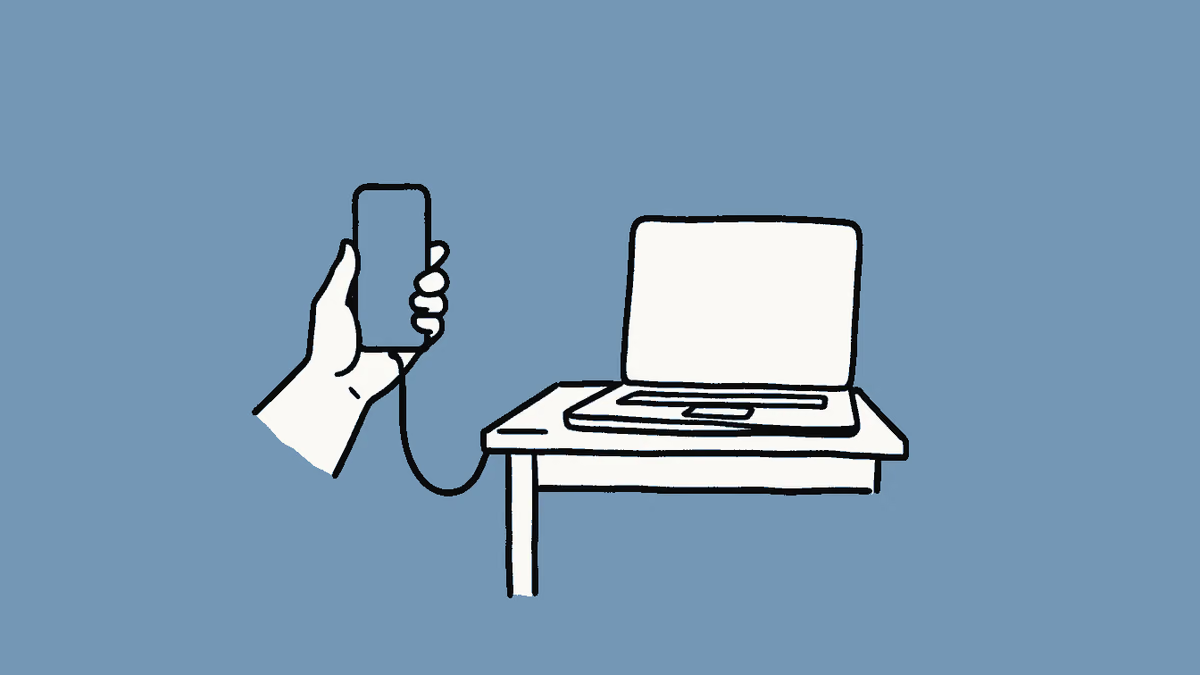
Start a Claude Code task on your computer, then watch, steer and approve it from your phone or any browser with Remote Control, in under 15 minutes.
What you need
On Team and Enterprise plans, an Owner must first turn on Remote Control in the Claude Code admin settings. It doesn't work through Amazon Bedrock, Google Cloud or Microsoft Foundry.
Step 1: Update Claude Code and sign in
2 minRemote Control needs a recent version and a claude.ai login, not an API key.
- In a terminal, run the command below to get the newest version.
- Installed with Homebrew? Run
brew upgrade claude-codeinstead. - If you're not signed in with your plan, run
claude auth loginand choose the claude.ai option. - On your phone, install the Claude app and sign in with the same account.
Run thisclaude update
You should see a line saying Claude Code is up to date, or that it updated to a new version.
It says Remote Control requires a claude.ai subscription?
An API key or token is taking over from your login. Remove
ANTHROPIC_API_KEYfrom your shell or settings file, then runclaude auth loginagain.Keep API keys out of settings files you share or commit, such as
.claude/settings.json.Step 2: Start Remote Control in your project
2 minThis opens a normal Claude Code session that you can also reach from other devices.
- Move into your project folder with
cd. - Run the command below, with a name you'll recognize on your phone.
- If Claude Code asks you to enable Remote Control, say yes.
Run thisclaude --remote-control "[YOUR PROJECT NAME]"
You should see an
/rc activeindicator in the terminal, linked to your session on claude.ai.It says Remote Control is disabled by your organization's policy?
On Team or Enterprise, ask an Owner to turn on the Remote Control toggle in the admin settings. On Pro or Max, run
claude auth logout, thenclaude auth login, to drop an old work login.Your code runs on your computer the whole time. The phone and browser are only a window into it, so leave the computer on.
- Move into your project folder with
Step 3: Open the session on your phone
2 minEach device shows the same conversation, so you can switch between them at any point.
- In the terminal, run
/remote-controlagain to show the session link and a QR code. - Scan the QR code with your phone's camera to open the session in the Claude app.
- Or open the link in any browser, or tap Code in the Claude app and pick the session by name.
You should see your session with a computer icon and a green dot, showing the same messages as your terminal.
The app shows Remote Control disconnected?
Check that your computer is awake and online and that
claudeis still running. The session reconnects on its own, or run/remote-controlin the terminal.- In the terminal, run
Step 4: Hand off a task from your phone
4 minOnce a task is running, you can follow it, answer questions and approve changes away from your desk.
- In the Claude app, type a task like the one below and send it.
- Answer permission prompts as they arrive. They stay open until you reply.
- Attach a screenshot or file if it helps. Claude gets it on your computer.
- To switch models, send a command with its value, such as
/model sonnet.
Your promptFix the failing test in [FILE OR FOLDER]. Run the tests after each change and stop when they pass. Ask me before you change anything outside that folder.
You should see Claude's steps arriving on your phone as it works, and the same messages in your terminal.
A command like /plugin does nothing from your phone?
Some commands only run in the terminal, such as
/pluginand/resume. Text commands like/compact,/contextand/usagework from the phone.Step 5: Turn on pushes and auto-connect
3 minPushes tell you when Claude needs you, so you don't have to keep checking the app.
- In the terminal, run
/configand turn on Push when actions required. - In the same panel, set Enable Remote Control for all sessions to
true. - Allow notifications when your phone asks.
You should see a push the next time Claude needs a decision, and new sessions that show up in the app on their own.
The config panel shows No mobile registered?
Open the Claude app on your phone so it can refresh its push token. The warning clears the next time Remote Control connects.
To get a push when a long job ends, ask for it in your prompt, such as "notify me when the tests finish".
- In the terminal, run
You get
A Claude Code session on your own computer that you can watch, steer and approve from your phone or any browser
Try next


Did this guide work for you?
Thanks. It helps us fix the steps.