

What is Vena?
Excel-native planning, budgeting and reporting for finance teams.
Who is Vena best for?
Vena is best for finance teams that plan and budget in Excel and want one shared database behind their spreadsheets.
Excel-based FP&A teams
Models, what-if scenarios and budgets are built and edited inside Excel, connected to Vena's own database rather than loose files.
Company-wide budgeting
Department heads contribute to plans through workflows, while view-only users follow reports without editing them.
Month-end close
It covers consolidation, account reconciliation and tax provisioning next to planning, so the close and the budget share one data set.
Microsoft 365 shops
It links to Power BI, PowerPoint and Microsoft Teams, where Vena Copilot answers finance questions.
How much does Vena cost?
Vena does not publish prices: its Professional and Complete plans are quoted in a demo call, and the maker states no free plan or trial.
Vena names two plans, Professional and Complete, and three licence types (Power User, Contributor and View Only), but shows no prices; every plan button leads to the demo request, where pricing is covered. Not-for-profit organizations and Microsoft Dynamics 365 Business Central users may qualify for discounted pricing. Plans and current prices are on venasolutions.com.
How do readers rate Vena?
No one has rated Vena yet. Be the first.
Sign in to rate. One rating per account.
Questions about Vena
What is the difference between Vena Professional and Complete?
Vena Complete includes everything in Professional, which covers the platform, Excel integration, Vena Copilot, standard support and a customer success manager, and adds Vena Insights analytics, premium support, a sandbox environment and expert managed services. Neither plan shows a price.
Who is Vena for?
Vena is best for finance teams that plan and budget in Excel and want one shared database behind their spreadsheets.
Is Vena free?
No. Vena is a paid tool.
Where can I try Vena?
On its official website, venasolutions.com.

 DataSnipper
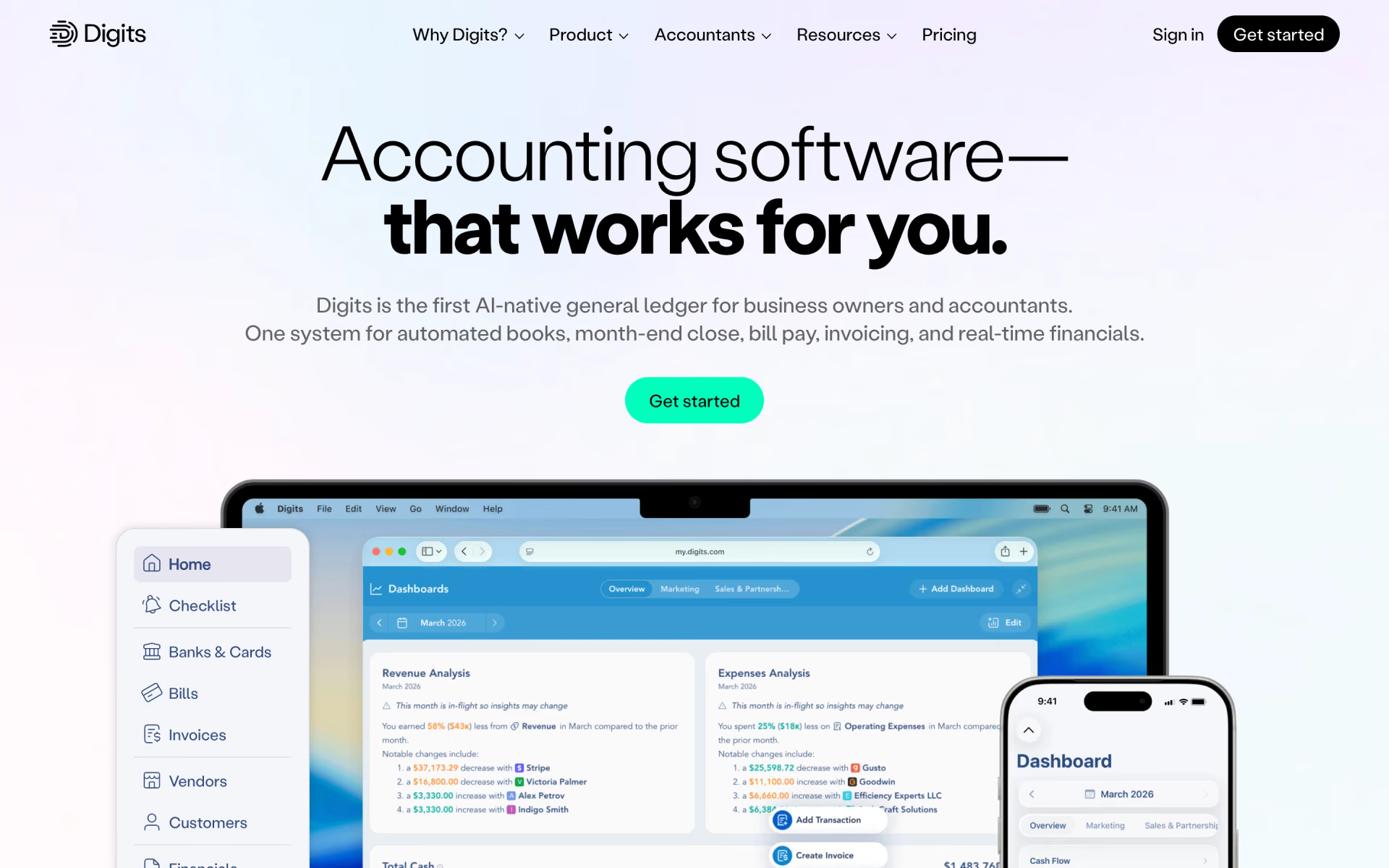
 Digits
 EvryThink
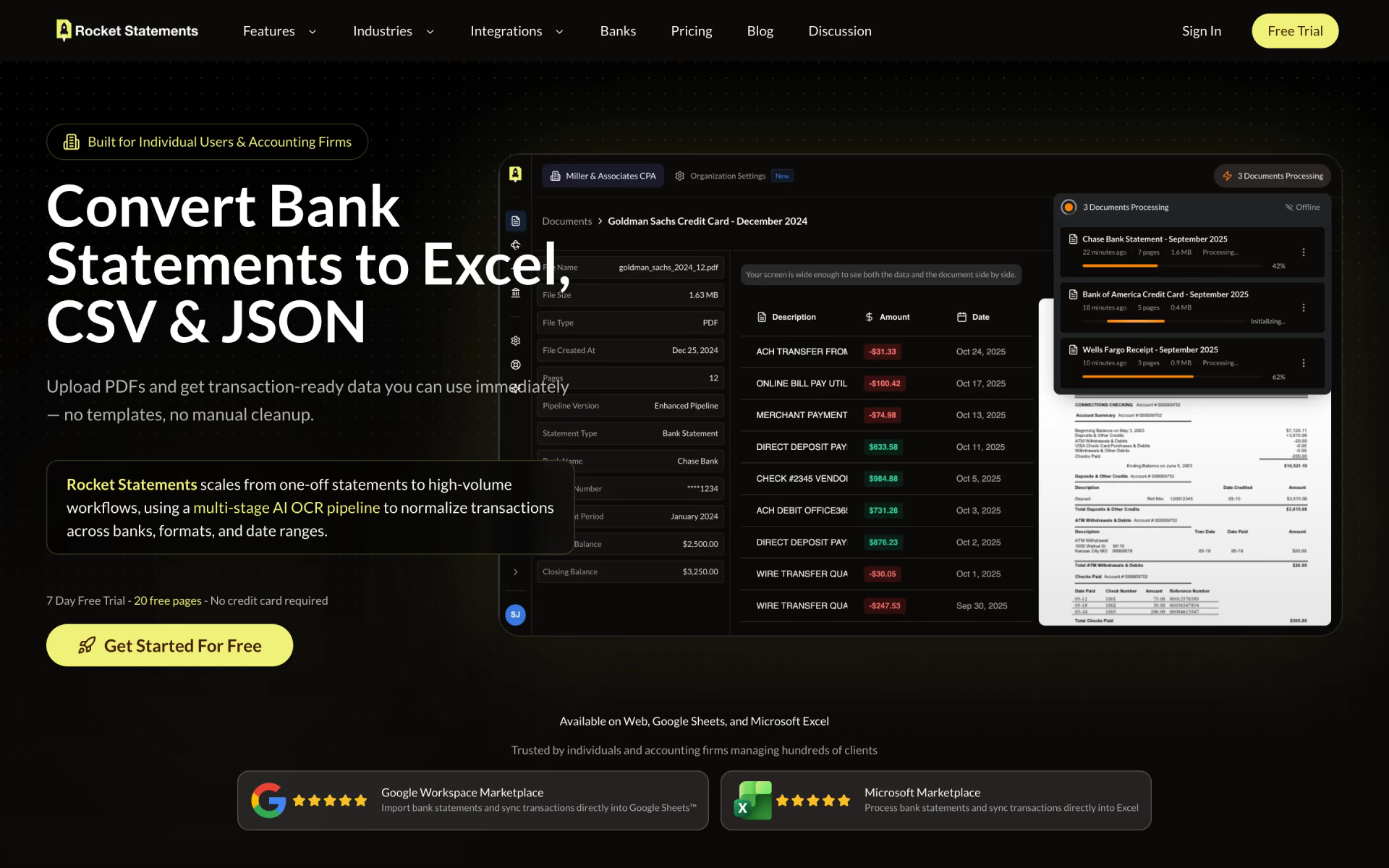
 Rocket Statements
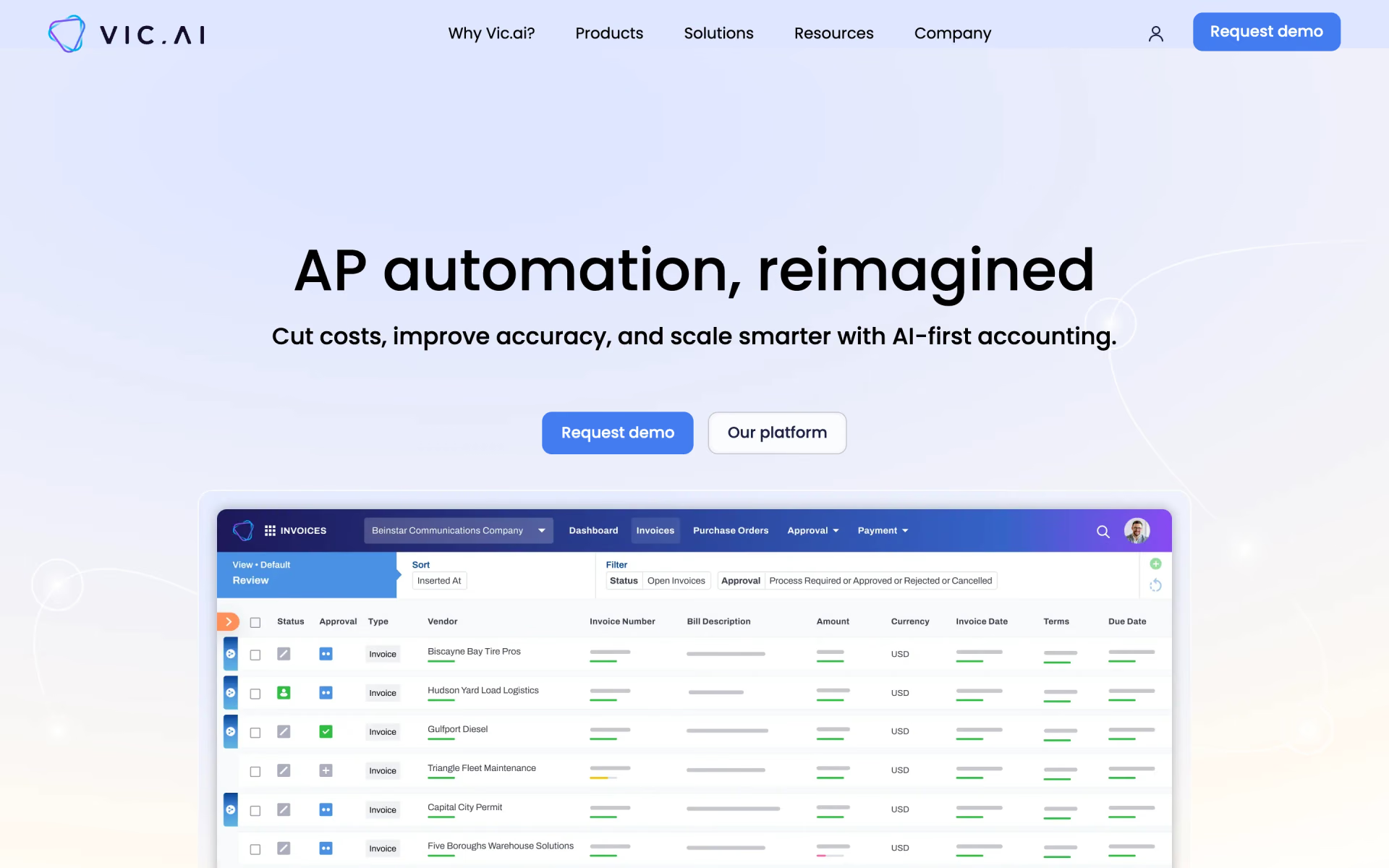
 Vic.ai

 Clyr