
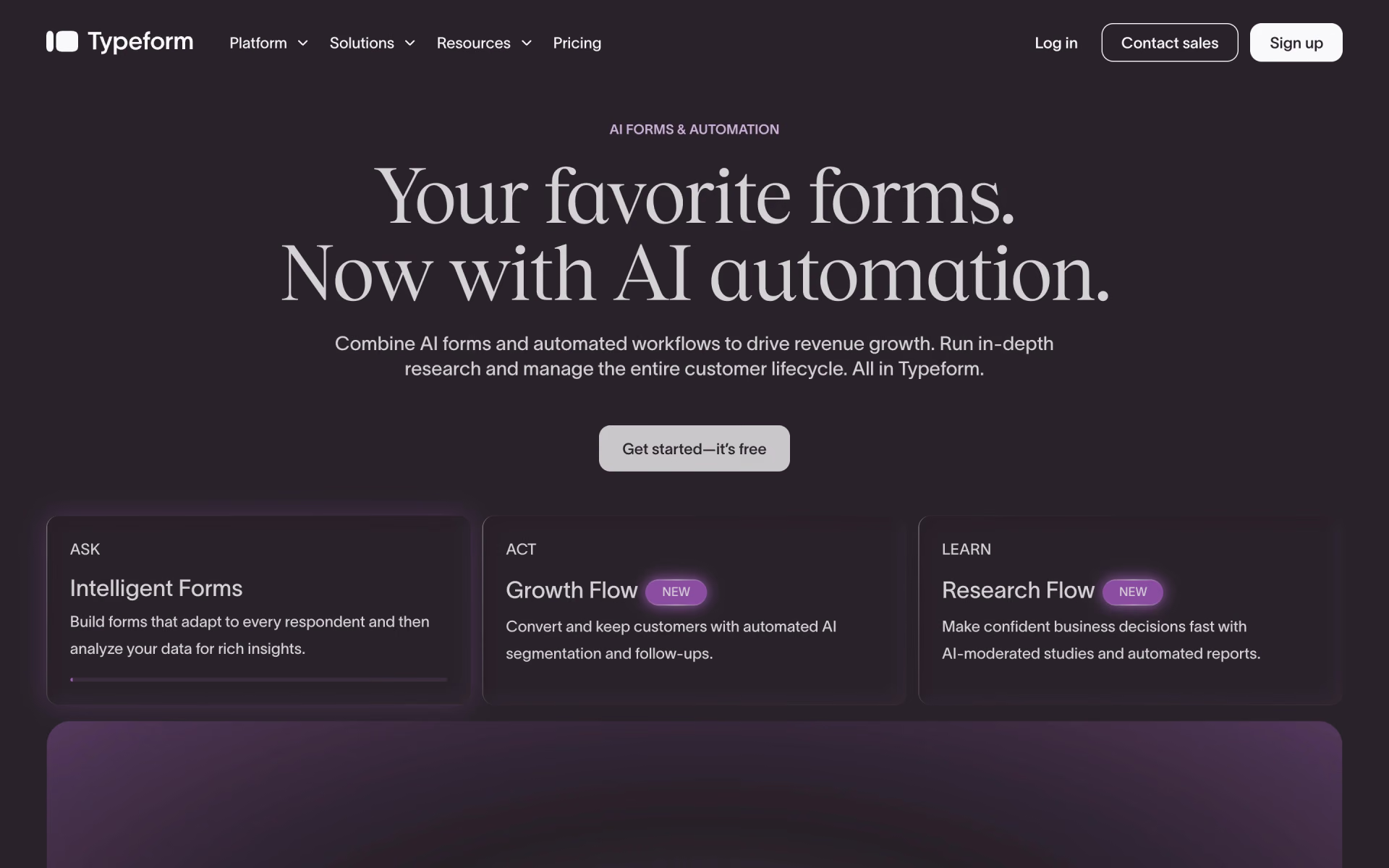
What is Typeform?
Typeform builds forms that show one question per screen, with logic that picks the next question from earlier answers. You can describe a form and let Typeform AI draft it, then embed it on a site or share a link. Answers flow to HubSpot, Salesforce, Slack, Google Sheets, Calendly and other apps, or to any address by webhook.
Paid plans are priced by monthly responses rather than by seat, so cost grows with volume; Fillout, for comparison, includes 1,000 responses a month for free. Newer products extend it past forms: Growth Flow enriches leads and sends email and SMS follow-ups, and Research Flow runs AI-moderated interviews.
Who is Typeform best for?
Typeform is best for marketers and researchers who want branded, one-question-at-a-time forms that people finish, for leads, feedback and job applications.
Lead capture on marketing sites
Logic, Calendly booking and Stripe payment questions let one form qualify a lead, book a call and take a deposit.
Customer feedback and NPS
NPS, rating, matrix and opinion scale questions work on every plan, free included, and results export to CSV or XLSX.
HR and recruiting teams
The Talent plan adds video questions and answers, multi-language forms and AI follow-up questions for applications and staff surveys.
Research teams
Research Flow recruits people from a verified panel and runs AI-moderated text, video and voice interviews, priced through sales.
What's included with Typeform?
AI form drafting, branching logic, AI follow-up questions, payments and bookings inside forms, drop-off analytics and lead enrichment.
- Typeform AI
- Describe the form you need in a chat and it drafts the questions, on every plan including Free.
- Logic, scores and variables
- Branching shows each person different questions, and scores can grade a quiz or work out a quote.
- Clarify with AI
- AI-written follow-up questions ask for more detail when an open answer is thin.
- Payments, bookings and signatures
- Forms can take Stripe payments, book meetings through Calendly and collect e-signatures inside the same flow.
- Drop-off analytics
- Business and higher plans show where people quit a form and track conversions.
- Growth Flow
- Enriches up to 1,500 responses a month with company data and sends email and SMS follow-ups from form answers.
How much does Typeform cost?
Typeform has a free plan with 10 responses a month; paid plans cost $39, $79 or $129 a month (Basic, Plus, Business), or $28, $56 or $91 a month billed yearly.
- 10 responses a month across all forms
- Unlimited forms, logic and integrations
- Typeform branding on every form
- 100 responses a month, 1 user
- AI form creation, webhooks and integrations
- Payment and file upload questions
- 1,000 responses a month, 3 users
- Removes Typeform branding
- Custom subdomain
- 10,000 responses a month, 5 users
- Drop-off rates and conversion tracking
- Priority support and live chat
Billed yearly, Basic is $28, Plus $56 and Business $91 a month. Extra responses can be added up to 750 a month on Basic, 2,500 on Plus and 50,000 on Business; above 50,000, Typeform prices a plan through sales. Growth Flow costs $379 a month ($266 billed yearly) with a 14-day trial, and the Talent plan for HR teams is $169 a month ($119 billed yearly). The Contacts and Automations add-on starts at $29 a month on Plus and higher. Enterprise, with SSO, HIPAA and a choice of US or EU data center, is priced by sales. Full pricing on typeform.com. We checked these prices on .
How do readers rate Typeform?
No one has rated Typeform yet. Be the first.
Sign in to rate. One rating per account.
Typeform pros and cons
Its forms look good and get finished, but the price climbs with each response tier and the free plan is only enough to try it.
Pros
- People finish its forms: one marketer on Reddit says completion of a long questionnaire rose from 14% to 57% after moving to Typeform, and others say respondents prefer it to plain forms.
- The design and one-question flow make a form feel like part of the brand's site, which users praise even when they complain about the price.
- Logic, hidden fields, embedding, the API and integrations such as HubSpot and Google Sheets work on the free plan, so you can build the real form before paying.
- Forms and responses stay in your account after you downgrade or cancel, so stopping a paid plan does not cost you your data.
Cons
- Every plan is capped by monthly responses, and users with a few thousand submissions a month say that is where it starts to feel overpriced next to builders with unlimited responses.
- The free plan stops at 10 responses a month across all forms, which several users say is only enough to test it.
- Removing the Typeform branding takes Plus at $79 a month; Free and Basic forms keep it.
- HIPAA, EU data hosting and custom domains are only on Enterprise, which has no public price.
How do I connect Typeform to my AI agent?
Typeform MCP is Typeform's official MCP server. Add it to your agent once, then ask it to build Typeform forms and read their responses.
Connects your agent to your Typeform account, so it can create and edit forms, look through responses for patterns and set up follow-up steps.
Typeform gives each account its own server address. Open the setup guide, copy your address, then add it to Claude Code like any other server.
Use the address from Typeform's setup guide.
Typeform's setup guide covers the sign-in.
Then ask your agent
- Runs
- On the web
- Sign-in
- See guide
- Maker
- Typeform
- Guide
- typeform.com
What are the best Typeform alternatives?
Three tools on Recaply do Typeform's job. HeyForm is open source, so you can run it on your own server.
 FilloutFree
Choose it when you need more responses for less: its free plan includes 1,000 a month and unlimited seats, and paid plans start at $19 a month.
 HeyFormOpen Source
Choose it when you want the same one-question-at-a-time forms on your own server; it is free to self-host, and its cloud plans start at $18 a month for 5,000 responses.
 SurveyMonkey AIFree
Choose it when the job is survey analysis rather than lead capture; its higher plans sort open-ended answers by theme and sentiment.
Questions about Typeform
What is Typeform?
Typeform is a form and survey builder that shows one question at a time, used by marketers, researchers and HR teams to collect leads, feedback and applications.
Who is Typeform for?
Typeform is best for marketers and researchers who want branded, one-question-at-a-time forms that people finish, for leads, feedback and job applications.
Is Typeform free?
Yes, Typeform has a free plan with no end date, but it collects only 10 responses a month across all your forms and keeps Typeform branding. It includes unlimited forms, logic, embedding and integrations; paid plans start at $39 a month.
How much does Typeform cost?
Typeform's paid plans are Basic at $39 per month, Plus at $79 per month and Business at $129 per month.
Does Typeform have an MCP server?
Yes. Typeform MCP is Typeform's official MCP server, so agents such as Claude Code, Cursor, Codex and GitHub Copilot can build Typeform forms and read their responses. Typeform runs it on the web.
Is there an open source alternative to Typeform?
Yes. HeyForm is an open source tool that does the same job, so you can run your own.
What are the best Typeform alternatives?
The closest alternatives on Recaply are Fillout, HeyForm and SurveyMonkey AI.
Where can I try Typeform?
On its official website, typeform.com.
What happens when I reach my Typeform response limit?
Each plan includes a set number of responses a month: 100 on Basic, 1,000 on Plus and 10,000 on Business. You can buy more up to 750, 2,500 or 50,000 a month, upgrade, or talk to sales above 50,000.
Can I remove Typeform branding on the Basic plan?
No. Removing the Typeform branding starts on the Plus plan at $79 a month, which also adds a custom subdomain. Custom domains of your own are an Enterprise feature.
Is Typeform HIPAA compliant?
Only on Enterprise. Typeform signs a Business Associate Agreement for HIPAA and lets you choose a US or EU data center on that plan, which is priced through sales; the other plans cover GDPR.
Our verdict
Typeform is worth paying for when completion rate matters more than response volume.
Its one-question flow, logic and integrations make forms people finish, but every plan is capped by monthly responses and the branding stays until Plus.
- Skip it for
- Anyone collecting thousands of simple submissions a month, where Fillout or a self-hosted HeyForm costs far less.
- Check first
- How many responses a month you expect, and match that to the plan caps before you pick one.

 Tally

 OpnForm

 Palform

 Aftercare
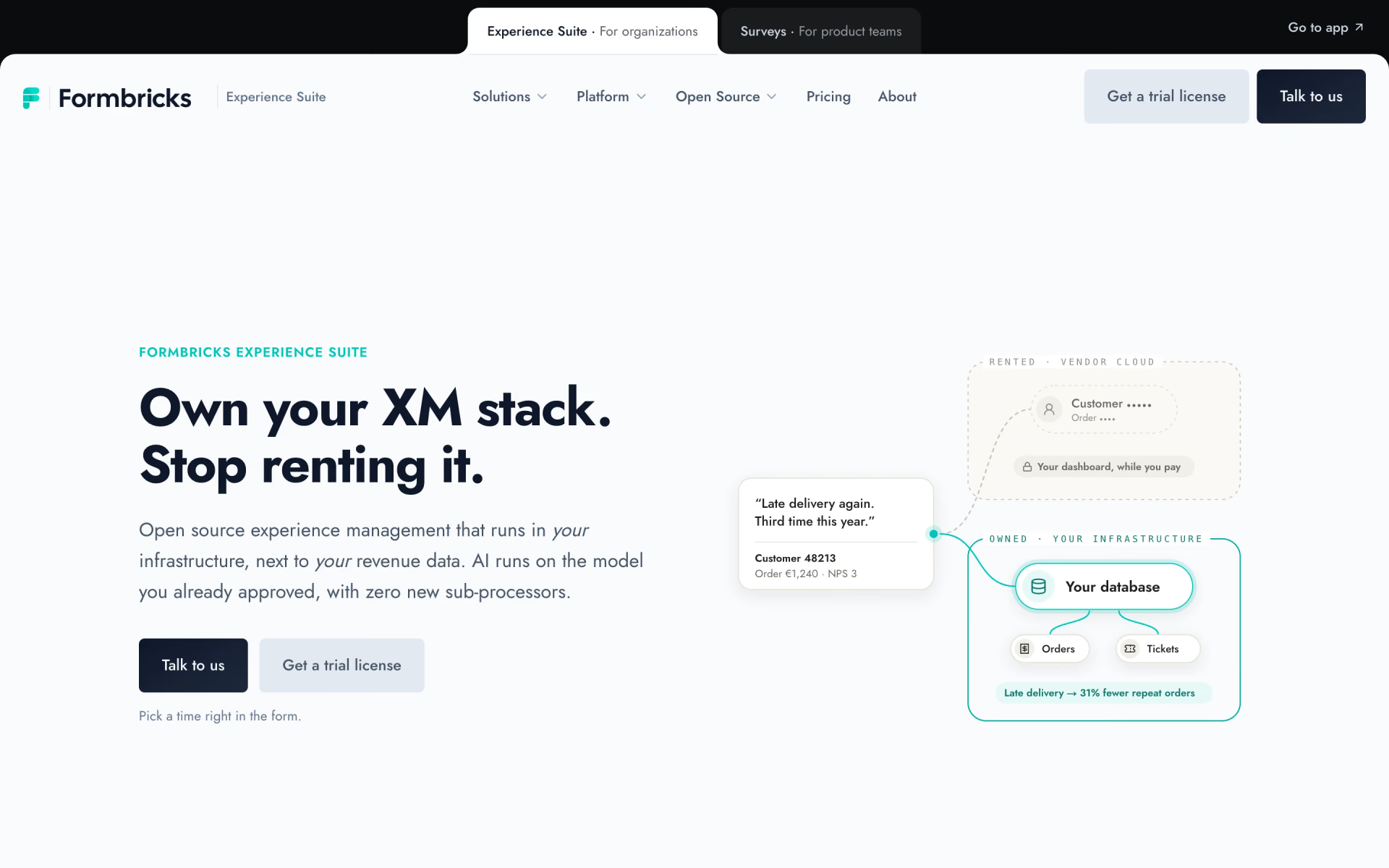
 Formbricks
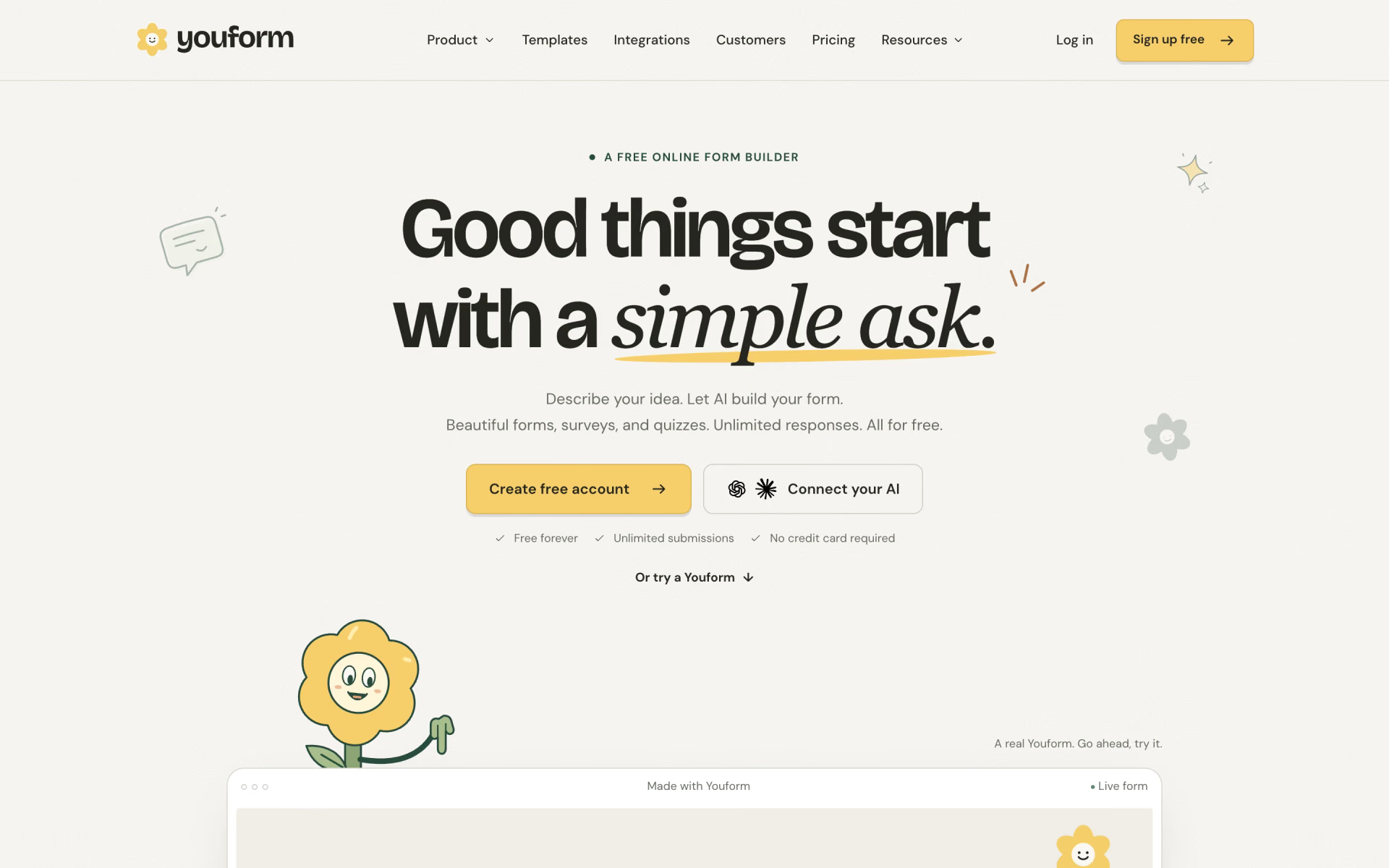
 Youform