
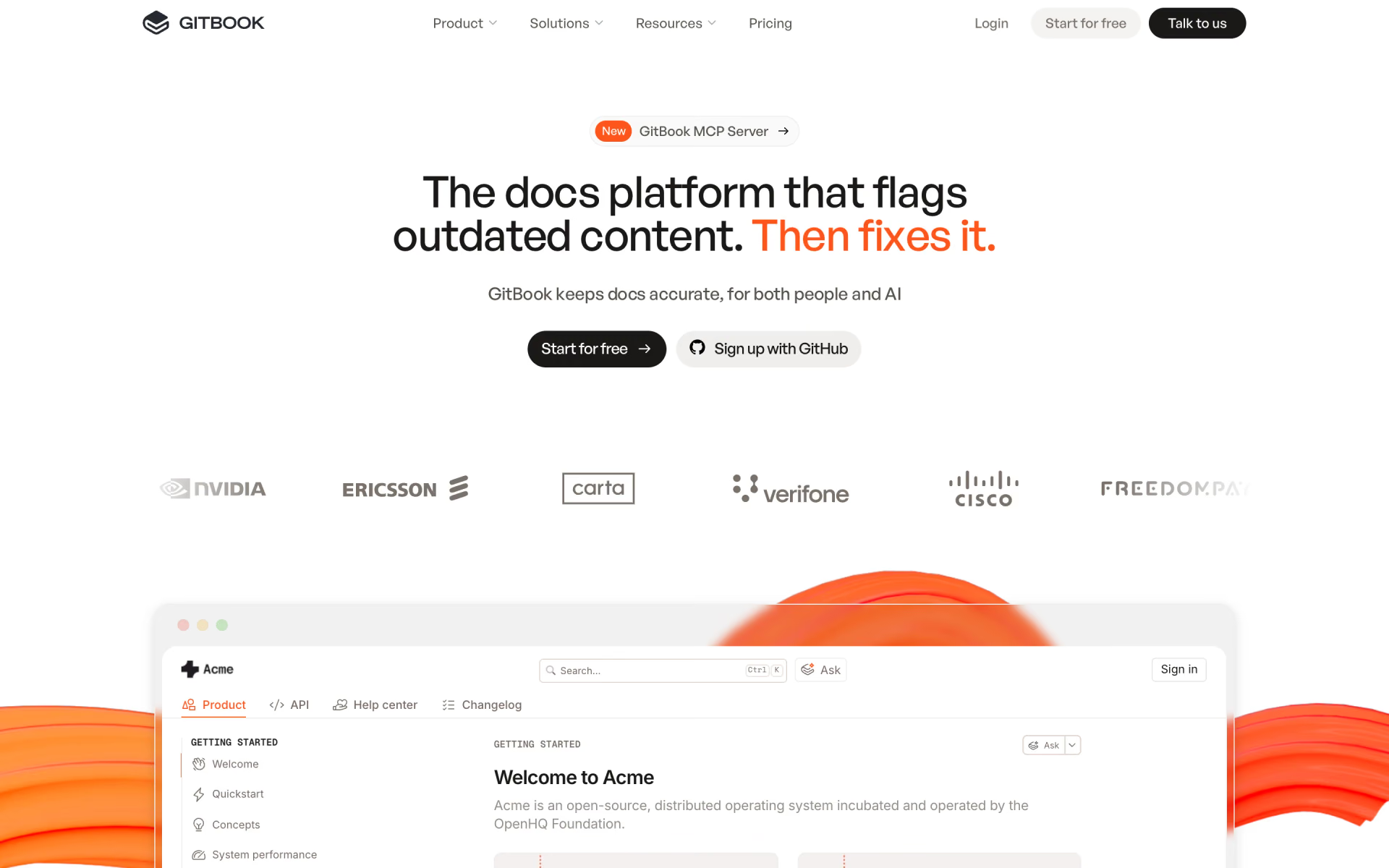
What is GitBook?
Team knowledge as AI-ready documentation.
Who is GitBook best for?
GitBook is best for developer teams that publish docs sites and want them synced with Git and answered by AI.
API and developer docs
Git Sync lets engineers branch, review and merge docs like code, and interactive API playgrounds come with every plan.
Help centers that answer questions
On Ultimate, the AI Assistant answers readers from your docs and connected sources, and can be embedded in your own product.
Docs that drift out of date
GitBook Agent looks for pages that no longer match the product and queues the fixes for someone to review.
Companies with security reviews
SOC 2 and ISO 27001 compliance, sign-in protected docs and SAML SSO on Enterprise suit docs that only customers or staff should see.
How much does GitBook cost?
GitBook is free for one user, and its paid plans cost $79 a month per site for Premium or $299 a month per site for Ultimate, plus $15 a month for each user.
- One user, unlimited page views
- GitHub or GitLab sync and interactive API playgrounds
- GitBook Agent limited to 10 messages a week
- Plus $15 per user per month; team editing, AI search and AI writing
- Custom domain, full branding, analytics and reader feedback
- Auto-updating translations: $25 for the first 50,000 words, then $0.20 per 1,000
- Plus $15 per user per month; AI Assistant chat with 500 answers included
- GitBook Agent, AI insights and sign-in protected docs
- Translations included, docs on your own subdirectory
Billed yearly, Premium is $65 and Ultimate $249 per site a month, and each user $12 a month, which GitBook calls two months free. Enterprise has custom pricing with SAML SSO, migration help and invoice billing. Inviting a collaborator, publishing a first site or turning on a paid feature starts a 14-day trial with every feature. Readers of published docs never need a seat, and open-source and education projects can apply for a free Community plan. GitBook does not give refunds. Full pricing on gitbook.com. We checked these prices on .
How do readers rate GitBook?
No one has rated GitBook yet. Be the first.
Sign in to rate. One rating per account.
What are the best GitBook alternatives?
One tool on Recaply does GitBook's job. It is open source, so you can run it on your own server.

Questions about GitBook
What is GitBook?
Team knowledge as AI-ready documentation.
Do I pay for people who read my GitBook docs?
No. GitBook charges only for members who log in to the GitBook app, even if they can only view content. Readers of your published docs are free, including readers who sign in to docs protected by authenticated access.
Is GitBook free?
Yes. GitBook's Free plan has no time limit and covers one user with Git Sync, interactive API playgrounds and unlimited page views, but no custom domain, AI search or team editing. Inviting a collaborator or turning on a paid feature starts a 14-day trial, and you can return to Free afterwards.
How much does GitBook cost?
GitBook's paid plans are Premium at $79 per site per month and Ultimate at $299 per site per month.
Is there an open source alternative to GitBook?
Yes. Docmost is an open source tool that does the same job, so you can run your own.
What are the best GitBook alternatives?
The closest alternatives on Recaply are Docmost.
Where can I try GitBook?
On its official website, gitbook.com.
 Mintlify

 GitSummarize
 Monkt
 Dosu
 Is Your Site Agent-Ready?
 AutoKT