
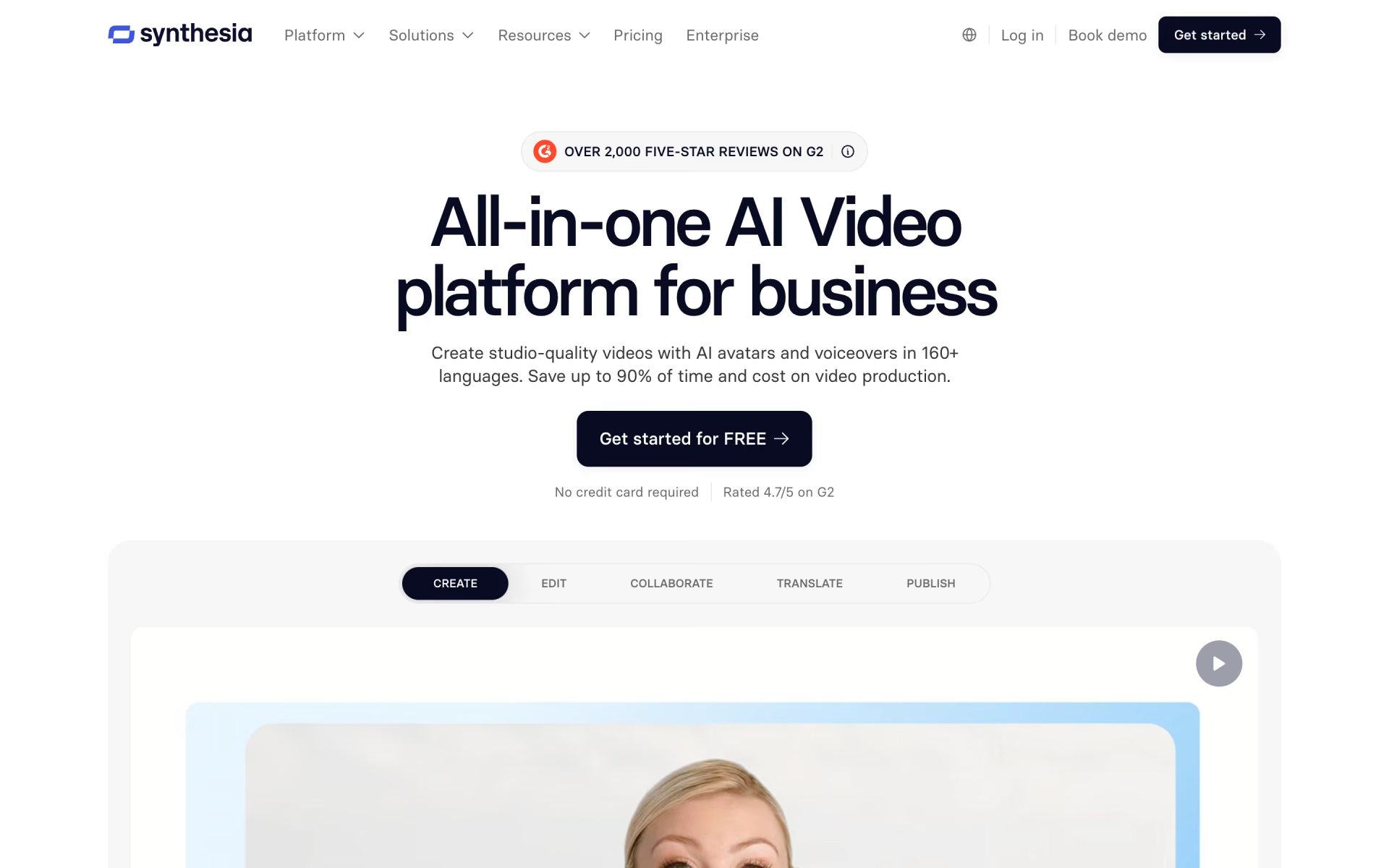
What is Synthesia?
Presenter-led videos from a script, with avatars and translation.
Who is Synthesia best for?
Synthesia is best for training, HR and sales teams that need presenter-led videos without filming anyone.
Training and compliance videos
Learning teams turn a script or a PowerPoint deck into presenter-led lessons, and embedded videos in an LMS update when you edit them.
Videos in many languages
Avatars speak 140+ languages and voices, and AI dubbing translates existing videos, with lip-sync as an option.
Sales and product explainers
Pro adds interactive videos with clickable calls to action, branded video pages and 5 personal avatars for demos and outreach.
Videos that change often
Editing a generated video only charges credits for the new footage, so fixing one line costs little of your allowance.
How much does Synthesia cost?
Synthesia has a free Basic plan with 10 minutes of video a month, and its paid plans cost $19 a month for Starter or $89 a month for Pro, with Enterprise priced on request.
- 500 credits and 10 minutes of video or dubbing a month
- 9 AI avatars, 1 editor, 3 survey responses
- Share links only; videos carry a Synthesia watermark
- 1,250 credits a month, about 12 more minutes of video
- MP4 downloads, no Synthesia logo, AI Video Assistant
- 125+ AI avatars, 1 editor and 3 guests
- 6,000 credits a month, about 60 more minutes of video
- 5 personal avatars, interactive videos, branded video pages
- 180+ AI avatars, 1 editor and 5 guests
Billed yearly, Starter is $14 a month ($168 a year) and Pro $59 a month ($708 a year), with the year's credits available upfront. Pro also comes in larger credit levels, up to 48,000 credits a month for $676. Enterprise is priced on request and adds unlimited video minutes, 240+ avatars, one-click translation into 140+ languages and SAML SSO. Credits reset each billing period; when they run out, video creation pauses until renewal unless you buy extra credits. These are US prices. Full pricing on synthesia.io. We checked these prices on .
How do readers rate Synthesia?
No one has rated Synthesia yet. Be the first.
Sign in to rate. One rating per account.
How do I connect Synthesia to my AI agent?
Synthesia MCP is Synthesia's official MCP server. Add it to your agent once, then ask it to make and manage Synthesia avatar videos.
Connects your agent to your Synthesia workspace, so it can start presenter videos from a script, check on renders and keep track of the videos you have made.
$ claude mcp add --transport http synthesia https://mcp.synthesia.io/mcp
Claude Code connects to Synthesia over the web.
Run /mcp and sign in to Synthesia in the browser.
Then ask your agent
- Runs
- On the web
- Sign-in
- OAuth
- Checked
- Answered 13 Nov
What are the best Synthesia alternatives?
Three tools on Recaply do Synthesia's job.


Questions about Synthesia
What is Synthesia?
Presenter-led videos from a script, with avatars and translation.
Who is Synthesia for?
Synthesia is best for training, HR and sales teams that need presenter-led videos without filming anyone.
Is Synthesia free?
Yes. Synthesia's Basic plan costs nothing and gives 500 credits and 10 minutes of video or dubbing a month, with 9 AI avatars, but videos carry a watermark and are shared by link. MP4 downloads and removing the Synthesia logo start with Starter at $19 a month.
How much does Synthesia cost?
Synthesia's paid plans are Starter at $19 per month and Pro at $89 per month.
Does Synthesia have an MCP server?
Yes. Synthesia MCP is Synthesia's official MCP server, so agents such as Claude Code, Cursor, Codex and GitHub Copilot can make and manage Synthesia avatar videos. Synthesia runs it on the web and you sign in with your Synthesia account.
What are the best Synthesia alternatives?
The closest alternatives on Recaply are HeyGen, Colossyan and AI Studios.
Where can I try Synthesia?
On its official website, synthesia.io.
Do unused Synthesia credits roll over?
No. Synthesia's monthly allowance and credits reset each billing period, and when you run out, video creation pauses until renewal unless you buy extra credits, which last 12 months. Editing an existing video only charges for the newly generated seconds.
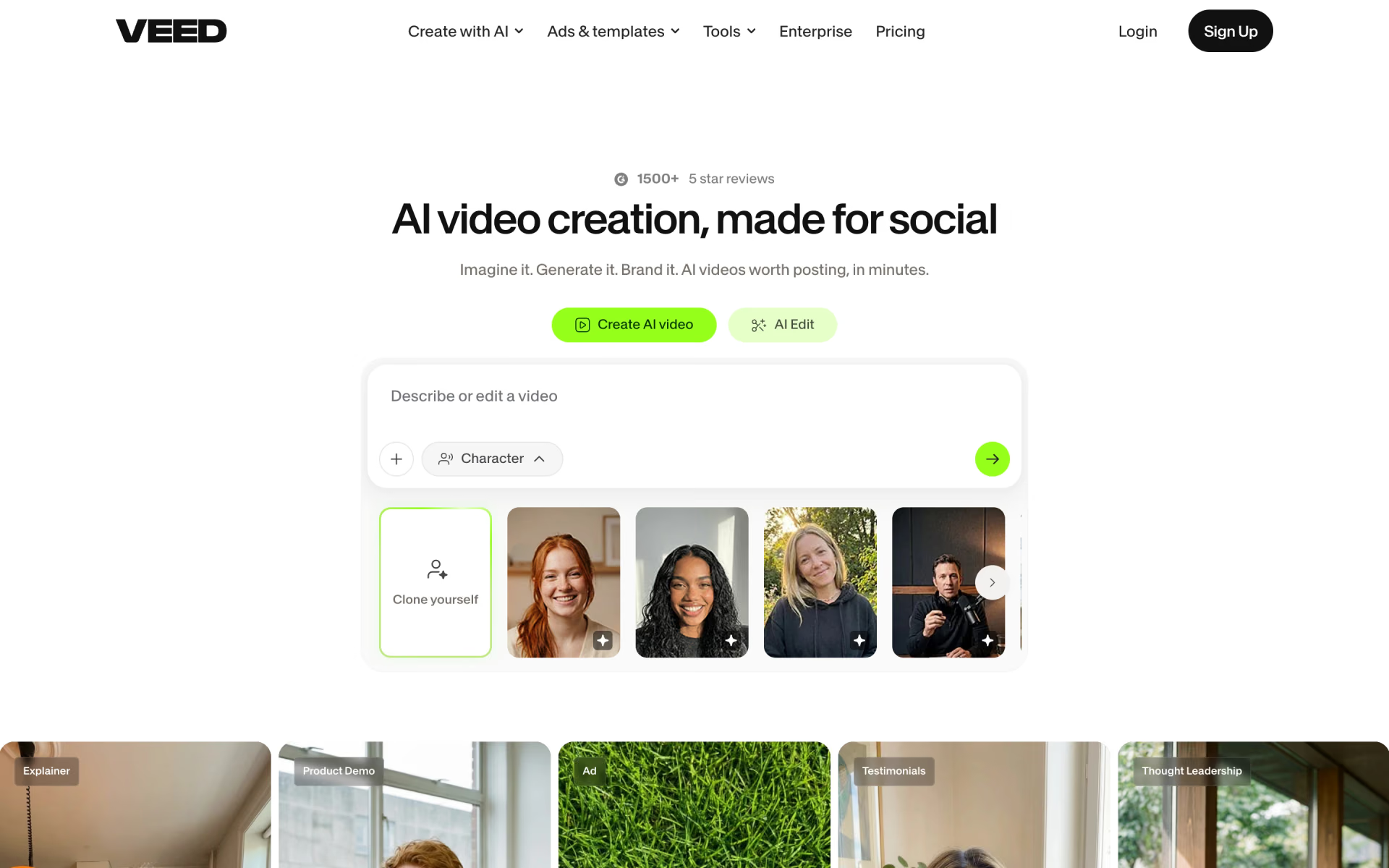
 VEED

 ElevenLabs Avatars

 Vidyard AI Avatars

 Gemini Avatars

 TalkingAvatar