
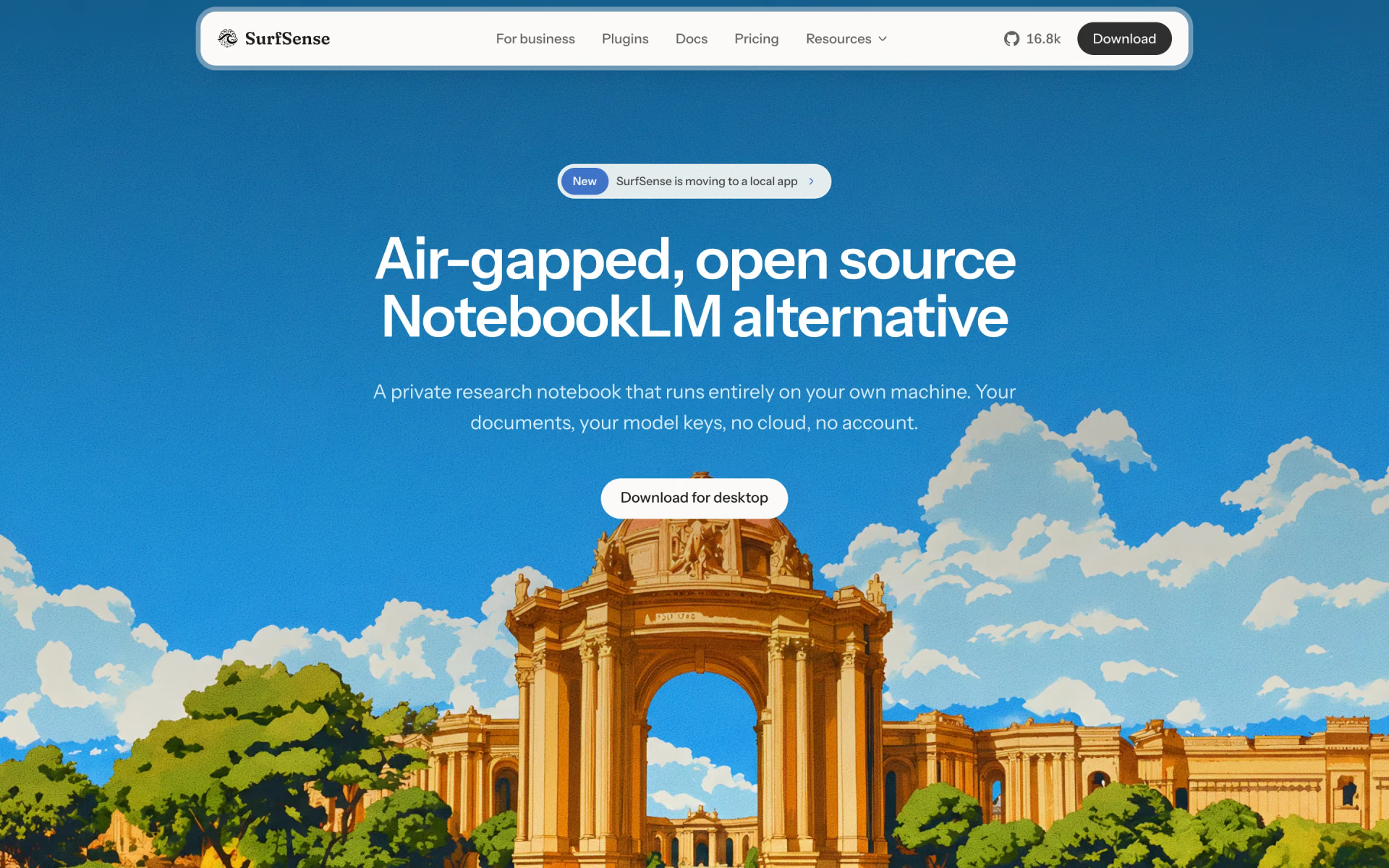
What is SurfSense?
Desktop research agent that answers, edits and converts the documents on your computer.
Who is SurfSense best for?
SurfSense is best for researchers and professionals who need cited answers from files that must stay offline.
Confidential documents
The index stays on your disk and the app can run offline, with no account.
Contracts and reports
It edits Word files as tracked changes and comments, fills PDF forms and builds Excel files with formulas and charts, always as a new copy.
Study material
It turns sources into podcasts, mind maps, flashcards and quizzes, with audio voiced on your machine by default.
Web and social research
Paid plugins read Google results, YouTube, Reddit, Amazon and other sites, and third-party MCP servers can be added free.
How much does SurfSense cost?
SurfSense is free with no usage cap; an Individual licence for its scraper plugins and priority support costs $120 a year, and Enterprise is priced on contract.
- Full app on Windows, macOS, Linux or Docker
- Your own model keys or a local model
- 14-day plugin licence by email
- Every SurfSense scraper plugin, unmetered
- Priority support
- One feature build request a year
- Runs with no outbound traffic
- Central model and network policy
- Named support with agreed response times
The Individual licence is a single yearly payment, not a subscription, and the app keeps working when it lapses; only SurfSense's own plugins stop. Full pricing on surfsense.com. We checked these prices on .
How do readers rate SurfSense?
No one has rated SurfSense yet. Be the first.
Sign in to rate. One rating per account.
Is SurfSense open source?
Yes. SurfSense's code is public under the Apache 2.0 licence, so you can run it on your own server.
On GitHub
16,856stars
+441 (+2.7%) in the last 30 days
- Last commit
- 12 Nov
- Repository age
- 2 years
- Latest release
- 3 Nov
- Licence
- Apache 2.0
- Self-hosted
- Yes
- Repository
- MODSetter/SurfSense


What are the best SurfSense alternatives?
SurfSense is an open source alternative to Gemini Notebook and ChatPDF. Khoj and AnythingLLM do the same job and are open source too.
 Gemini NotebookFree
Research grounded in your sources, with audio and video overviews.
 ChatPDFFree
Chat with PDFs and get answers with page citations.
 KhojOpen Source
Personal AI that answers from your notes, PDFs and the web, with any local or online model.
 AnythingLLMOpen Source
Chat with your documents using local or cloud models, with agents, in a desktop app or Docker.
Questions about SurfSense
What is SurfSense?
Desktop research agent that answers, edits and converts the documents on your computer.
Who is SurfSense for?
SurfSense is best for researchers and professionals who need cited answers from files that must stay offline.
Is SurfSense free?
Yes. SurfSense has a free Free download plan: full app on Windows, macOS, Linux or Docker.
How much does SurfSense cost?
SurfSense's paid plans are Individual at $120 per year.
Is SurfSense open source?
Yes. SurfSense's code is public under the Apache 2.0 licence, so you can run it on your own server.
What are the best SurfSense alternatives?
The closest alternatives on Recaply are Gemini Notebook, ChatPDF, Khoj and AnythingLLM.
Where can I try SurfSense?
On its official website, surfsense.com.
Can SurfSense run without internet?
Yes. SurfSense runs offline with a local model and keeps its index on your disk, so documents only leave your machine if you choose a remote model. SurfSense's scraper plugins need a connection, because they run on its servers.

 AlphaSense
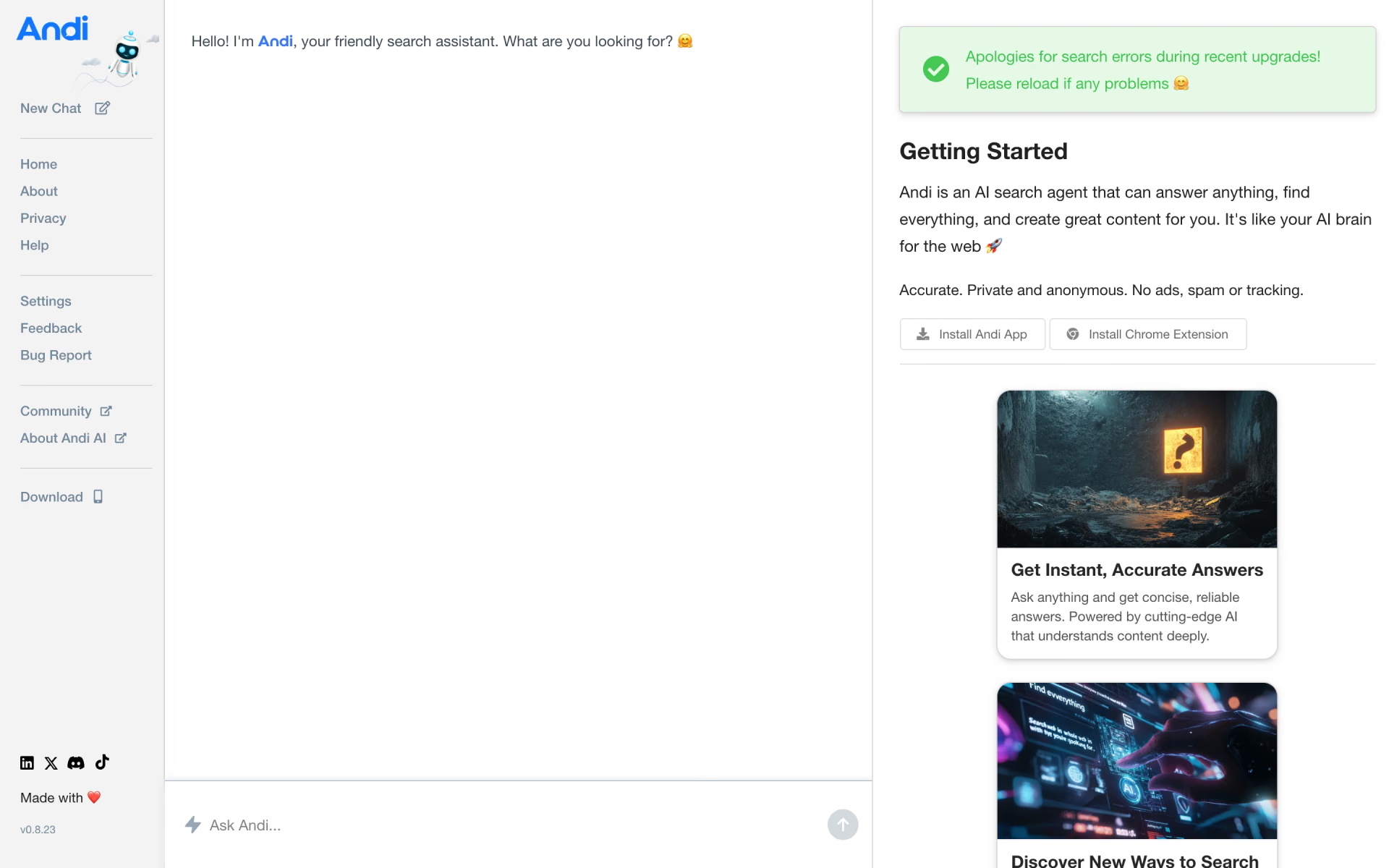
 Andisearch
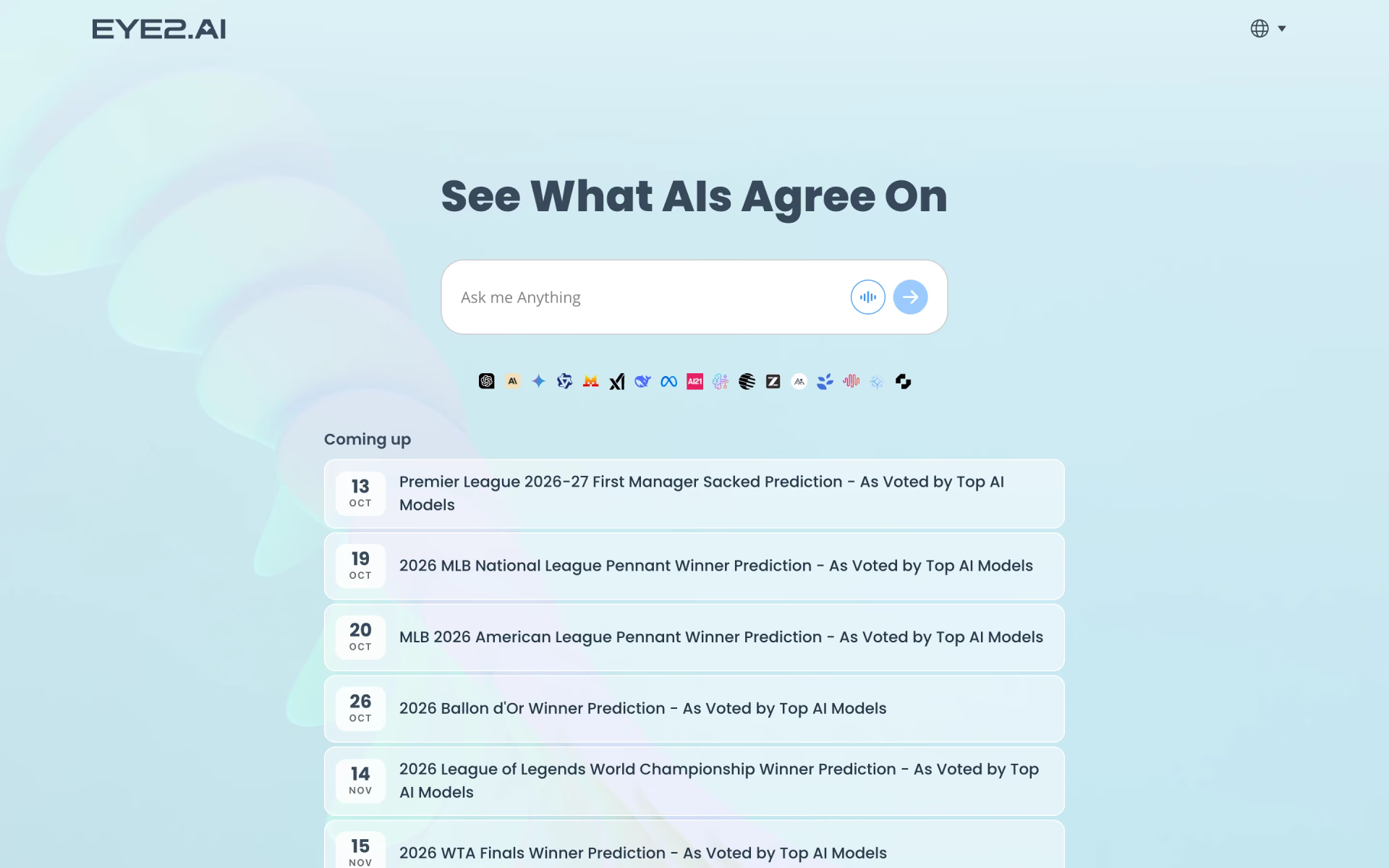
 Eye2.ai
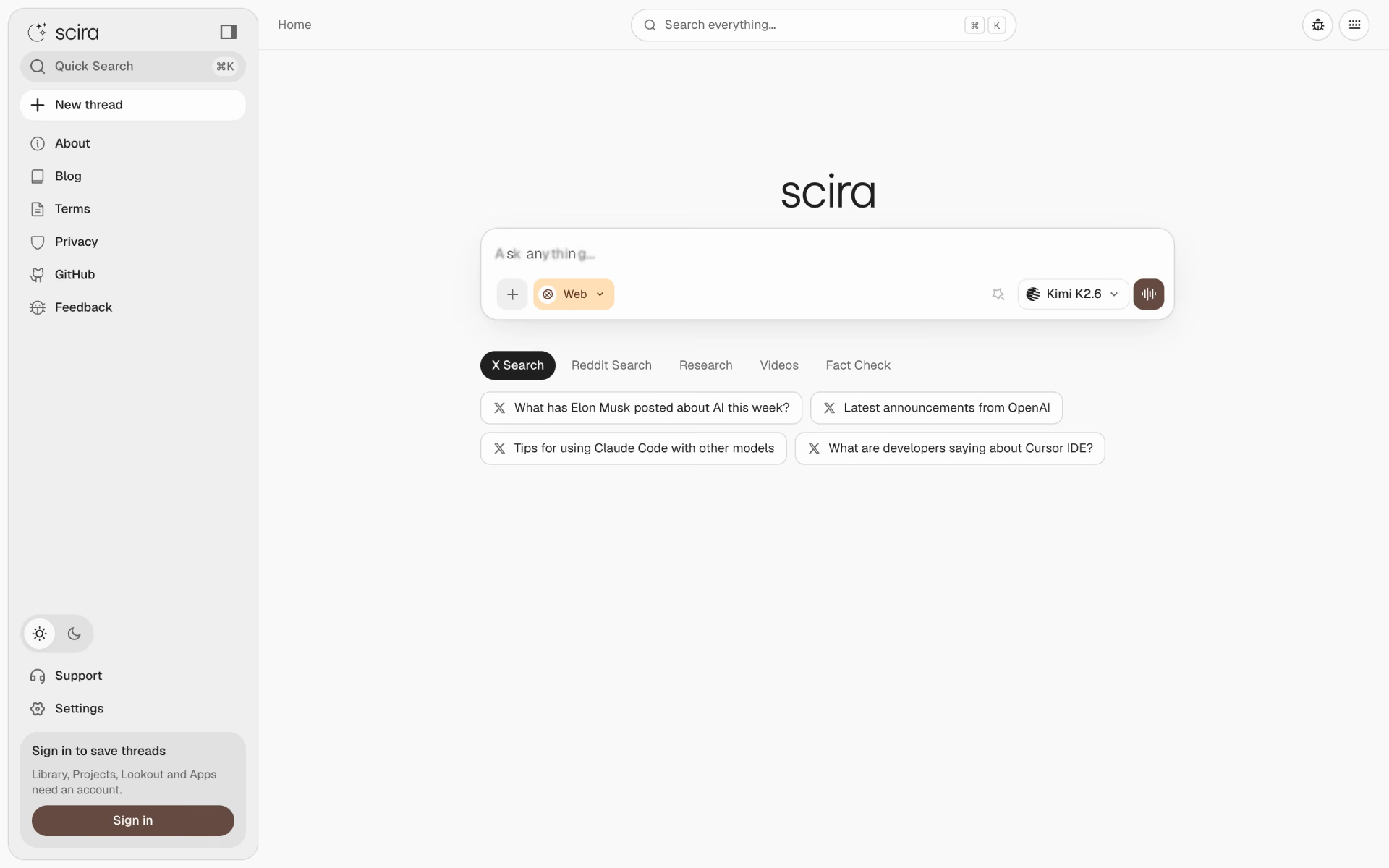
 Scira

 hAIve Mix
 Perplexity