

What is Supavoice?
Speech into formatted text anywhere on your Mac.
Who is Supavoice best for?
Supavoice is best for Mac users who would rather speak their emails, chat replies and AI prompts than type them.
Email and chat replies
Email and message modes shape what you say into a formatted email or a casual reply and paste it into the Mac app you have open.
Prompting AI and coding tools
A keyboard shortcut works in any app, so you can speak long prompts for Claude, ChatGPT or Cursor instead of typing them.
People who avoid subscriptions
The license is paid once, and OpenAI bills your own key only for the audio you actually send.
Work full of jargon
A custom vocabulary list teaches it product names, people's names and technical terms it would otherwise get wrong.
How much does Supavoice cost?
Supavoice is a one-time purchase: its Lifetime License lists at $119 with a year of free updates, and you pay OpenAI separately for transcription through your own API key.
- Lifetime access, with free updates for 1 year
- Needs your own OpenAI API key; OpenAI bills usage
- Email, note, message and custom modes, custom vocabulary
Supavoice lists no subscription, free plan or trial. Transcription runs on OpenAI's GPT-4o and GPT-4o mini models through your own API key, so OpenAI charges you per use on top of the license. Prices are in US dollars plus applicable taxes, and every sale is final with no refunds. The app runs on macOS only. Full pricing on supavoice.app. We checked these prices on .
How do readers rate Supavoice?
No one has rated Supavoice yet. Be the first.
Sign in to rate. One rating per account.
What are the best Supavoice alternatives?
Three tools on Recaply do Supavoice's job. VoiceInk is open source, so you can run it on your own server.



Questions about Supavoice
What is Supavoice?
Speech into formatted text anywhere on your Mac.
Who is Supavoice for?
Supavoice is best for Mac users who would rather speak their emails, chat replies and AI prompts than type them.
Is Supavoice free?
No. Supavoice is a paid tool, from $119 one-time payment.
How much does Supavoice cost?
Supavoice's paid plans are Lifetime License at $119 one-time payment.
Is there an open source alternative to Supavoice?
Yes. VoiceInk is an open source tool that does the same job, so you can run your own.
What are the best Supavoice alternatives?
The closest alternatives on Recaply are Wispr Flow, Superwhisper and VoiceInk.
Where can I try Supavoice?
On its official website, supavoice.app.
Do I need an OpenAI API key to use Supavoice?
Yes. Supavoice sends your audio to OpenAI's transcription models with your own API key, so you need an OpenAI account with billing set up. OpenAI charges you for that usage directly, and the audio does not pass through Supavoice's servers.
Does Supavoice offer refunds?
No. Supavoice treats every sale as final because the app is delivered instantly, so check that it suits your Mac and the way you work before buying. The maker offers help with technical problems instead of refunds.

 VoiceWave

 Speechmatics
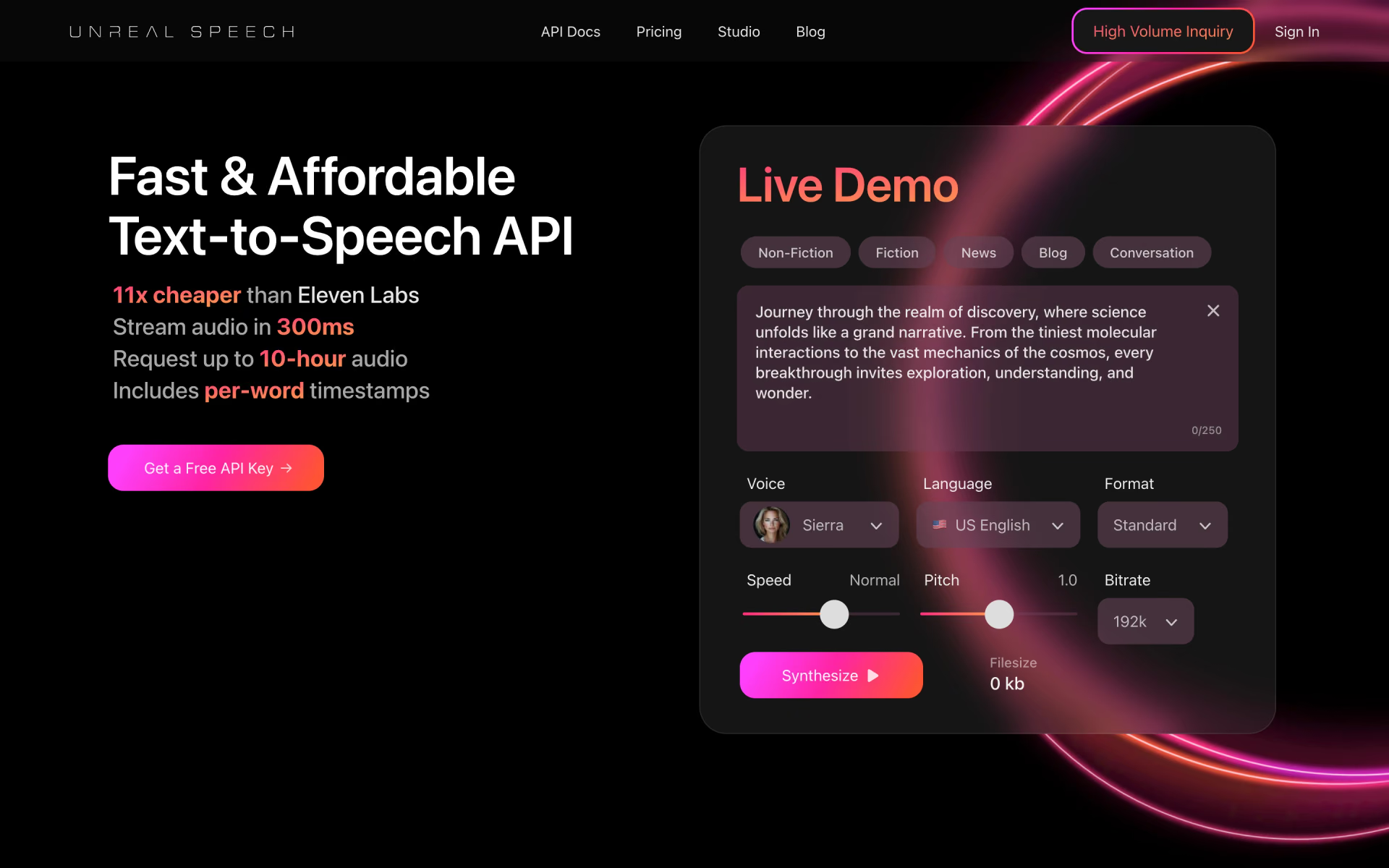
 Unreal Speech
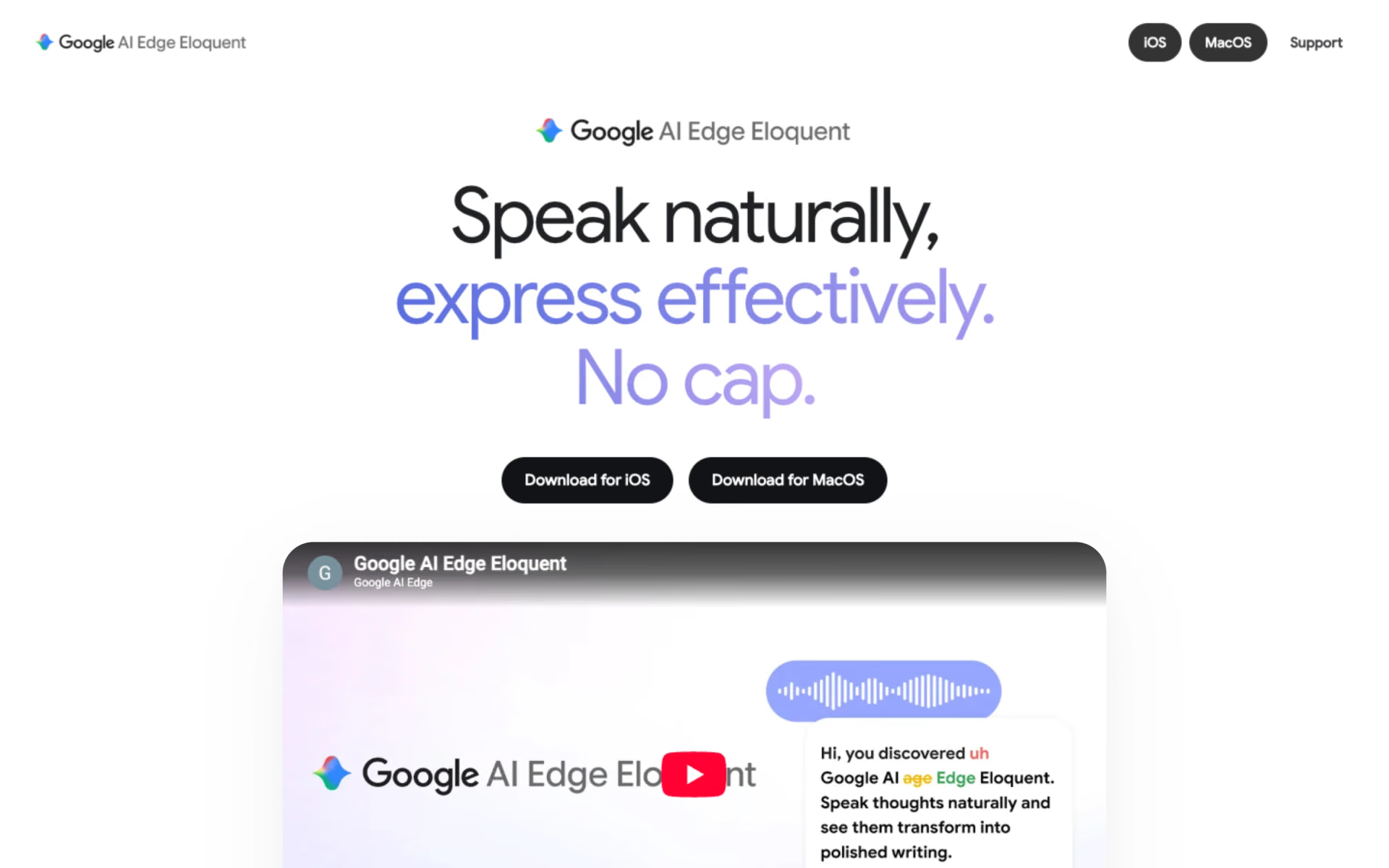
 Google AI Edge Eloquent
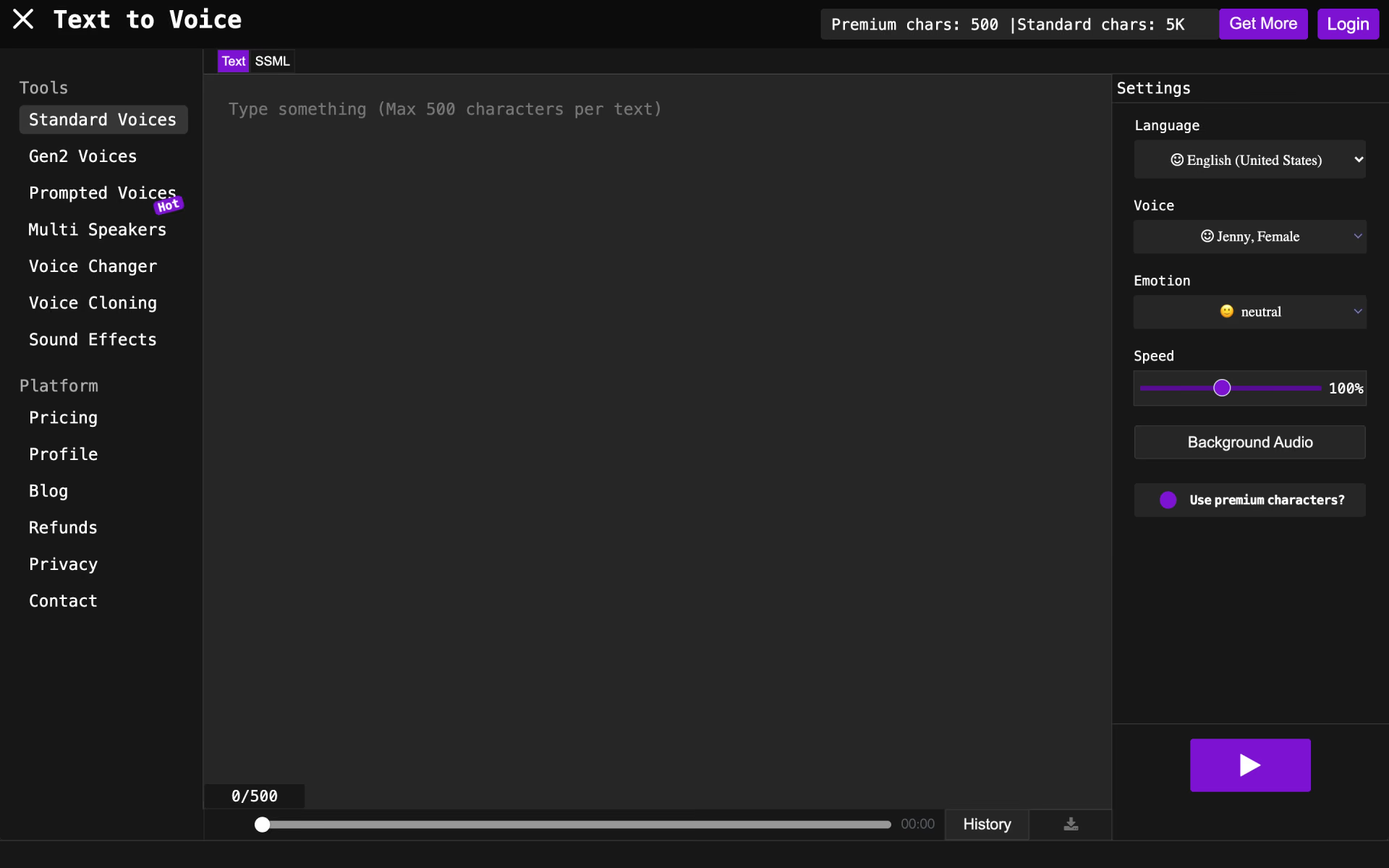
 TextToVoice
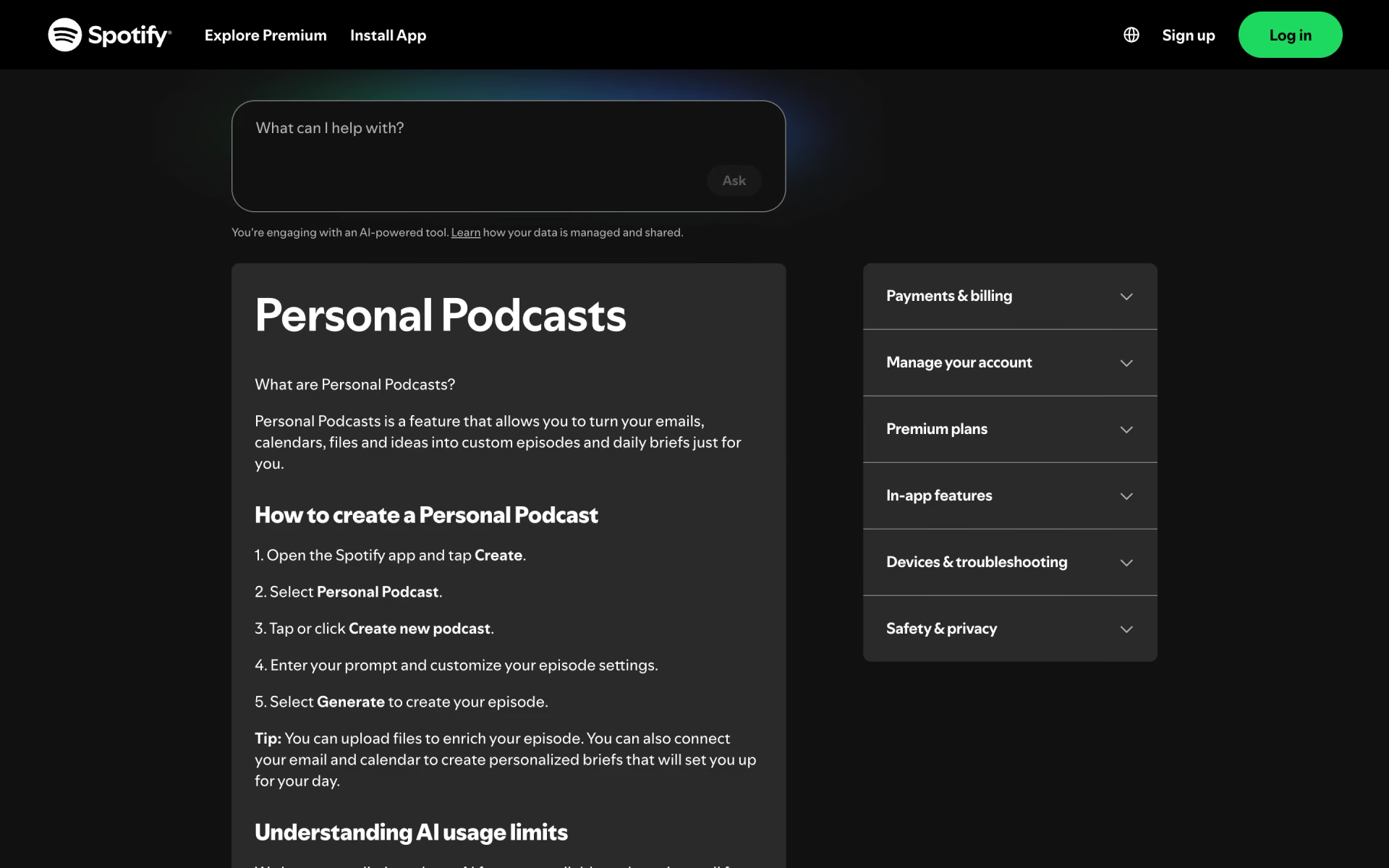
 Personal Podcasts