
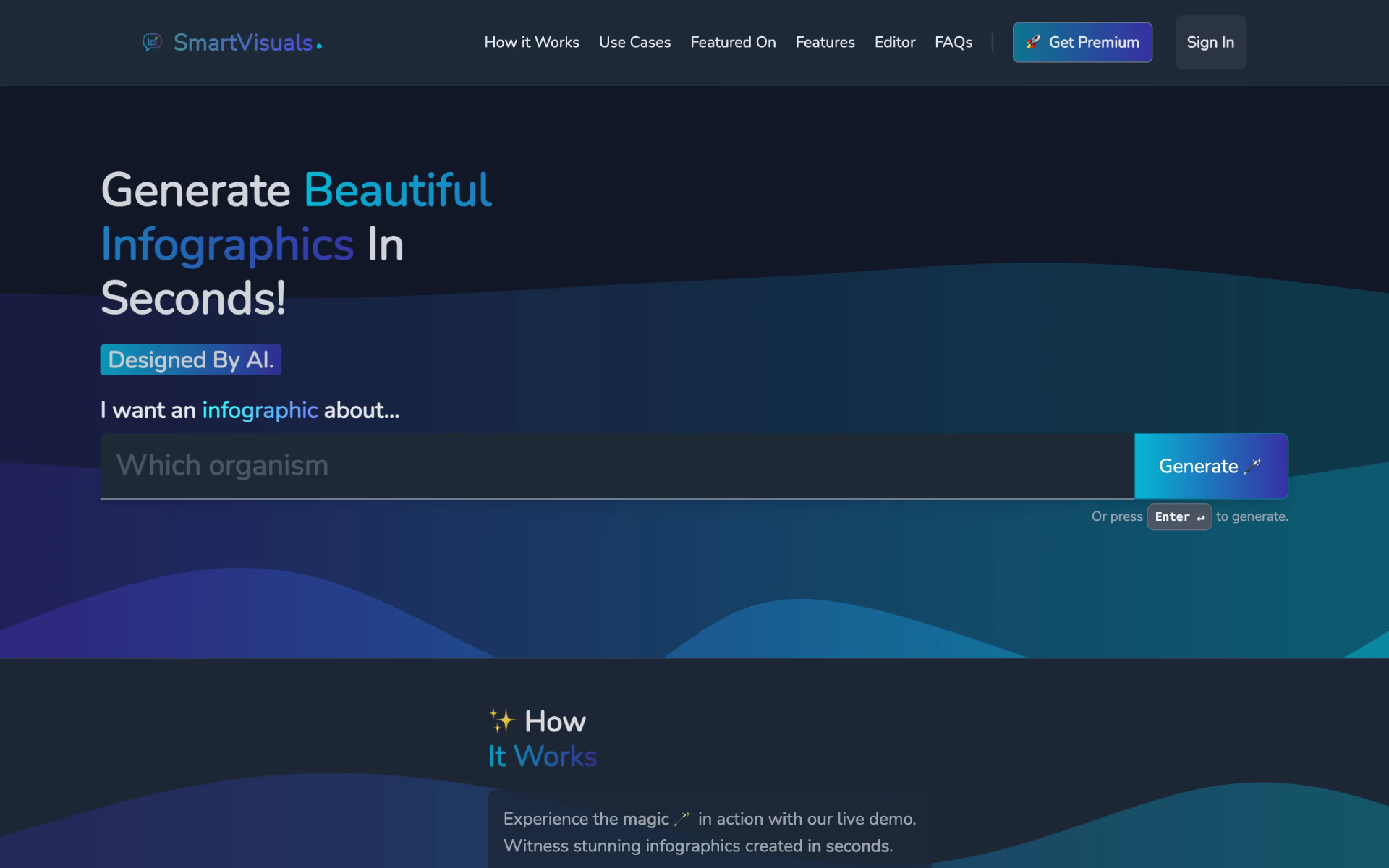
What is SmartVisuals.app?
Infographics from a typed topic in minutes.
Who is SmartVisuals.app best for?
SmartVisuals.app is best for people without design skills who want a quick infographic on a topic that they can edit and export.
Topic explainers and lessons
Type a subject such as cloud types or science facts for kids, and it drafts a finished infographic in seconds.
Book and topic summaries
Its templates lay a subject out as a summary, principles, overview or essentials sheet.
Branded social posts
Colors, fonts and layout can be changed to match a brand, and designs can be shared to social media or exported.
Multilingual audiences
It can translate the text of an infographic into other languages.
How much does SmartVisuals.app cost?
SmartVisuals.app gives 2 free infographic generations and then 1 free generation a day, and it shows no Premium prices before you sign in.
SmartVisuals.app has no pricing page, and its Get Premium link needs an account. The FAQ describes the free allowance as a trial of 2 generations plus 1 a day, while the terms mention a 30-day free trial for new accounts that then bills the chosen subscription in euros. Plans and current prices are on smartvisuals.app.
How do readers rate SmartVisuals.app?
No one has rated SmartVisuals.app yet. Be the first.
Sign in to rate. One rating per account.
What are the best SmartVisuals.app alternatives?
Three tools on Recaply do SmartVisuals.app's job.



Questions about SmartVisuals.app
What is SmartVisuals.app?
Infographics from a typed topic in minutes.
Who is SmartVisuals.app for?
SmartVisuals.app is best for people without design skills who want a quick infographic on a topic that they can edit and export.
Is SmartVisuals.app free?
Yes. SmartVisuals.app has a free plan.
What are the best SmartVisuals.app alternatives?
The closest alternatives on Recaply are Infography, Piktochart and Venngage.
Where can I try SmartVisuals.app?
On its official website, smartvisuals.app.
Which formats can SmartVisuals.app export?
SmartVisuals.app exports infographics as PNG, JPEG, PDF or SVG files. The SVG option keeps the design editable in other design software, and the maker says you can also share a finished infographic straight to social media.

 Alloy

 Seedream 5.0 Pro

 Logomakerr.ai
 BetterPic

 The Multiverse AI

 Gamma Imagine