
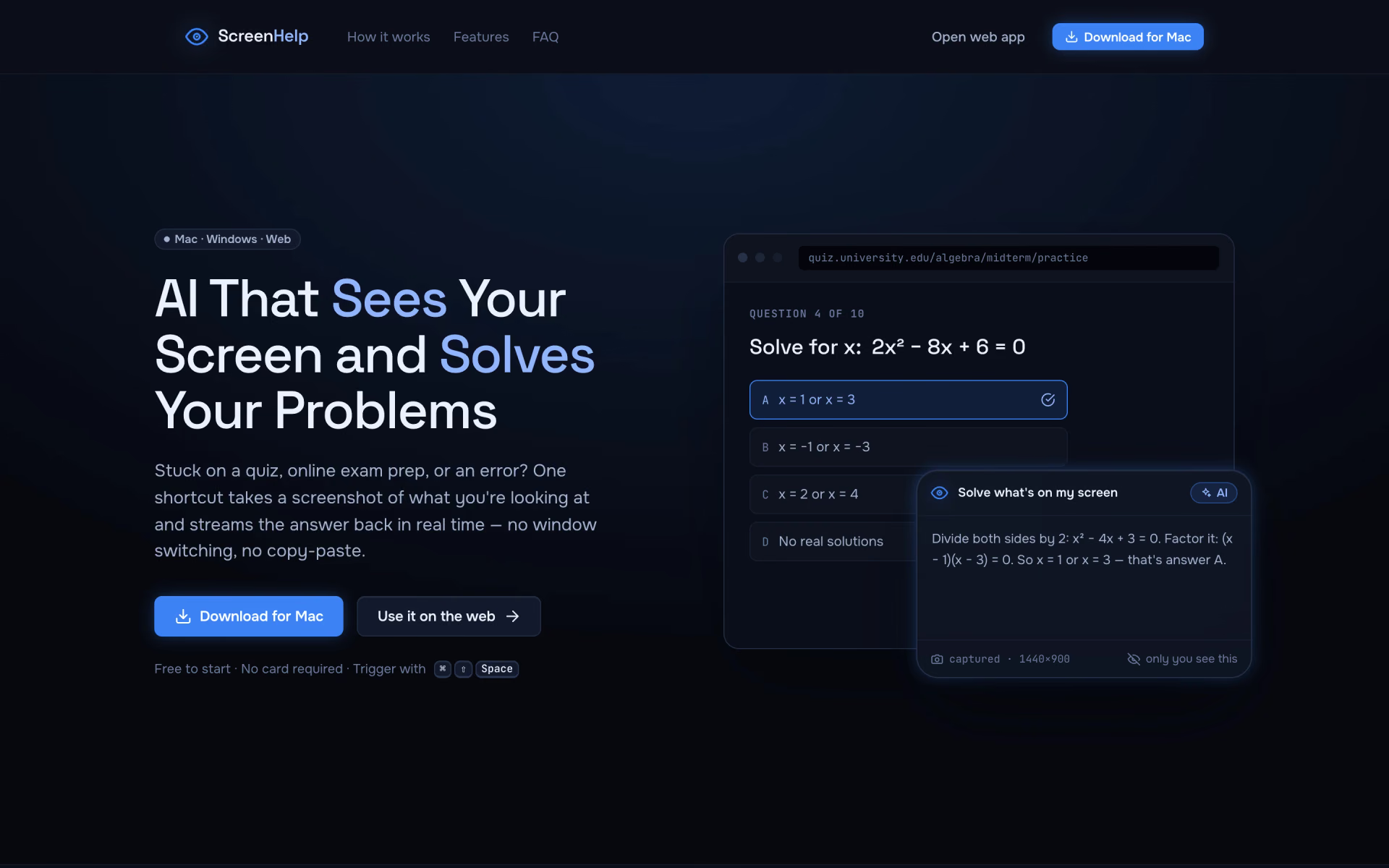
What is ScreenHelp?
Reads your screen and guides you through quizzes, code and tasks.
Who is ScreenHelp best for?
ScreenHelp is best for students and desk workers who want an AI answer about whatever is on their screen without copying and pasting.
Coding errors
One shortcut screenshots the error and streams an explanation back, with no copying into a chat window.
Study material and practice questions
It reads practice questions and study notes off the screen and walks through the working.
Spreadsheets and forms
It helps with whatever is on screen, and follow-up questions keep the context of earlier captures.
Repeat tasks
Saved prompts and key combinations run the same instruction on every capture.
How much does ScreenHelp cost?
ScreenHelp is free to start, with 30 answers a month and no card needed; the paid upgrade for more answers is priced only inside the app.
ScreenHelp has no pricing page. The free plan includes all core features and 30 answers a month with no card, and more answers come from an upgrade bought inside the app, which is the only place its price is shown. Plans and current prices are on screenhelp.ai.
How do readers rate ScreenHelp?
No one has rated ScreenHelp yet. Be the first.
Sign in to rate. One rating per account.
Questions about ScreenHelp
What is ScreenHelp?
Reads your screen and guides you through quizzes, code and tasks.
Who is ScreenHelp for?
ScreenHelp is best for students and desk workers who want an AI answer about whatever is on their screen without copying and pasting.
Is ScreenHelp free?
Yes, to start. ScreenHelp's free plan includes all the core features and 30 answers a month, and it needs no card. When you need more answers, you upgrade inside the app, which is the only place the paid price appears.
Where can I try ScreenHelp?
On its official website, screenhelp.ai.
Does ScreenHelp work on Windows?
Yes. ScreenHelp's desktop app runs on Mac and Windows, and a web version works in any modern browser, with a browser extension for shortcuts and answers that can stream to your phone. The desktop app adds native shortcuts and chat that remembers earlier captures.
 SuperQuiz

 PDFQuiz
 Gibbly

 Quizcat AI
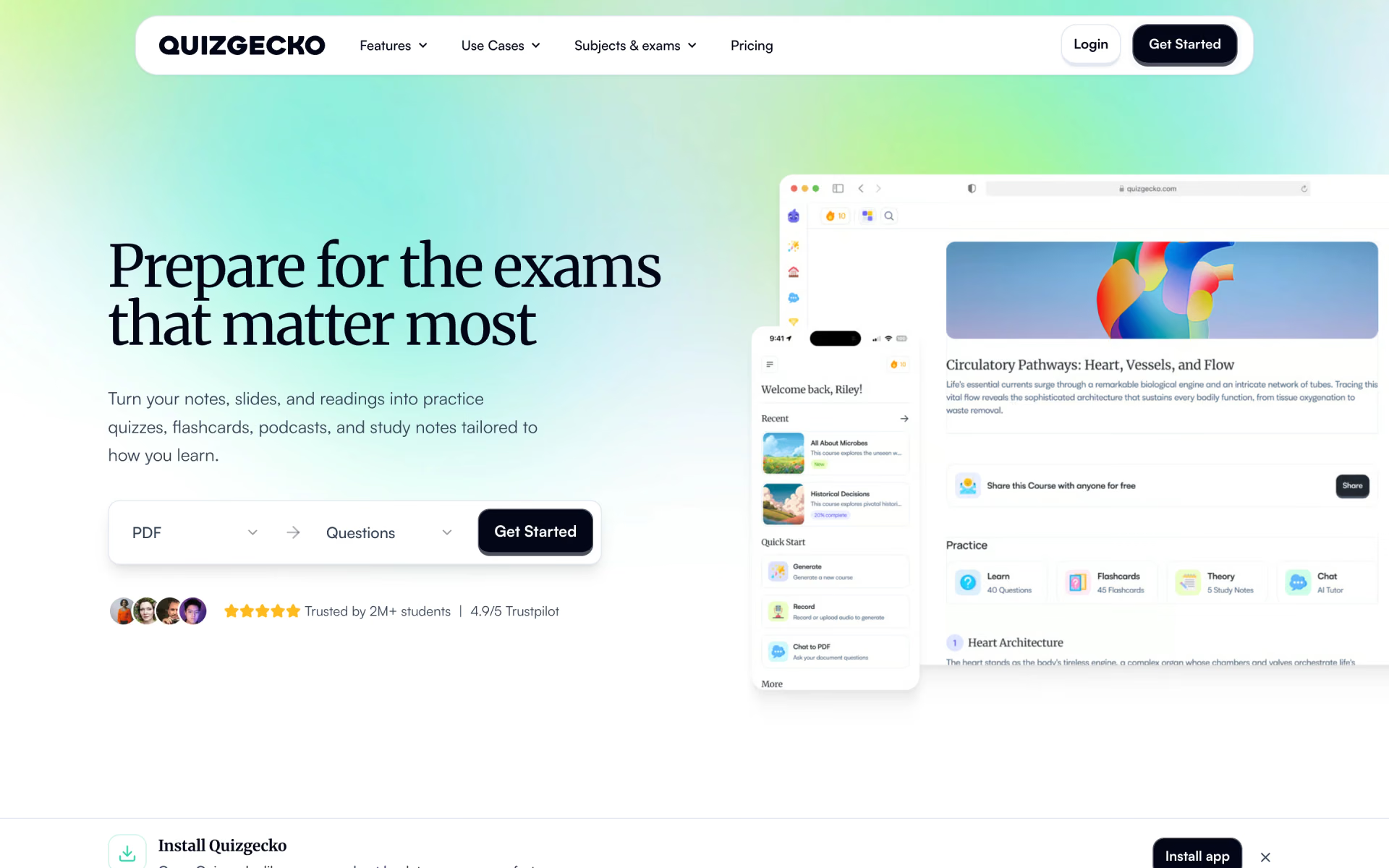
 Quizgecko

 Bevinzey