
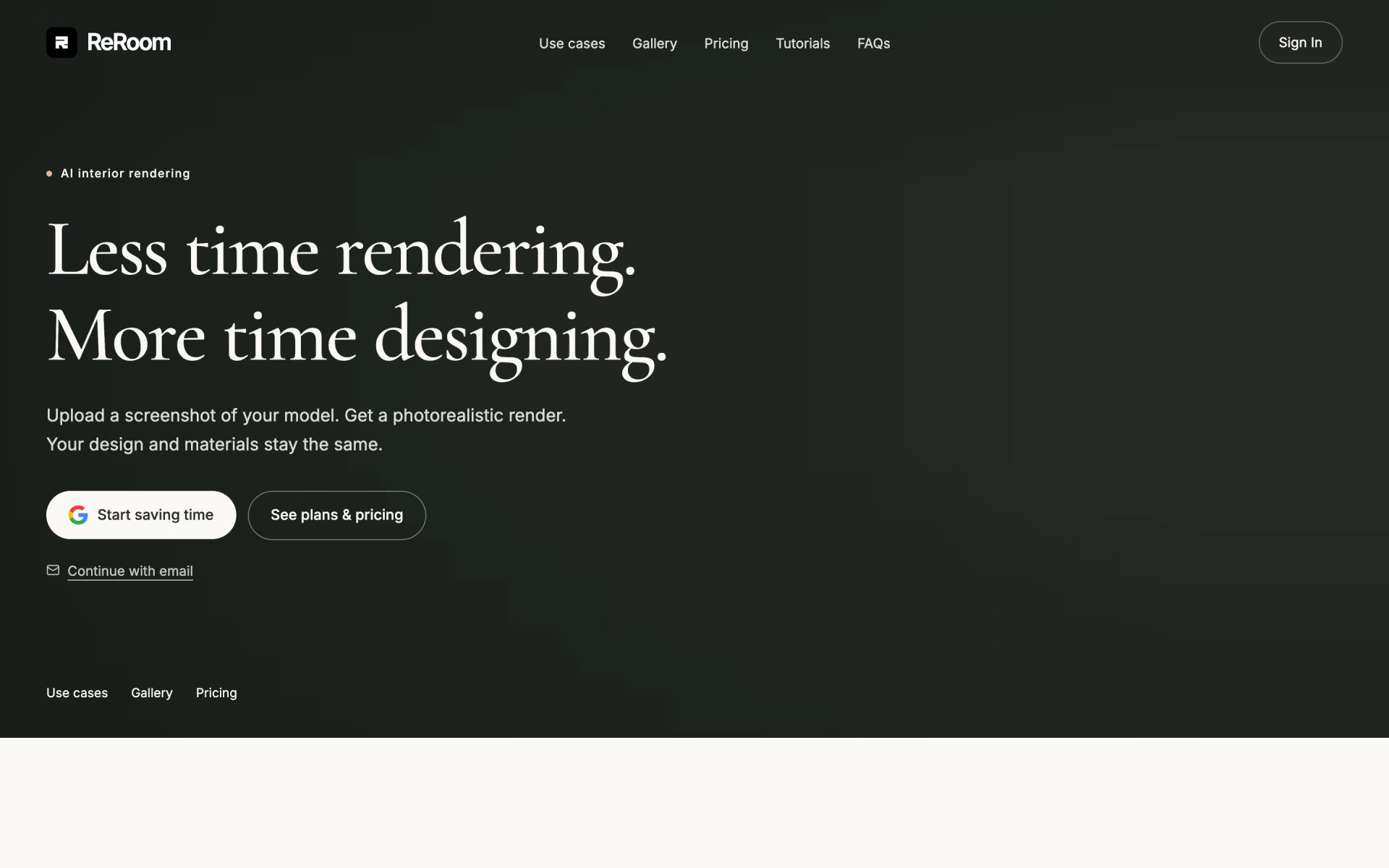
What is ReRoom AI Interior Design Tool?
Interior renders and virtual staging in any style.
Who is ReRoom AI Interior Design Tool best for?
ReRoom AI Interior Design Tool is best for architects and designers who want renders that keep their layout.
Architects presenting a concept
Upload a screenshot of a 3D model and get a photorealistic image that keeps its proportions, layout and materials as designed.
Interior designers working from sketches
The same render flow also starts from a hand sketch or a photo of the room, so early ideas can look finished.
Studios with confidential client work
Pro and Team keep renders private, and ReRoom says uploads and outputs are not used to train its AI models.
Design students
A student plan with an education email gives the full Pro feature set from $5 every two weeks.
How much does ReRoom AI Interior Design Tool cost?
ReRoom gives 3 free watermarked renders a day, and its Pro plan costs $39 a month for unlimited private renders with commercial rights, or $49 a month for the Team plan.
- Watermarked renders in standard quality
- Non-commercial use only
- Renders may be shown in the public gallery
- Unlimited renders with full commercial rights
- No watermark, 4x upscaling, private rendering
- Prompt-based edits and video generation credits
- Everything in Pro
- Shared private workspace, projects and moodboards
- Central billing with seat and role management
Paying yearly, Pro costs $390 for the first year (about $33 a month) and Team $41 a month. Students with a valid education email get the Pro features for $5 every two weeks, or $100 for the first year (about $8 a month). Full pricing on reroom.ai. We checked these prices on .
How do readers rate ReRoom AI Interior Design Tool?
No one has rated ReRoom AI Interior Design Tool yet. Be the first.
Sign in to rate. One rating per account.
What are the best ReRoom AI Interior Design Tool alternatives?
Three tools on Recaply do ReRoom AI Interior Design Tool's job.



Questions about ReRoom AI Interior Design Tool
What is ReRoom AI Interior Design Tool?
Interior renders and virtual staging in any style.
Who is ReRoom AI Interior Design Tool for?
ReRoom AI Interior Design Tool is best for architects and designers who want renders that keep their layout.
Is ReRoom AI Interior Design Tool free?
Partly. ReRoom's free tier, which it calls a free trial, gives 3 renders a day with no end date shown, but they are watermarked, standard quality, non-commercial and may appear in the public gallery. Unlimited private renders with commercial rights need Pro at $39 a month.
How much does ReRoom AI Interior Design Tool cost?
ReRoom AI Interior Design Tool's paid plans are Pro at $39 per month and Team at $49 per month.
What are the best ReRoom AI Interior Design Tool alternatives?
The closest alternatives on Recaply are Interior AI, Xona.ai and RoomsGPT.
Where can I try ReRoom AI Interior Design Tool?
On its official website, reroom.ai.
Does ReRoom use my designs to train AI?
No. ReRoom says it does not use your uploads, prompts, references or rendered images to train AI models it builds or controls. Renders made on the free tier may be public, though, so confidential client projects belong on Pro or a Team workspace, where private rendering is included.

 VirtualStaging.art

 Kolors Virtual Try On

 Neolocus
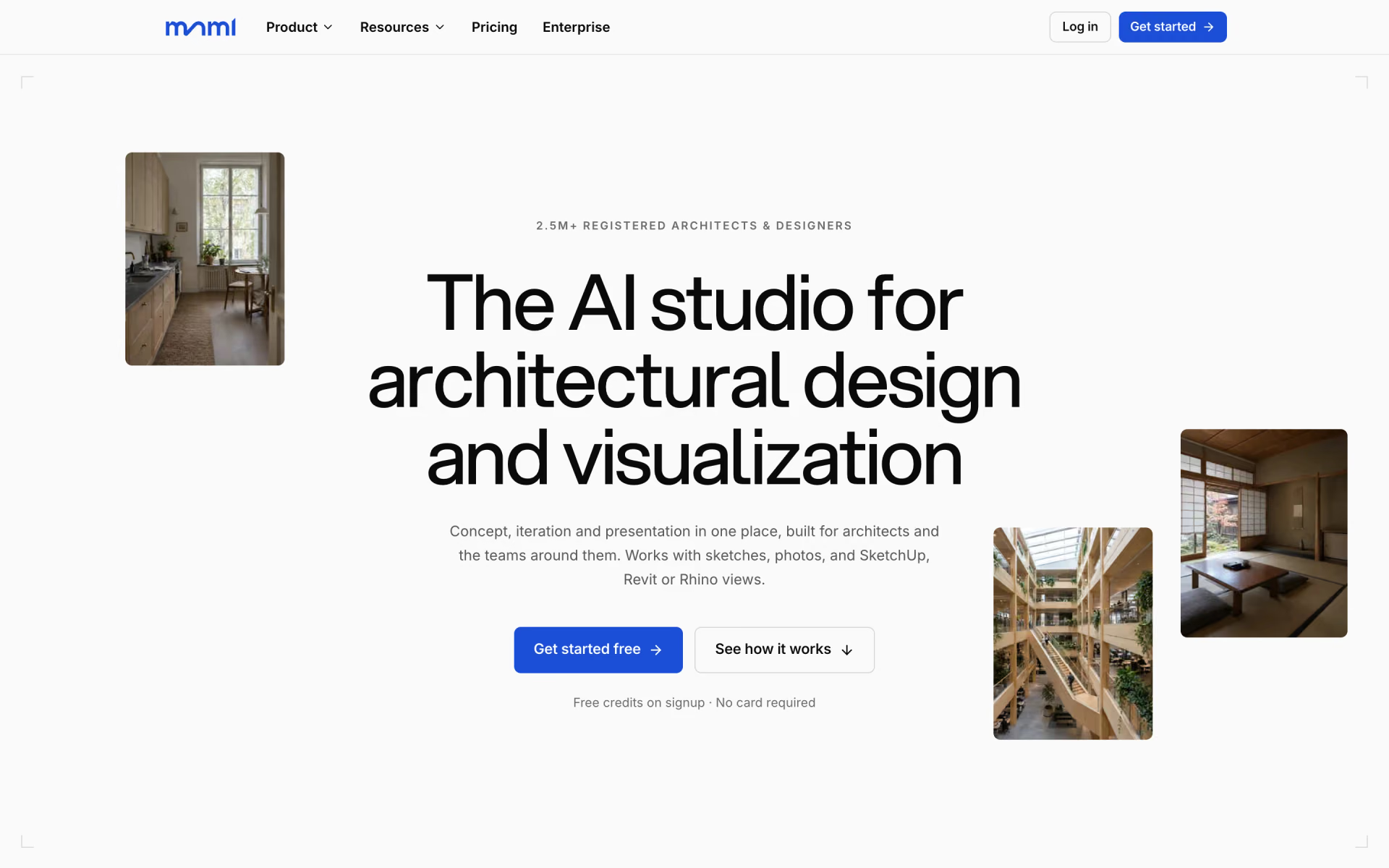
 mnml.ai
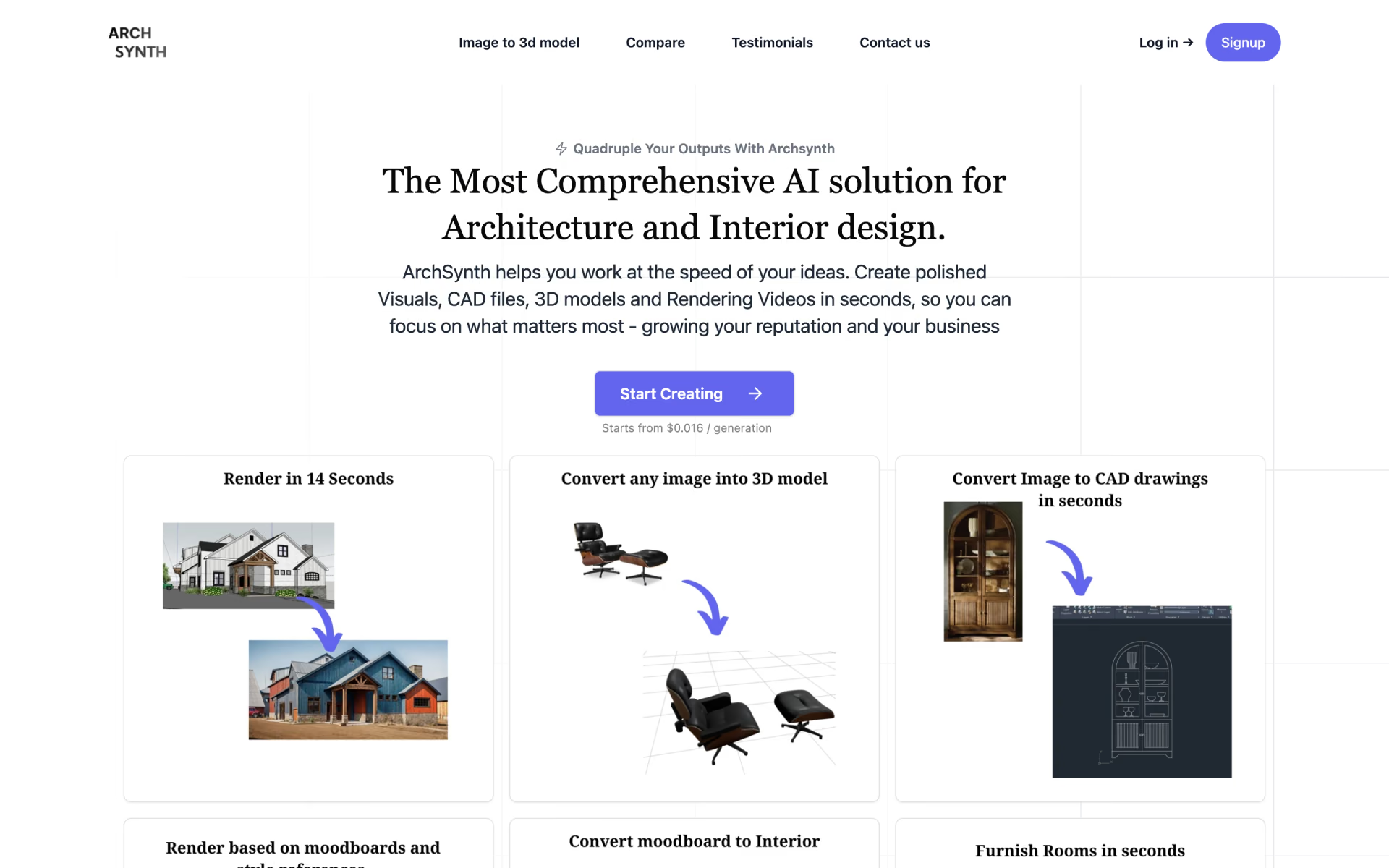
 Archsynth

 The New Black AI