
What is Reface?
Face swaps, avatars and creative filters on mobile.
Who is Reface best for?
Reface is best for people who want playful face swaps, AI avatars and new hairstyles made from their own photos on a phone.
Trying a new look
AI hairstyles show you with cuts and colours you have not tried before you commit to them.
Headshots from selfies
It turns your own photos into professional-style headshots without a photo shoot.
Face swaps and avatars
You can swap faces on photos and videos or build a digital avatar of yourself to share.
Animating a single photo
AI video turns one still photo into a short animated clip, and a photo enhancer cleans up blemishes and detail.
How much does Reface cost?
Reface's subscription prices are shown only inside its iPhone and Android apps and at web checkout; the maker's site lists no prices.
Reface sells auto-renewing PRO subscriptions through the App Store, Google Play and the web, and mentions a lifetime plan, but its site shows no plan names or prices. Its FAQ says the plan type, price and renewal date appear in your store or app settings. Plans and current prices are on reface.app.
How do readers rate Reface?
No one has rated Reface yet. Be the first.
Sign in to rate. One rating per account.
What are the best Reface alternatives?
Two tools on Recaply do Reface's job.


Questions about Reface
What is Reface?
Face swaps, avatars and creative filters on mobile.
Who is Reface for?
Reface is best for people who want playful face swaps, AI avatars and new hairstyles made from their own photos on a phone.
Is Reface free?
You can try Reface free before paying.
What are the best Reface alternatives?
The closest alternatives on Recaply are FacePlay and CoCoClip.AI.
Where can I try Reface?
On its official website, reface.app.
Can I get a refund from Reface?
It depends on where you paid. Reface points App Store and Google Play buyers to Apple's or Google's refund page within 48 hours, refunds web purchases within 30 days if the app was barely used, and handles renewals within 48 hours if there was no activity since the charge.
Does deleting Reface cancel the subscription?
No. Deleting the Reface app does not cancel the subscription, and you may still be charged. Cancel it in your iPhone's subscription settings, in Google Play under Payments and subscriptions, or in the web app's settings under Support.
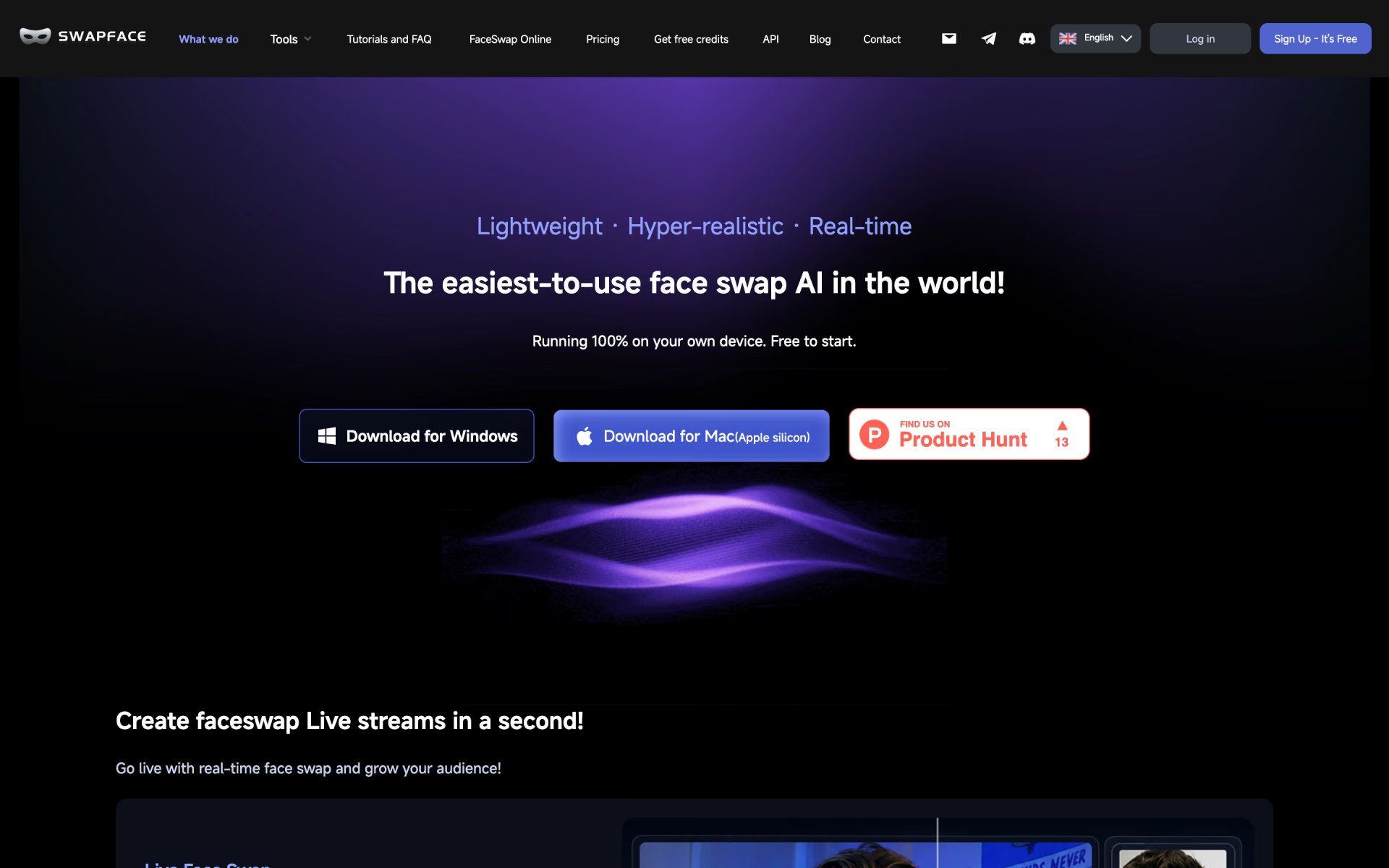
 Swapface

 Deepswap

 Gemini Avatars

 DeepSwapper
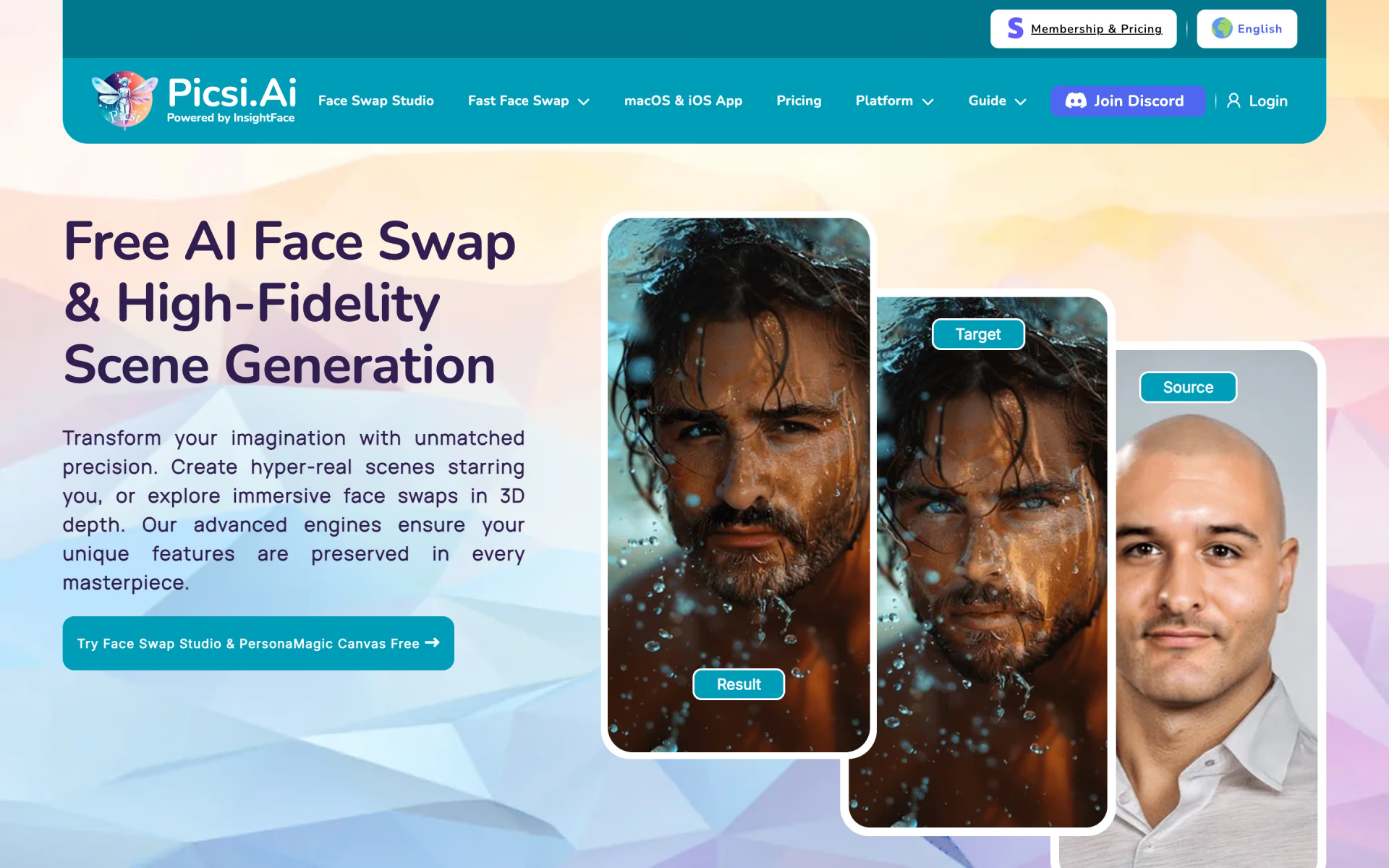
 Picsi.Ai
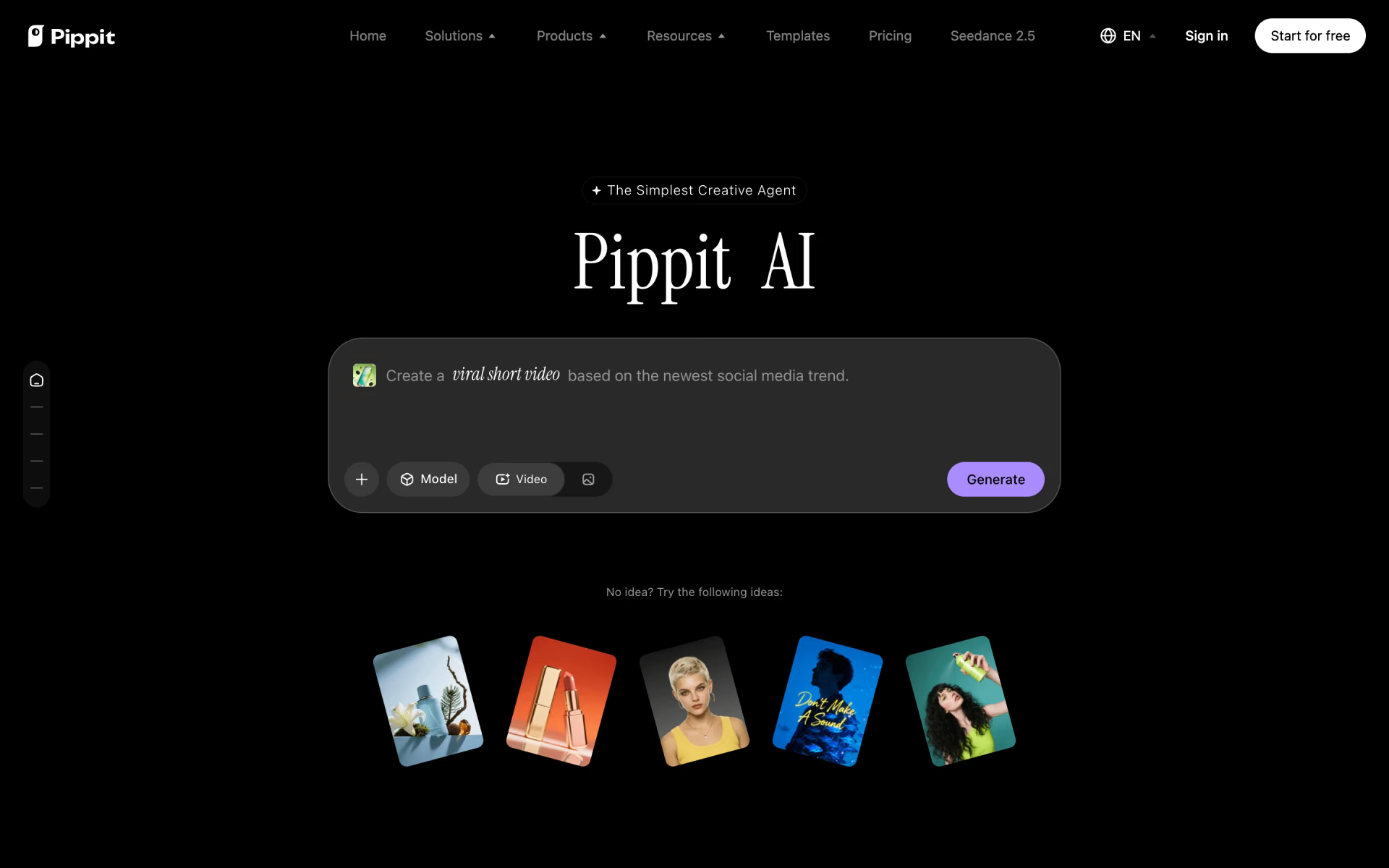
 Pippit