

What is Prisma?
Photos into artwork with one tap.
Who is Prisma best for?
Prisma is best for phone users who want to turn a photo into an artwork in a famous painter's style with one tap and no editing skills.
Art-style photo filters
It offers hundreds of art and portrait styles modelled on famous artists, applied to your photo in one tap.
People with no editing skills
Prisma Labs builds its apps so anyone gets a finished result in seconds without design experience.
Editing on a phone
Prisma is an app for iPhone and Android, so a photo can be restyled right after it is taken.
How much does Prisma cost?
Prisma's subscription prices are shown only inside its iPhone and Android apps; the maker says some features are free and sells a subscription for the rest.
Prisma Labs lists no prices on its website and links only to the App Store and Google Play. Its terms say some features are free, while a subscription adds enhanced services and extra features and renews automatically until cancelled; a web subscription is also mentioned. Plans and current prices are on prisma-ai.com.
How do readers rate Prisma?
No one has rated Prisma yet. Be the first.
Sign in to rate. One rating per account.
What are the best Prisma alternatives?
Two tools on Recaply do Prisma's job.


Questions about Prisma
What is Prisma?
Photos into artwork with one tap.
Who is Prisma for?
Prisma is best for phone users who want to turn a photo into an artwork in a famous painter's style with one tap and no editing skills.
Is Prisma free?
Partly. Prisma Labs says some of the app's features are free of charge, and a paid subscription adds enhanced services and extra features. Subscription prices appear only in the iPhone and Android apps, and a subscription renews automatically until you cancel it.
What are the best Prisma alternatives?
The closest alternatives on Recaply are ArtRobot and PortraitArt.
Where can I try Prisma?
On its official website, prisma-ai.com.
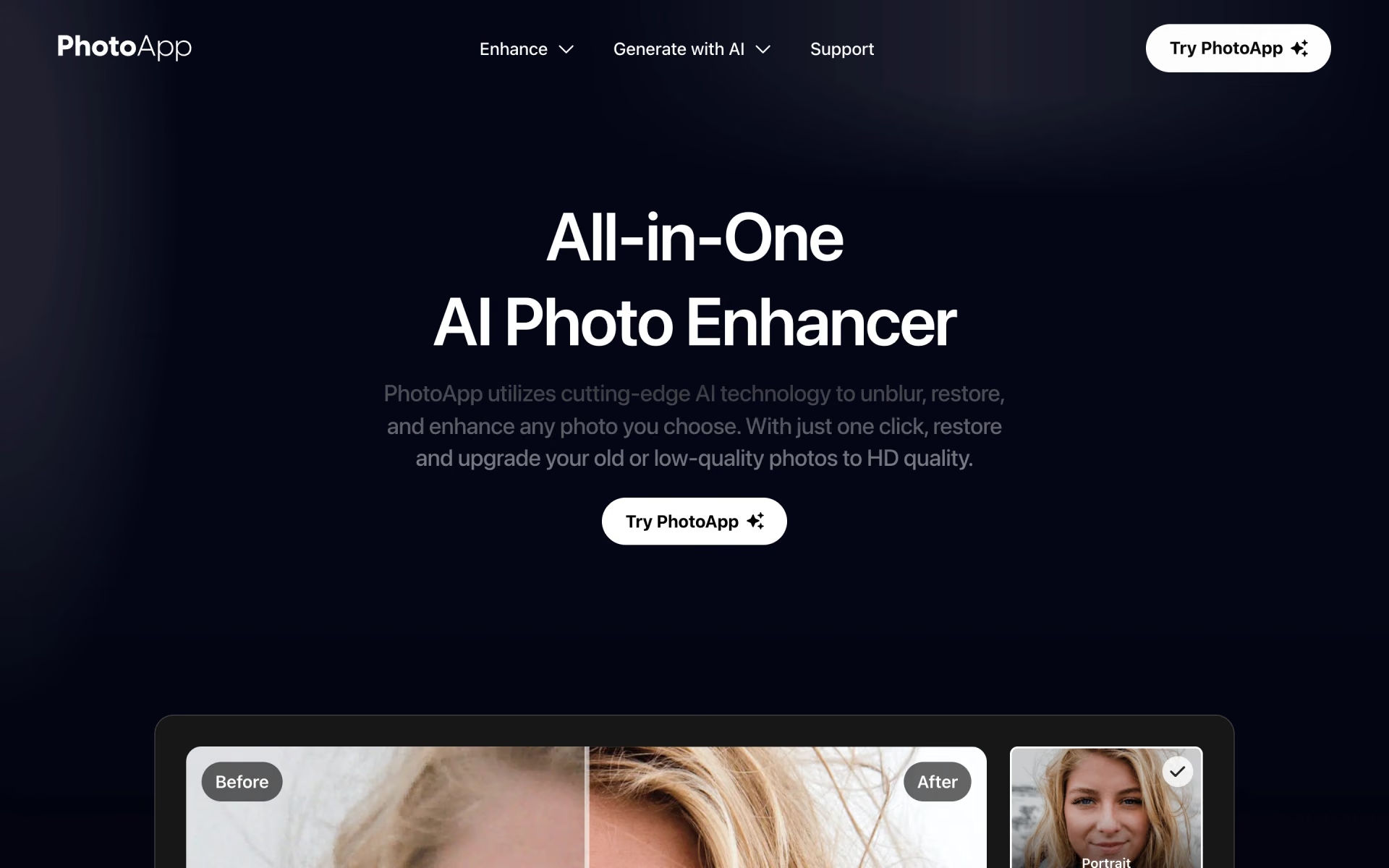
 PhotoApp
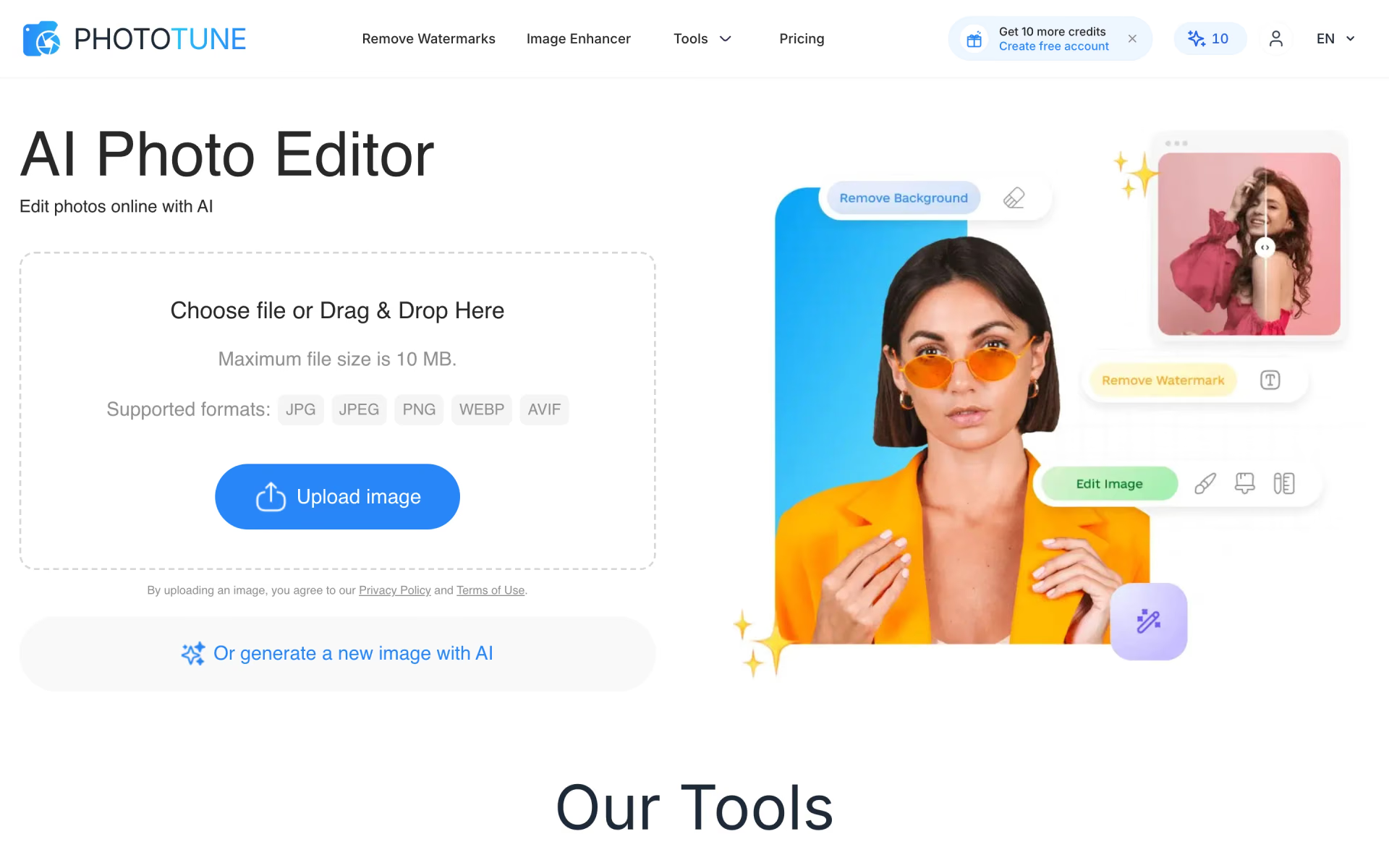
 PhotoTune

 Unpixelate
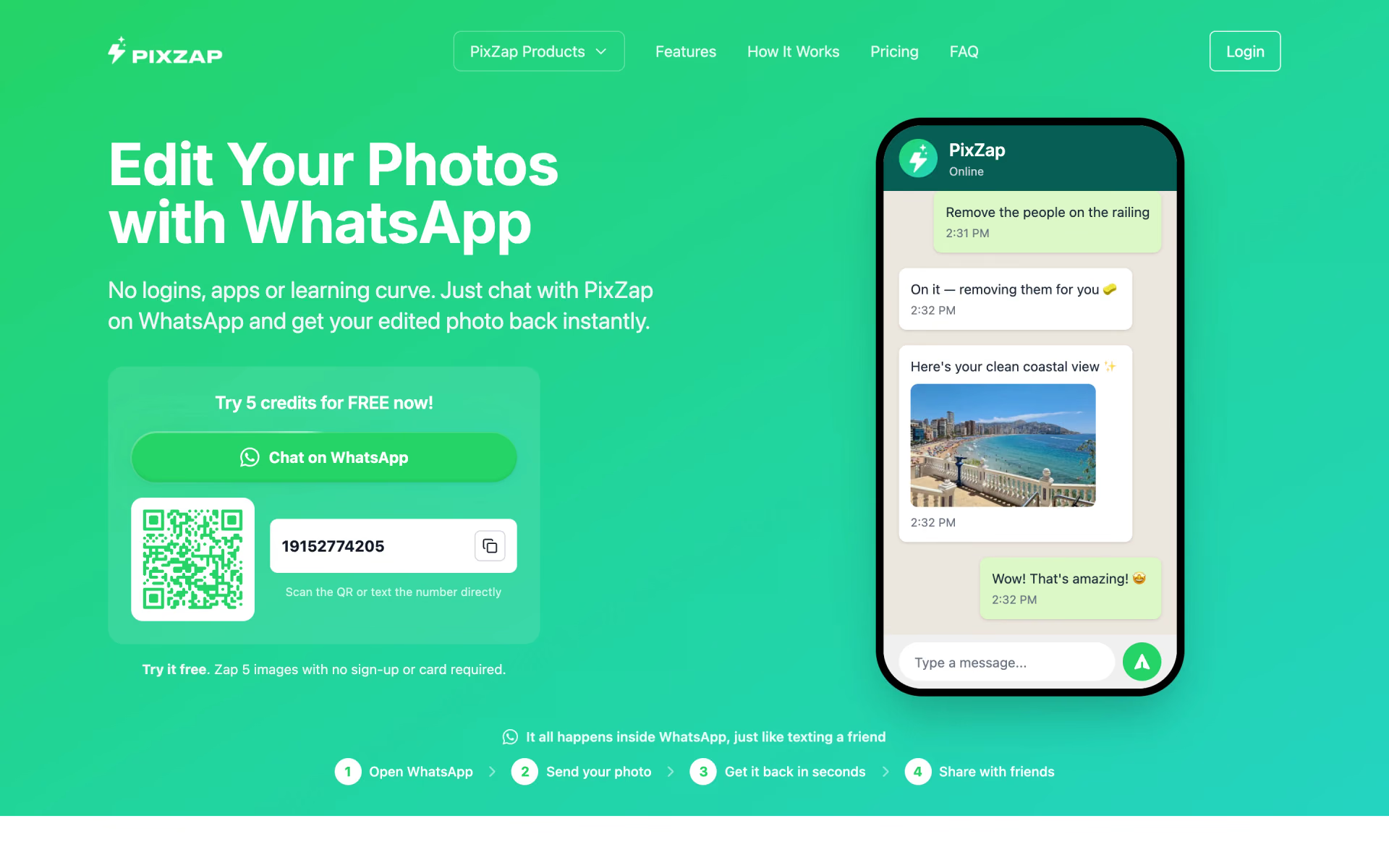
 PixZap
 Kolorize

 AIPhotor