
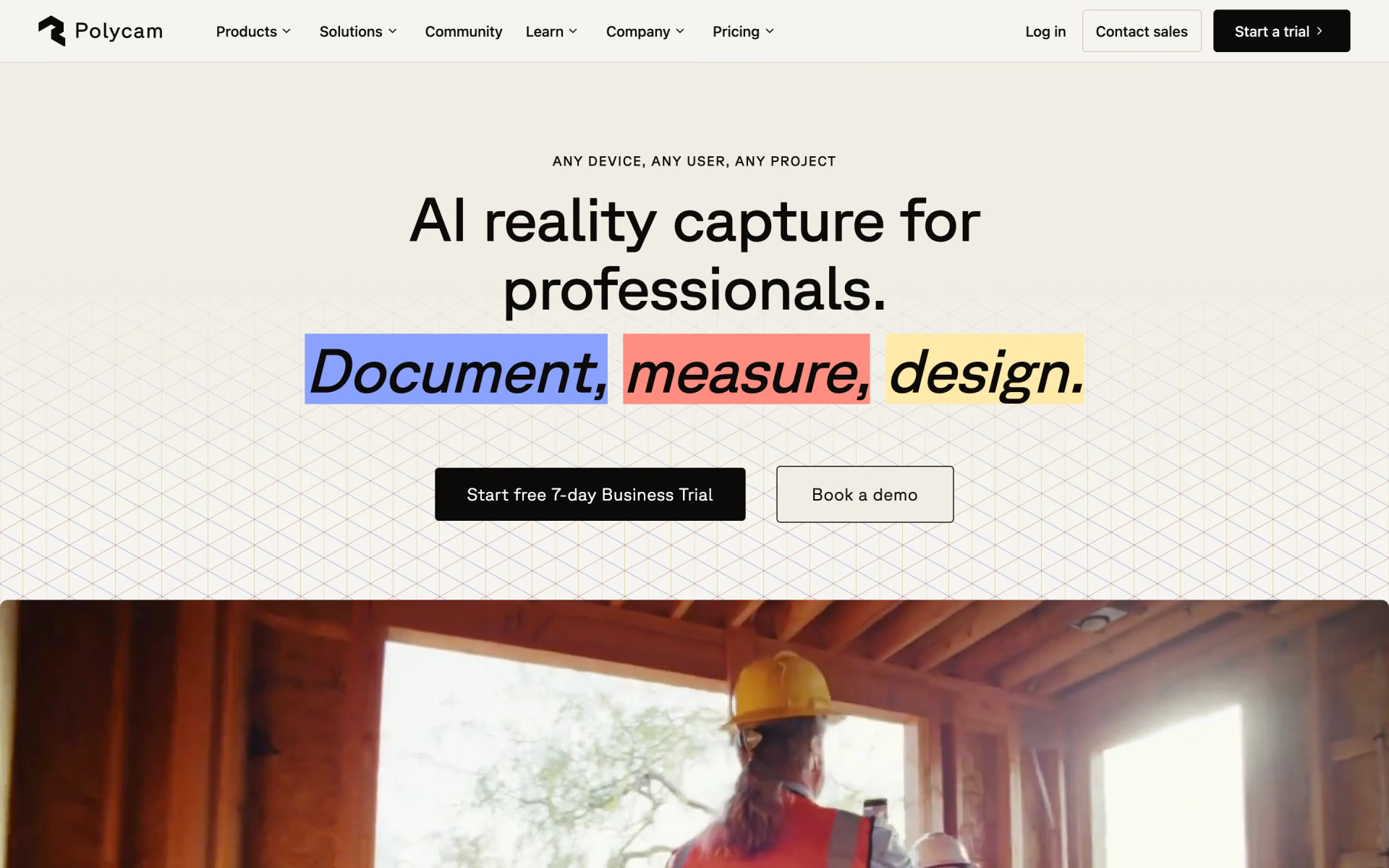
What is Polycam?
3D scanning, floor plans and drone mapping from your phone.
Who is Polycam best for?
Polycam is best for 3D creators and property teams who need scans, floor plans and measurements from a phone.
3D artists and creators
Object capture, photogrammetry and Gaussian splats turn photos or video into models you can export to Blender, Maya, Unity and other 3D tools.
Architects and builders
The Business plan adds editable 2D and 3D floor plans, measure tools and point cloud exports for documenting a site.
Property and facilities teams
Virtual walkthroughs and a shared team library let a team scan a space once and share it with colleagues or clients.
Claims and site documentation
Scene and site captures can feed insurance claims through Xactimate, and the Business plan adds AI generated reports on top of the scans.
How much does Polycam cost?
Polycam has a free plan with limited captures, Basic costs $30 a month or $150 a year, and the team plans are sold yearly: Business at $400 per user a year and Enterprise at $1200 per user a year for at least 3 users.
- 3 AI captures and 10 photogrammetry captures
- Up to 150 images per capture, GLTF export only
- Public link sharing, watermarked video
- Unlimited object, space and AI captures and Gaussian splats
- Up to 300 images per capture, 6 mesh export formats
- Private link sharing, one user
- 2D and 3D floor plans with advanced measure tools
- Shared team library, point cloud exports, virtual walkthroughs
- Up to 2,000 images per capture, AI generated reports
- 3 users minimum
- Content management API and custom branding
- Admin controls and folders with role-based access
Billed yearly, Basic is $150 a year ($12.50 a month). Business and Enterprise are sold on yearly billing only; Business works out to about $33 per user a month. A 7-day free trial comes only with the yearly Basic and Business plans and rolls into a paid year unless cancelled; monthly Basic is paid upfront with no trial. SSO, regional cloud storage and dedicated support are paid Enterprise add-ons through sales. Prices are in US dollars, and the old Pro plan is closed to new subscribers. Full pricing on poly.cam. We checked these prices on .
How do readers rate Polycam?
No one has rated Polycam yet. Be the first.
Sign in to rate. One rating per account.
What are the best Polycam alternatives?
Three tools on Recaply do Polycam's job.



Questions about Polycam
What is Polycam?
3D scanning, floor plans and drone mapping from your phone.
Who is Polycam for?
Polycam is best for 3D creators and property teams who need scans, floor plans and measurements from a phone.
Is Polycam free?
Yes, Polycam has a free plan for everyone with limited captures: 3 AI captures, 10 photogrammetry captures, up to 150 images each and GLTF export only. The 7-day free trial is separate and applies only to the yearly Basic and Business plans.
How much does Polycam cost?
Polycam's paid plans are Basic at $30 per month, Business at $400 per user per year and Enterprise at $1200 per user per year.
What are the best Polycam alternatives?
The closest alternatives on Recaply are MagiScan, Qlone and Solaya.
Where can I try Polycam?
On its official website, poly.cam.
Does Polycam work on Android?
Yes. Polycam runs on iPhone, iPad, Apple Vision Pro, Android and in a web browser. One exception matters for room scans: Space mode scanning, used to capture interiors, only works on compatible iOS devices.

 ProGuides
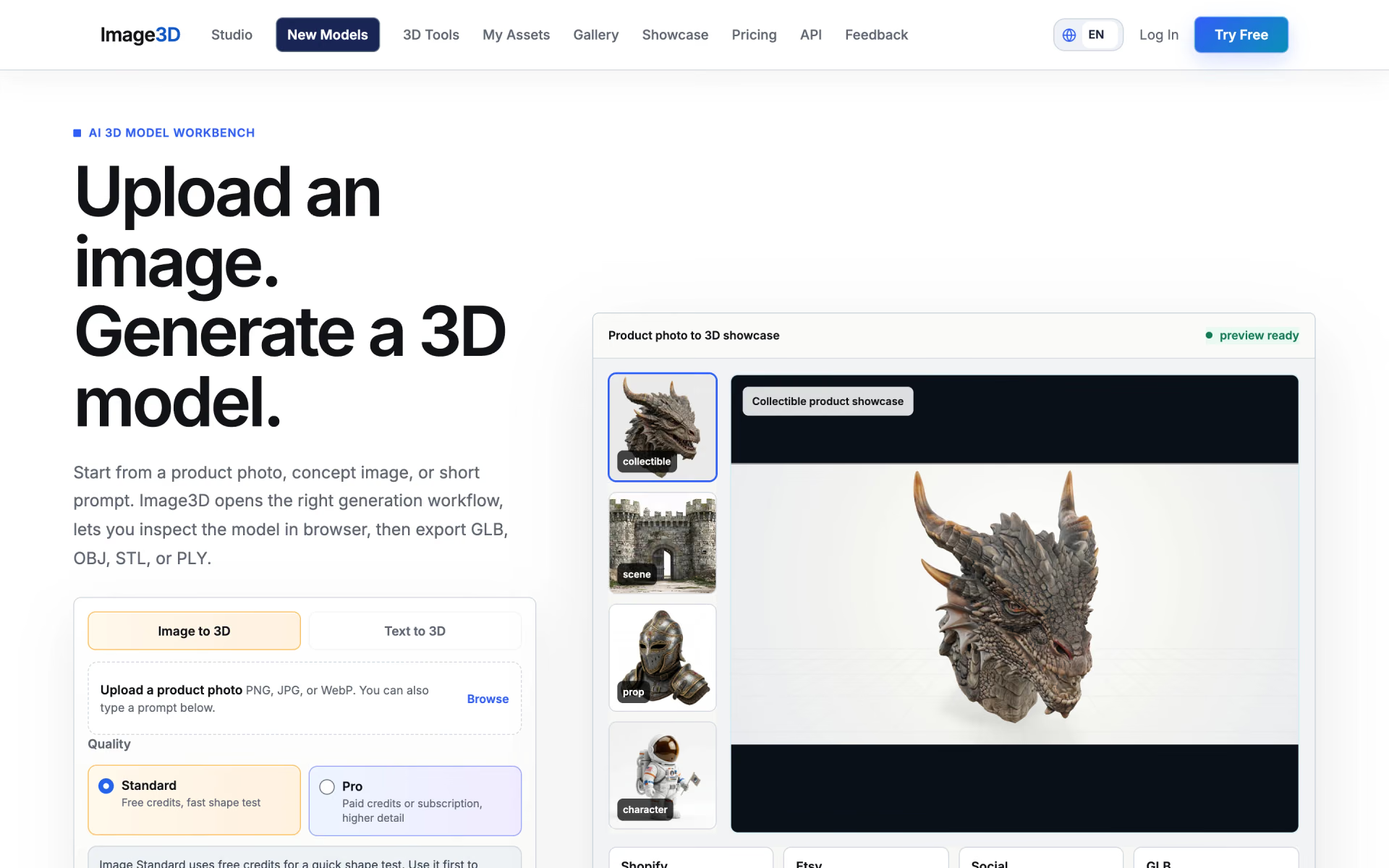
 Image3D.io

 Project Genie
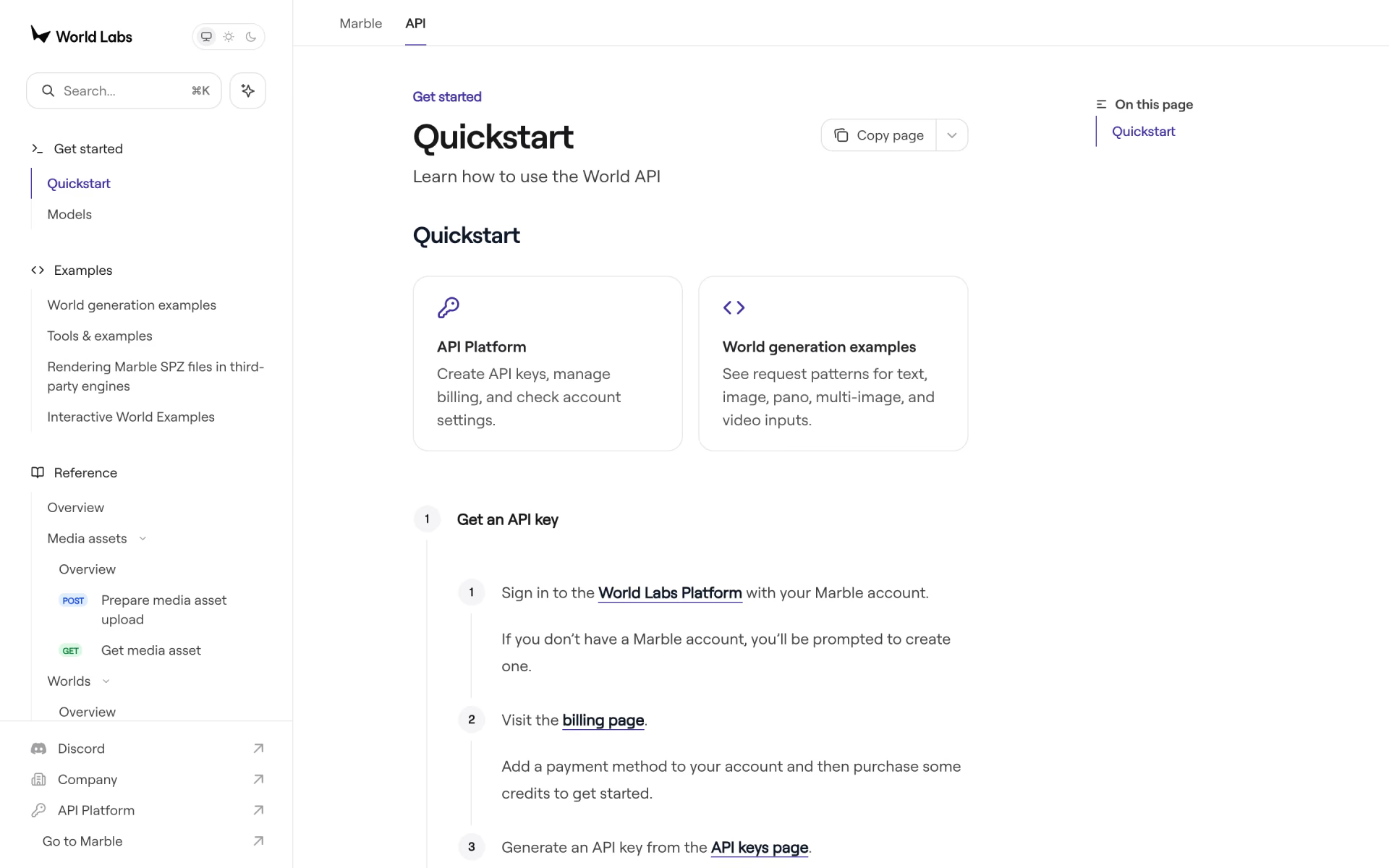
 World API
 Echo-2
 World Labs Marble