

What is PinVari?
Mac app where you circle something on screen and speak, then hand that note to Claude Code or Cursor.
Who is PinVari best for?
PinVari is best for Mac developers who build with coding agents and want to point at the exact UI element to change.
UI fixes with a coding agent
Circle a button and say what to change; the note carries the element's name and role, not only pixels.
Long errors and logs
A capture reads up to 40,000 characters of the window, including text scrolled out of view, so the agent sees the whole stack trace.
Design feedback to share
Review Packs export chosen captures as one HTML file that opens in a browser without a PinVari account.
Showing an agent a workflow
Workflow recording saves a step-by-step trail of named buttons and fields that an agent can follow.
How much does PinVari cost?
PinVari Essentials is free to try for 5 captures on the Mac App Store, PinVari Pro is a one-time $99, and PinVari Max with the voice companion costs $29 a month.
- Point, speak and screenshot capture
- One-paste hand-off to any agent
- Unlimited use is an in-app purchase
- Names the exact element you circled
- Workflow recording, dictation and a rewrite hotkey
- Live MCP link to Claude Code, Cursor and Codex
- Everything in Pro
- Voice companion with 60 realtime minutes a month
- Clicks, types and fills forms when you ask
Team seats of Pro cost $29 each, one time, with free updates. Essentials comes from the Mac App Store and Pro from pinvari.com; neither needs an account. Max needs an account and an internet connection because its voice and planning run on cloud AI. PinVari needs macOS 14 or later on Apple Silicon or Intel. Full pricing on pinvari.com. We checked these prices on .
How do readers rate PinVari?
No one has rated PinVari yet. Be the first.
Sign in to rate. One rating per account.
How do I connect PinVari to my AI agent?
PinVari MCP is PinVari's official MCP server. Add it to your agent once, then ask it to point at your screen and pass that context to a coding agent.
PinVari runs on your Mac and records what you point at, with the named UI element, your spoken note and the window text, so your agent knows exactly what to fix.
PinVari gives each account its own server address. Open the setup guide, copy your address, then add it to Claude Code like any other server.
It runs on your computer, so Claude Code starts it when it needs it.
PinVari's setup guide covers the sign-in.
Then ask your agent
- Runs
- On your computer
- Sign-in
- See guide
- Maker
- PinVari
- Guide
- pinvari.com
What are the best PinVari alternatives?
One tool on Recaply does PinVari's job.

Questions about PinVari
What is PinVari?
Mac app where you circle something on screen and speak, then hand that note to Claude Code or Cursor.
Who is PinVari for?
PinVari is best for Mac developers who build with coding agents and want to point at the exact UI element to change.
Is PinVari free?
You can try PinVari free before paying; paid plans start at $99 one-time.
How much does PinVari cost?
PinVari's paid plans are Pro at $99 one-time and Max at $29 per month.
Does PinVari have an MCP server?
Yes. PinVari MCP is PinVari's official MCP server, so agents such as Claude Code, Cursor, Codex and GitHub Copilot can point at your screen and pass that context to a coding agent. It runs on your computer.
What are the best PinVari alternatives?
The closest alternatives on Recaply are Agentation.
Where can I try PinVari?
On its official website, pinvari.com.
Does PinVari send my screen to the cloud?
Not for capture. PinVari transcribes point-and-speak notes on your Mac, and you choose what goes to your agent. Only PinVari Max's voice companion uses cloud AI, and it may send screen context to answer you.
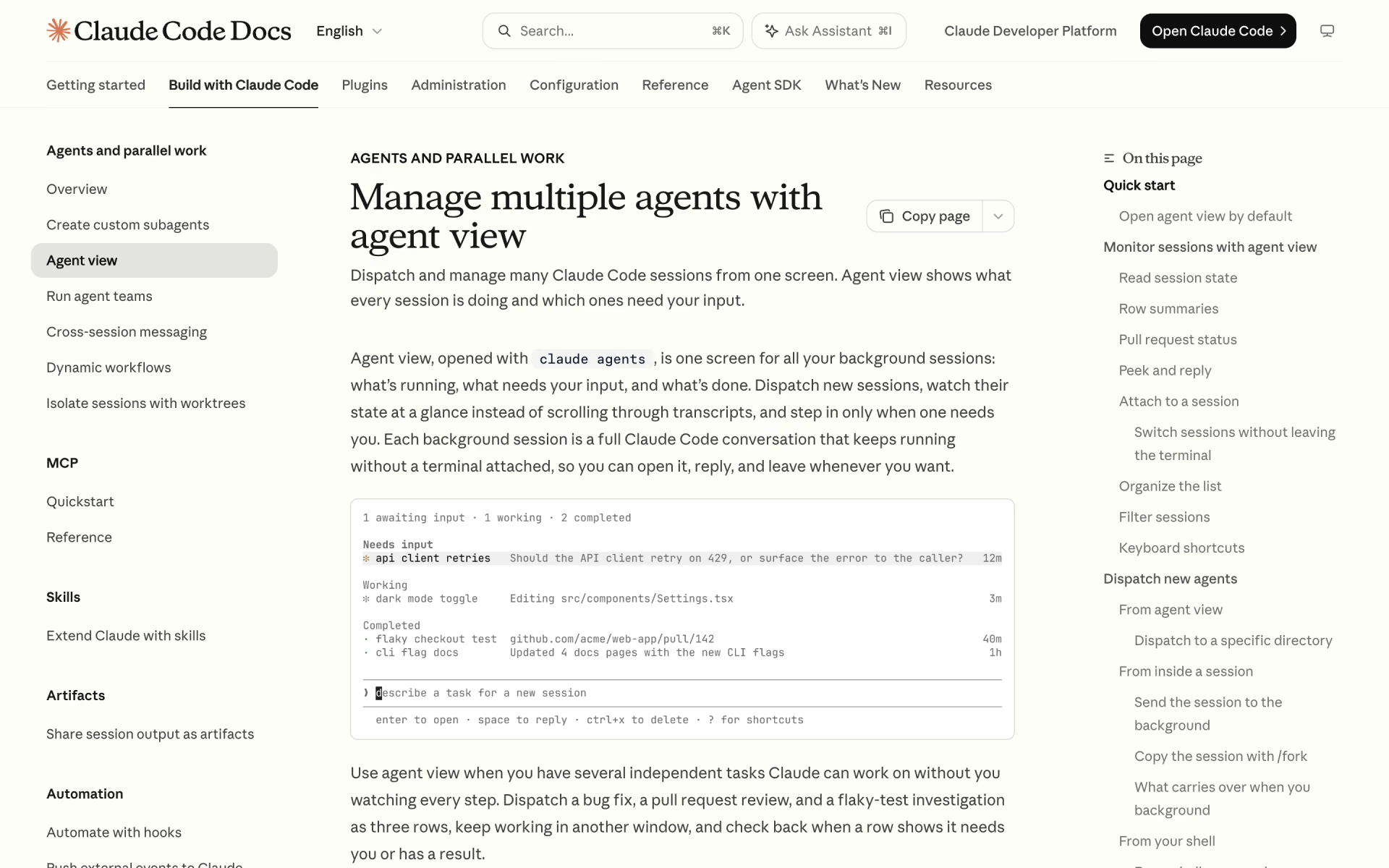
 Claude Code Agent View
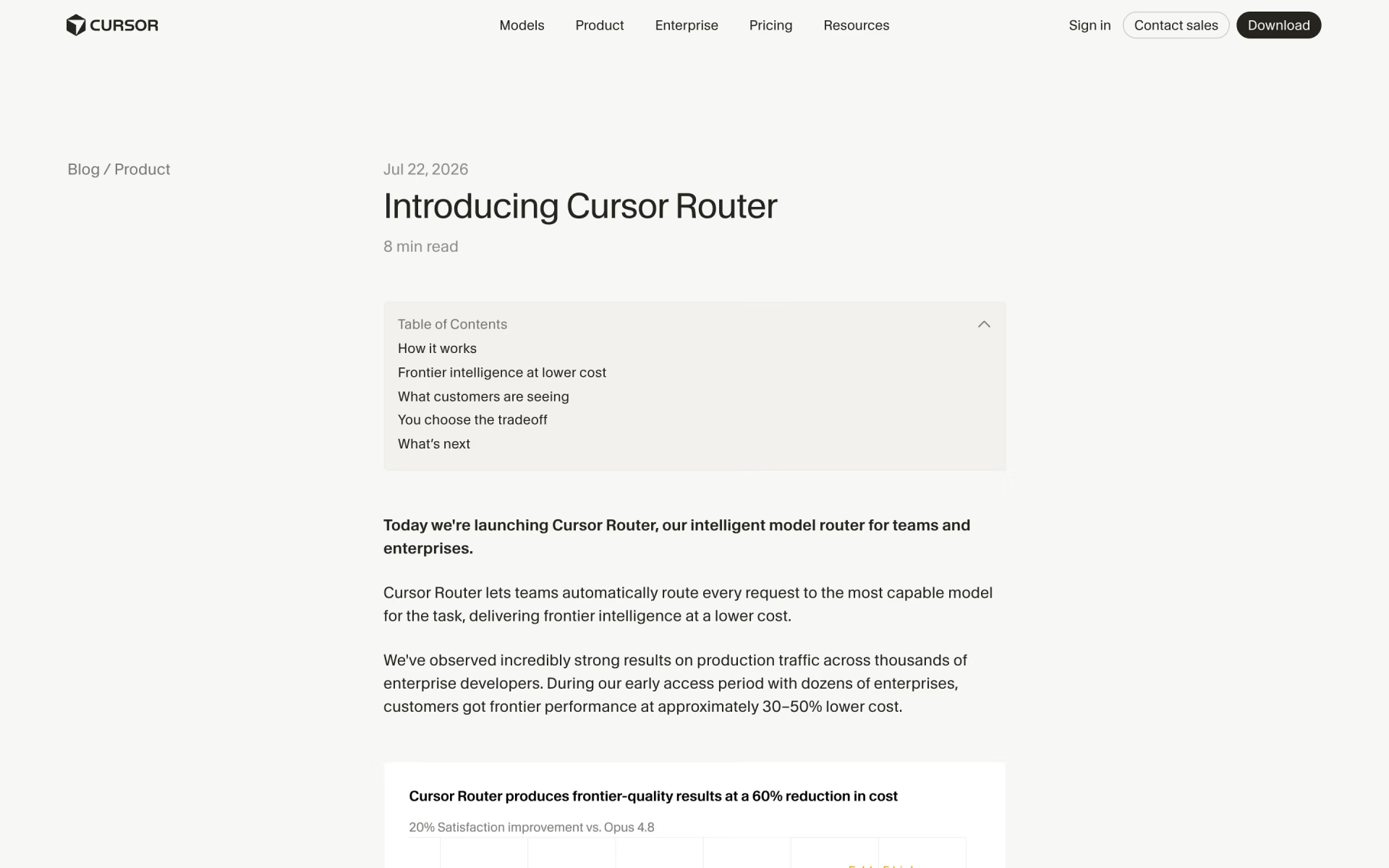
 Cursor Router

 Claude Managed Agents

 Open Memory Protocol

 Xirp
 Claude Platform