

What is PicMa?
Photo enhancement, background removal and video tools.
Who is PicMa best for?
PicMa is best for people who restore old family photos, clean up product shots or turn stills into short clips.
Restoring old family photos
Smart Restore, Descratch and Color Master repair damaged prints and add colour to black-and-white pictures.
Product photos for online shops
Product Image Enhancer, Background Remover, Virtual Model and Accessory Try-On prepare listing images without a photo shoot.
Short clips from still images
Image to Video runs models such as Seedance 2.0, Pixverse V6 and MiniMax H3 on paid credits; the free plan does not include them.
Editing on a phone
The same tools come in PicMa apps for iPhone and Android as well as the web studio.
How much does PicMa cost?
PicMa has a free plan with 5 credits, and its paid plans cost $14.99 a month for Basic (240 credits) or $24.99 a month for Pro (455 credits), with weekly and yearly billing and one-off credit packs too.
- 5 credits
- 10 free uses a week of tools such as Background Remover and AI Sharpen Image
- Downloads carry a watermark; no video models
- 240 credits a month, about 3 Seedance 2.0 videos or 60 Nano banana 2 images
- All AI image tools, no watermark
- Priority processing
- 455 credits a month, about 5 Seedance 2.0 videos or 113 Nano banana 2 images
- Unlimited AI image features, no watermark
- Batch upload and download, faster processing
Weekly billing is $6.99 for Basic (50 credits) and $9.99 for Pro (90 credits). Paying yearly, Basic is $69.99 a year (1,500 credits) and Pro $99.99 a year (2,500 credits). Credit packs cost $5.99 for 30, $12.99 for 150, $19.99 for 300, $29.99 for 750 and $99.99 for 3,000. Video counts are for 5-second Seedance 2.0 clips at 720p, and image counts for Nano banana 2 at 1K. Full pricing on picma.magictiger.ai. We checked these prices on .
How do readers rate PicMa?
No one has rated PicMa yet. Be the first.
Sign in to rate. One rating per account.
What are the best PicMa alternatives?
Three tools on Recaply do PicMa's job.



Questions about PicMa
What is PicMa?
Photo enhancement, background removal and video tools.
Who is PicMa for?
PicMa is best for people who restore old family photos, clean up product shots or turn stills into short clips.
Is PicMa free?
Yes. PicMa's Free Plan has no end date and gives 5 credits plus 10 free uses a week of tools such as Background Remover, Object Remover and AI Sharpen Image. Downloads carry a watermark, and the video models are not part of the free plan.
How much does PicMa cost?
PicMa's paid plans are Basic Plan at $14.99 per month and Pro Plan at $24.99 per month.
What are the best PicMa alternatives?
The closest alternatives on Recaply are PicWish, Clipdrop and ImgGen AI.
Where can I try PicMa?
On its official website, picma.magictiger.ai.
Do PicMa credits expire?
No. PicMa subscription credits roll over from one billing cycle to the next for as long as the subscription stays active, and credit packs bought separately never expire or reset.

 AIPhotor

 Pict AI
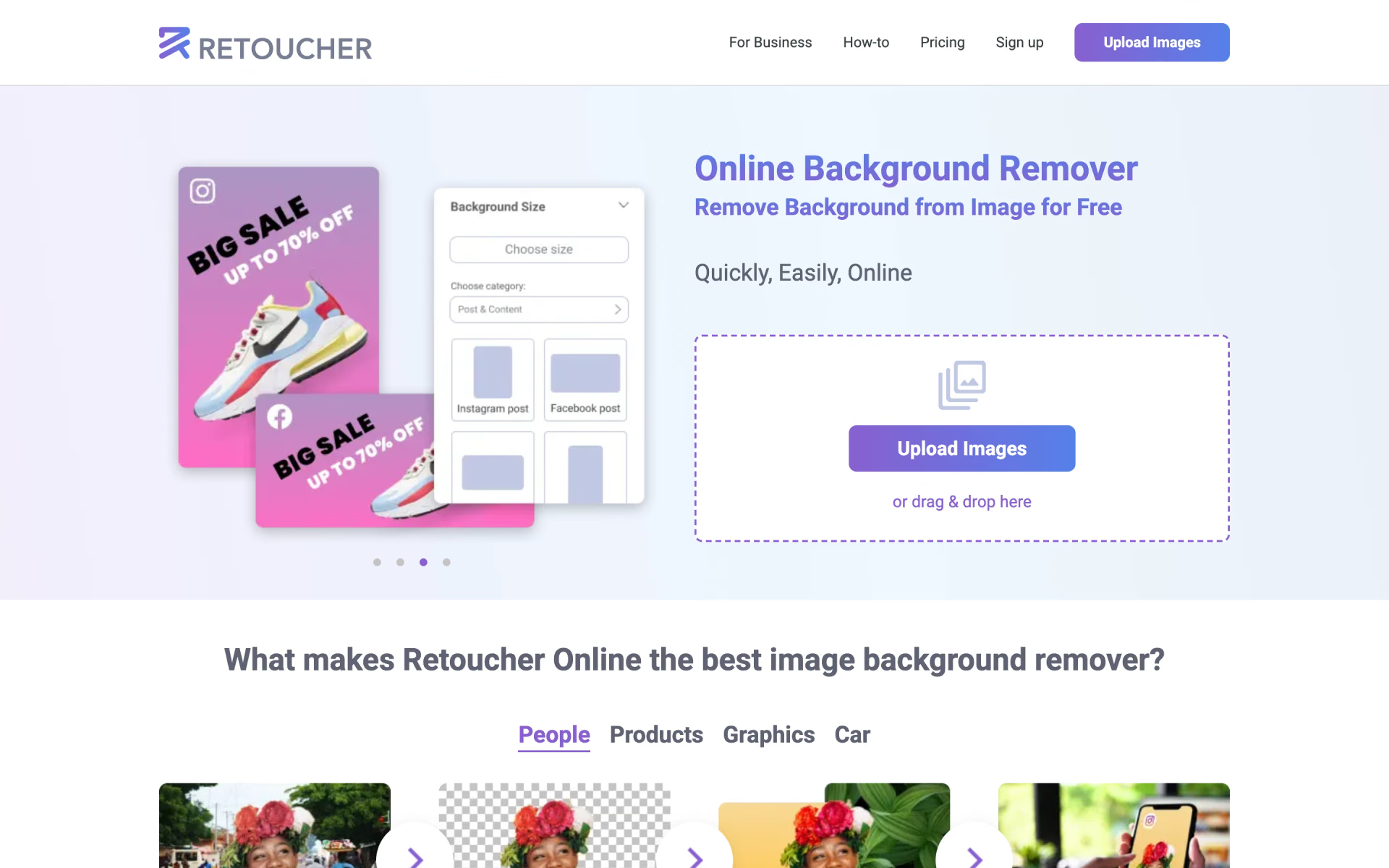
 Retoucher Online

 Slazzer

 ArtSpace
 IC Light AI