
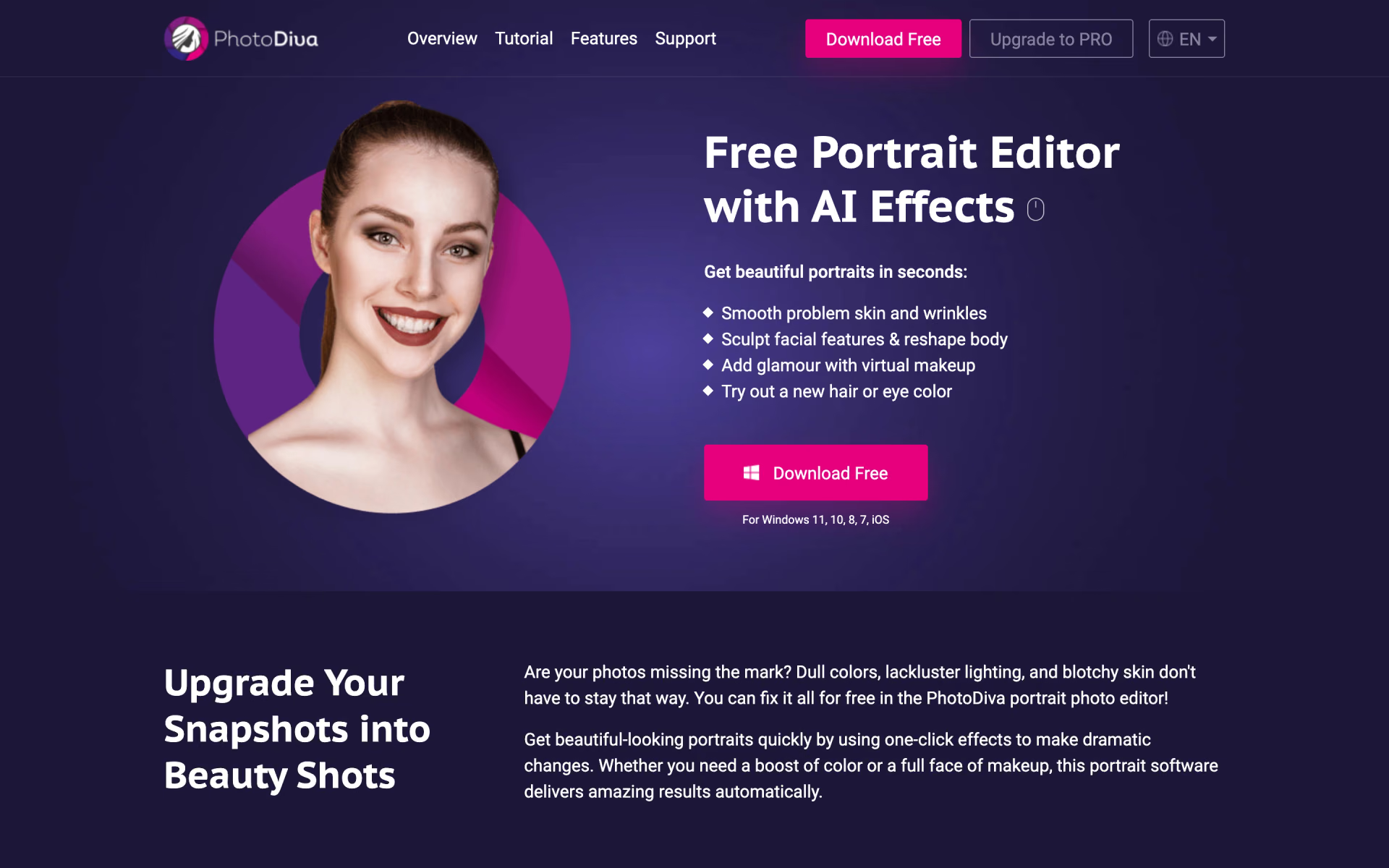
What is PhotoDiva?
Portrait retouching with virtual makeup.
Who is PhotoDiva best for?
PhotoDiva is best for Windows users who want to smooth skin and add virtual makeup to portraits without Photoshop.
Beginners retouching portraits
It finds lips, eyes and cheeks on its own, so you move sliders instead of making manual selections.
Family and event photos
It smooths skin, softens wrinkles and age spots, and brightens eyes and lips on subjects of any age.
Portraits with busy backgrounds
The PRO and Ultimate versions blur the background or place the subject on a new one after a rough selection.
Buyers who avoid subscriptions
Paid versions are one-time purchases with a lifetime license rather than a monthly fee.
How much does PhotoDiva cost?
PhotoDiva has a free portrait editor for Windows, and its paid versions are one-time purchases with a lifetime license: Essentials for $19.25, PRO for $42 and Ultimate for $56.
- Automatic portrait retouching
- Face reshaping, virtual makeup and eye color
- No background blur or swap, contouring or filters
- Automatic face retouching and digital makeup
- Erase unwanted objects
- Change facial features
- Everything in Essentials
- Change or blur the background
- Contour the face and add dimension
- Everything in PRO
- 100+ photo filter effects
Every paid version is a single payment for a lifetime license, with free tech support and one year of free updates to new versions. The download link and license key arrive by email within 10 minutes of payment. Full pricing on photodiva.net. We checked these prices on .
How do readers rate PhotoDiva?
No one has rated PhotoDiva yet. Be the first.
Sign in to rate. One rating per account.
What are the best PhotoDiva alternatives?
Two tools on Recaply do PhotoDiva's job.


Questions about PhotoDiva
What is PhotoDiva?
Portrait retouching with virtual makeup.
Who is PhotoDiva for?
PhotoDiva is best for Windows users who want to smooth skin and add virtual makeup to portraits without Photoshop.
Is PhotoDiva free?
Yes. PhotoDiva has a free Windows version that retouches portraits automatically, reshapes faces and adds virtual makeup. Background blur and swaps, face contouring and the 100+ filters need a paid version, from $42 for PRO as a one-time purchase.
How much does PhotoDiva cost?
PhotoDiva's paid plans are PhotoDiva Essentials at $19.25 one-time, lifetime license, PhotoDiva PRO at $42.00 one-time, lifetime license and PhotoDiva Ultimate at $56.00 one-time, lifetime license.
What are the best PhotoDiva alternatives?
The closest alternatives on Recaply are Facetune and BeautyCam.
Where can I try PhotoDiva?
On its official website, photodiva.net.
Is PhotoDiva a subscription?
No. PhotoDiva's paid versions are one-time purchases that come with a lifetime license, free tech support and one year of free updates to new versions. The license key and download link arrive by email within 10 minutes of payment.

 PortraitArt

 AI Portrait Generator

 PicStudio.AI
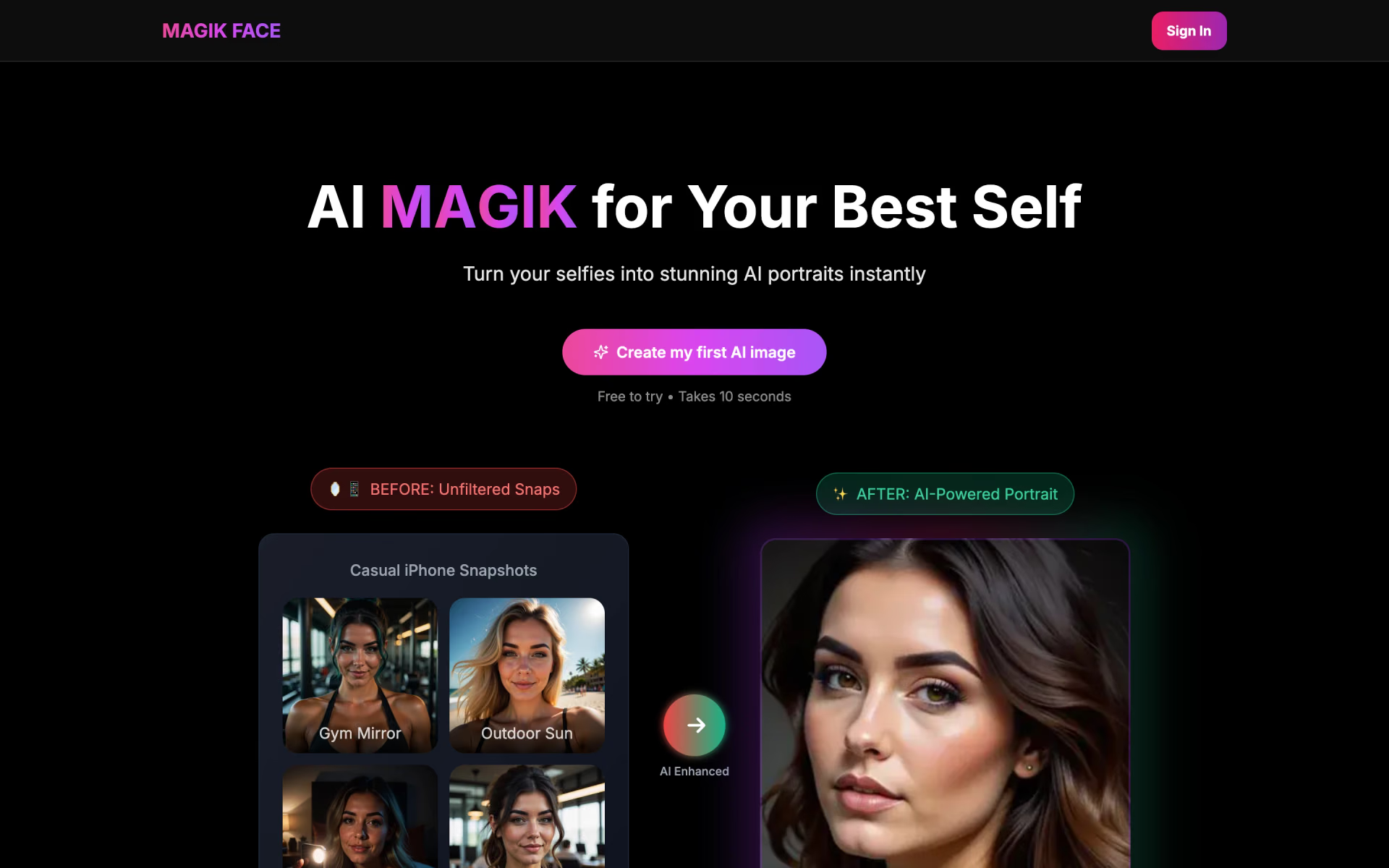
 Magik Face

 VirtualStaging.art

 Kolors Virtual Try On