

What is My Color Hub?
AI gradients with custom colours, angles and sizes.
Who is My Color Hub best for?
My Color Hub is best for designers and developers who want a gradient from a plain-words description, copied as CSS.
Website backgrounds
You describe the colours and mood, and the result copies straight into a stylesheet as CSS.
Slides and social graphics
Each gradient downloads as a PNG or an SVG, ready to drop into a deck or a post.
Fine-tuning a palette
After it generates, you can edit each colour stop, add new ones and switch between linear, radial and angular styles.
Quick one-off jobs
There is no sign-up or login, so it works for a single gradient without creating an account.
How much does My Color Hub cost?
My Color Hub is free to use, with no account and no paid tier.
- No account or sign-up
- Linear, radial and angular gradients
- Copy as CSS or download as SVG and PNG
My Color Hub has no pricing page, plans or payment step: the generator works for any visitor, and the only other page on the site is a contact page. Full pricing on mycolorhub.com. We checked these prices on .
How do readers rate My Color Hub?
No one has rated My Color Hub yet. Be the first.
Sign in to rate. One rating per account.
What are the best My Color Hub alternatives?
One tool on Recaply does My Color Hub's job.

Questions about My Color Hub
What is My Color Hub?
AI gradients with custom colours, angles and sizes.
Who is My Color Hub for?
My Color Hub is best for designers and developers who want a gradient from a plain-words description, copied as CSS.
Is My Color Hub free?
Yes. My Color Hub has a free plan: no account or sign-up.
What are the best My Color Hub alternatives?
The closest alternatives on Recaply are MeltKit.
Where can I try My Color Hub?
On its official website, mycolorhub.com.
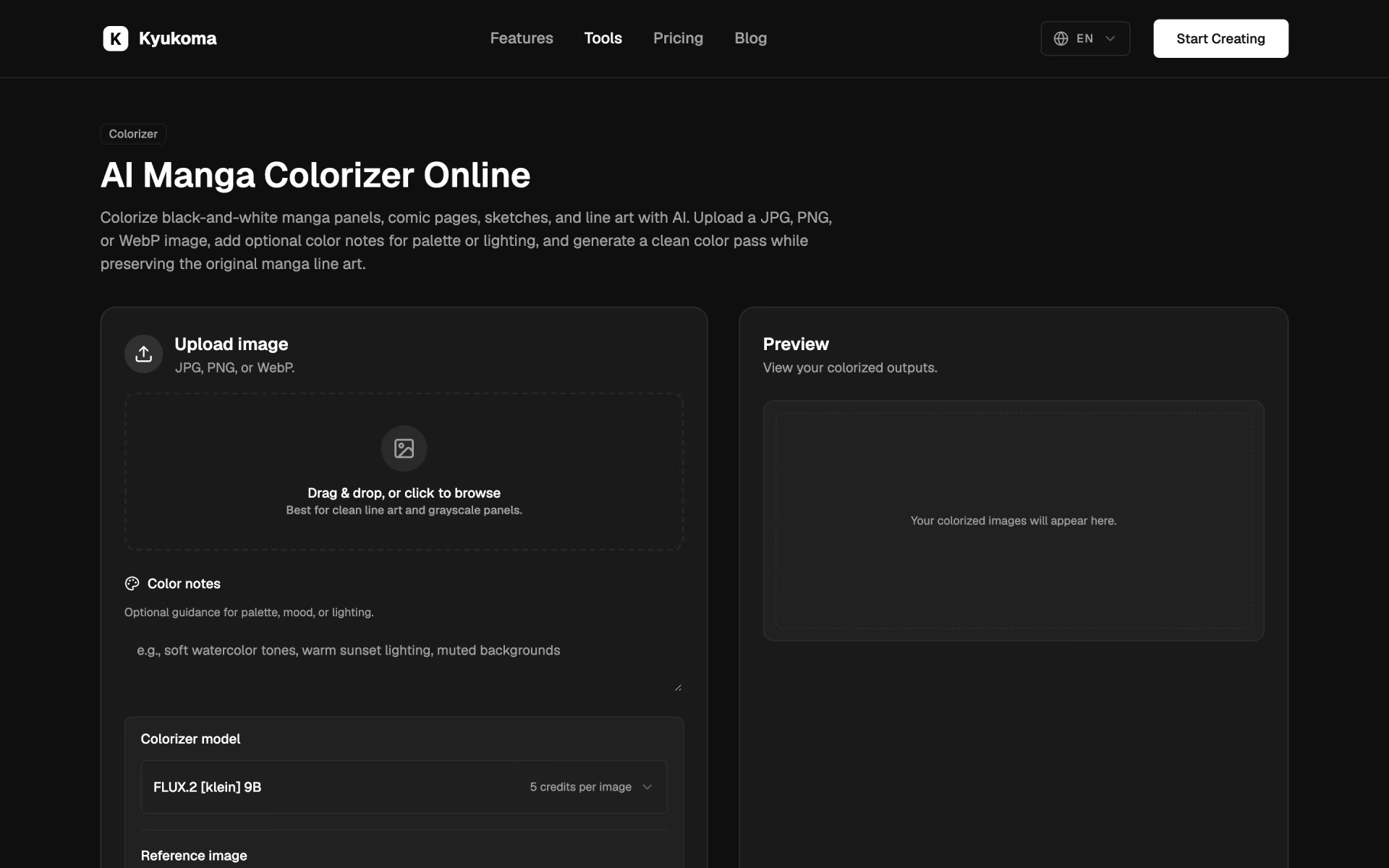
 Kyukoma AI Manga Colorizer
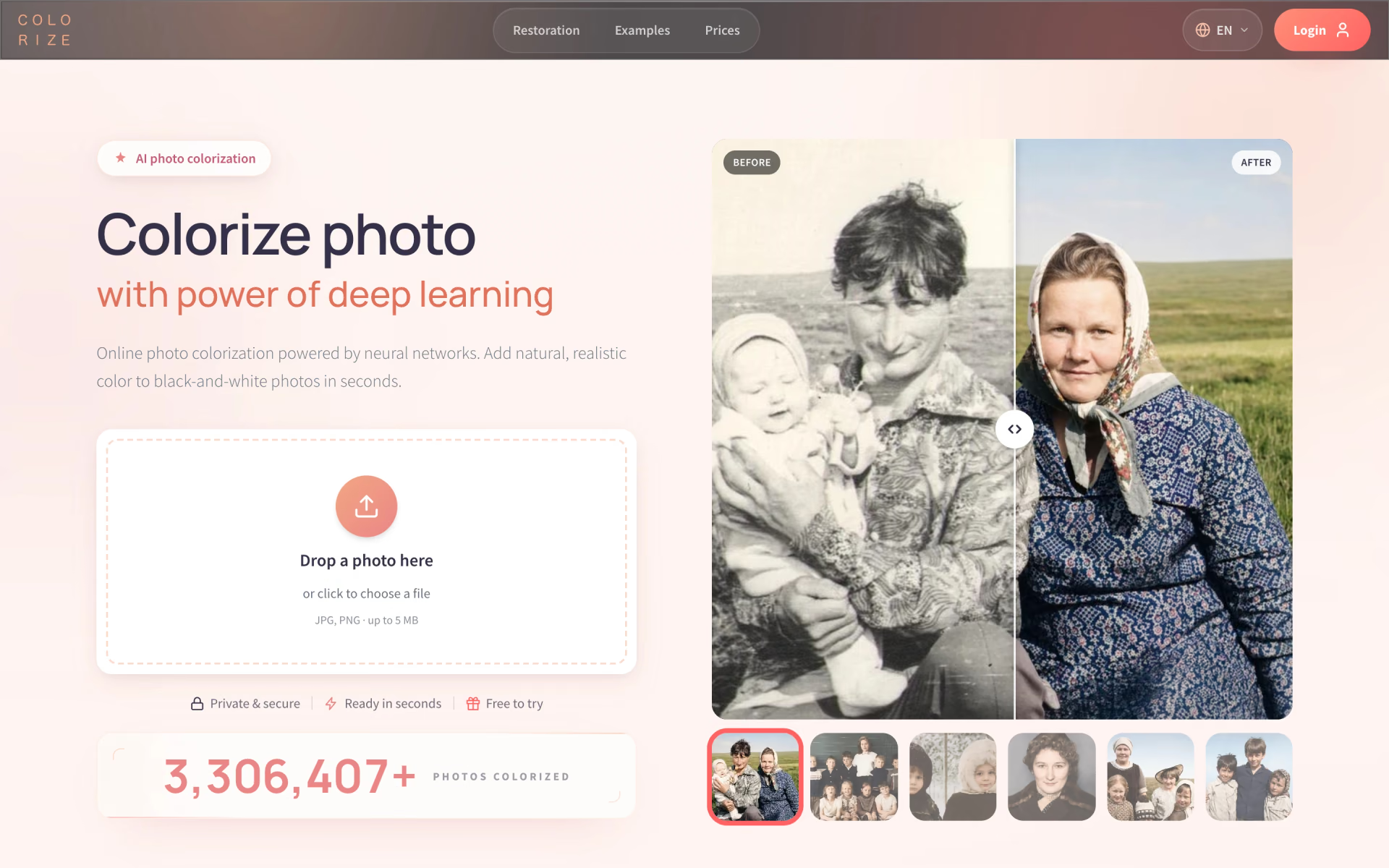
 Colorize.cc

 PicWish
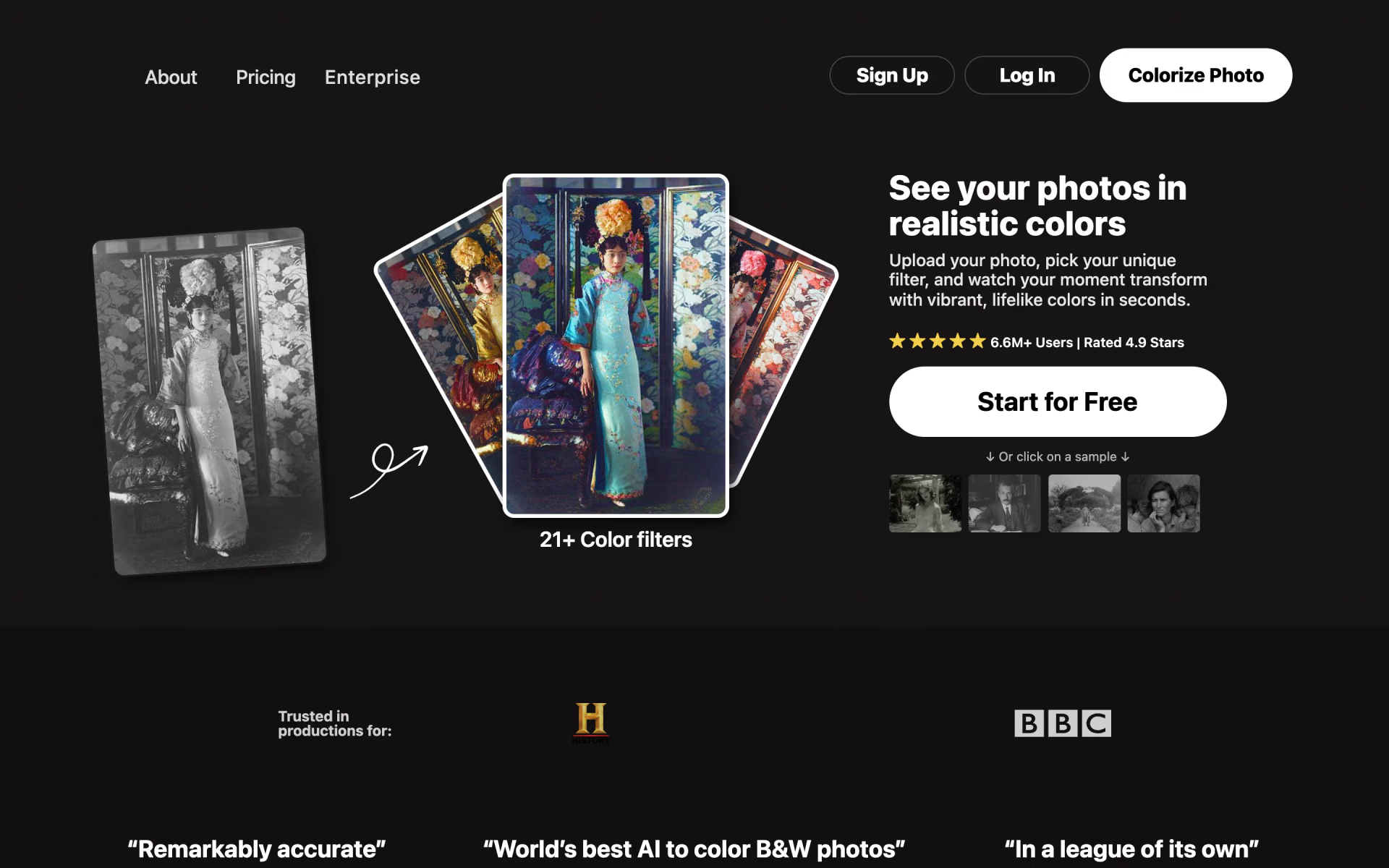
 Palette
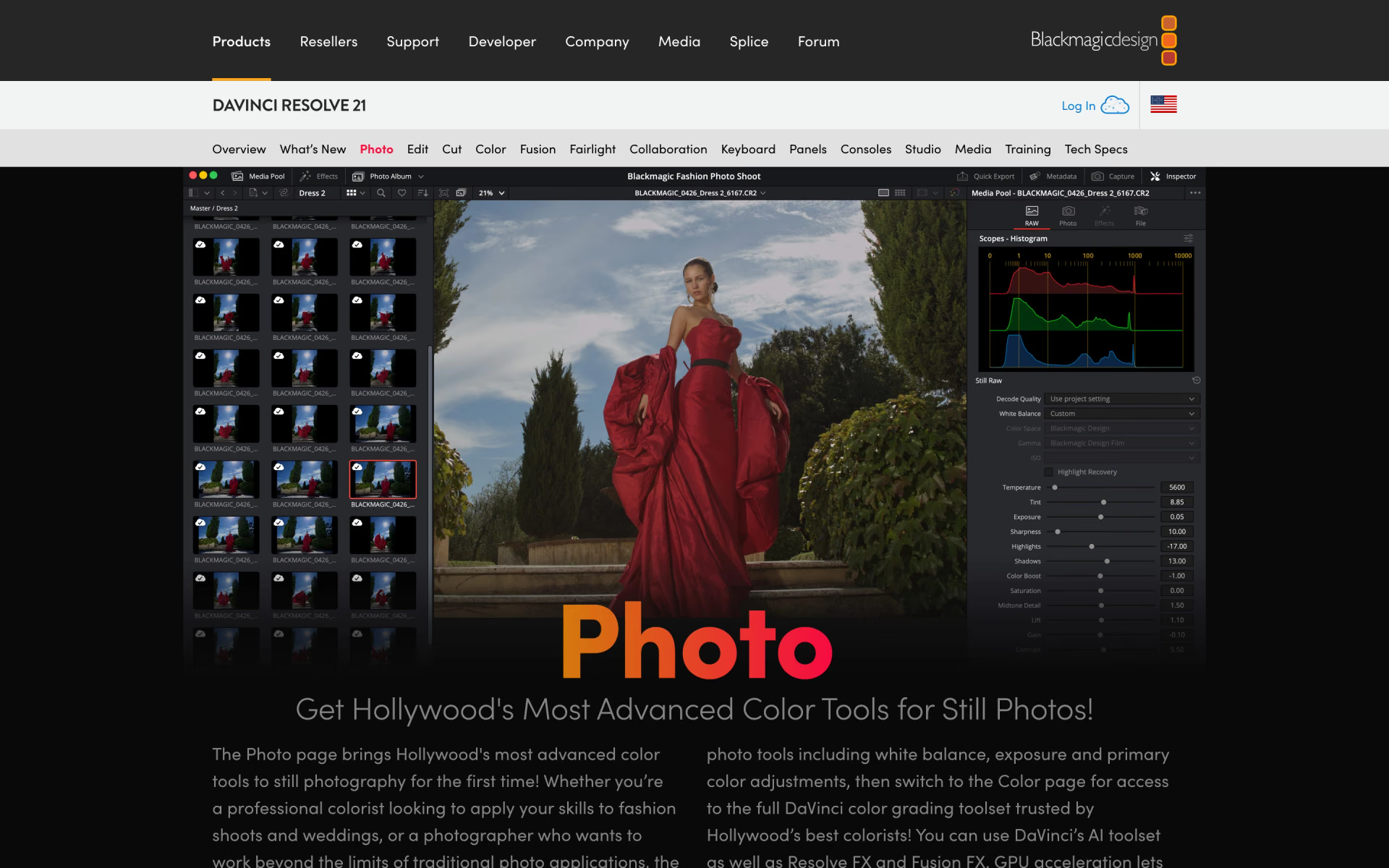
 DaVinci Resolve Photo

 ZoomScape.ai