

What is Muse Pro?
Real-time AI drawing with Apple Pencil and layers on iPad, iPhone, Mac and Vision Pro.
Who is Muse Pro best for?
Muse Pro is best for artists who sketch with Apple Pencil and want AI to turn their strokes into finished art in real time.
Sketching on iPad with Apple Pencil
Your strokes, with pressure sensitivity, guide the AI as you draw, so the layout of the picture stays yours.
Concept art and quick ideas
Text prompts, randomize and seed shuffle let you try new directions from the same rough sketch.
Finished pieces for print
Enhance adds detail in one tap, and upscaling prepares the result for print.
Artists who want a normal drawing app too
Layers, a brush library and assets such as shapes, images and text work alongside the AI, which you can pause at any time.
How much does Muse Pro cost?
Muse Pro does not list prices on its site: it is sold through the App Store for iPhone and iPad, and the maker invites you to try it for free before you pay.
The Muse Pro site shows no plan names or prices, and every download button opens the App Store, so prices appear there rather than on the site. The maker says you can try Muse Pro for free but does not say what the free use includes. Plans and current prices are on musepro.app.
How do readers rate Muse Pro?
No one has rated Muse Pro yet. Be the first.
Sign in to rate. One rating per account.
Questions about Muse Pro
What is Muse Pro?
Real-time AI drawing with Apple Pencil and layers on iPad, iPhone, Mac and Vision Pro.
Who is Muse Pro for?
Muse Pro is best for artists who sketch with Apple Pencil and want AI to turn their strokes into finished art in real time.
Is Muse Pro free?
You can try Muse Pro free before paying.
Where can I try Muse Pro?
On its official website, musepro.app.
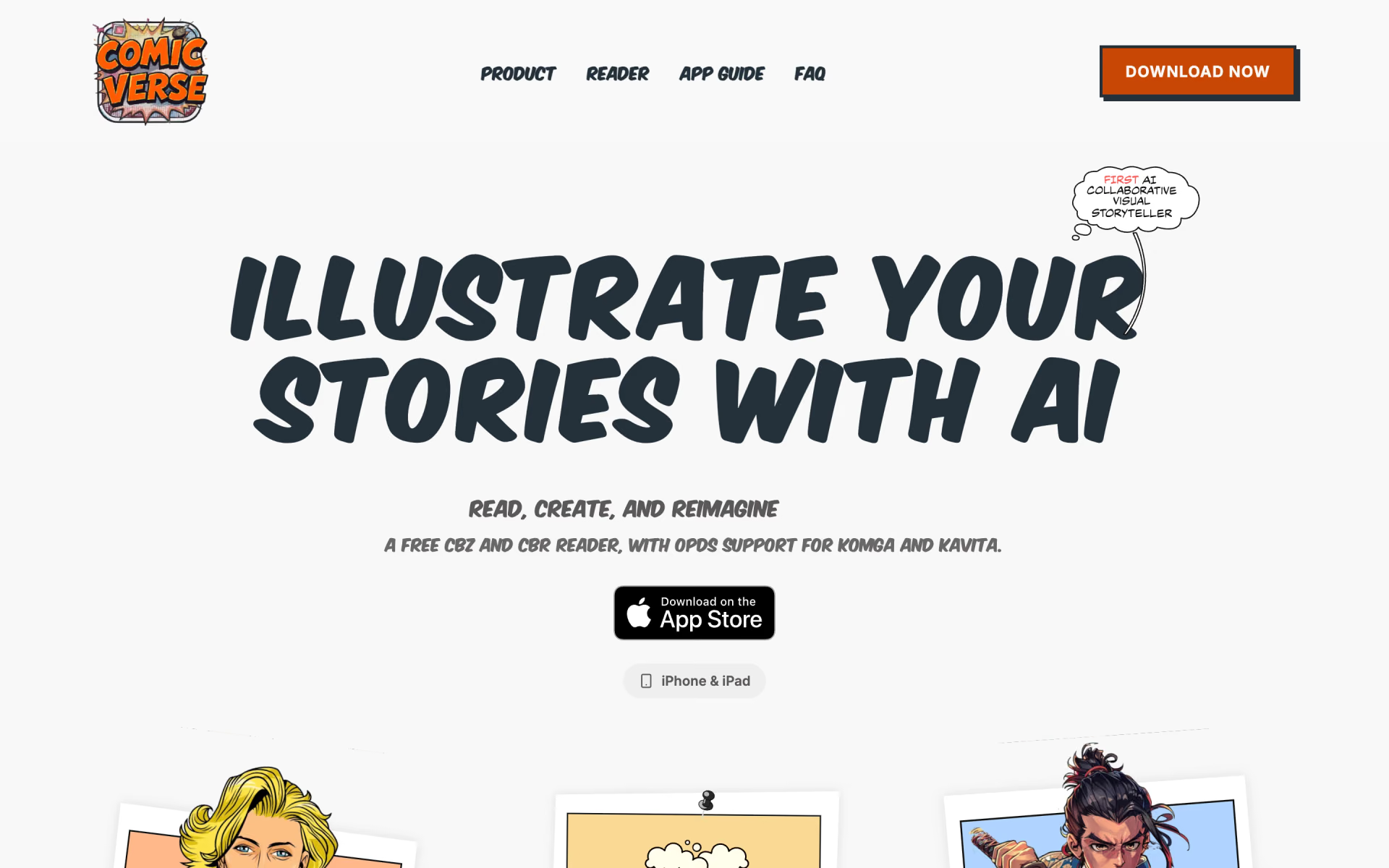
 ComicVerse

 SketchEdge
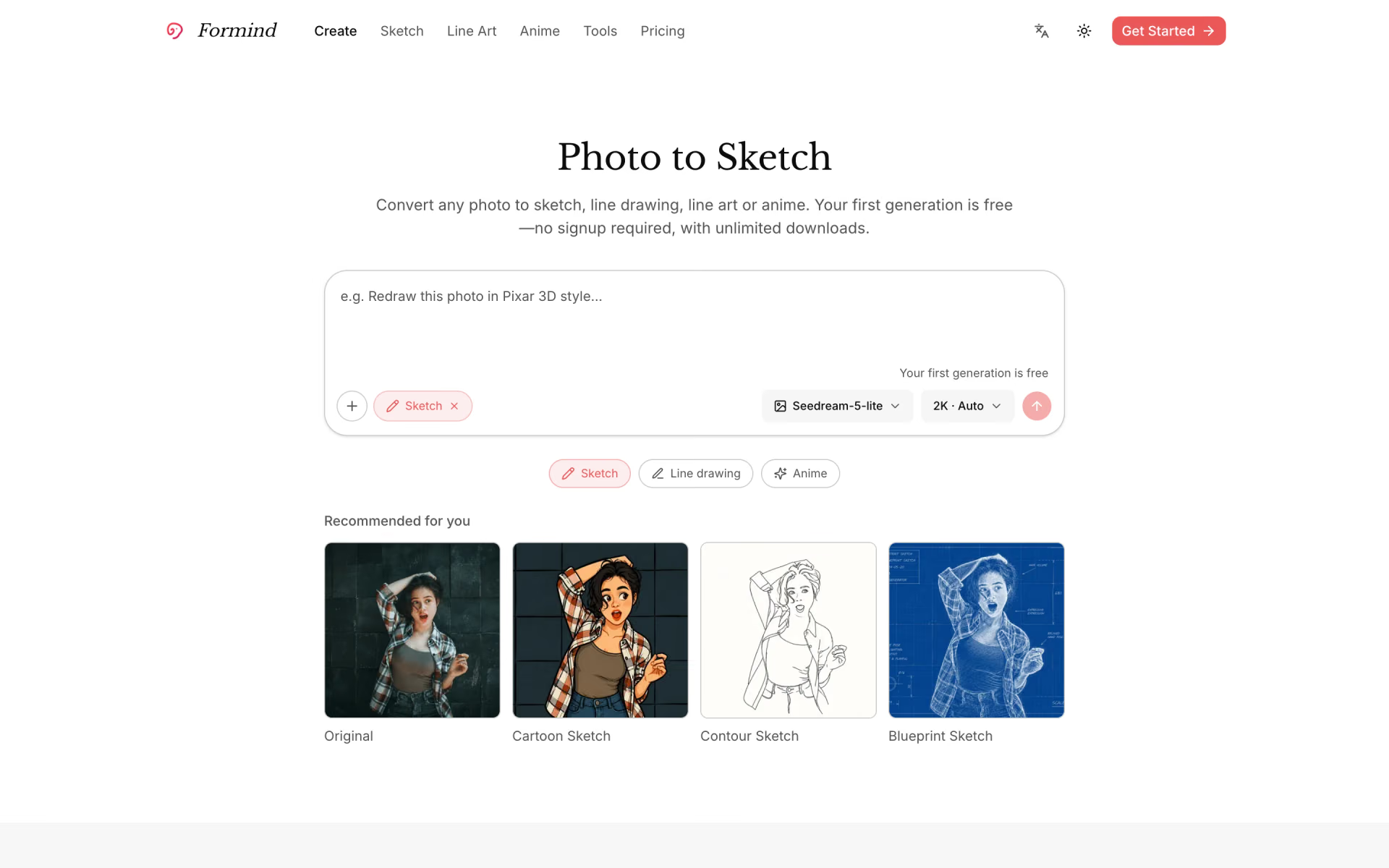
 Formind

 NewArc.ai

 Reve
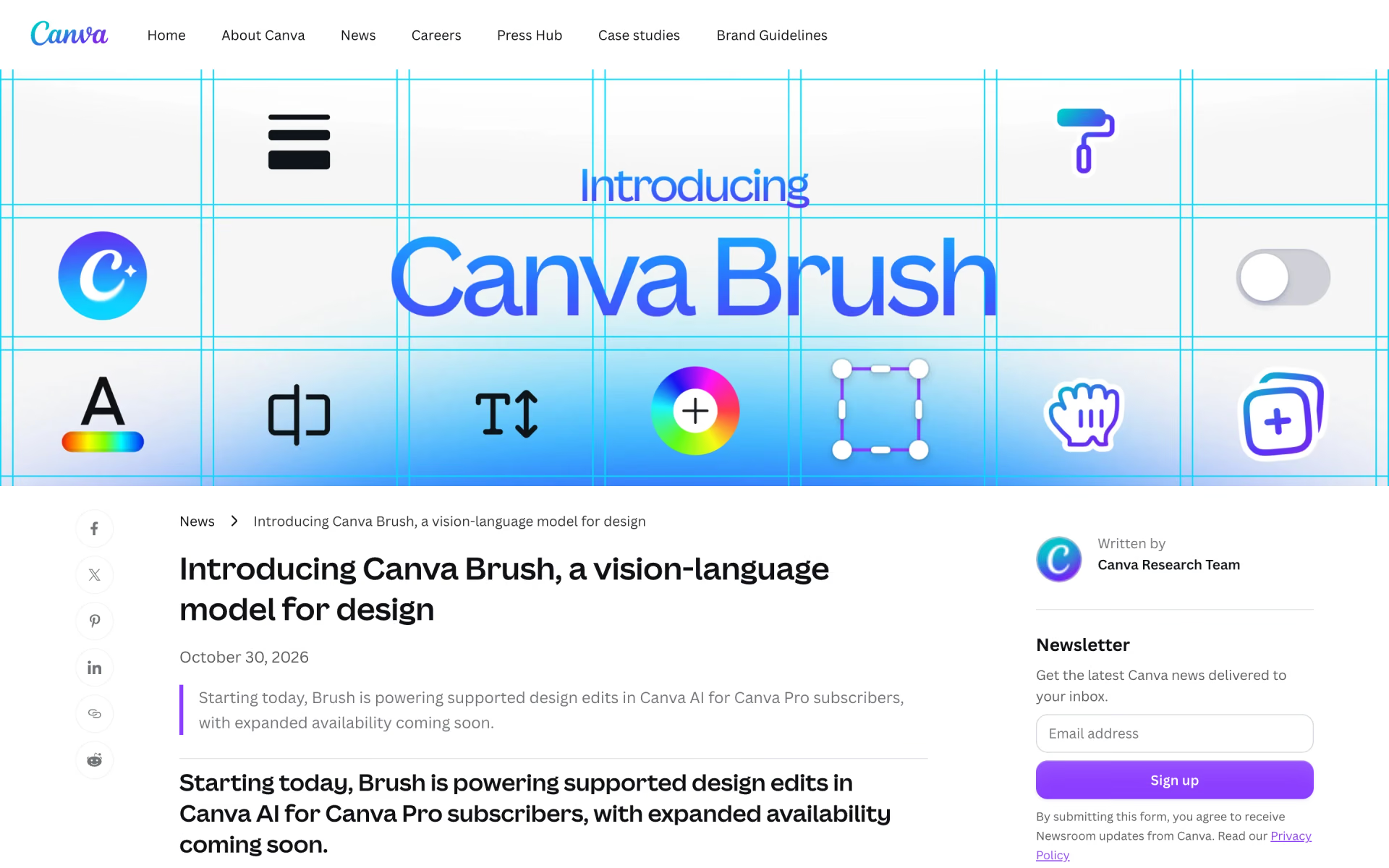
 Canva Brush