
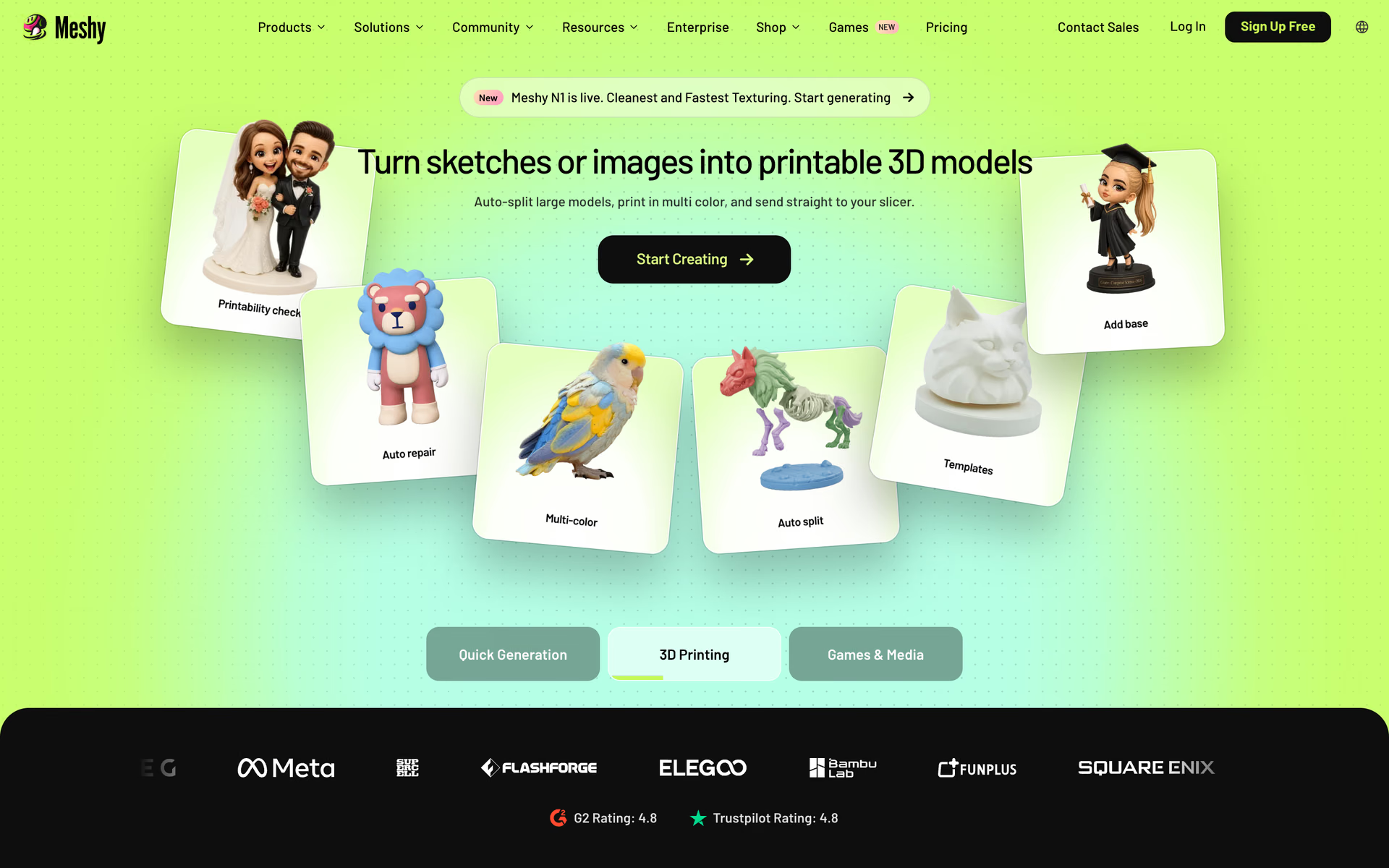
What is Meshy?
Turns text, photos and sketches into textured 3D models, with auto-rigging, animation, print prep and an API.
Who is Meshy best for?
Meshy is best for game developers, 3D printing hobbyists and artists who need 3D models from a prompt or a picture.
3D printing
Models come out watertight and manifold, export as STL, OBJ or 3MF, and go straight to slicers such as Bambu Studio and OrcaSlicer.
Game assets
PBR textures, a low poly mode and FBX or GLB export fit Unity, Unreal Engine, Godot and Blender.
Animated characters
Auto-rigging works on humanoid and four-legged characters, with more than 600 motion presets.
Agents and pipelines
An API, a CLI and an MCP server let Claude Code, Cursor or Codex make 3D models; API and MCP access start on Pro.
How much does Meshy cost?
Meshy's Free plan gives 100 credits a month, and paid plans start at $20 a month for Pro, with 1,000 credits and a private commercial license.
- 100 credits a month, up to 10 assets
- 1 task at a time, low queue priority
- CC BY 4.0 license: commercial use with attribution
- 1,000 credits a month, up to 100 assets
- Unlimited downloads and a private commercial license
- API, MCP and plugins for 3D apps
- 3,000 credits a month, up to 300 assets
- 30 tasks at a time, higher queue priority
- Early access to new features
- 5,500 shared credits a month, up to 550 assets
- Team management and central billing
- Extra seats $10 per seat a month
Ultra is $100 a month for 8,000 credits and up to 800 assets, and Enterprise is priced on request with SSO and full API access. Yearly billing takes 20% off. Plan credits reset each month and do not roll over, and paid plans get 20% off extra credit packs. In some countries the page also lists a Starter plan at $10 a month for 250 credits. Prices are in US dollars. Full pricing on meshy.ai. We checked these prices on .
How do readers rate Meshy?
No one has rated Meshy yet. Be the first.
Sign in to rate. One rating per account.
What are the best Meshy alternatives?
Three tools on Recaply do Meshy's job.



Questions about Meshy
What is Meshy?
Turns text, photos and sketches into textured 3D models, with auto-rigging, animation, print prep and an API.
Who is Meshy for?
Meshy is best for game developers, 3D printing hobbyists and artists who need 3D models from a prompt or a picture.
Is Meshy free?
Yes. Meshy has a free plan: 100 credits a month, up to 10 assets.
How much does Meshy cost?
Meshy's paid plans are Pro at $20 per month, Premium at $40 per month and Studio at $70 per month.
What are the best Meshy alternatives?
The closest alternatives on Recaply are Tripo AI, Rodin and 3D AI Studio.
Where can I try Meshy?
On its official website, meshy.ai.
Can I use Meshy models commercially?
Yes. On a paid plan you own the assets you make, under a private commercial license. Free-plan models come under CC BY 4.0, which allows commercial use as long as you give attribution.

 Yvo3D
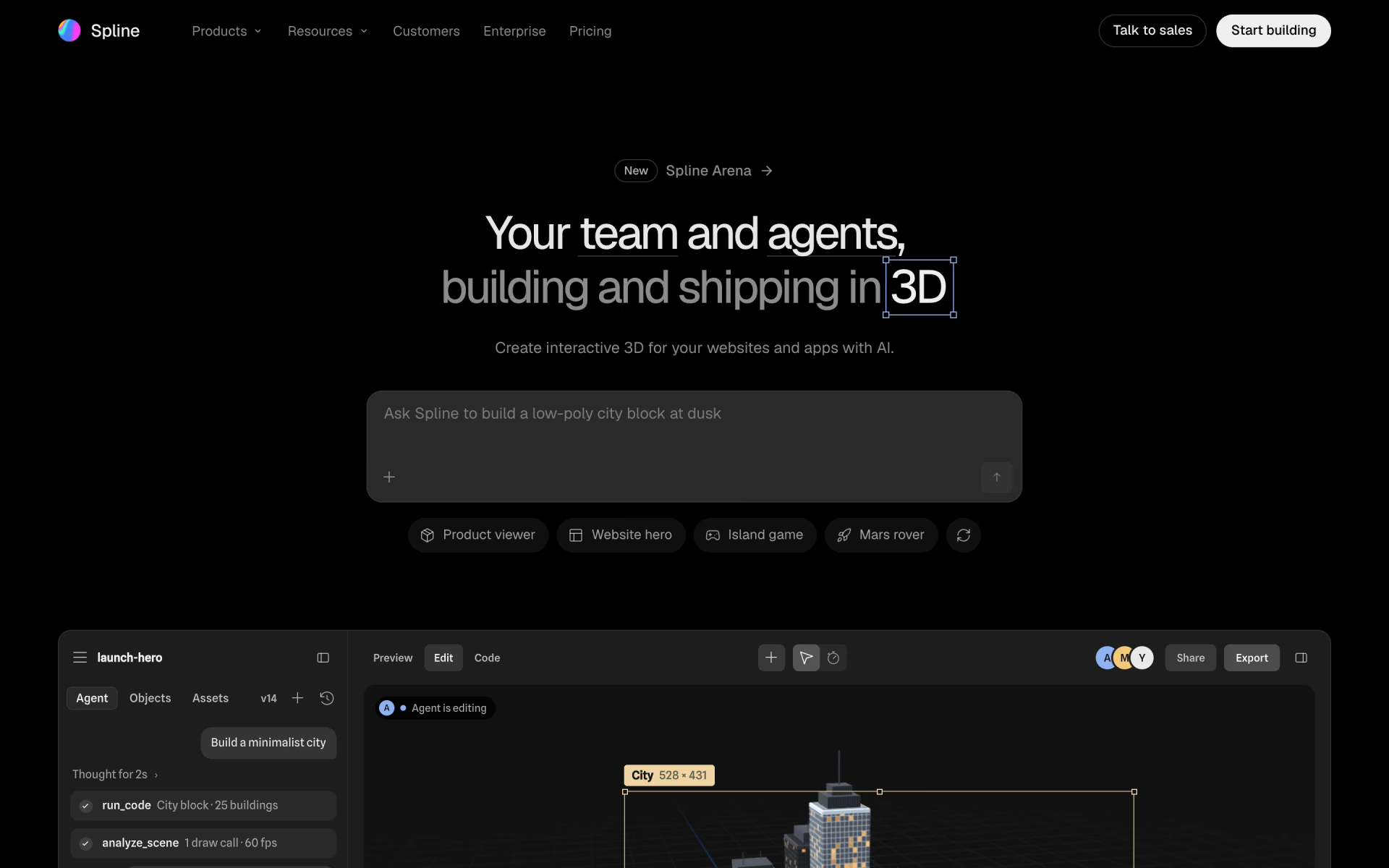
 Spline
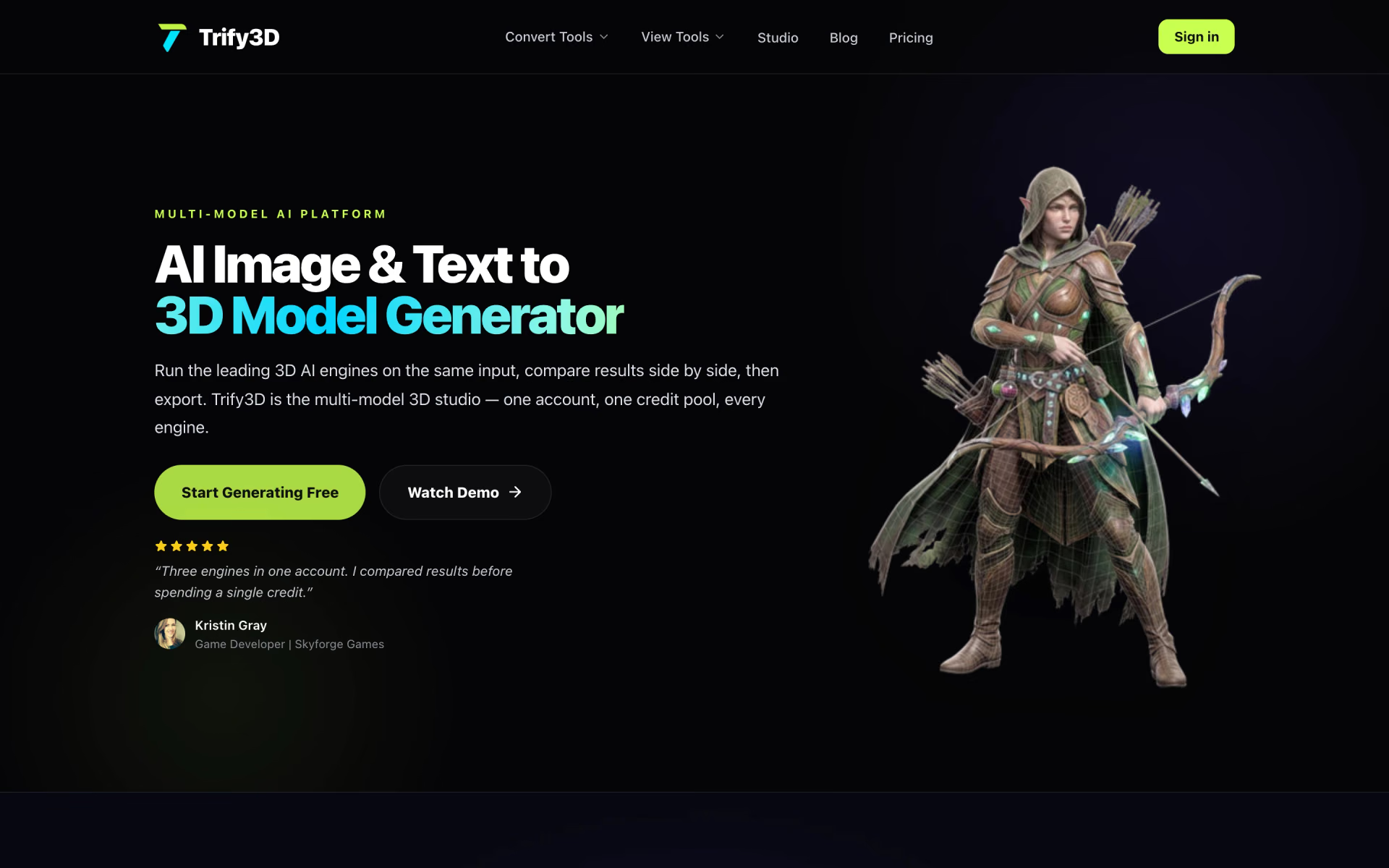
 Trify3D

 Instant3D

 oakleaf3d

 Luphra