
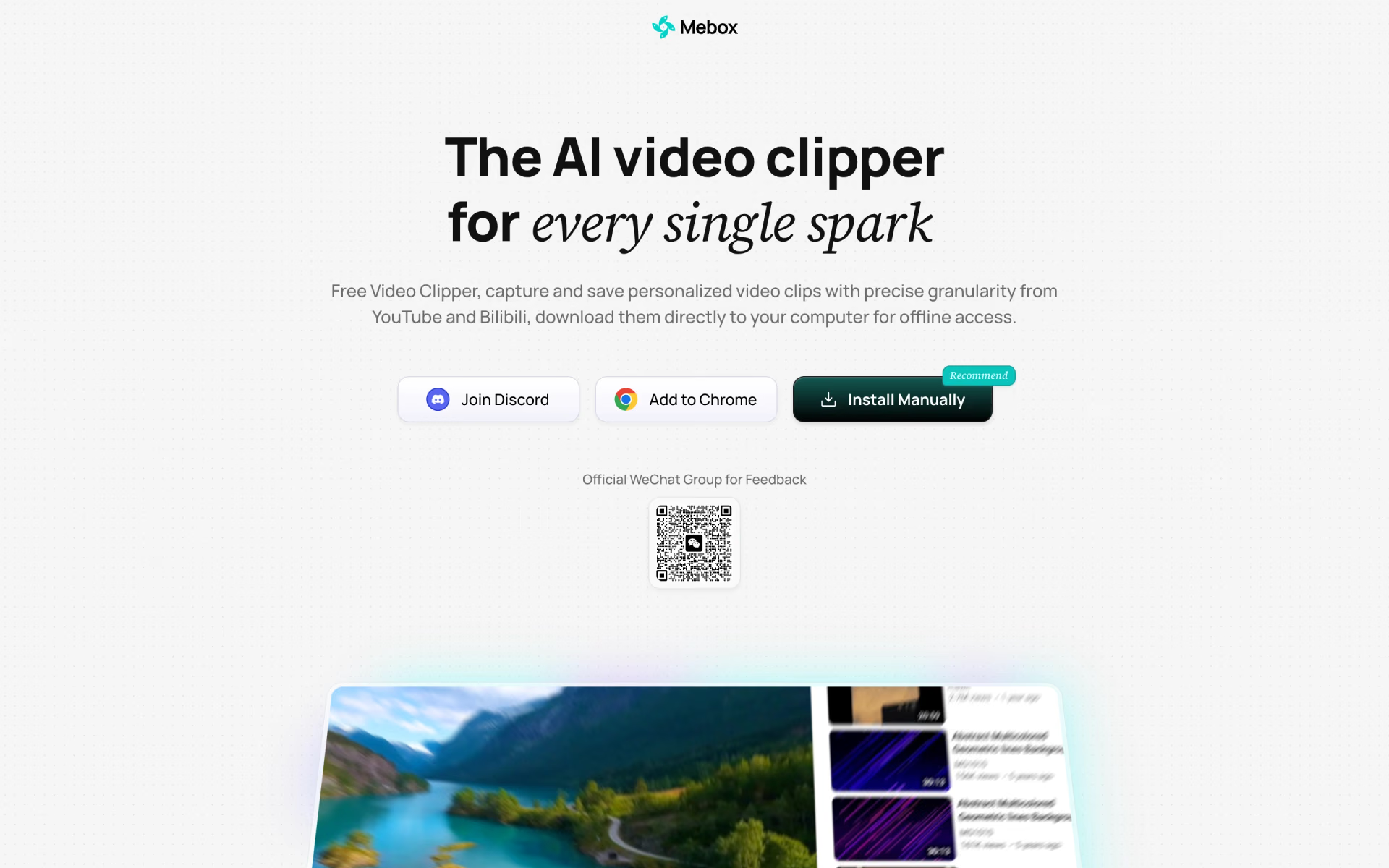
What is Mebox?
Free clipper for saving precise segments of YouTube and Bilibili videos.
Who is Mebox best for?
Mebox is best for people who watch YouTube and Bilibili in Chrome and want to save exact moments as clips and screenshots.
Saving the key part of a long video
You mark start and end times and it saves just that segment, or the whole video with one click.
Catching an idea mid-video
Flash Save grabs a moment the instant something clicks, so you can come back to it.
Visual summaries
It turns a clip into a run of screenshots with subtitles, a quick way to review what was said.
Building a clip library
Saved clips sit in a side panel with a cover and an AI-written summary, and hovering loops the exact moment.
How much does Mebox cost?
Mebox is a free Chrome extension with no paid tier, and its site shows no plans, prices or sign-up.
- Chrome extension, from the Web Store or a manual install
- Clips from YouTube and Bilibili
- Clips download to your computer
Mebox has no pricing page and no plan, upgrade or payment step anywhere on its site; the homepage calls it a free video clipper. You add it from the Chrome Web Store or download the package from mebox.app and load it in Chrome. Full pricing on mebox.app. We checked these prices on .
How do readers rate Mebox?
No one has rated Mebox yet. Be the first.
Sign in to rate. One rating per account.
Questions about Mebox
What is Mebox?
Free clipper for saving precise segments of YouTube and Bilibili videos.
Who is Mebox for?
Mebox is best for people who watch YouTube and Bilibili in Chrome and want to save exact moments as clips and screenshots.
Is Mebox free?
Yes. Mebox has a free plan: Chrome extension, from the Web Store or a manual install.
Where can I try Mebox?
On its official website, mebox.app.
How do I install Mebox?
Mebox installs as a Chrome extension. Add it from the Chrome Web Store, or download the package from mebox.app, unzip it, turn on developer mode at chrome://extensions and load the unpacked folder, then pin the Mebox icon.

 Klap
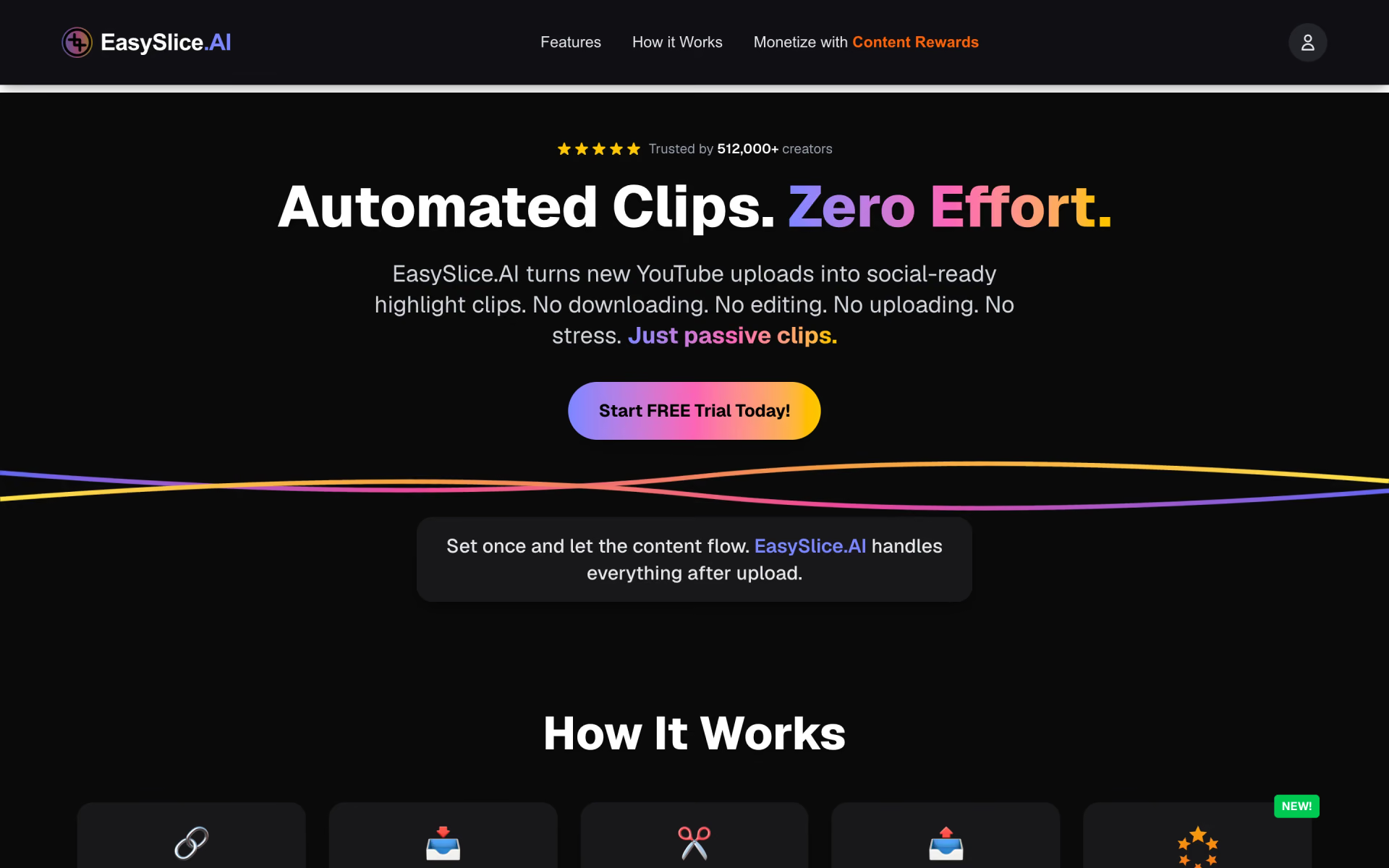
 EasySlice.AI
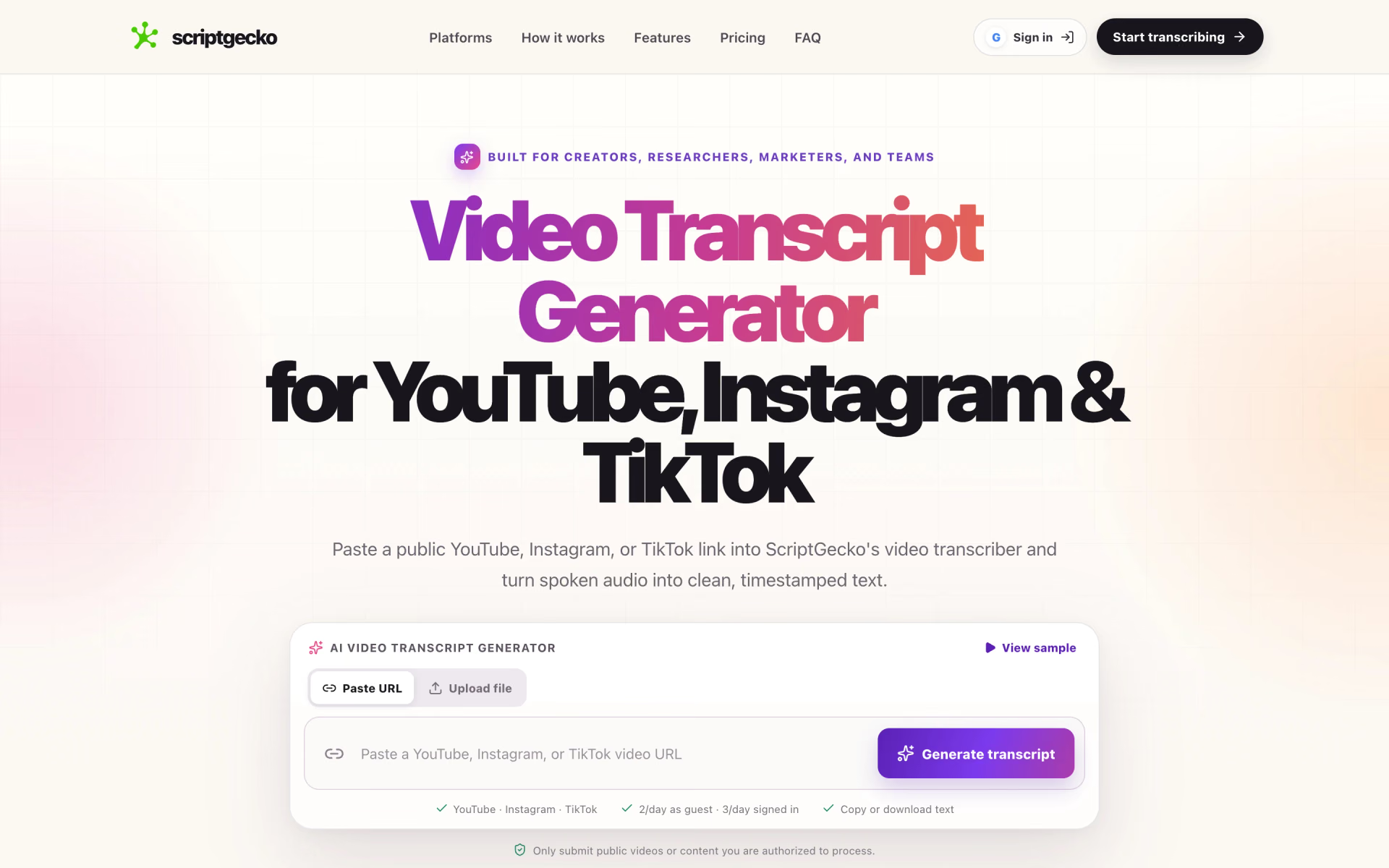
 ScriptGecko

 1of10

 Pikzels

 RuneContent