
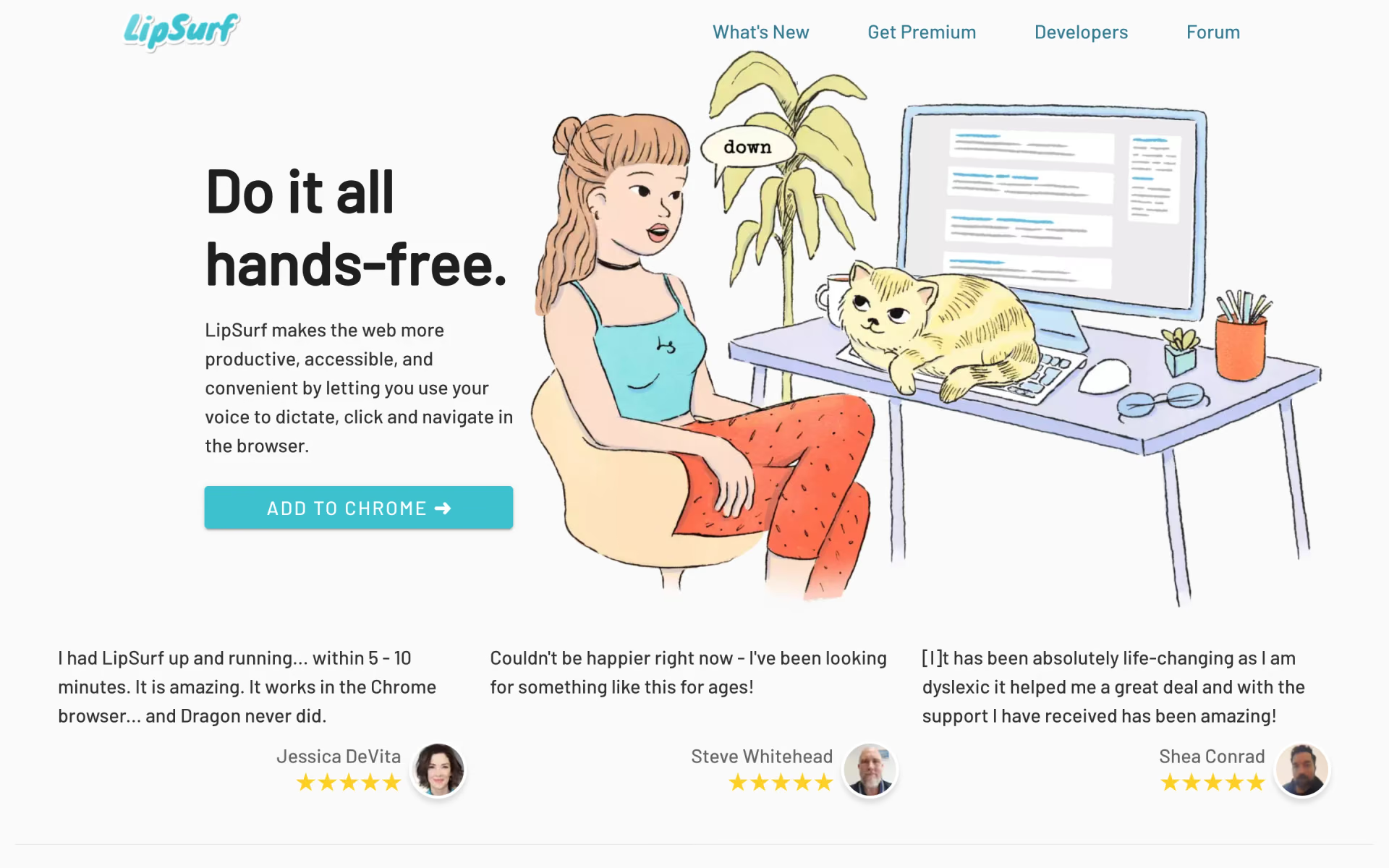
What is LipSurf?
Browse and dictate hands-free by voice.
Who is LipSurf best for?
LipSurf is best for people who want to dictate and browse by voice in Chrome, including those with motor disabilities.
People with motor disabilities
Clicking links, scrolling and filling in text boxes all work by voice, which helps people with arthritis, Parkinson's, tremor or limb loss use the web.
Heavy typists with RSI
Dictation works in any editable field, including Gmail, Outlook, Google Docs and Slack, so you can rest your hands without leaving the browser.
Writers with dyslexia or ADHD
Speaking a draft instead of typing it takes spelling and keyboard friction out of emails and documents.
Chrome users on any computer
It runs as a browser extension on Windows, Mac, Linux and Chromebooks with the microphone you already have, and custom voice shortcuts can insert your own text templates.
How much does LipSurf cost?
LipSurf is free for up to 200 voice commands a day, and Premium costs $8 a month, or $6 a month billed yearly, for unlimited commands.
- Up to 200 voice commands a day
- Every command and plugin
- Dictation and the Hey LipSurf wake word
- Unlimited voice commands
- Everything in Free
- Email and phone support
Paying a year upfront takes 25% off, so Premium works out to $6 a month billed yearly. One subscription covers up to 6 personal computers signed in to the same account. Nonprofits can ask for bulk discounts, and schools and organizations get plans on request. Current subscribers keep their price if LipSurf raises it later. Full pricing on lipsurf.com. We checked these prices on .
How do readers rate LipSurf?
No one has rated LipSurf yet. Be the first.
Sign in to rate. One rating per account.
What are the best LipSurf alternatives?
One tool on Recaply does LipSurf's job.

Questions about LipSurf
What is LipSurf?
Browse and dictate hands-free by voice.
Who is LipSurf for?
LipSurf is best for people who want to dictate and browse by voice in Chrome, including those with motor disabilities.
Is LipSurf free?
Yes. LipSurf has a free plan: up to 200 voice commands a day.
How much does LipSurf cost?
LipSurf's paid plans are Premium at $8 per month.
What are the best LipSurf alternatives?
The closest alternatives on Recaply are VoiceOS.
Where can I try LipSurf?
On its official website, lipsurf.com.
Can I use one LipSurf subscription on several computers?
Yes. A LipSurf Premium subscription can be installed on up to 6 personal computers, as long as each one signs in with the same LipSurf account. Nonprofits, schools and organizations that need more seats can contact LipSurf about bulk plans.
Does LipSurf store my voice recordings?
No. LipSurf says it does not store or process your voice on its own servers; speech is turned into text through Google's speech APIs. The only personal data it keeps is your email address, and the Hey LipSurf wake word is detected offline on your computer.
 Wispr Flow
 VoiceInk

 NoteAI
 Cleft
 Typeless

 Dictanote