

What is Jules Tools?
Command-line interface for Google's Jules coding agent.
Who is Jules Tools best for?
Jules Tools is best for developers who want to hand coding tasks to Google's Jules agent from the terminal.
Developers who live in the terminal
You can start, list and pull Jules tasks with commands such as jules remote new, without opening the browser.
Scripted task queues
It reads from pipes, so a GitHub issue list or a TODO file can become one Jules task per line.
Chores you want off your plate
Jules works in a cloud VM and returns a pull request, so tests, dependency bumps and small fixes run while you do other work.
Keeping an eye on many tasks
A text dashboard lists running sessions, and a guided flow walks you through starting a new one.
How much does Jules Tools cost?
Jules Tools is free to install, and the free Jules plan behind it gives 15 tasks a day; more tasks come with Google AI Pro at $19.99 a month or Google AI Ultra from $99.99 a month.
- 15 tasks a day
- 3 tasks running at once
- 100 tasks a day
- 15 tasks running at once
- More access to the latest Gemini models
- 300 tasks a day
- 60 tasks running at once
- Priority access to the latest Gemini models
Jules Tools is a free npm package that uses your Jules plan's limits, counted over a rolling 24 hours. Google AI Pro is $199.99 a year if paid yearly. Google AI Ultra comes as Ultra 5x at $99.99 or Ultra 20x at $199.99 a month, and Google's table shows higher Jules limits on Ultra 20x. Google AI Plus, at $4.99 a month, shows only limited Jules access. Paid plans are for personal Google accounts only. These are US prices; Google shows local prices elsewhere. Full pricing on one.google.com. We checked these prices on .
How do readers rate Jules Tools?
No one has rated Jules Tools yet. Be the first.
Sign in to rate. One rating per account.
Questions about Jules Tools
What is Jules Tools?
Command-line interface for Google's Jules coding agent.
Who is Jules Tools for?
Jules Tools is best for developers who want to hand coding tasks to Google's Jules agent from the terminal.
Is Jules Tools free?
Yes. Jules Tools has a free Jules plan: 15 tasks a day.
How much does Jules Tools cost?
Jules Tools's paid plans are Jules in Pro at $19.99 per month, with Google AI Pro and Jules in Ultra at From $99.99 per month, with Google AI Ultra.
Where can I try Jules Tools?
On its official website, developers.googleblog.com.
How do I install Jules Tools?
Install Jules Tools with npm install -g @google/jules (pnpm also works), then run jules login, which opens a browser to sign in with your Google account. After that, jules remote list --repo shows the repositories connected to Jules and jules remote new starts a task.
What happens when I reach my Jules task limit?
Once you use your daily Jules tasks, you cannot start new ones until the rolling 24-hour window frees up. You can still review and manage tasks that are already running, and your task history stays in place.

 Google Workspace CLI
 Wit.ai
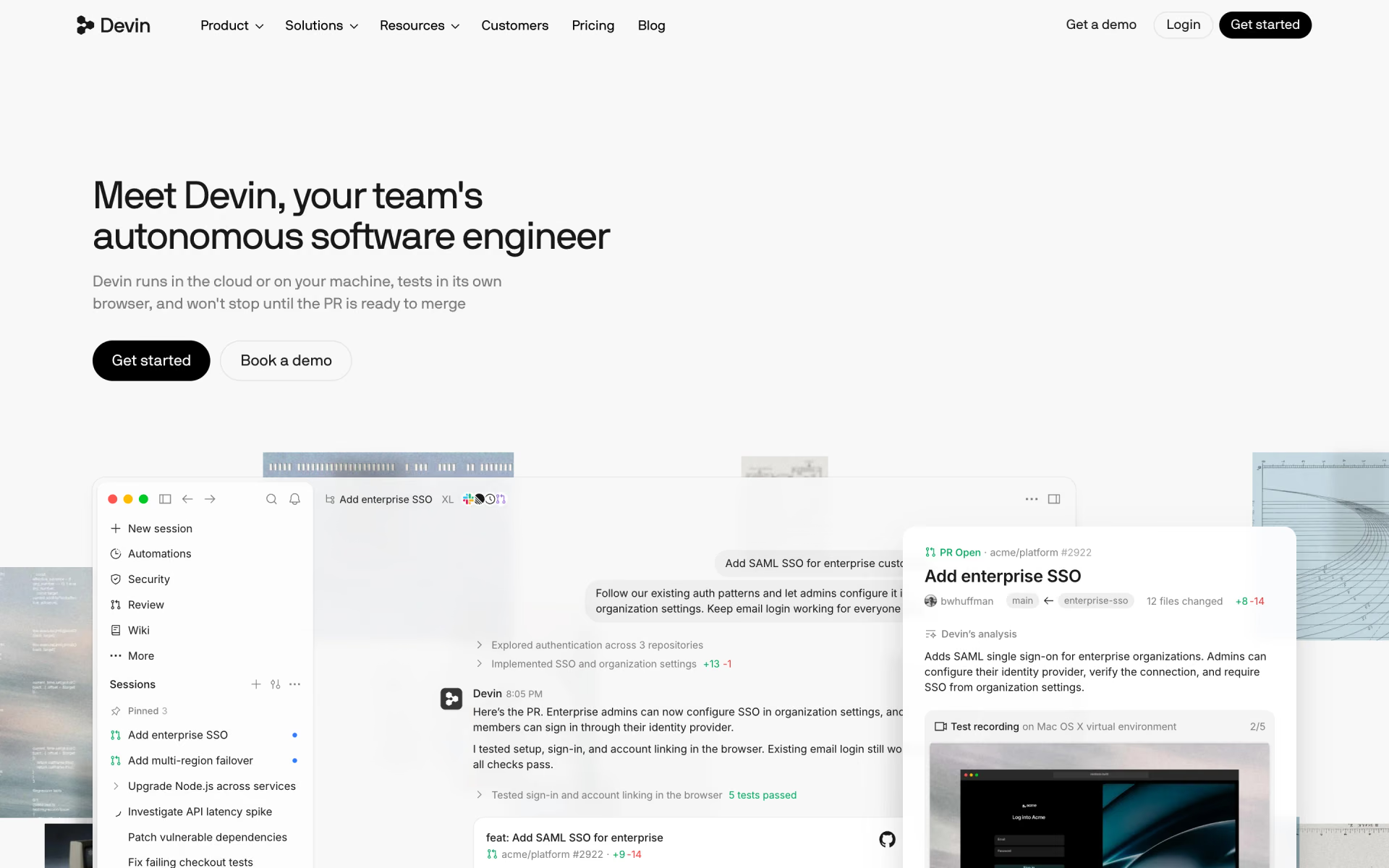
 Devin
 Ollama
 Universal Commerce Protocol

 Genkit