
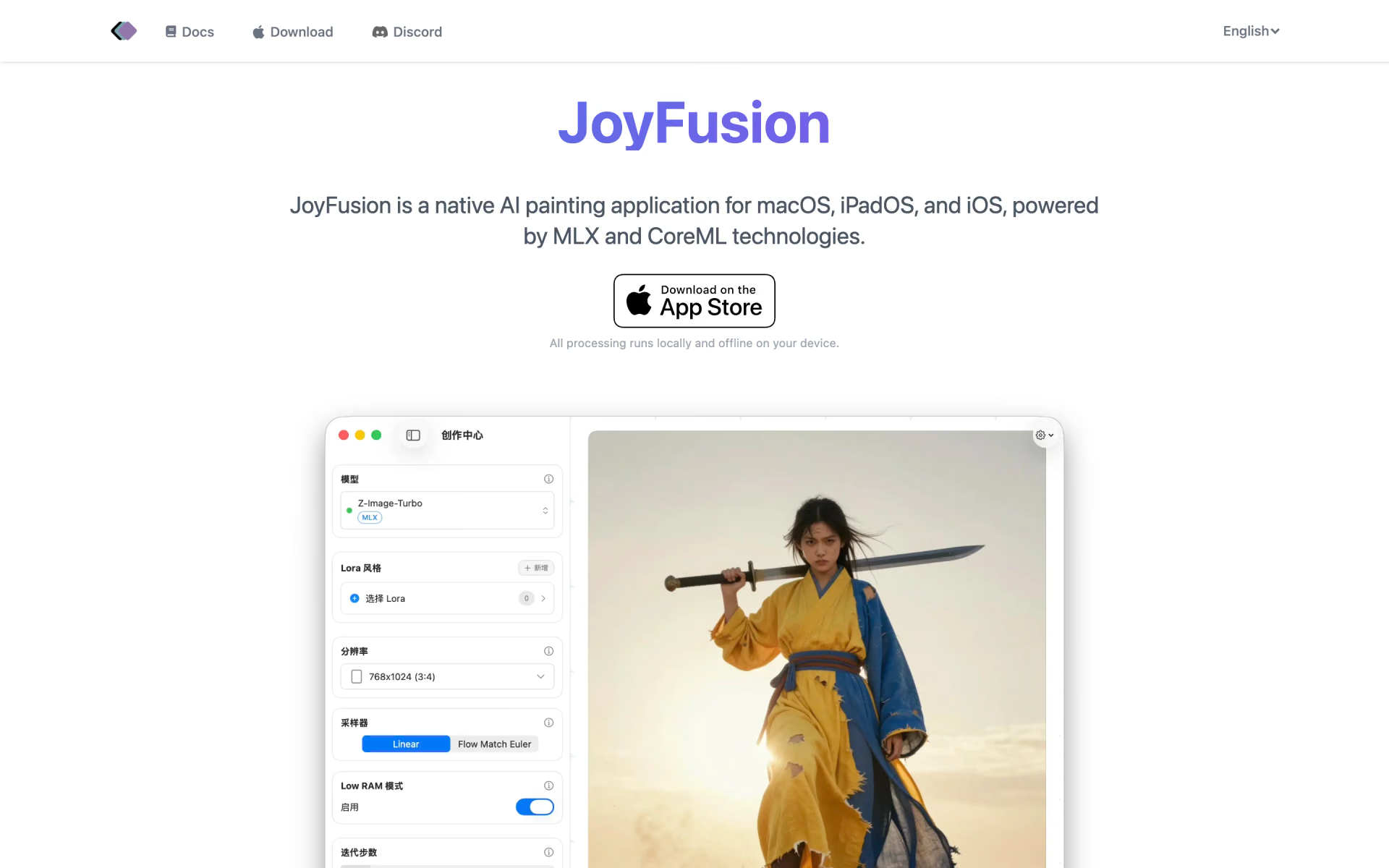
What is JoyFusion?
Images generated locally on Apple devices, offline.
Who is JoyFusion best for?
JoyFusion is best for iPhone, iPad and Mac owners who want to generate images privately on their own device, offline.
Private, offline image generation
All processing runs on the device itself rather than a cloud server, and no internet connection is needed once a model is installed.
Trying open image models on a Mac
It runs Z-Image Turbo, FLUX.2 klein, Qwen-Image-Edit, FLUX.1 Krea, SDXL Turbo and SDXL without a GPU server or cloud account.
Turning sketches and photos into images
Image-to-image and ControlNet 1.1 use a drawing or photo as the starting point for a new picture.
Playing with art styles
More than 60 style models change the look of an image, and results can be rendered at higher resolution.
How much does JoyFusion cost?
JoyFusion's own site shows no prices: the app is sold through Apple's App Store for iPhone, iPad and Mac, which is where its current prices appear.
JoyFusion's website and user guide list no plans or prices, and its Download button leads straight to the App Store listing for iPhone, iPad and Mac. Plans and current prices are on joyfusion.app.
How do readers rate JoyFusion?
No one has rated JoyFusion yet. Be the first.
Sign in to rate. One rating per account.
What are the best JoyFusion alternatives?
One tool on Recaply does JoyFusion's job. It is open source, so you can run it on your own server.

Questions about JoyFusion
What is JoyFusion?
Images generated locally on Apple devices, offline.
Who is JoyFusion for?
JoyFusion is best for iPhone, iPad and Mac owners who want to generate images privately on their own device, offline.
Is JoyFusion free?
No. JoyFusion is a paid tool.
Is there an open source alternative to JoyFusion?
Yes. Bonsai Image 4B is an open source tool that does the same job, so you can run your own.
What are the best JoyFusion alternatives?
The closest alternatives on Recaply are Bonsai Image 4B.
Where can I try JoyFusion?
On its official website, joyfusion.app.
Does JoyFusion work offline?
Yes. JoyFusion runs its image models locally on the iPhone, iPad or Mac, so it works without an internet connection once a model is installed. The model files download from Hugging Face first, which the maker says can be slow in some regions.
What devices can run JoyFusion?
JoyFusion is built for Apple chips: the maker's guide lists an M1 Mac or iPad, or an iPhone with an A14 chip or newer. Devices with less than 16GB of memory should use the lighter split-einsum models, while the original models need more, such as an M1 Max with 32GB.
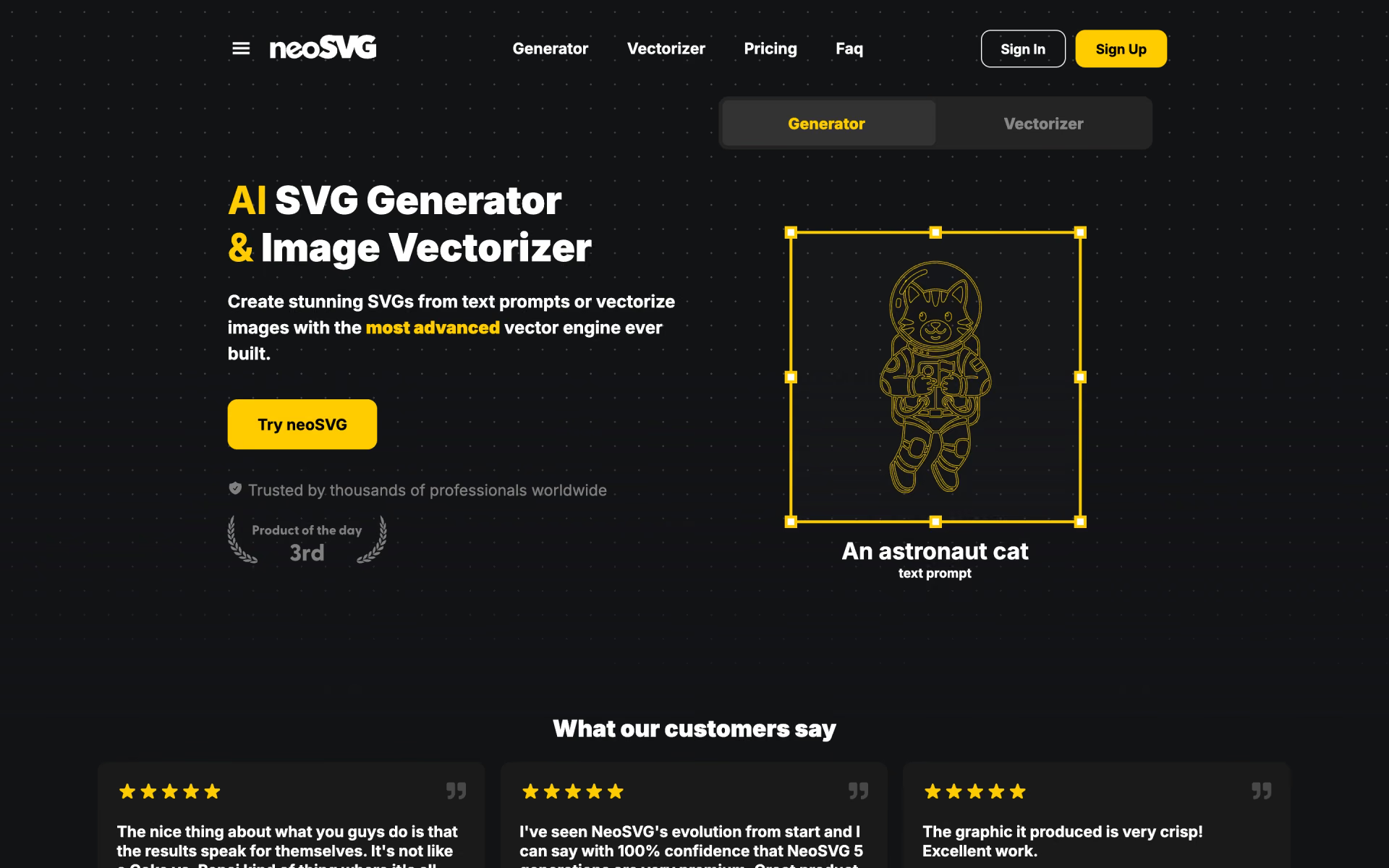
 neoSVG

 KitchenGPT

 ComfyUI

 AppFlows
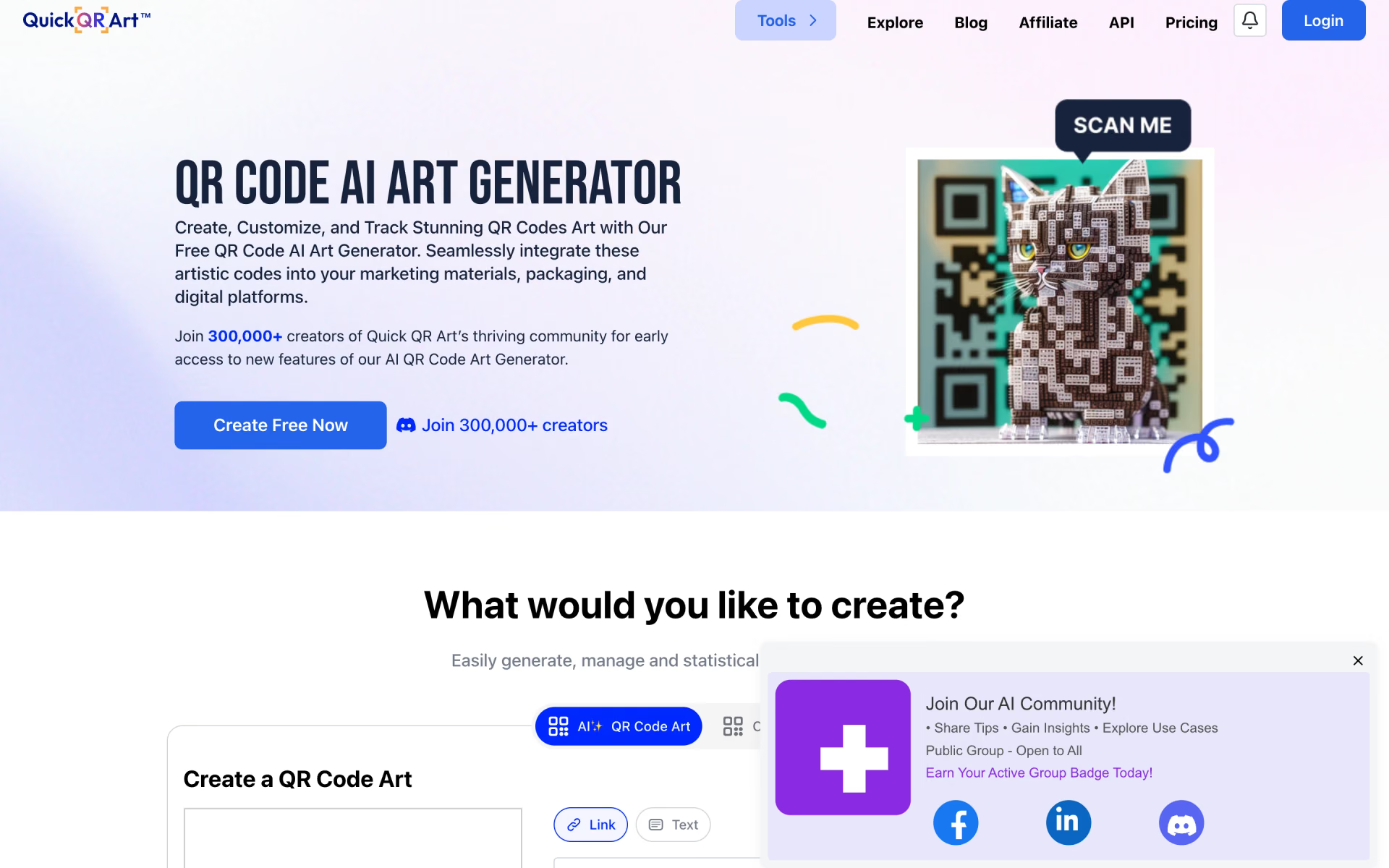
 Quick QR Art
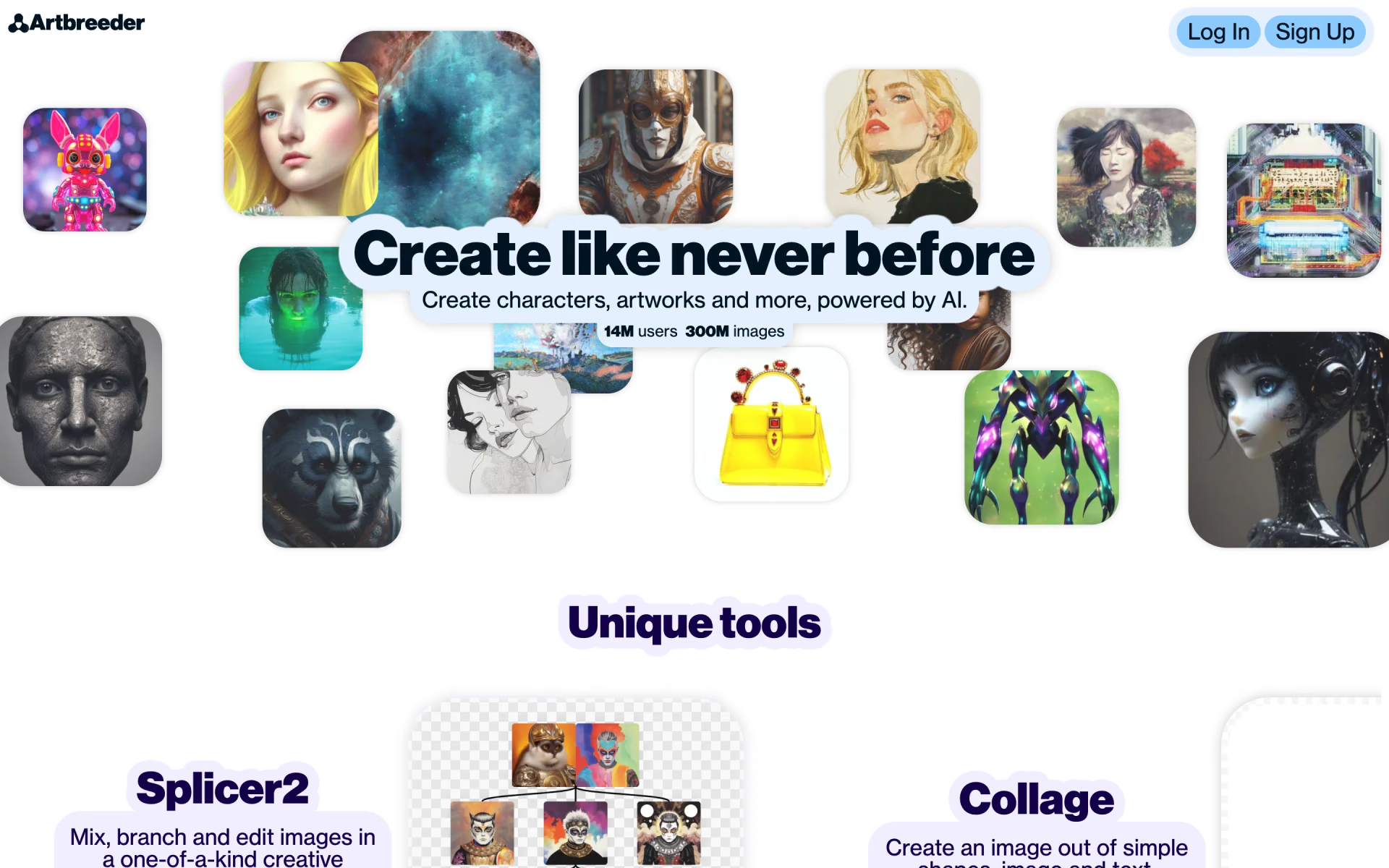
 Artbreeder