

What is Hugging Face?
Hugging Face is a Git-based hub for machine learning. Labs such as Meta, Google and Microsoft publish model weights there, and anyone can download them for free, clone datasets or open Spaces, the small web apps people build to demo a model. Its own Transformers and Diffusers libraries load Hub models in a few lines of Python.
The Hub is free; the money is in compute. You pay by the hour for GPUs behind a Space or a dedicated Inference Endpoint, pay provider rates through Inference Providers, or subscribe to PRO, Team or Enterprise for storage, quota and admin controls. Replicate and Together AI sell inference without the community hub.
Who is Hugging Face best for?
Hugging Face is best for ML engineers and researchers who find, share and host open models and datasets, and who pay only when they need GPUs.
Finding open models
Over 2 million models and 500,000 datasets are free to download, with model cards and download counts to compare them.
Demos and portfolios
Spaces host a Gradio or Docker app on a free CPU, and ZeroGPU lends a shared GPU for free within a daily quota.
ML teams with private work
Team adds SSO, audit logs, resource groups and storage regions for $20 per user a month, with 1 TB of private storage per seat.
Production inference
Inference Endpoints put a Hub model on dedicated, autoscaling hardware, from $0.033 an hour on CPU up to H100 and B200 GPUs.
What's included with Hugging Face?
Free repos for models and datasets, Spaces for demo apps, one API for partner inference providers, dedicated endpoints and paid storage.
- Model and dataset repos
- Git-based repos with version history, model cards and a dataset viewer; public storage is free within fair use.
- Spaces
- Host a demo app built with Gradio or Docker on free CPU, ZeroGPU, or paid GPUs from $0.40 an hour.
- Inference Providers
- One API and one token reach models served by partner providers, billed at each provider's rate with no Hugging Face markup.
- Inference Endpoints
- Dedicated, autoscaling deployments of any Hub model on AWS, Azure or Google Cloud hardware.
- Storage add-on
- Extra storage costs $12 per TB a month for public repos and $18 for private ones, with egress included.
How much does Hugging Face cost?
Hugging Face is free for public work; PRO costs $9 a month, Team $20 per user a month and Enterprise $50 per user a month, and GPUs and inference are billed by use.
- Public models, datasets and Spaces
- 100 GB of private storage
- Free CPU Spaces and ZeroGPU within a daily quota
- $2 of compute credits each month
- 1 TB private storage, up to 10 ZeroGPU Spaces
- 8x ZeroGPU quota and top queue priority
- SSO, audit logs and resource groups
- 1 TB private storage and $2 of credits per seat
- PRO GPU and inference benefits for every member
- SCIM user provisioning
- Highest storage, bandwidth and API rate limits
- Annual billing and dedicated support
Compute is billed on top of any plan: Spaces hardware from $0.03 an hour for CPU and $0.40 for a T4 GPU, Inference Endpoints from $0.033 an hour, and Inference Providers at each provider's rate. Free accounts get no monthly inference credits. Storage beyond what a plan includes costs $12 per TB a month for public repos and $18 for private ones. Full pricing on huggingface.co. We checked these prices on .
How do readers rate Hugging Face?
No one has rated Hugging Face yet. Be the first.
Sign in to rate. One rating per account.
Hugging Face pros and cons
It is the biggest free library of open models and the easiest place to demo one, but free GPU quotas are tight and usage billing can surprise you.
Pros
- The largest open collection: over 2 million models and 500,000 datasets, free to download without a paid plan.
- Free hosting for public models and demos, and ZeroGPU lends a real GPU to Spaces at no cost.
- PRO at $9 a month is cheap for what it adds, and Team brings SSO and audit logs for $20 a seat.
- Reviewers praise the docs and libraries: loading a Hub model with Transformers takes a few lines of Python.
Cons
- Free GPU use has shrunk: free accounts get no inference credits, and Reddit and forum users report ZeroGPU quota errors after a handful of runs.
- PRO includes only $2 of compute credits a month, which many users call thin for $9.
- Pay-as-you-go GPUs and inference can run up a bill; users report surprise charges on top of PRO, and only Team and Enterprise admins get a documented spending limit.
- With millions of uploads, finding a good model takes work, and free Spaces go to sleep when idle and are slow to wake.
How do I connect Hugging Face to my AI agent?
Hugging Face MCP is Hugging Face's official MCP server. Add it to your agent once, then ask it to find models, datasets and Spaces on Hugging Face while you code.
Connects your agent to the Hugging Face Hub and its docs, so you can compare models for a job, find training data and check how a library works.
$ claude mcp add --transport http hugging-face https://huggingface.co/mcp
Claude Code connects to Hugging Face over the web.
Hugging Face's setup guide covers the sign-in.
Then ask your agent
- Runs
- On the web
- Sign-in
- See guide
- Checked
- Answered 13 Nov
- Guide
- huggingface.co
What are the best Hugging Face alternatives?
Three tools on Recaply do Hugging Face's job. Ollama is open source, so you can run it on your own server.
 ReplicateFreemium
Choose it when you only want to call a model through an API and pay for GPU time by the second, without repos, Spaces or endpoint setup.
 Together AIPaid
Choose it when you need fast serverless inference and fine-tuning for popular open LLMs at per-token prices, from $0.09 per million input tokens.
 OllamaOpen Source
Choose it when you want to run open models on your own computer for free with one command, with no cloud account or GPU bill.
Questions about Hugging Face
What does Hugging Face PRO include?
PRO costs $9 a month and adds $2 of compute credits each month, 1 TB of private storage, eight times the ZeroGPU quota and room to host up to 10 ZeroGPU Spaces. It also adds Spaces Dev Mode and the dataset viewer for private datasets.
Who is Hugging Face for?
Hugging Face is best for ML engineers and researchers who find, share and host open models and datasets, and who pay only when they need GPUs.
Can I run Hugging Face models for free?
Yes, in two ways: download the weights and run them on your own hardware, or use public Spaces, many of which run on free ZeroGPU hardware within a daily quota. Calls through Inference Providers need credits, and free accounts get none each month.
How much does Hugging Face cost?
Hugging Face's paid plans are PRO at $9 per month, Team at $20 per user per month and Enterprise at $50 per user per month.
Does Hugging Face have an MCP server?
Yes. Hugging Face MCP is Hugging Face's official MCP server, so agents such as Claude Code, Cursor, Codex and GitHub Copilot can find models, datasets and Spaces on Hugging Face while you code. Hugging Face runs it on the web.
Is there an open source alternative to Hugging Face?
Yes. Ollama is an open source tool that does the same job, so you can run your own.
What are the best Hugging Face alternatives?
The closest alternatives on Recaply are Replicate, Together AI and Ollama.
Where can I try Hugging Face?
On its official website, huggingface.co.
What are Hugging Face Spaces?
Spaces are small web apps, built with Gradio or Docker, that run on Hugging Face to demo a model. They run free on a basic CPU or on shared ZeroGPU hardware, and you can rent dedicated GPUs by the hour from $0.40.
Hugging Face vs Replicate: which should I use?
Use Hugging Face to find, store and share models and to demo them in Spaces; it also sells dedicated endpoints for production. Replicate is simpler when you only want an API that runs a model and bills GPU time by the second.
Our verdict
Hugging Face is the place to start for anyone working with open models, and most people never need to pay.
The Hub, downloads and public Spaces are free, PRO is cheap, and paid compute covers everything from a demo GPU to H100 endpoints.
- Skip it for
- Teams that only want a simple pay-per-call API for a few popular models, where Replicate or Together AI need less setup.
- Check first
- Set a budget and watch usage before you switch on pay-as-you-go GPUs or Inference Providers.

 Smolagents

 Gradio
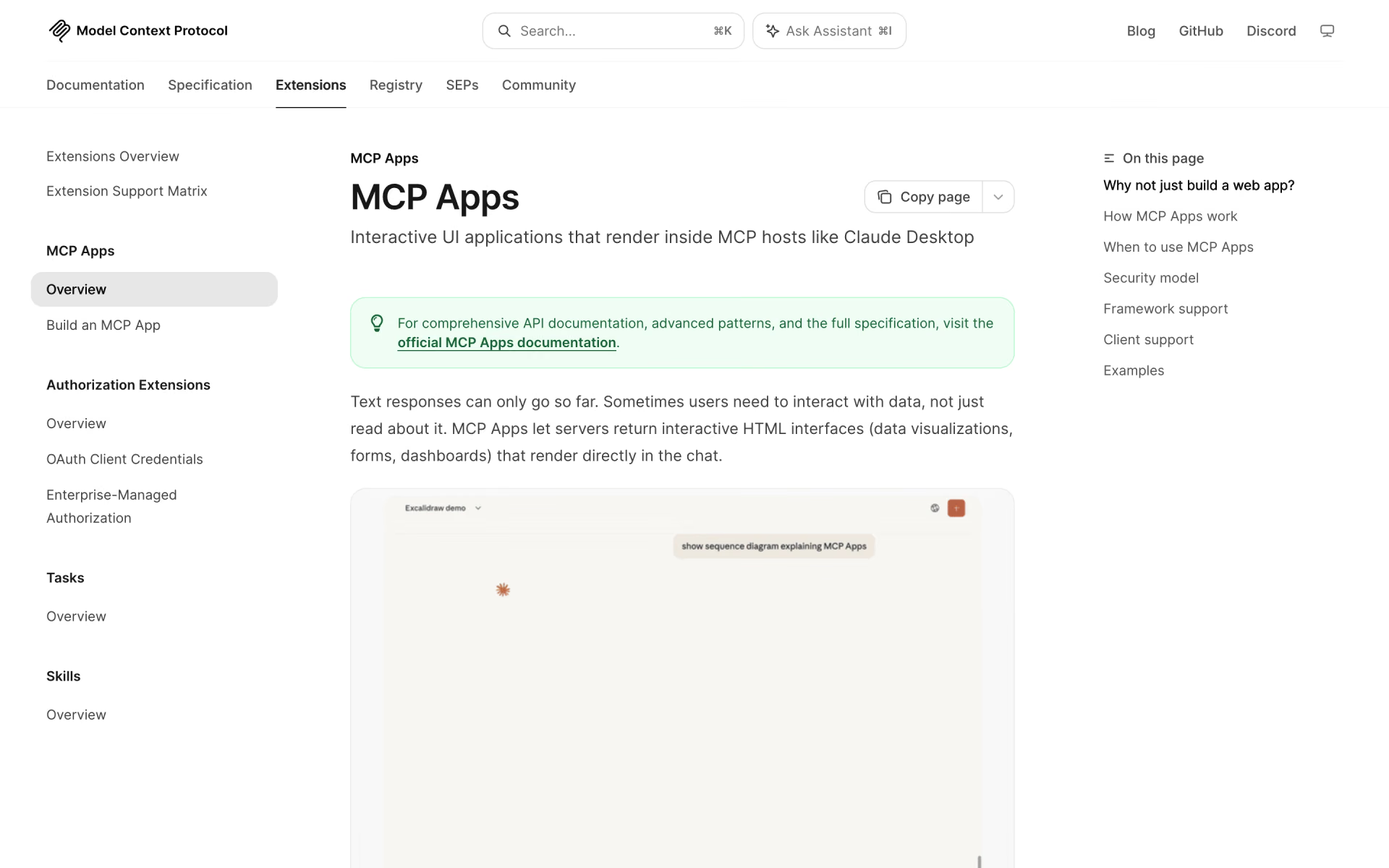
 MCP Apps

 WorldRouter

 Open Memory Protocol
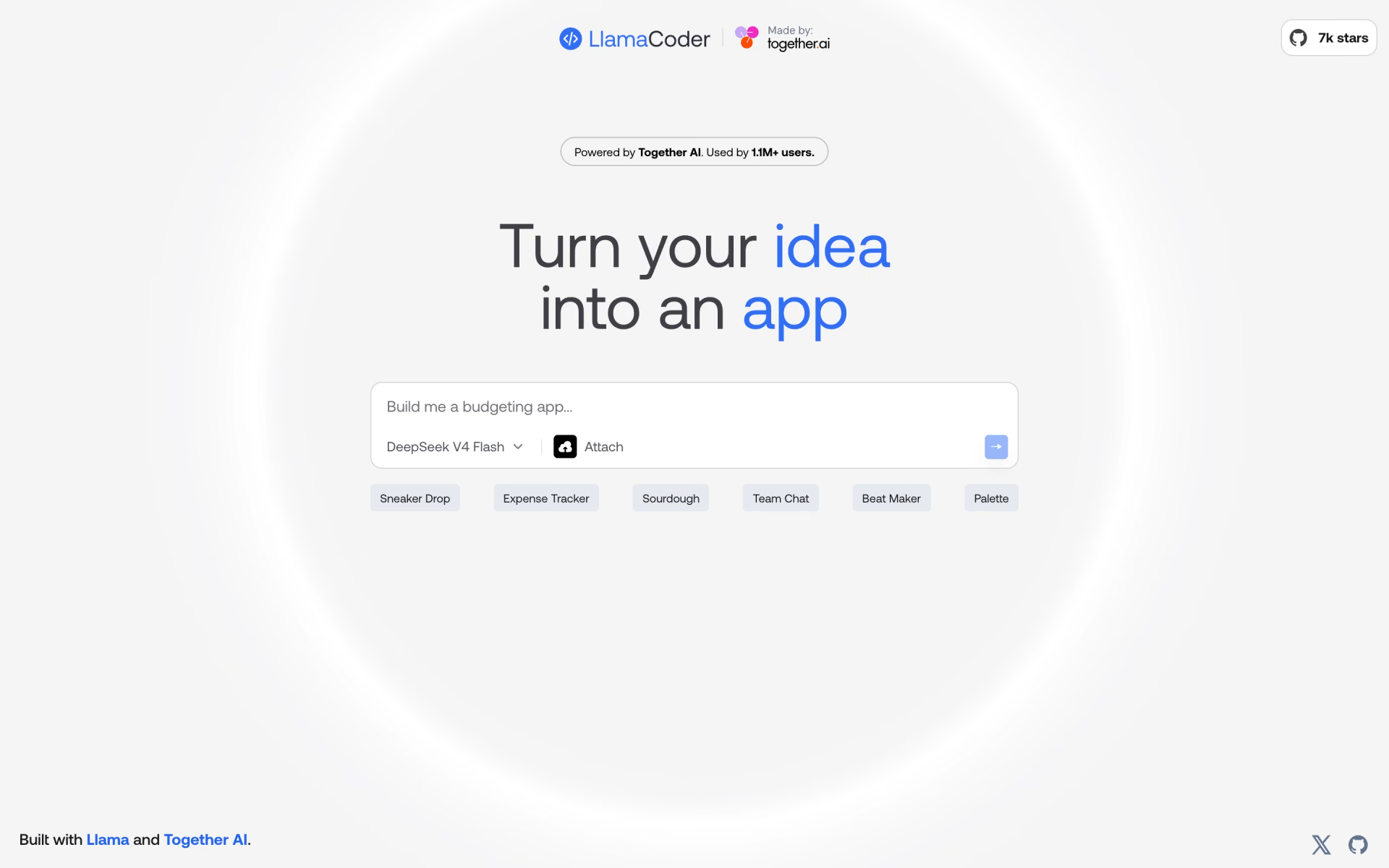
 Llama Coder