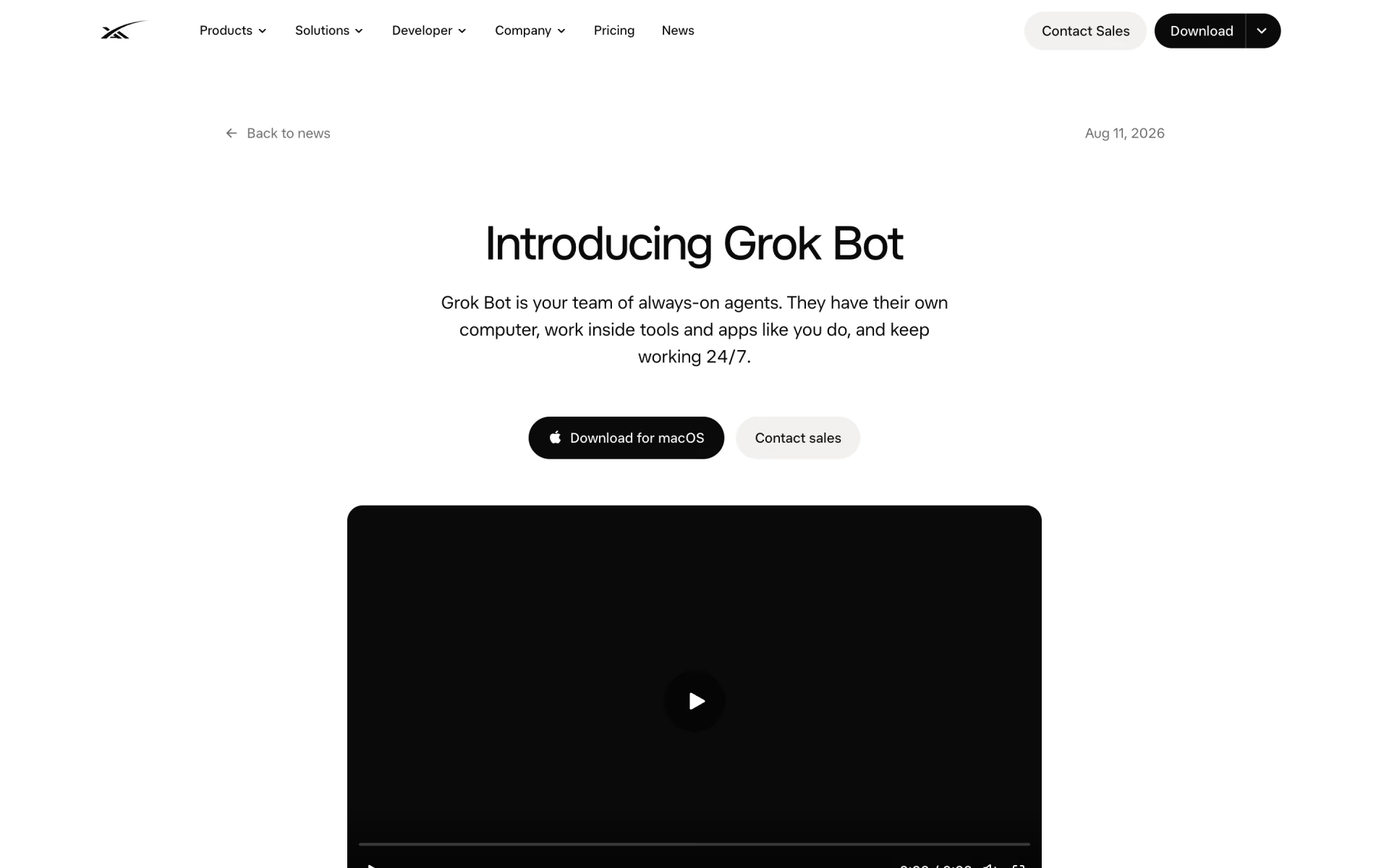
What is Grok Bot?
Persistent AI teammates on a cloud computer, with routines and approvals.
Who is Grok Bot best for?
Grok Bot is best for small teams that hand sales outreach, CRM updates and invoices to AI teammates in their apps.
Sales and account follow-up
A Bot can research accounts, draft outreach in each seller's voice and update CRM notes, leaving drafts for you to approve.
Office and finance chores
It signs into the tools you already use, such as Gmail, to handle jobs like processing invoices, even in apps with no API.
Repeat workflows
Show a Bot a task once and it saves it as a skill, then runs it on a schedule as a routine.
Work that runs overnight
Bots work on a cloud computer, so jobs keep going when your laptop is closed, and several Bots can split a job between them.
How much does Grok Bot cost?
Grok Bot has no price of its own: it comes with paid Cursor plans, from Pro at $20 a month to Ultra at $200 a month, or with a linked SuperGrok subscription, and a free trial credit lets you try it first.
- Grok Bot access with weekly usage
- Also covers Cursor's coding agent and models
- On-demand usage past the weekly limit, if you turn it on
- Grok Bot for every member, no extra seat needed
- Central billing, SSO and team-wide privacy mode
- Higher Grok Bot usage limits
- 3x Pro limits on Cursor's agent
- Highest Grok Bot usage limits
- 20x Pro limits on Cursor's agent
- Priority access to new features
Grok Bot usage resets weekly; after it runs out you can keep going on on-demand usage billed through Cursor, up to a monthly limit you set. Billed yearly, Pro is $16, Pro+ $48 and Ultra $160 a month, and Teams $32 (Standard) or $96 (Premium) per user a month; Teams Premium is $120 per user billed monthly. An individual SuperGrok, SuperGrok Plus, SuperGrok Heavy or X Premium+ subscription can be linked instead, but SuperGrok Lite does not include Grok Bot and a link adds nothing on top of a paid Cursor plan. Cursor's free Hobby plan does not list Grok Bot access, and Enterprise is priced by sales. The free trial is a usage credit with a 7-day window. Full pricing on cursor.com. We checked these prices on .
How do readers rate Grok Bot?
No one has rated Grok Bot yet. Be the first.
Sign in to rate. One rating per account.
What are the best Grok Bot alternatives?
Two tools on Recaply do Grok Bot's job.


Questions about Grok Bot
What is Grok Bot?
Persistent AI teammates on a cloud computer, with routines and approvals.
Who is Grok Bot for?
Grok Bot is best for small teams that hand sales outreach, CRM updates and invoices to AI teammates in their apps.
Is Grok Bot free?
Only as a trial. Grok Bot's free trial is a usage credit with a 7-day window, and it never turns into a paid plan. After that you need a paid Cursor plan from $20 a month, a Cursor Teams seat, or a linked SuperGrok, SuperGrok Plus, SuperGrok Heavy or X Premium+ subscription.
How much does Grok Bot cost?
Grok Bot's paid plans are Pro at $20 per month, Teams at $40 per user per month, Pro+ at $60 per month and Ultra at $200 per month.
What are the best Grok Bot alternatives?
The closest alternatives on Recaply are Helio and Viktor.
Where can I try Grok Bot?
On its official website, x.ai.
Can I use my SuperGrok subscription for Grok Bot?
Yes, if it is an individual SuperGrok, SuperGrok Plus or SuperGrok Heavy plan, or X Premium+. You link it once from Grok Bot's plan screen, and the link cannot be undone. SuperGrok Lite does not include Grok Bot, and a link adds nothing if you already pay for a Cursor plan.
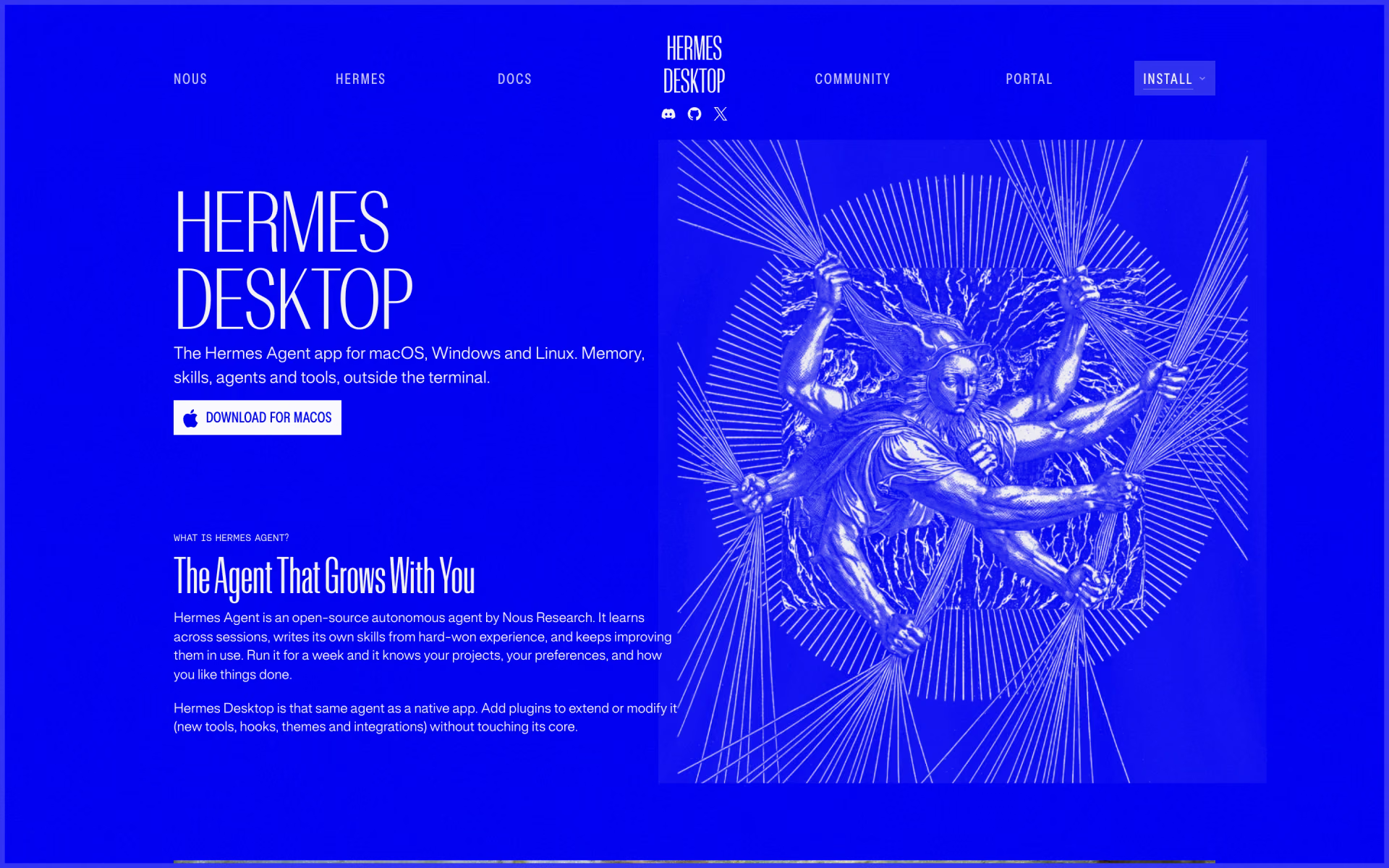
 Hermes Desktop
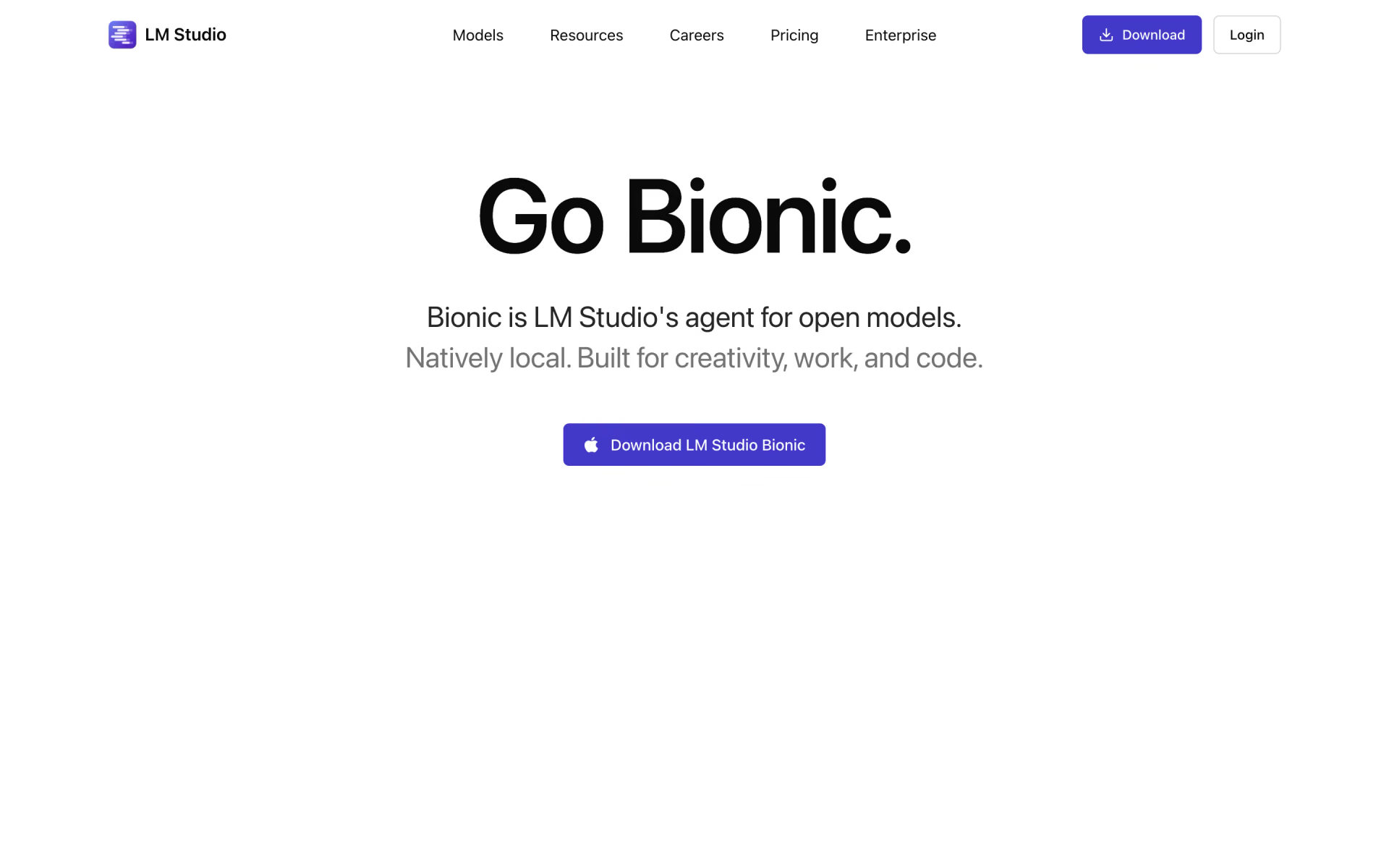
 LM Studio Bionic

 Onyx
 Perplexity Computer
 Grok
 Grok 4.6