

What is FlowMate?
Describe a workflow in plain language, it runs across your apps.
Who is FlowMate best for?
FlowMate is best for people working in Claude, ChatGPT or Gemini who want to automate app tasks by describing them.
Heavy users of AI chat apps
It plugs into Claude, ChatGPT and Gemini over MCP, so one account and one set of workflows follow you across all three.
Teams with no workflow builder
You set up an automation with one plain-language prompt instead of wiring steps together in a visual editor as in Zapier, Make or n8n.
Sales and revenue operations
A single Flow can qualify a new lead, create the deal in your CRM and send the rep a summary with next steps.
Work that needs a human check
Flows can run on their own, with AI help, or pause for a person to review or approve a step.
How much does FlowMate cost?
FlowMate is free for 1,000 actions a month, and its paid plans cost $15 a month for Solo, $49 for Team or $99 for Business, each adding more actions, Agent tokens and users.
- 1,000 actions a month, 1 user
- No Agent (AI) steps
- Flows pause at the limit; no card needed
- 10,000 actions and 250,000 tokens a month
- 1 user
- Extra use: $15 per 10,000 actions or per 2M tokens
- 50,000 actions and 1M tokens a month
- Up to 10 users
- Extra use: $15 per 10,000 actions or per 2M tokens
- 150,000 actions and 2.5M tokens a month
- Up to 100 users
- Extra use: $10 per 10,000 actions, $15 per 2M tokens
Billing is monthly only, with no yearly plan or contract. Unused actions and tokens do not roll over. On paid plans FlowMate bills each extra block automatically and emails you every time; there is no spending cap unless you set one. Enterprise plans for bigger teams are available with no listed price, and Automation OS, for SaaS companies that embed FlowMate, has its own pricing. Full pricing on flowmate.io. We checked these prices on .
How do readers rate FlowMate?
No one has rated FlowMate yet. Be the first.
Sign in to rate. One rating per account.
What are the best FlowMate alternatives?
Two tools on Recaply do FlowMate's job.


Questions about FlowMate
What is FlowMate?
Describe a workflow in plain language, it runs across your apps.
Who is FlowMate for?
FlowMate is best for people working in Claude, ChatGPT or Gemini who want to automate app tasks by describing them.
Is FlowMate free?
Yes. FlowMate has a free plan: 1,000 actions a month, 1 user.
How much does FlowMate cost?
FlowMate's paid plans are Solo at $15 per month, Team at $49 per month and Business at $99 per month.
What are the best FlowMate alternatives?
The closest alternatives on Recaply are CodeWords and GenFuse AI.
Where can I try FlowMate?
On its official website, flowmate.io.
What counts as an action or a token in FlowMate?
An action is one step FlowMate carries out, such as an API call, an integration step or a data change inside a Flow. Tokens are Claude API tokens used when a Flow includes an AI Agent step, counted one to one with real usage.
What happens when I go over my FlowMate limit?
On the Free plan, Flows pause at 1,000 actions and nothing is charged. On paid plans they keep running and each extra block is billed automatically: $15 per 10,000 actions ($10 on Business) or $15 per 2M tokens. You can set a monthly spending cap.
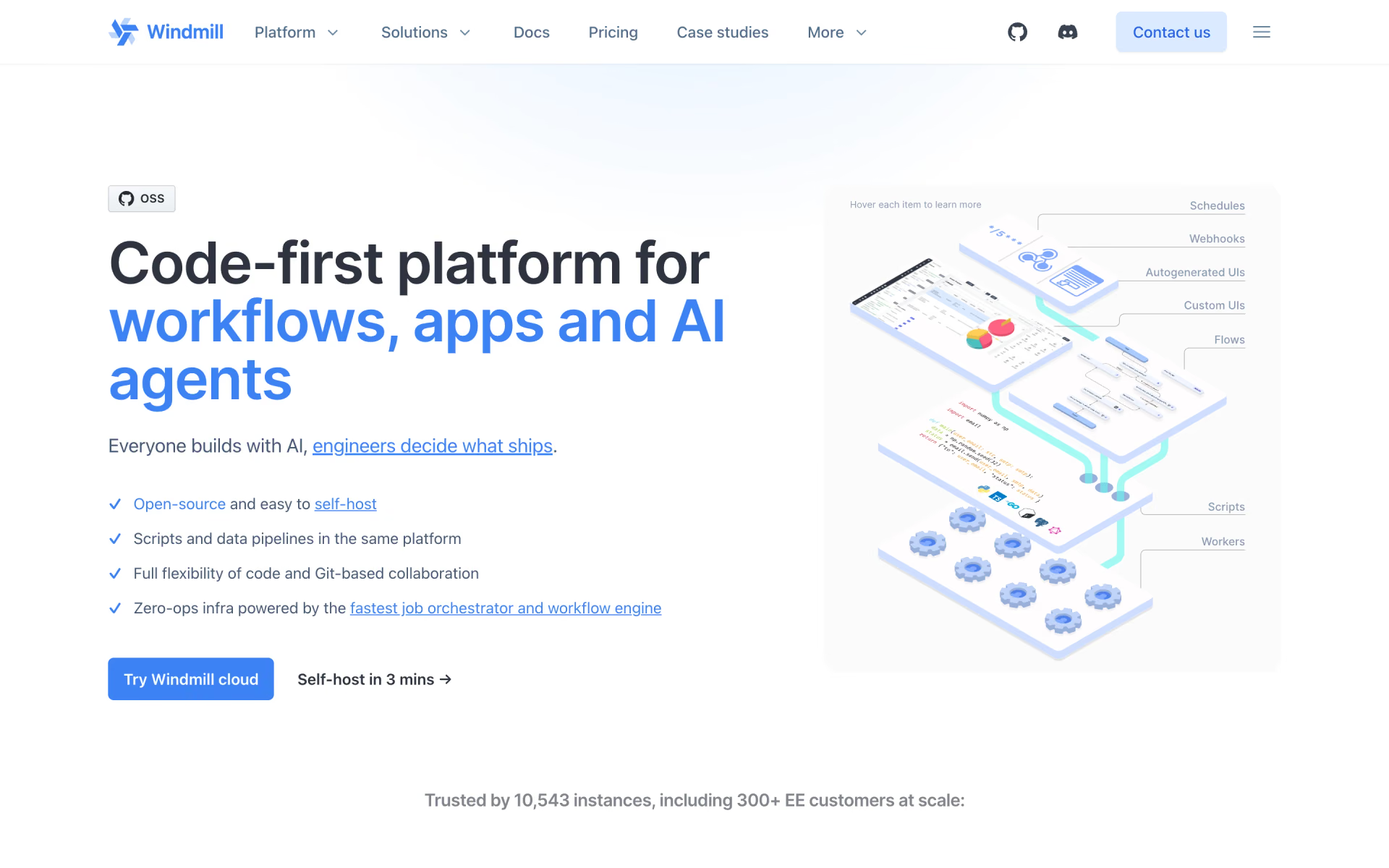
 Windmill

 Activepieces
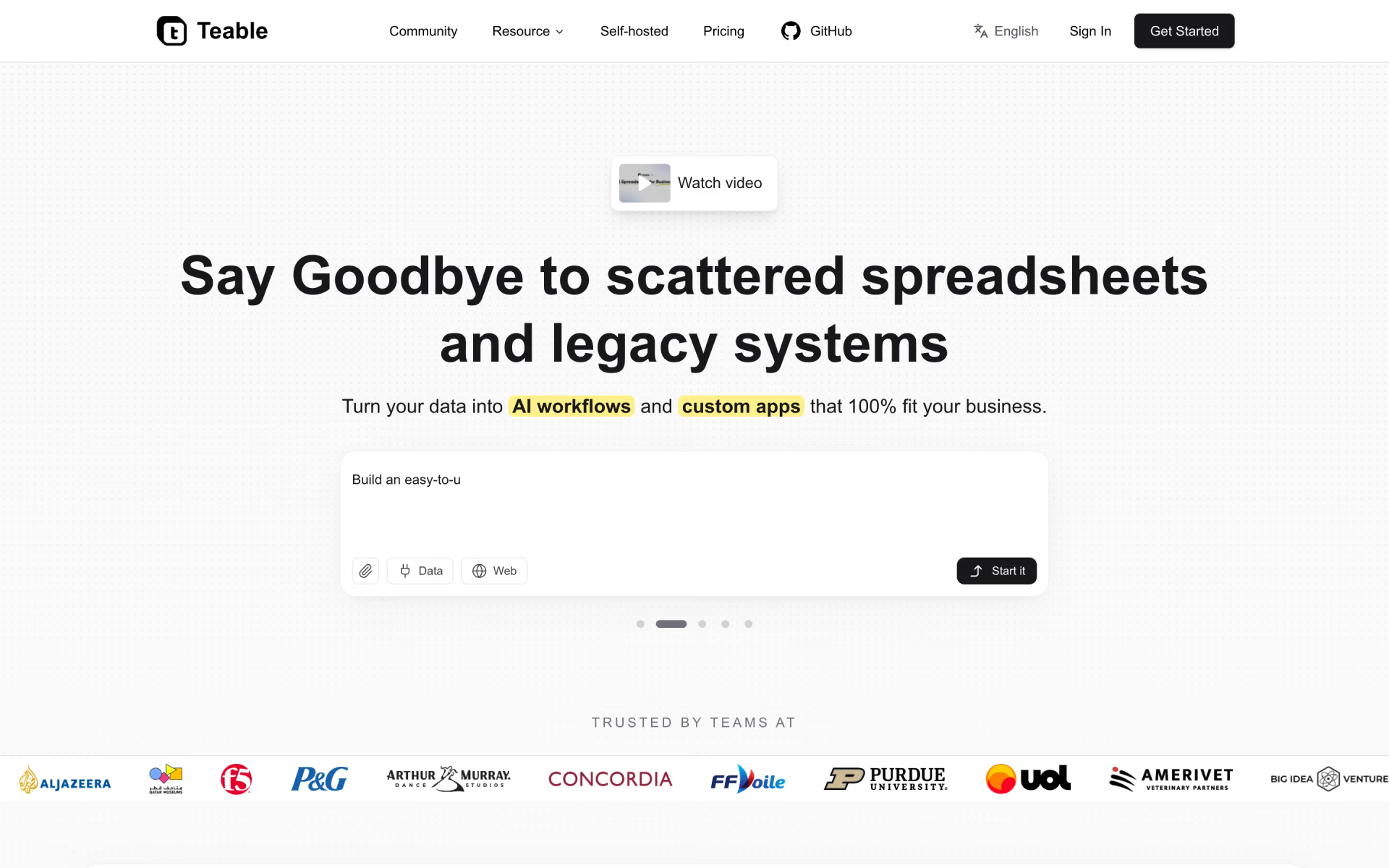
 Teable
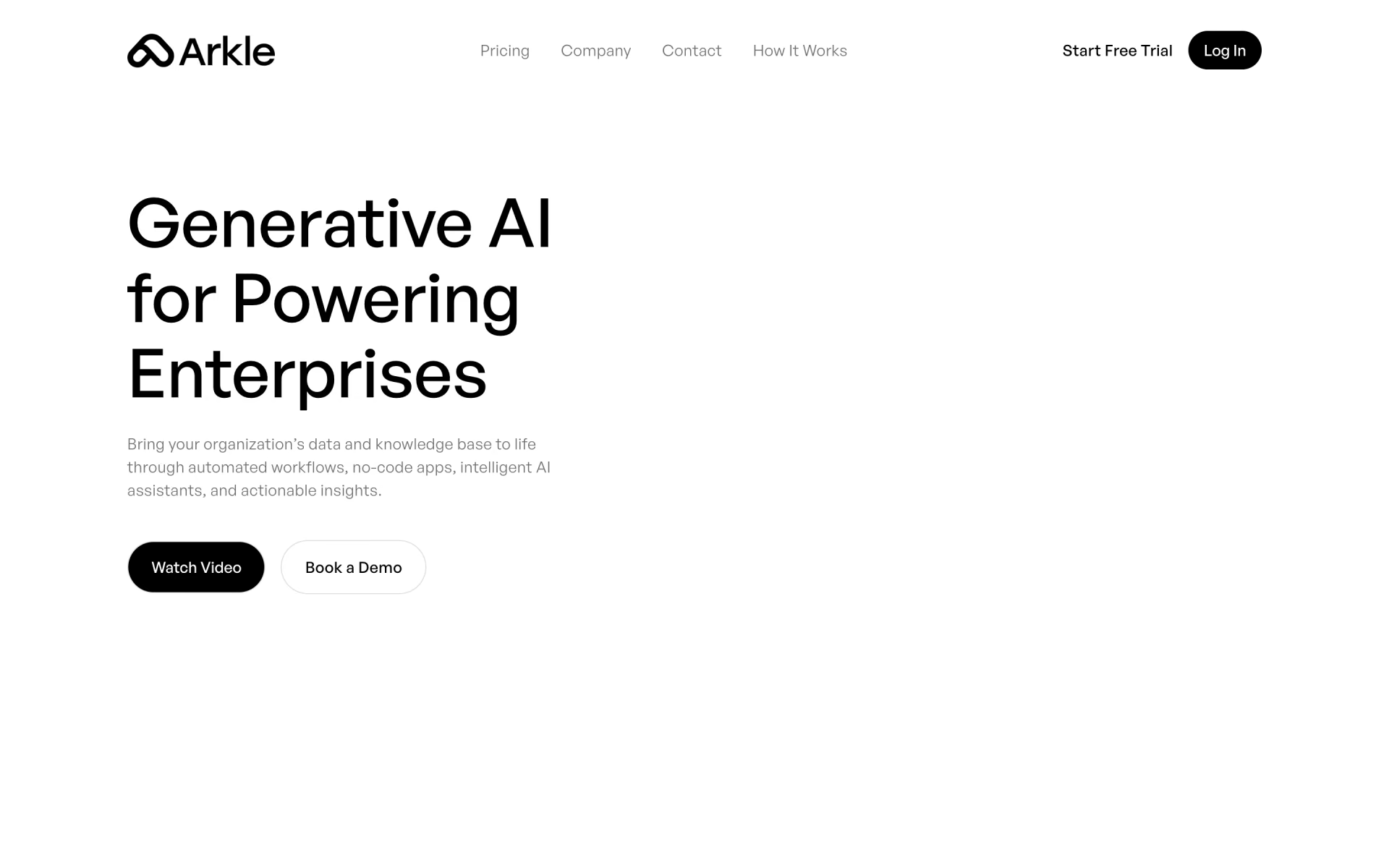
 Arkle

 ChatGPT Workspace Agents
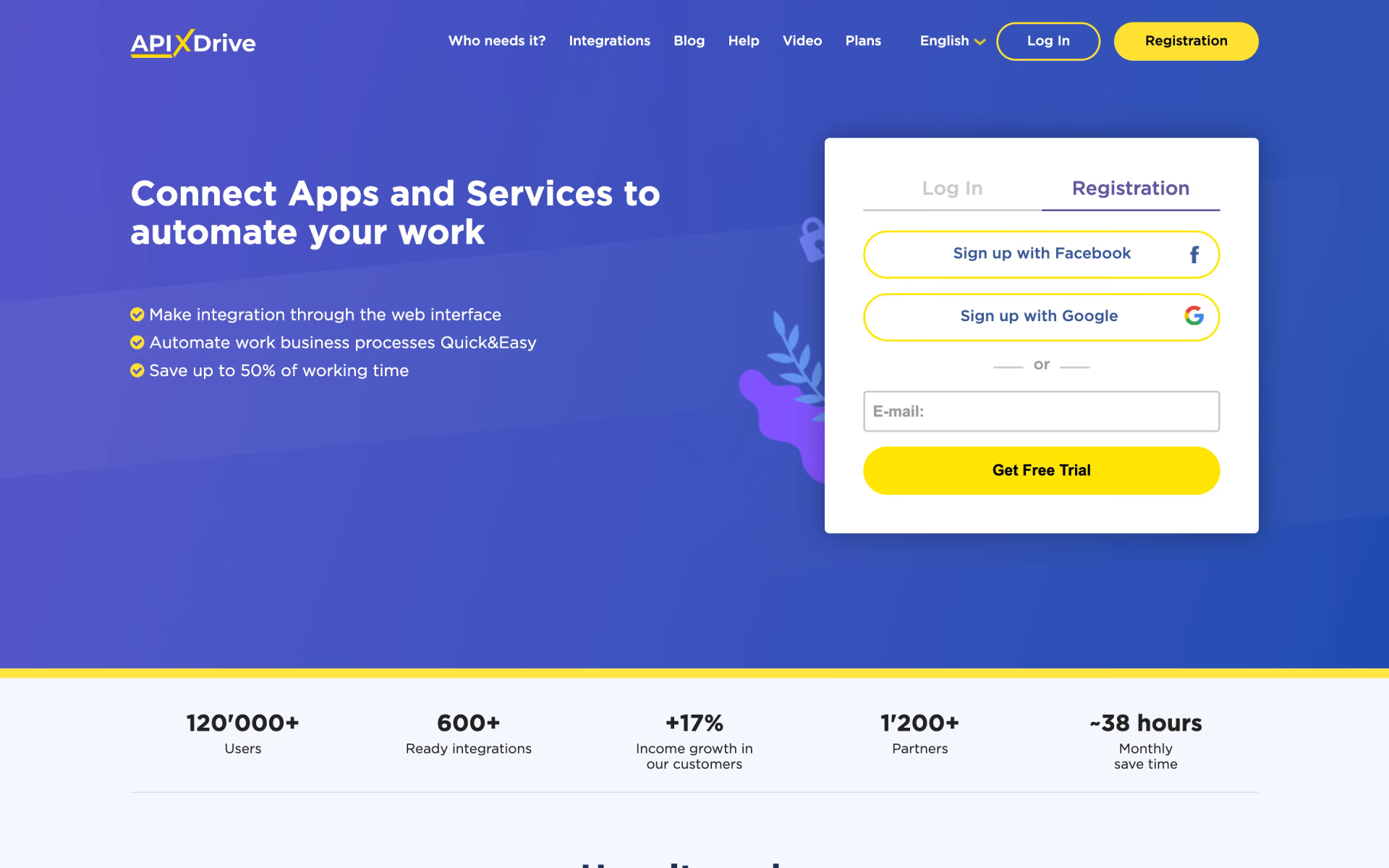
 ApiX-Drive