
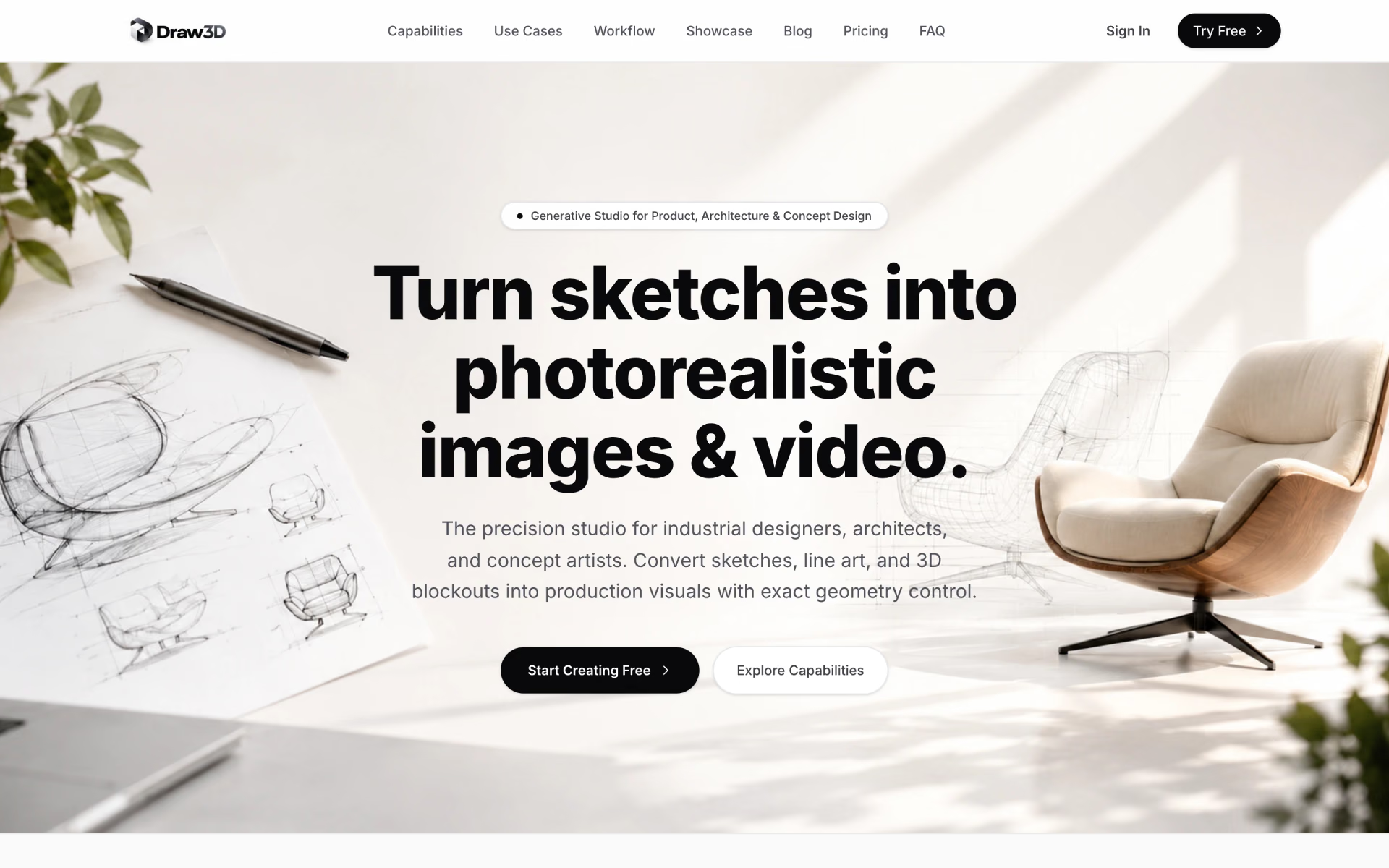
What is Draw3D?
Sketches into photorealistic images and cinematic video.
Who is Draw3D best for?
Draw3D is best for architects and product designers who want renders that keep the exact shapes of their sketches.
Architects and interior designers
SketchUp or CAD massings and plan drawings become photoreal renders that keep the proportions and camera angle you set.
Product and industrial designers
A product sketch can be rendered in materials such as glass, concrete or brushed aluminium without modelling or UV work.
Concept artists and storyboarders
A single keyframe or storyboard drawing can be turned into a short clip with camera motion.
Studios delivering client work
Paid plans give unbranded exports and commercial rights that you can transfer to clients without royalties.
How much does Draw3D cost?
Draw3D costs $9 a month for 120 credits on Starter, $15 for 200 credits on Basic or $39 for 1,000 credits on Professional, after a watermarked free trial.
- 120 credits a month
- High-res 2D images, 3D composition tools and video animation
- Commercial license
- 200 credits a month
- Same tools as Starter, with commercial license
- Priority support
- 1,000 credits a month
- Ultra-res 8x generation; a video animation costs 20 credits
- 24/7 priority support
Billed yearly, Starter is $90 a year ($7.50 a month) with 1,800 credits, Basic $150 a year ($12.50 a month) with 2,800 credits and Professional $390 a year ($32.50 a month) with 12,000 credits. A free account comes with a trial for personal evaluation only: exports carry a watermark and stop at 1024px. Paid plans add clean exports and rights you can pass on to clients, which stay valid after you cancel. Full pricing on app.draw3d.online. We checked these prices on .
How do readers rate Draw3D?
No one has rated Draw3D yet. Be the first.
Sign in to rate. One rating per account.
What are the best Draw3D alternatives?
Two tools on Recaply do Draw3D's job.


Questions about Draw3D
What is Draw3D?
Sketches into photorealistic images and cinematic video.
Who is Draw3D for?
Draw3D is best for architects and product designers who want renders that keep the exact shapes of their sketches.
Is Draw3D free?
Draw3D has a free trial rather than a free plan. A free account lets you test it, but trial images are for personal evaluation only, carry a watermark and stop at 1024px. Paid plans start at $9 a month for 120 credits.
How much does Draw3D cost?
Draw3D's paid plans are Starter at $9 per month, Basic at $15 per month and Professional at $39 per month.
What are the best Draw3D alternatives?
The closest alternatives on Recaply are NewArc.ai and PromeAI.
Where can I try Draw3D?
On its official website, draw3d.online.
Can I use Draw3D renders for client work?
Yes, on any paid Draw3D plan. Paid plans include a worldwide commercial license, clean exports and the right to transfer the work to clients without royalties, and those rights stay with images made while you subscribed. Trial output is for personal evaluation only.
 Formind

 Uizard
 FotoMedley
 Moescape

 insMind

 Neolocus