
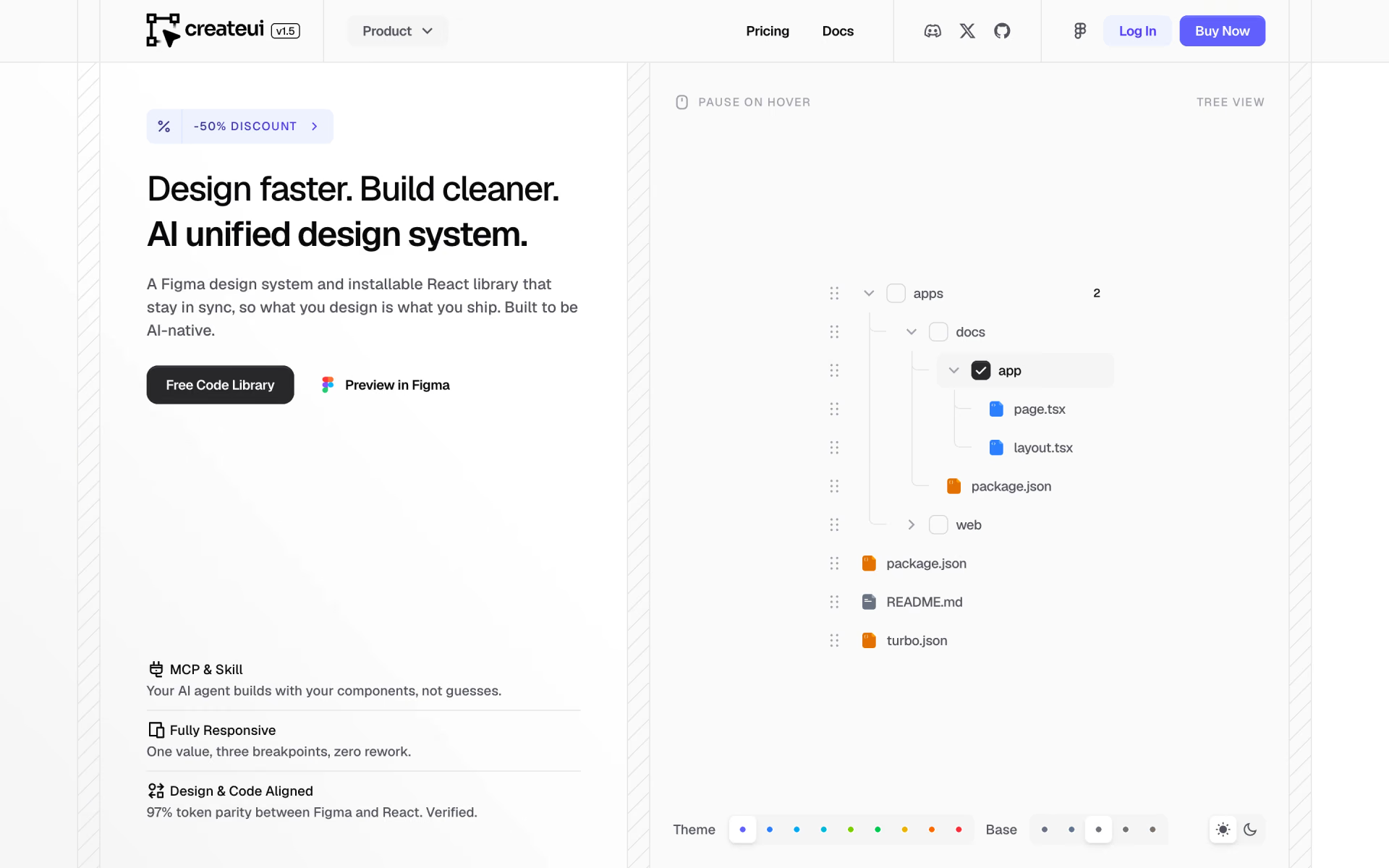
What is Create UI?
Figma design system and React component library kept in step, with an MCP server for coding agents.
Who is Create UI best for?
Create UI is best for product designers and front-end developers who want Figma and React components that match.
Design and code that match
The Figma file and the React library share tokens, variants and names, so handoff needs less translating.
Agents building UI
An MCP server and an agent skill let Claude Code or Cursor build with your components instead of guessing.
Tailwind and Radix projects
Components are typed React on Tailwind CSS v4 and Radix UI, added to a project with one CLI command.
Buyers who avoid subscriptions
Paid licences are paid once and include future components and updates.
How much does Create UI cost?
Create UI's core React library is free under the MIT licence; the Figma system, the Pro code library and both together cost $198, $398 and $498 once per user.
- Core React components under MIT
- React, Tailwind CSS v4 and Radix UI, added by CLI
- MCP server and agent skill
- Full Figma file with 18,500+ components and variants
- Blocks and page templates
- Future updates included
- Every Pro component through the CLI
- Advanced patterns and blocks
- Full code docs and Pro AI context files
- Figma system and Pro code library together
- Future components and updates
- Email and Discord support within 12 hours
Team licences cover 5 users: Design $398, Code $758 and Complete $958, each paid once. Every licence allows commercial use. The free library is on GitHub under the MIT licence. Full pricing on createui.co. We checked these prices on .
How do readers rate Create UI?
No one has rated Create UI yet. Be the first.
Sign in to rate. One rating per account.
Is Create UI open source?
Yes. Create UI's code is public under the MIT licence, so you can read it, change it and run it yourself.
On GitHub
25stars
- Last commit
- 29 Sep
- Repository age
- 5 months
- Licence
- MIT
- Repository
- createui/createui-components
How do I connect Create UI to my AI agent?
Create UI MCP is Create UI's official MCP server. Add it to your agent once, then ask it to browse component registries and install the pieces you need.
Lets your agent search UI component registries through Create UI and install the ones you pick, so new screens start from existing parts.
$ claude mcp add create-ui -- npx @create-ui/cli mcp
It runs on your computer, so Claude Code starts it when it needs it.
Create UI's setup guide covers the sign-in.
Then ask your agent
- Runs
- On your computer
- Sign-in
- See guide
- Maker
- Create UI
- Guide
- createui.co
What are the best Create UI alternatives?
Two tools on Recaply do Create UI's job.


Questions about Create UI
What is Create UI?
Figma design system and React component library kept in step, with an MCP server for coding agents.
Who is Create UI for?
Create UI is best for product designers and front-end developers who want Figma and React components that match.
Is Create UI free?
Yes. Create UI has a free Free Code plan: core React components under MIT.
How much does Create UI cost?
Create UI's paid plans are Design at $198 one-time, single user, Code at $398 one-time, single user and Complete at $498 one-time, single user.
Is Create UI open source?
Partly. Create UI's core React components are free on GitHub under the MIT licence. The Figma design system and the Pro code library, with its advanced patterns and blocks, are paid one-time licences.
Does Create UI have an MCP server?
Yes. Create UI MCP is Create UI's official MCP server, so agents such as Claude Code, Cursor, Codex and GitHub Copilot can browse component registries and install the pieces you need. It runs on your computer.
What are the best Create UI alternatives?
The closest alternatives on Recaply are shadcncraft and Shadcn UI Kit.
Where can I try Create UI?
On its official website, createui.co.
Does Create UI work with Next.js?
Yes. Create UI components are React built on Tailwind CSS v4 and Radix UI, and the maker lists Next.js, Remix, Vite and any other React setup as supported.
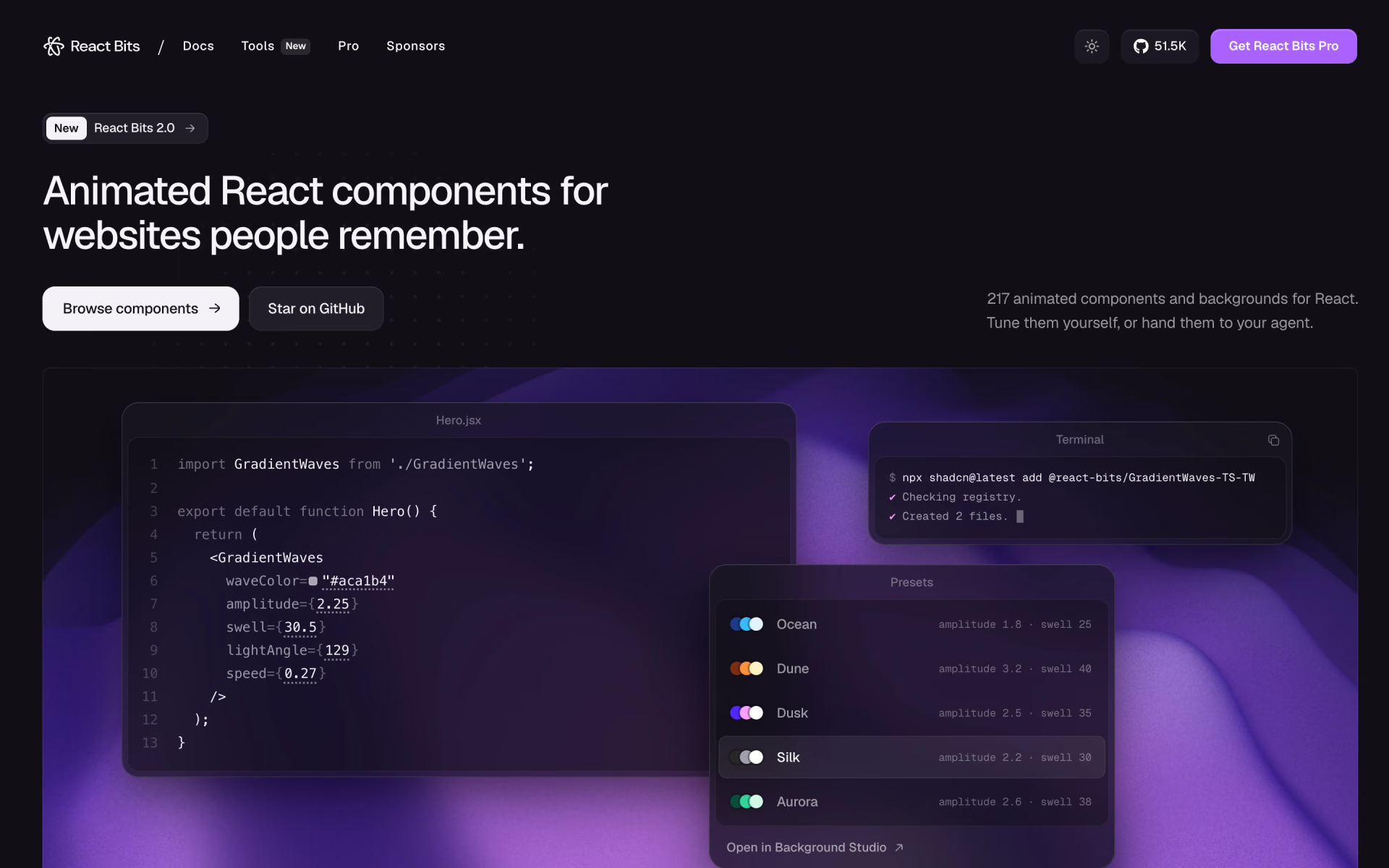
 React Bits

 BoardUI

 Magic UI
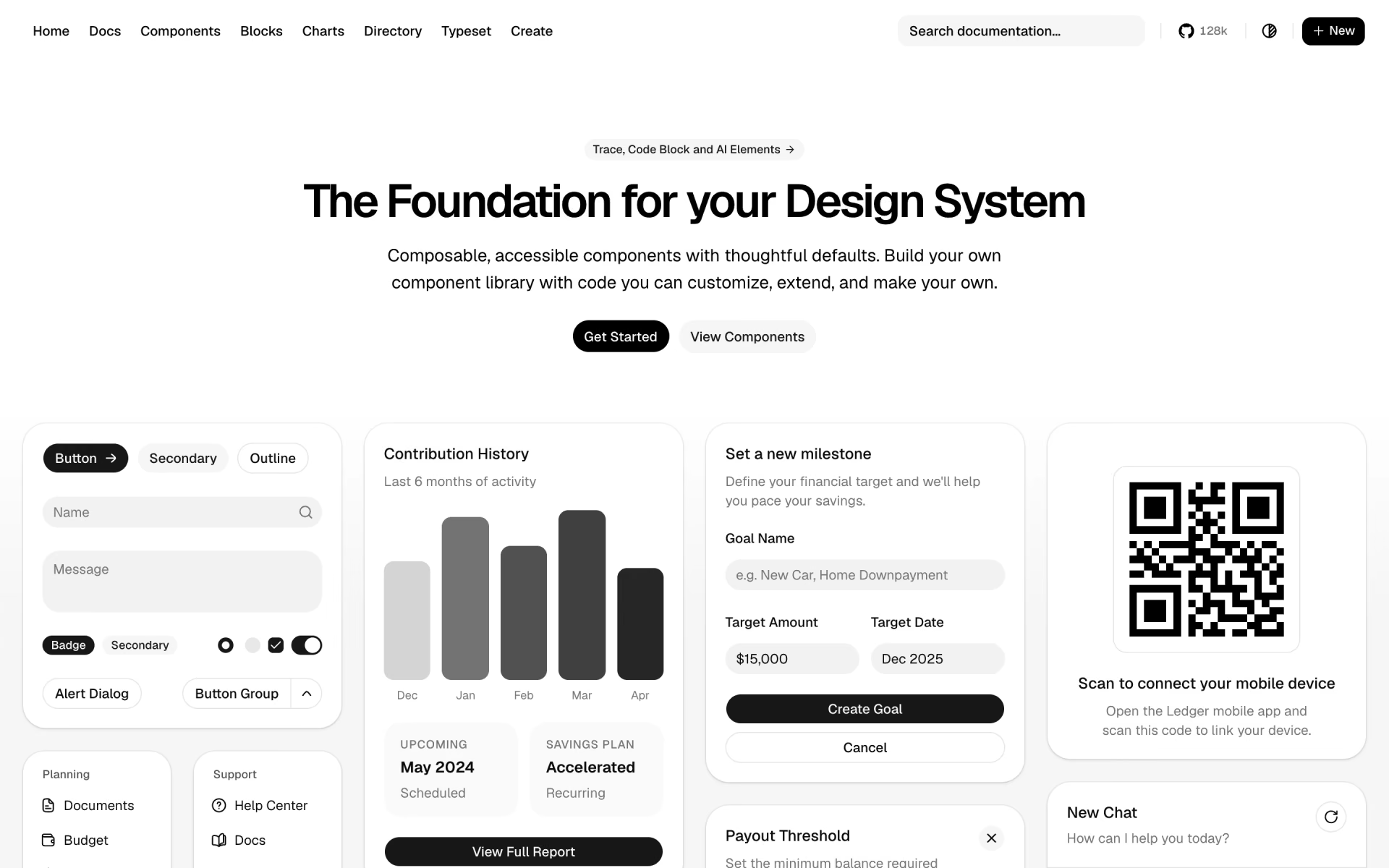
 shadcn/ui

 21st.dev

 termcn