
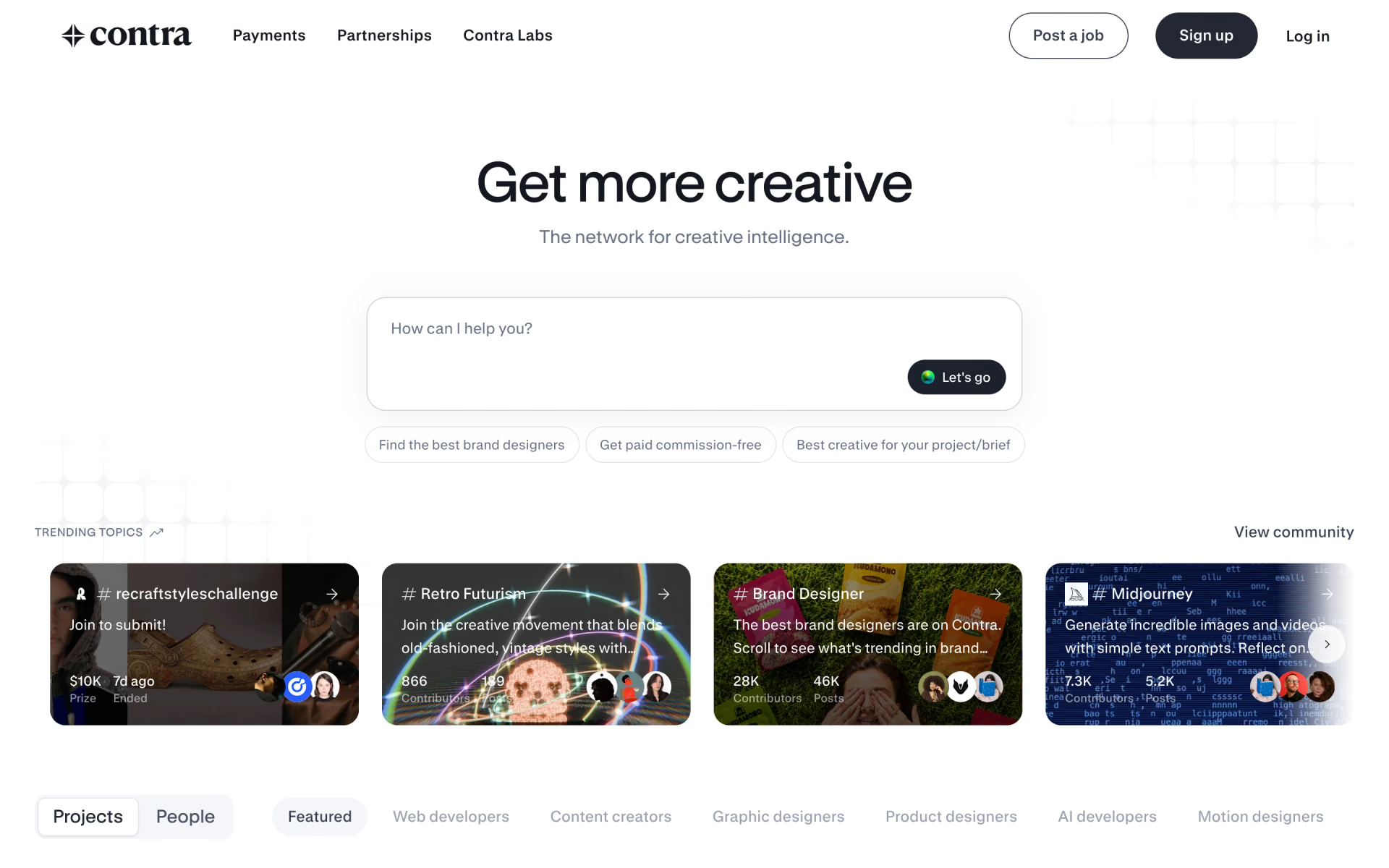
What is Contra?
Commission-free freelance network where creatives show work, win clients, send invoices and get paid.
Who is Contra best for?
Contra is best for freelance creatives and developers who want to win clients and get paid without commission.
Independent designers and developers
Contra takes no commission on client work, and invoices, payment links and contracts sit in one place.
Bringing existing clients over
Clients can pay invoices by card, ACH or SEPA without creating an account.
Selling templates and digital products
Contra acts as merchant of record and handles sales tax on digital products.
Companies hiring creatives
Clients can search talent by role and skills, post jobs and run projects with escrow or milestones.
How much does Contra cost?
Contra is free for creatives and takes no commission; Pro costs $29 a month or $199 a year and removes the client payment fees charged on the free plan.
- Portfolio, community and limited job openings
- Clients pay a $15 or $29 fee per payment
- Digital product fee of 5%, from $3 to $29
- Unlimited job openings, boosted in Discover
- No client payment or digital product fees
- Free faster payouts, priority support 24/7
Pro costs $199 when paid yearly. On the free plan the client fee is $15 per payment, or $29 on payments above $500. Faster payouts cost 2% on Free, and crypto payouts cost 2% on Free and 1% on Pro. Third-party card and bank processing fees apply on both plans. Full pricing on contra.com. We checked these prices on .
How do readers rate Contra?
No one has rated Contra yet. Be the first.
Sign in to rate. One rating per account.
How do I connect Contra to my AI agent?
Contra MCP is Contra's official MCP server. Add it to your agent once, then ask it to hire freelancers or run client work on Contra from a chat.
Lets your agent handle your Contra account, so you can find independent talent, send proposals to clients, keep projects moving and get paid without commission.
Contra gives each account its own server address. Open the setup guide, copy your address, then add it to Claude Code like any other server.
Use the address from Contra's setup guide.
Contra's setup guide covers the sign-in.
Then ask your agent
- Runs
- On the web
- Sign-in
- See guide
- Maker
- Contra
- Guide
- contra.com
Questions about Contra
What is Contra?
Commission-free freelance network where creatives show work, win clients, send invoices and get paid.
Who is Contra for?
Contra is best for freelance creatives and developers who want to win clients and get paid without commission.
Is Contra free?
Yes. Contra has a free plan: portfolio, community and limited job openings.
How much does Contra cost?
Contra's paid plans are Pro at $29 per month.
Does Contra have an MCP server?
Yes. Contra MCP is Contra's official MCP server, so agents such as Claude Code, Cursor, Codex and GitHub Copilot can hire freelancers or run client work on Contra from a chat. Contra runs it on the web.
Where can I try Contra?
On its official website, contra.com.
Does Contra take a commission?
No. Contra takes no commission from creatives on any plan. On the free plan, clients pay a fee of $15 per payment, or $29 above $500, and Pro removes it; card and bank processing fees still apply.
Can I use Contra from Claude or ChatGPT?
Yes. The Contra MCP works with Claude, ChatGPT, Cursor and other MCP clients for talent search, messages, proposals, invoices and payment links. Every change is shown as a draft you must approve, and drafts expire after 15 minutes.

 Upwex
 UpCat
 Bolto
 Interviewable

 TalentSprout
 RightJoin