
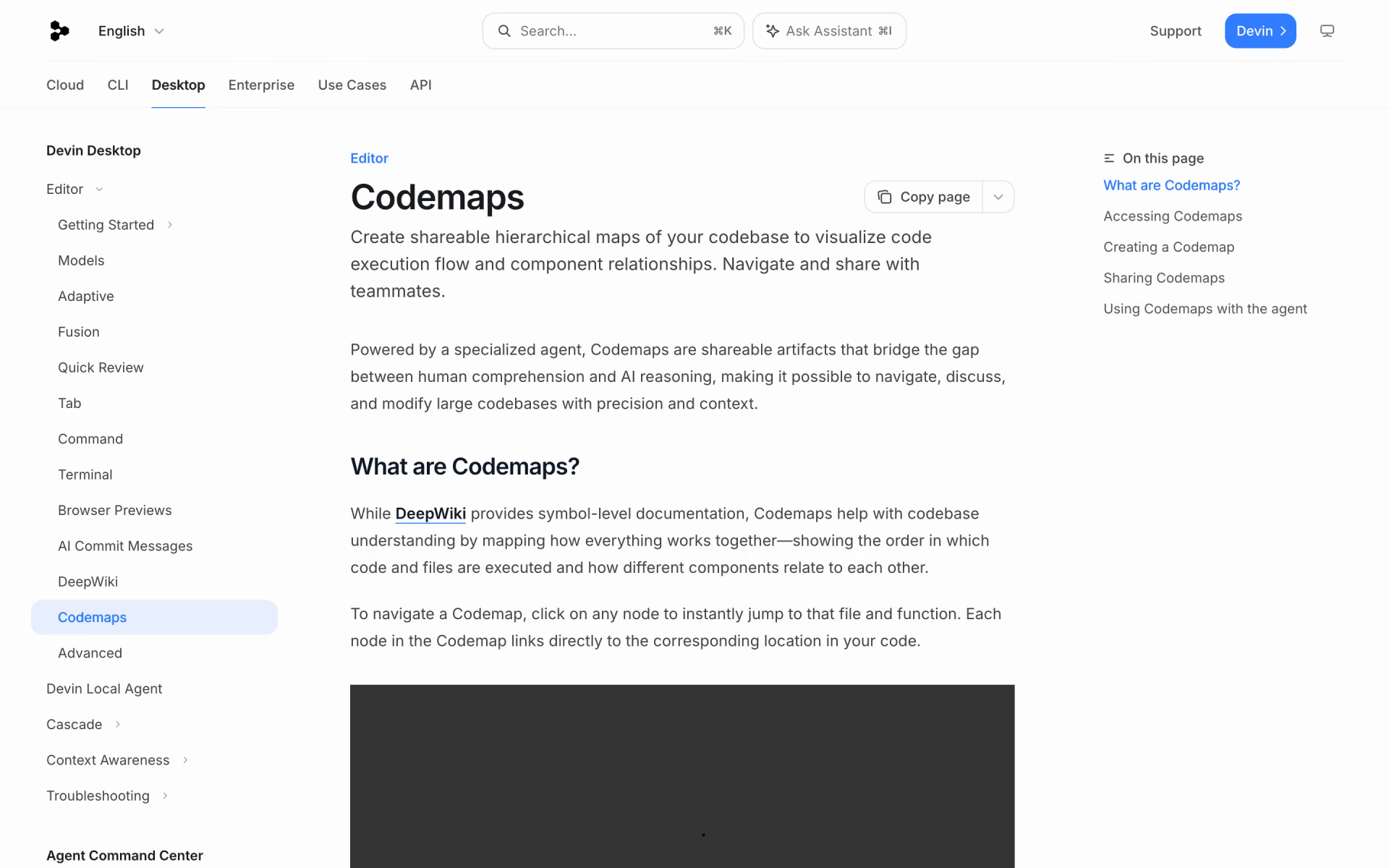
What is Codemaps?
Ask a codebase question, get an interactive map of the code paths.
Who is Codemaps best for?
Codemaps is best for developers new to a large codebase who want to trace which files and functions a feature uses.
Getting to know a new codebase
Ask how a feature works and get a step-by-step map of the files and functions it runs through, each node linked to the exact code.
Debugging across layers
Cognition says it works best for tracing client-server problems, data pipelines and sign-in or security bugs.
Giving a coding agent better context
A map can be @-mentioned in an agent chat, so Cascade or Devin Local works from the same picture of the code you are looking at.
Walking teammates through code
Maps can be shared as links that open in a browser, so a teammate sees the same trace without setting anything up.
How much does Codemaps cost?
Codemaps has no price of its own: it comes with Devin Desktop, the new name for Windsurf, which has a Free plan and paid plans from $20 a month for Pro.
- Light quota for coding agents
- Limited choice of models
- Unlimited Tab completions and inline edits
- Higher quotas and every model, including OpenAI, Claude and Gemini models
- Cloud agents (Devin Cloud)
- Extra usage at API prices
- Everything in Pro, for up to 200 users
- Sharing, one bill and an admin dashboard
- Priority support
- Everything in Pro
- Much higher usage quotas
These are Devin Desktop plans; Cognition does not list which plans include Codemaps, and Codemaps also appears in DeepWiki. Paid quotas refresh daily and weekly, and extra usage is billed at API prices. Enterprise is priced on request and adds SSO, dedicated account management and a private cloud deployment. Full pricing on devin.ai. We checked these prices on .
How do readers rate Codemaps?
No one has rated Codemaps yet. Be the first.
Sign in to rate. One rating per account.
What are the best Codemaps alternatives?
One tool on Recaply does Codemaps's job. It is open source, so you can run it on your own server.

Questions about Codemaps
What is Codemaps?
Ask a codebase question, get an interactive map of the code paths.
Who is Codemaps for?
Codemaps is best for developers new to a large codebase who want to trace which files and functions a feature uses.
Is Codemaps free?
Codemaps has no price of its own. It ships inside Devin Desktop, formerly Windsurf, which you can download on a free plan with a light agent quota and limited models. Cognition does not say which plans include Codemaps; paid plans with bigger quotas start at $20 a month for Pro.
How much does Codemaps cost?
Codemaps's paid plans are Pro at $20 per month, Teams at $80 per month, plus $40 per full seat and Max at $200 per month.
Is there an open source alternative to Codemaps?
Yes. GitSummarize is an open source tool that does the same job, so you can run your own.
What are the best Codemaps alternatives?
The closest alternatives on Recaply are GitSummarize.
Where can I try Codemaps?
On its official website, docs.devin.ai.
Is Codemaps part of Windsurf?
Yes. Codemaps launched in Windsurf, and Windsurf is now called Devin Desktop: the same editor and features under Cognition's Devin brand, with plans and prices unchanged. You open Codemaps from the Activity Bar or the command palette in Devin Desktop.
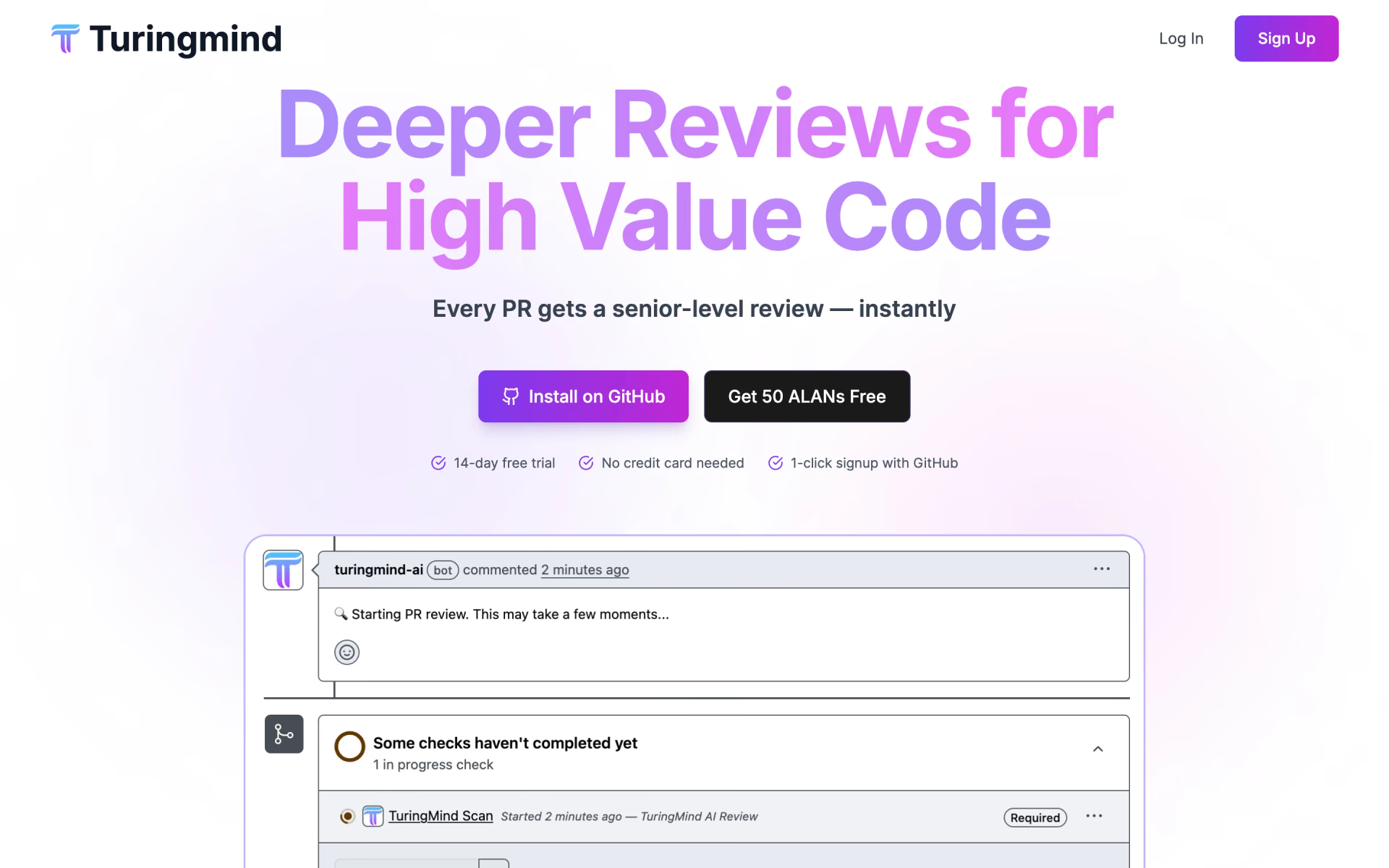
 TuringMind
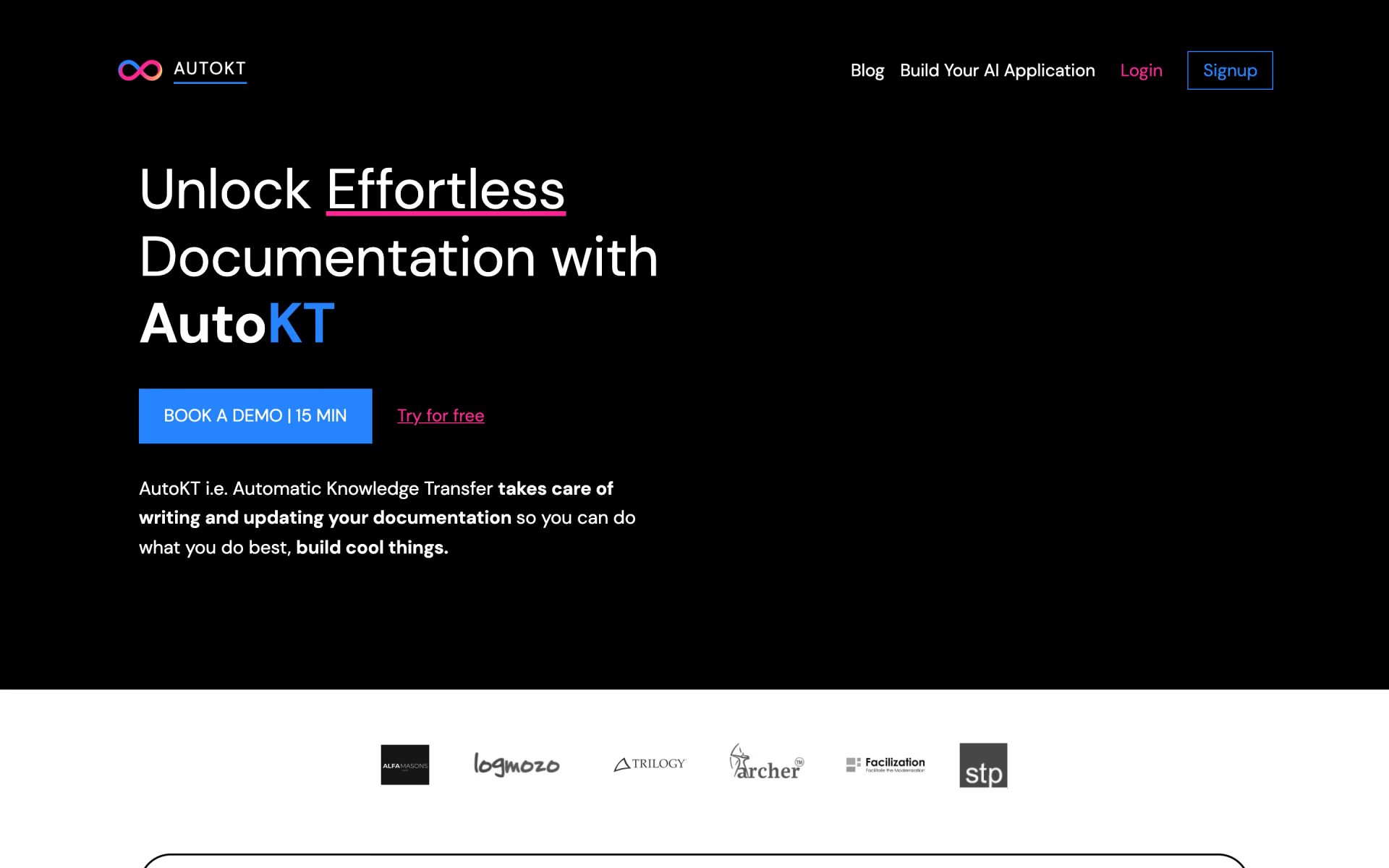
 AutoKT
 Driver

 Potpie
 Swimm

 Fei Studio