
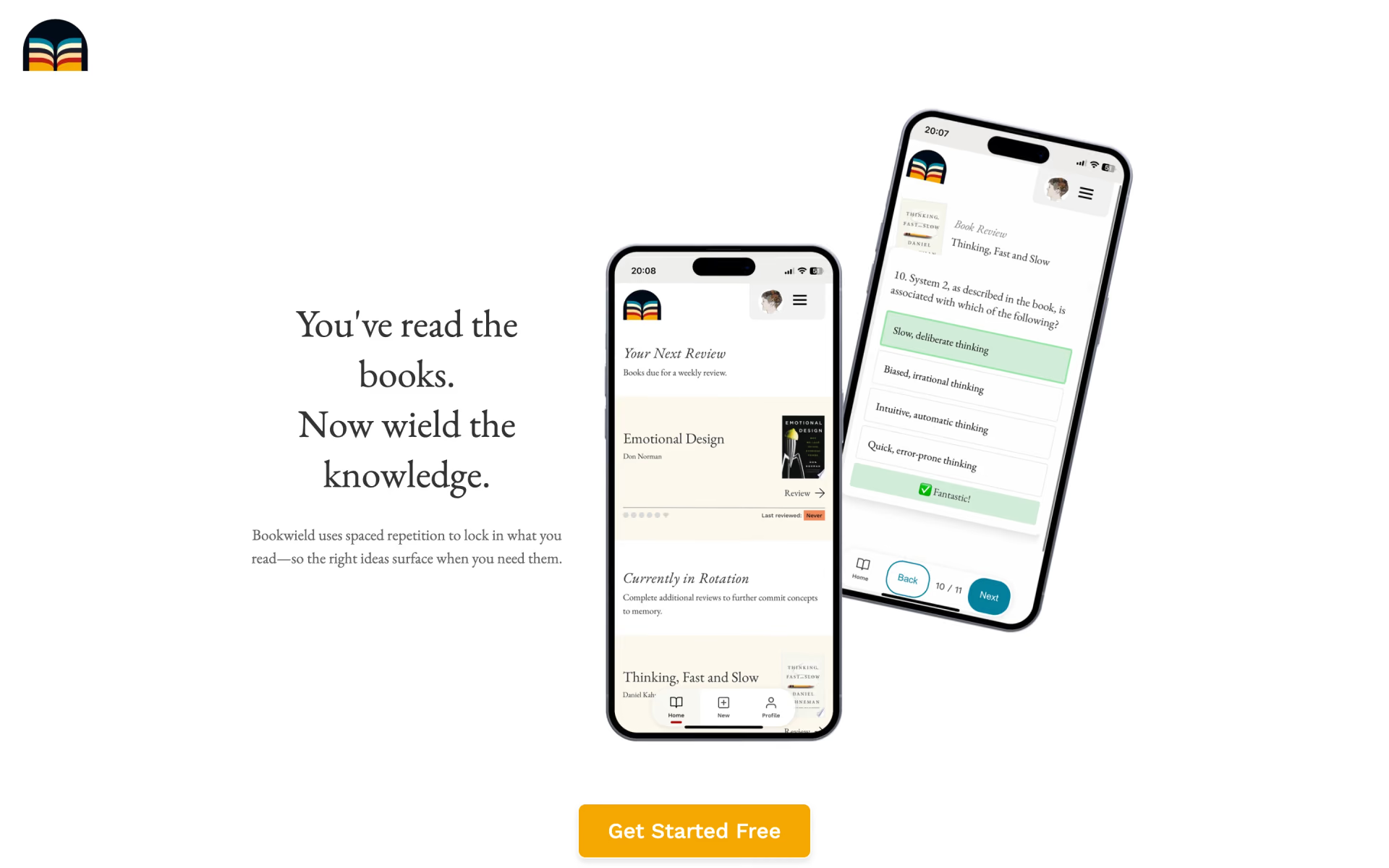
What is Bookwield?
Book ideas retained with spaced repetition.
Who is Bookwield best for?
Bookwield is best for nonfiction readers who want to remember the main ideas of each book without writing flashcards.
Readers who forget what they read
It quizzes you on each book's key concepts at spaced intervals, so the ideas stick instead of fading a few weeks after you finish.
People who skip making flashcards
Its AI picks out the core concepts of a book and writes the review questions for you.
Busy readers
Reviews come once a week and take about 5 minutes.
iPhone and iPad users
Added to the home screen from Safari, it runs full screen and sends a reminder when a weekly review is due.
How much does Bookwield cost?
Bookwield is free on its Basic plan, which gives unlimited reviews for your first 5 books; a Pro plan at $2 a month for unlimited books is listed but marked Coming Soon.
- Your first 5 books
- Unlimited reviews
- Unlimited books and reviews
- Review export and priority support
- Marked Coming Soon, not on sale yet
The free plan needs no credit card. The plans page shows Pro with a Coming Soon ribbon, so for now the only plan you can use is Basic. Full pricing on bookwield.com. We checked these prices on .
How do readers rate Bookwield?
No one has rated Bookwield yet. Be the first.
Sign in to rate. One rating per account.
Questions about Bookwield
What is Bookwield?
Book ideas retained with spaced repetition.
Who is Bookwield for?
Bookwield is best for nonfiction readers who want to remember the main ideas of each book without writing flashcards.
Is Bookwield free?
Yes. Bookwield's Basic plan costs nothing and needs no credit card, with unlimited reviews for the first 5 books you add. A Pro plan with unlimited books at $2 a month appears on the plans page but is not on sale yet.
How much does Bookwield cost?
Bookwield's paid plans are Pro Plan at $2 per month.
Where can I try Bookwield?
On its official website, bookwield.com.
Does Bookwield have an iPhone app?
Bookwield has no App Store app; it is a web app. On an iPhone or iPad you open it in Safari and add it to the home screen, which gives a full-screen app with push reminders when your weekly reviews are due.
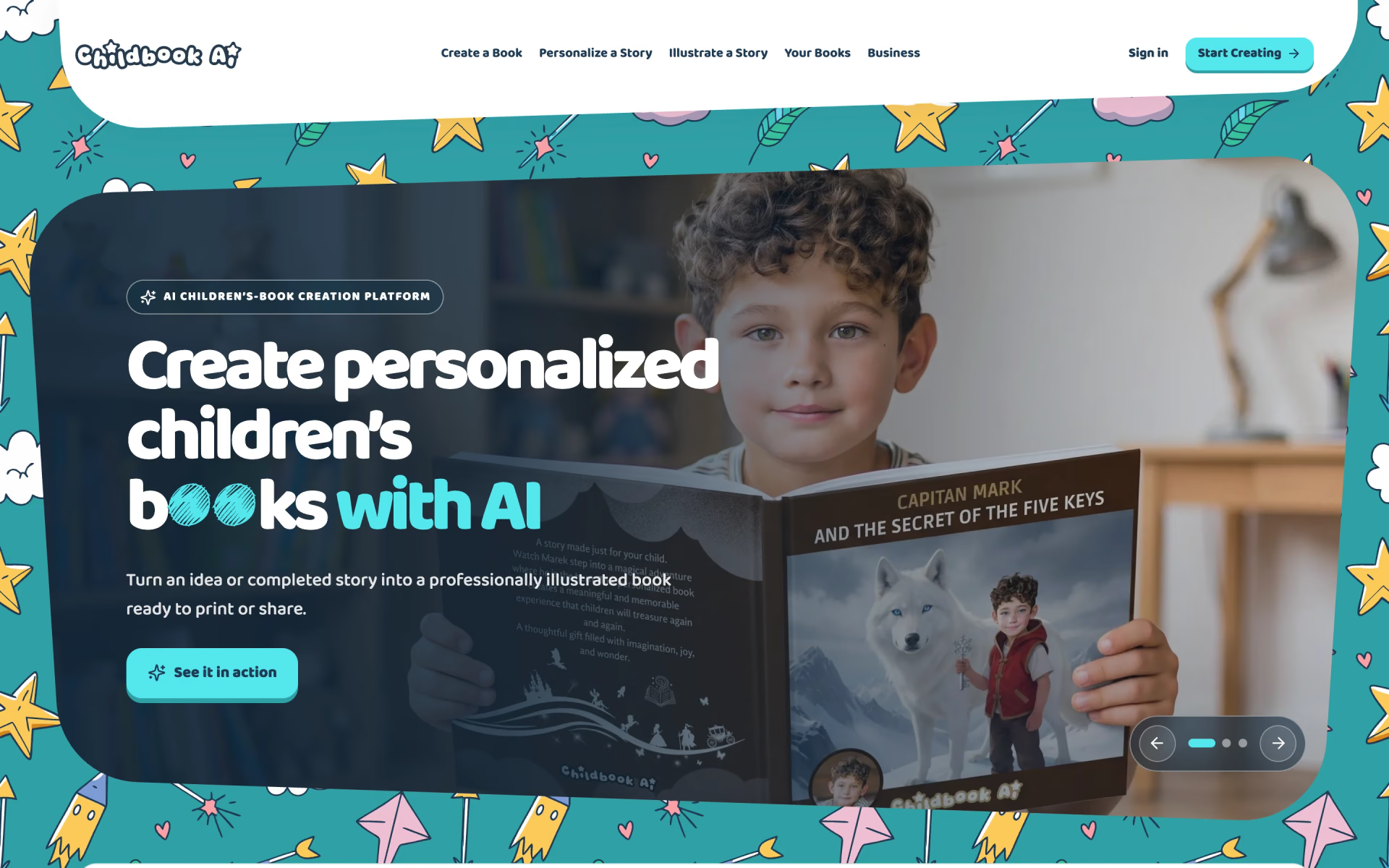
 Childbook.ai
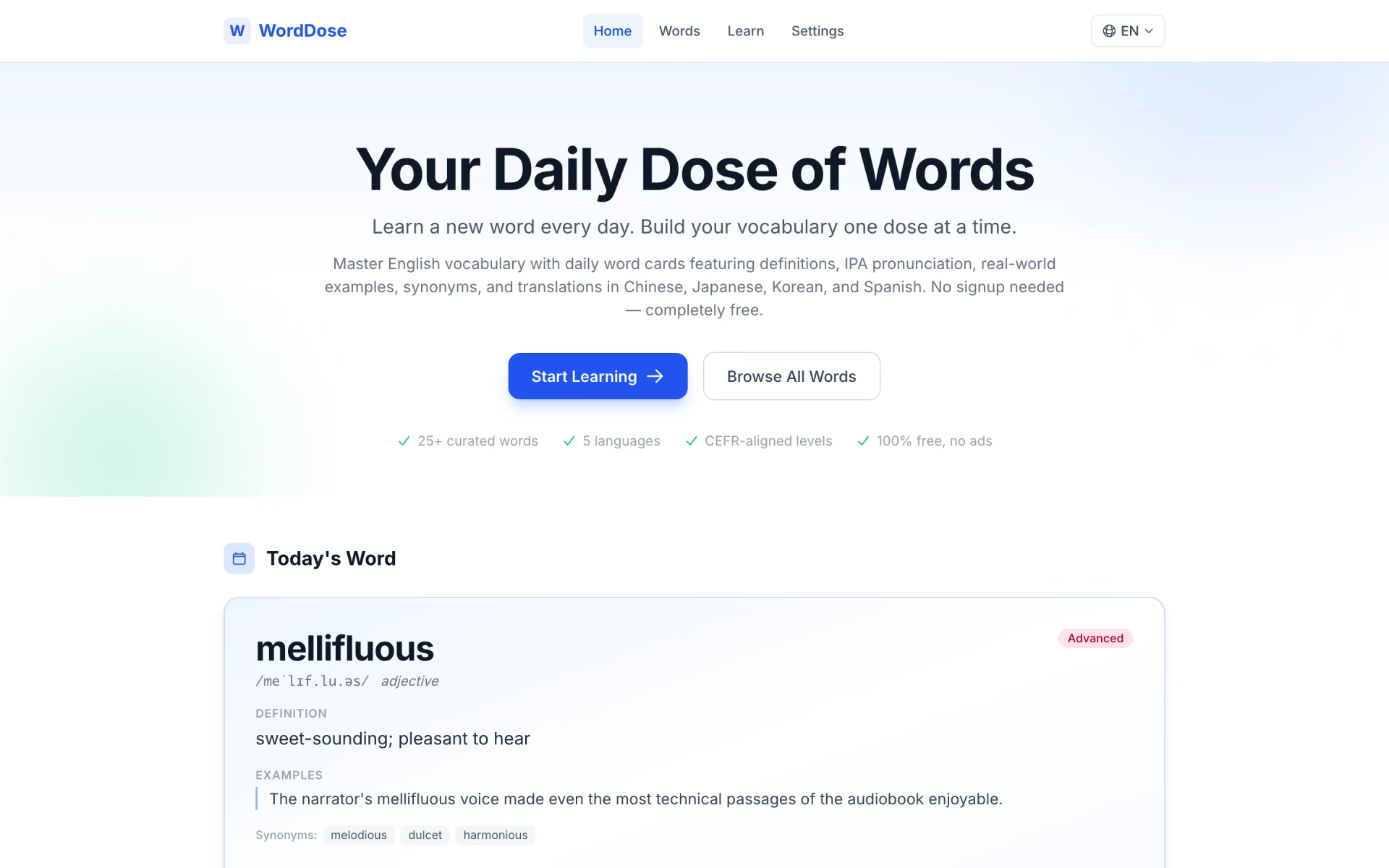
 WordDose
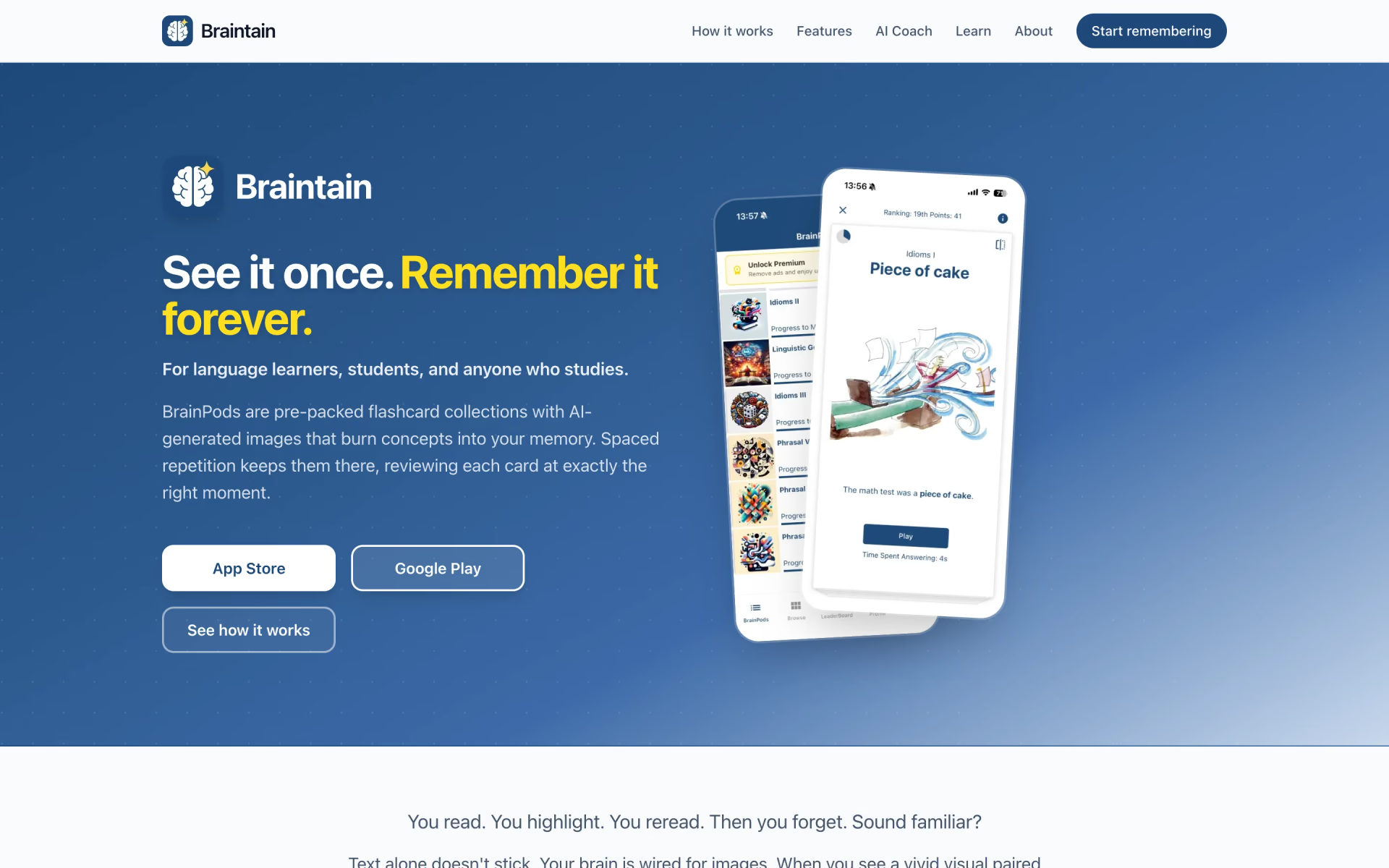
 Braintain

 Ello

 Oscar Stories

 Miko