

What is Artflow?
Photos and video of yourself without a photographer.
Who is Artflow best for?
Artflow is best for coaches and creators who want headshots made from an AI model trained on their own photos.
Coaches, consultants and solo founders
Headshots, LinkedIn banners and website portraits that look like you, in any setting or outfit, without booking a photo shoot.
Creators posting every day
One trained Actor keeps your face consistent across reels, stories and posts, so a week of content can be made in one sitting.
Personal brand print work
Posters, mockups and video ads featuring you can carry your logo and colors and export at up to 64 megapixels.
People careful with their photos
Your uploads train only your own Actor and can be deleted at any time; Artflow says it does not use them to train its base models.
How much does Artflow cost?
Artflow has a free plan with a small monthly credit allowance, and its paid plans cost $7.50, $15, $35 or $99 a month (Basic, Creator, Pro, Ultra) for 150 to 5,000 credits, with 20% off when paid yearly.
- Small credit allowance that resets each month
- Watermarked images, non-commercial license
- One generation at a time
- 150 credits a month
- Premium templates, video models, no image watermark
- Attribution license: credit Artflow when you use the work
- 500 credits a month
- Adds background removal, upscaling and bulk download
- Four generations at a time
- 1,500 credits a month, 15% off extra credits
- Full commercial license, unlimited Spark generations
- Eight generations at a time
Ultra is $99 a month for 5,000 credits, with 25% off extra credits and 16 generations at a time. Paying yearly takes 20% off: Basic is $75, Creator $150, Pro $350 and Ultra $990 a year. Actors (AI models of a person) are listed at $8.99 each on the free plan, falling to $5.99, $4.99, $3.99 and $2.99 on the paid plans, a little less in 10-packs. Credits reset each month. Full pricing on app.artflow.ai. We checked these prices on .
How do readers rate Artflow?
No one has rated Artflow yet. Be the first.
Sign in to rate. One rating per account.
What are the best Artflow alternatives?
Two tools on Recaply do Artflow's job.

Questions about Artflow
What is Artflow?
Photos and video of yourself without a photographer.
Who is Artflow for?
Artflow is best for coaches and creators who want headshots made from an AI model trained on their own photos.
Is Artflow free?
Yes. Artflow has a free plan: small credit allowance that resets each month.
How much does Artflow cost?
Artflow's paid plans are Basic at $7.50 per month, Creator at $15 per month and Pro at $35 per month.
What are the best Artflow alternatives?
The closest alternatives on Recaply are PicStudio.AI and Unrealshot.
Where can I try Artflow?
On its official website, app.artflow.ai:443.
Can I use Artflow images commercially?
Yes on paid plans. Artflow's Pro and Ultra plans carry a full commercial license, while Basic and Creator use an attribution license, so you credit Artflow when you publish the work. Images made on the free plan are for non-commercial use only.
How does Artflow train an Actor on my face?
You upload 10 to 20 clear photos of your face, without sunglasses, hats or other people in the shot, and Artflow trains your Actor in 10 to 30 minutes. After that, every image and video you generate can use your likeness.
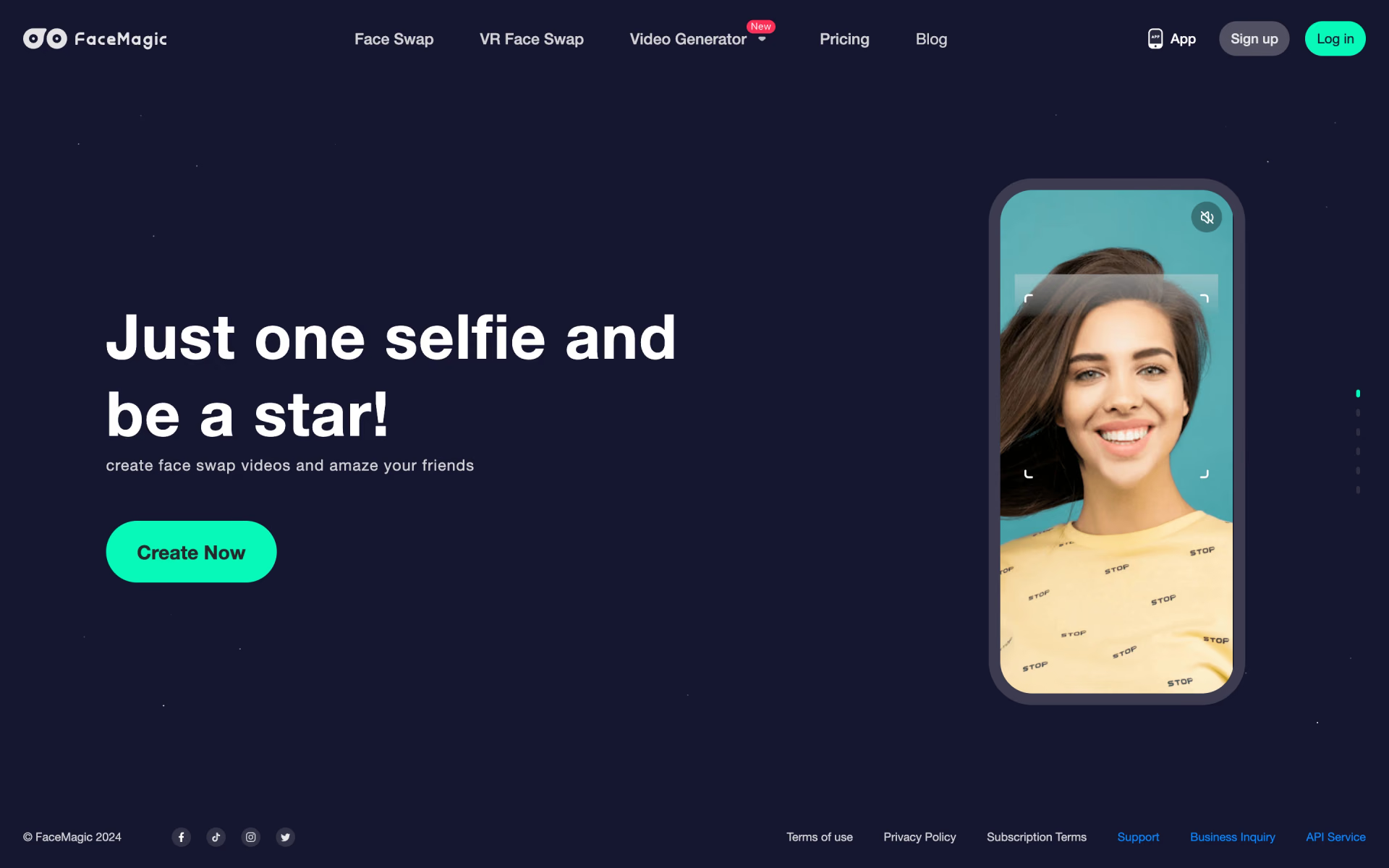
 FaceMagic

 PortraitArt
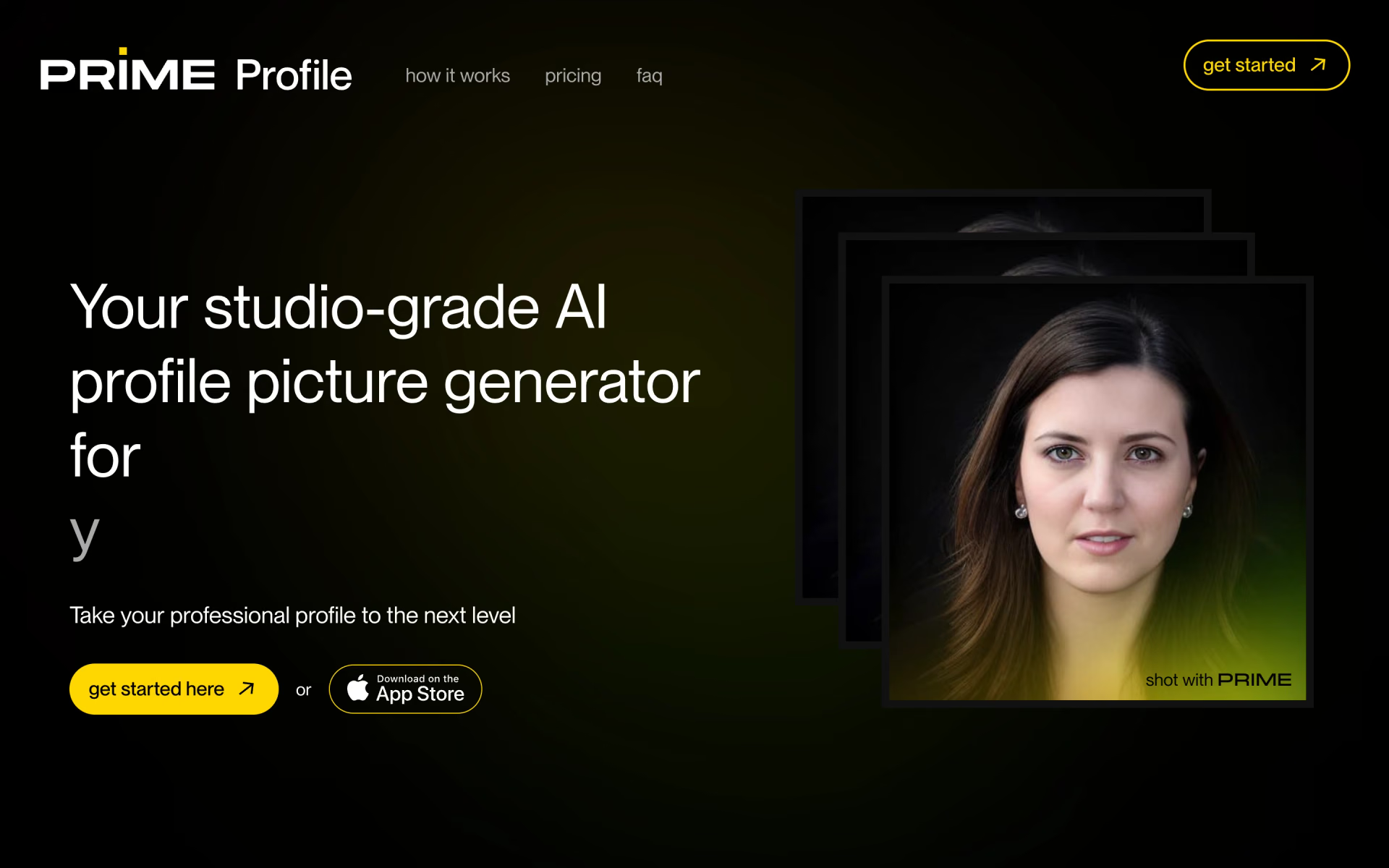
 PRIME Profile
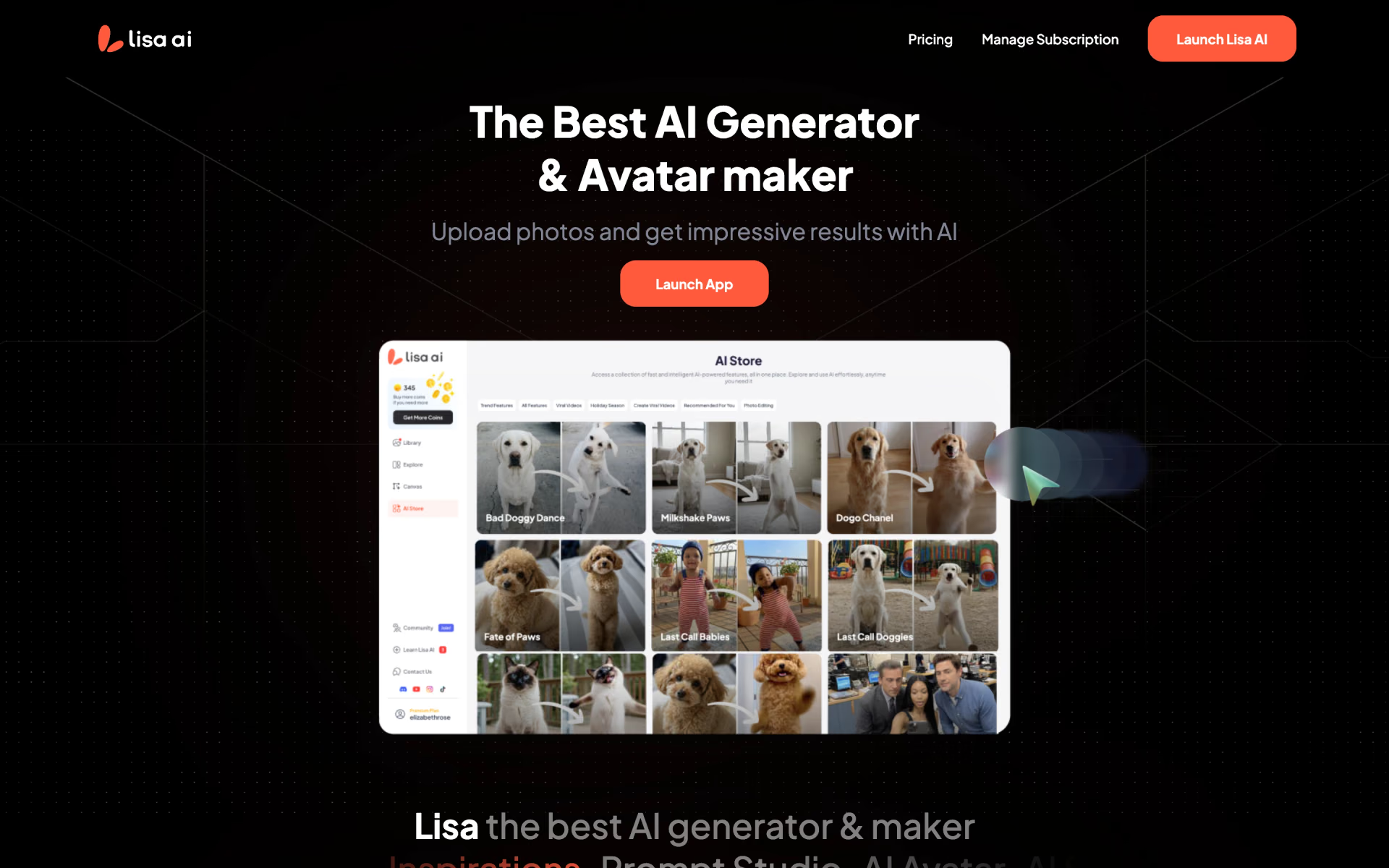
 Lisa AI

 PhotoPacks

 Pet Lens AI