
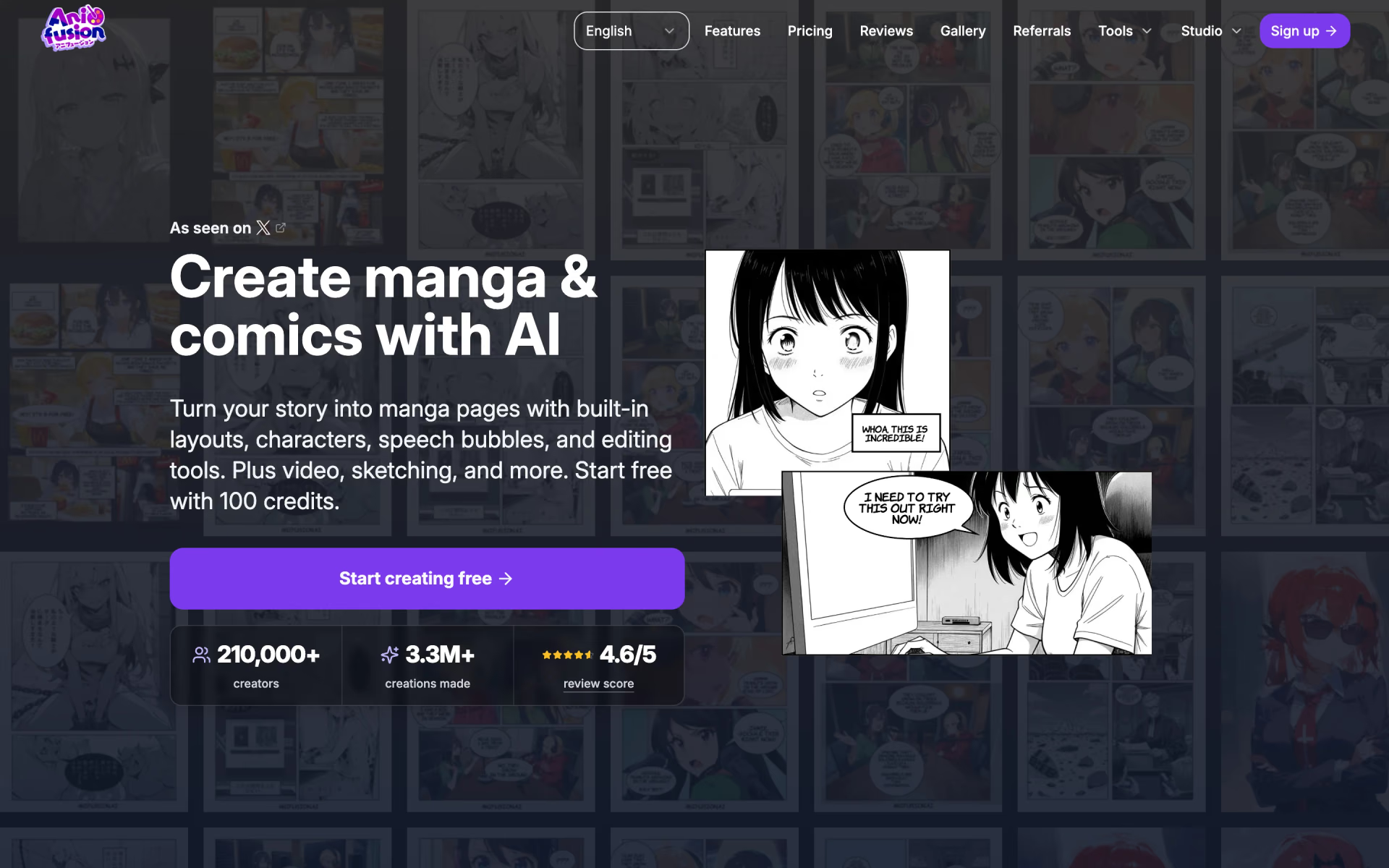
What is Anifusion?
Manga and comics from text prompts with a canvas editor.
Who is Anifusion best for?
Anifusion is best for writers and hobbyists who want to turn a story into manga or webtoon pages without drawing.
Storytellers who cannot draw
You pick a panel layout and describe each panel in plain words; it draws the art and adds speech bubbles you can edit afterwards.
Series with recurring characters
Character reference sheets and training on your own style or characters help later pages match the earlier ones.
Creators who want to sell their work
Paid plans include commercial use, and subscribers can publish to the community gallery with a tip link such as Ko-fi or Patreon.
Anime illustration beyond comics
An infinite canvas with inpainting, pose control and face enhance handles single images, and any panel can become a short animated clip.
How much does Anifusion cost?
Anifusion gives new accounts 100 free credits to try it, and its paid plans cost $9 a month for Creator with 2,000 credits or $24 a month for Pro with 10,000 credits.
- 100 credits to try it, no card needed
- One saved workspace
- Stricter content filters, some models for subscribers only
- 2,000 credits a month, about 41 standard manga pages
- Core AI models and high-resolution exports
- Commercial use, unused credits never expire
- 10,000 credits a month
- Newest AI models first and maximum-resolution exports
- Priority support and early access to new features
Billed yearly, Creator is $90 a year ($7.50 a month) with 24,000 credits up front, and Pro is $240 a year ($20 a month) with 120,000 credits. A standard page of about 4 panels costs 48 credits, a single image 12 and a 5-second animated panel 1,000. Subscribers can buy credit packs from 2,000 credits for $15 to 30,000 for $120. Prices exclude sales tax and VAT, and studios can ask for custom pricing. Full pricing on anifusion.ai. We checked these prices on .
How do readers rate Anifusion?
No one has rated Anifusion yet. Be the first.
Sign in to rate. One rating per account.
What are the best Anifusion alternatives?
One tool on Recaply does Anifusion's job. It is open source, so you can run it on your own server.

Questions about Anifusion
What is Anifusion?
Manga and comics from text prompts with a canvas editor.
Who is Anifusion for?
Anifusion is best for writers and hobbyists who want to turn a story into manga or webtoon pages without drawing.
Is Anifusion free?
Anifusion is free to try: a new account gets 100 credits with no card, enough for about 8 single images or 4 fast manga pages. Free accounts keep one workspace and cannot use every model. Regular use needs Creator at $9 a month or Pro at $24 a month.
How much does Anifusion cost?
Anifusion's paid plans are Creator at $9 per month and Pro at $24 per month.
Is there an open source alternative to Anifusion?
Yes. AI Comic Factory is an open source tool that does the same job, so you can run your own.
What are the best Anifusion alternatives?
The closest alternatives on Recaply are AI Comic Factory.
Where can I try Anifusion?
On its official website, anifusion.ai.
Can I use Anifusion on a phone or tablet?
Anifusion has no mobile app, and its maker recommends a desktop or laptop. The help center says it still runs in modern mobile browsers, with story and image generation working the same as on desktop, while precise canvas edits are easier with a stylus or a bigger screen.

 MangaAI.me
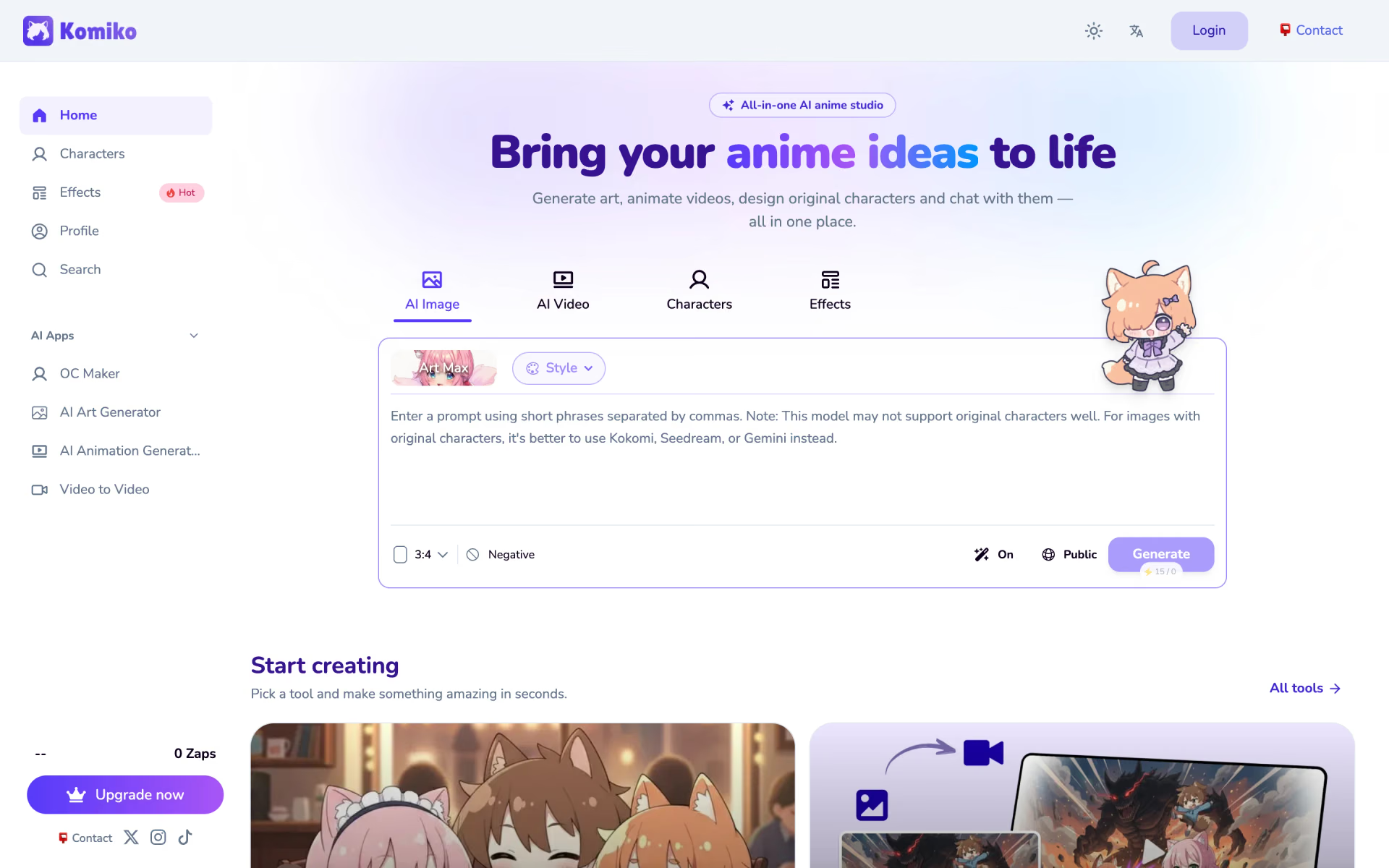
 Komiko
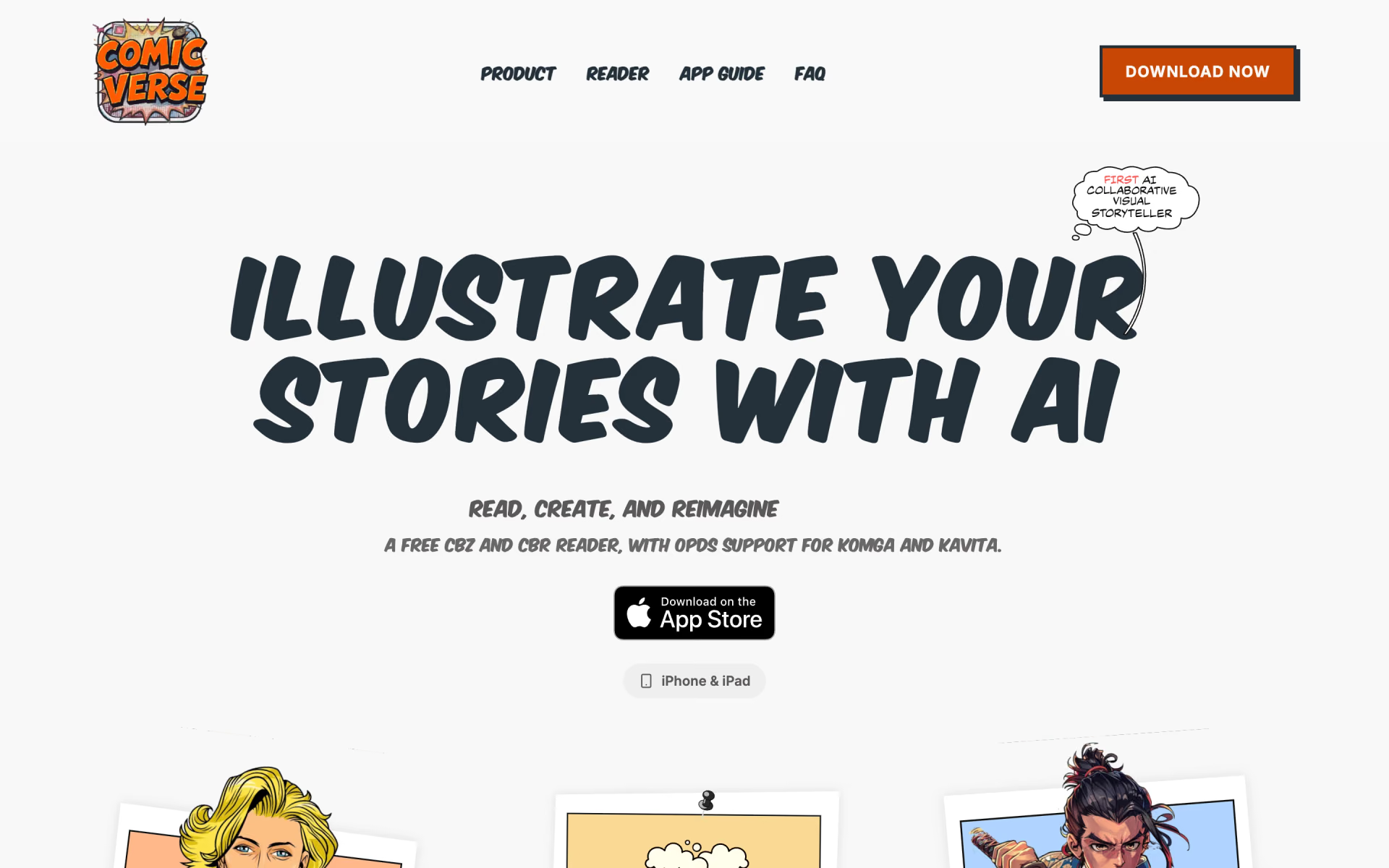
 ComicVerse

 Uizard

 Illustro

 Colorin AI