 Video
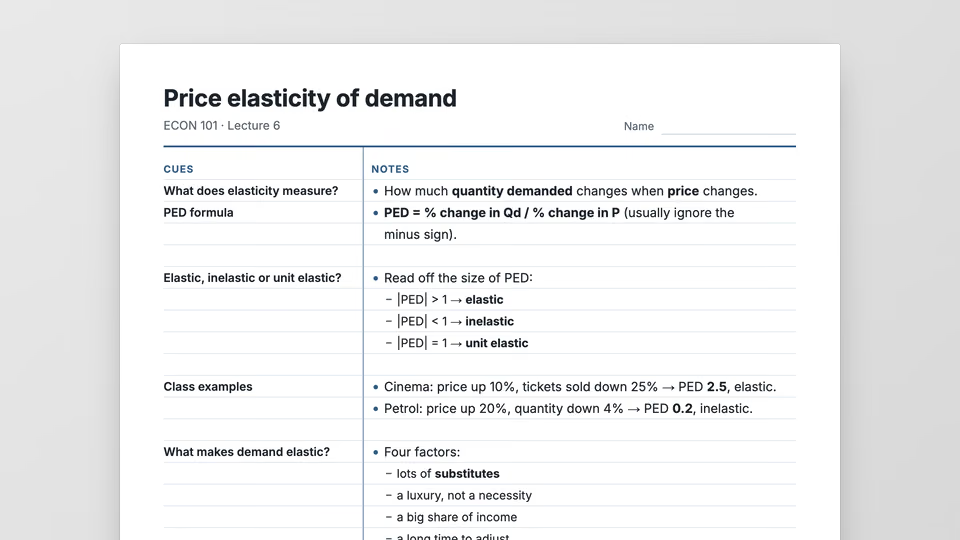
Cornell Notes Sheet


 Cornell notes to print from a lecture
 Claude CodeCodexCursor
 Gemini CLI
 GitHub Copilot
 OpenCode
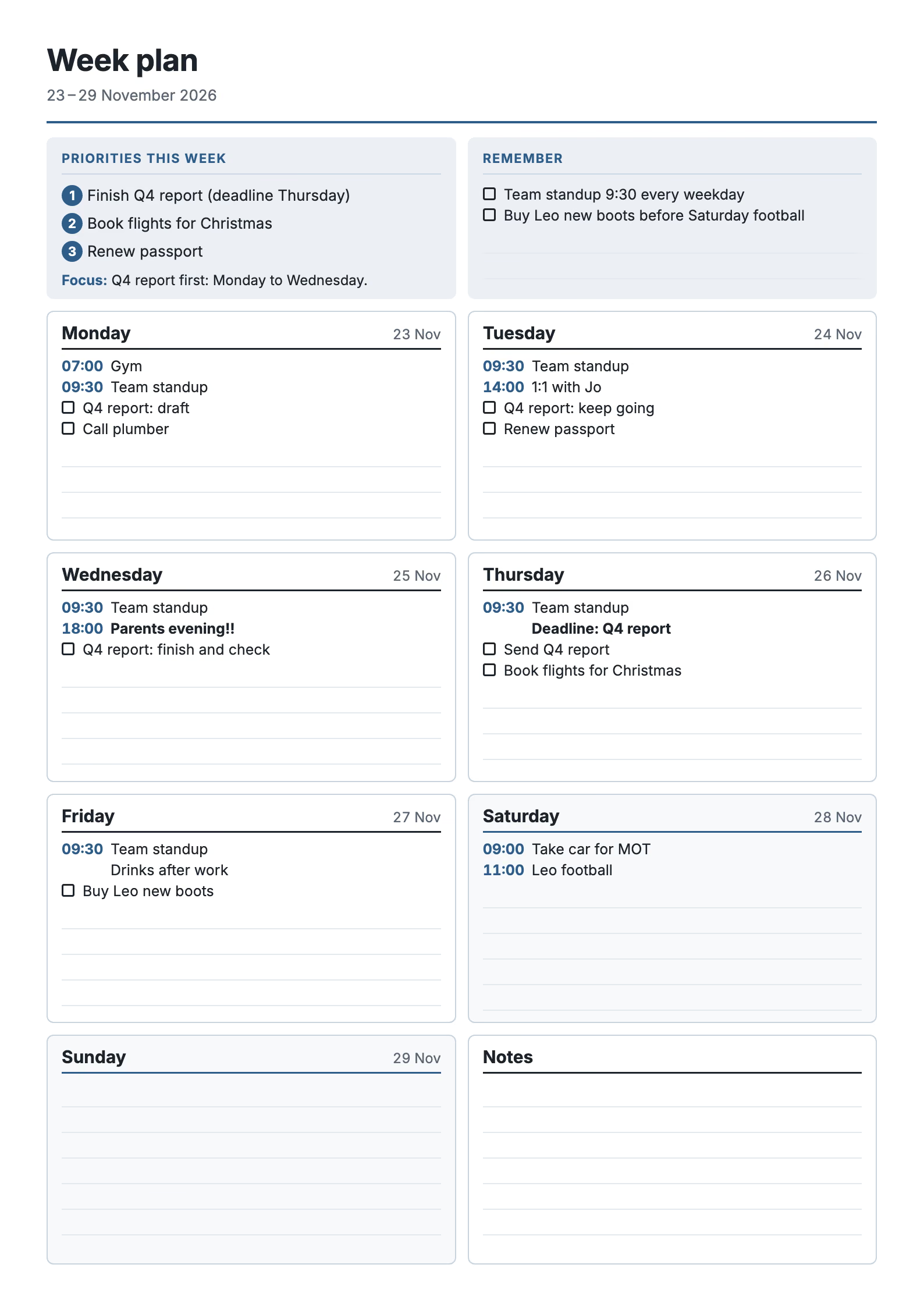
Turns a messy list of plans and to-dos into a printable one-page week: priorities, reminders and a dated box for each day.
$9.99once, yours to keep
Payments are non-refundable. See our Terms of service.
Yours. Download it, then add it to your agent.
Turns notes, a calendar paste or a brain dump into a printable weekly planner: the week's top priorities and reminders across the top, a box for each day dated from the start of the week with timed events and to-dos to tick, weekends shaded, a notes box, and ruled space left to write in. Saved as a print-ready one-page PDF (A4 or Letter) and a PNG preview. Day names and dates come from the calendar, in any language. Free to run: no API key, only Node and Chrome. Use when someone wants a weekly planner, a printable week plan, a weekly schedule to stick on the fridge, a week-at-a-glance page, or their to-do list sorted into days.
By RecaplyUpdated 11 Nov
Video
Cornell notes to print from a lecture
 Video
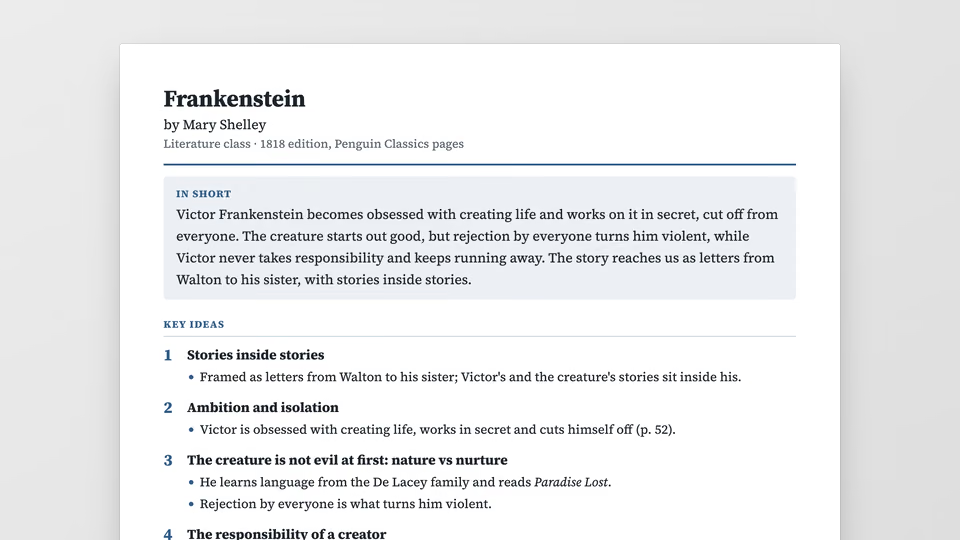
Book summary sheet with key ideas
 Video
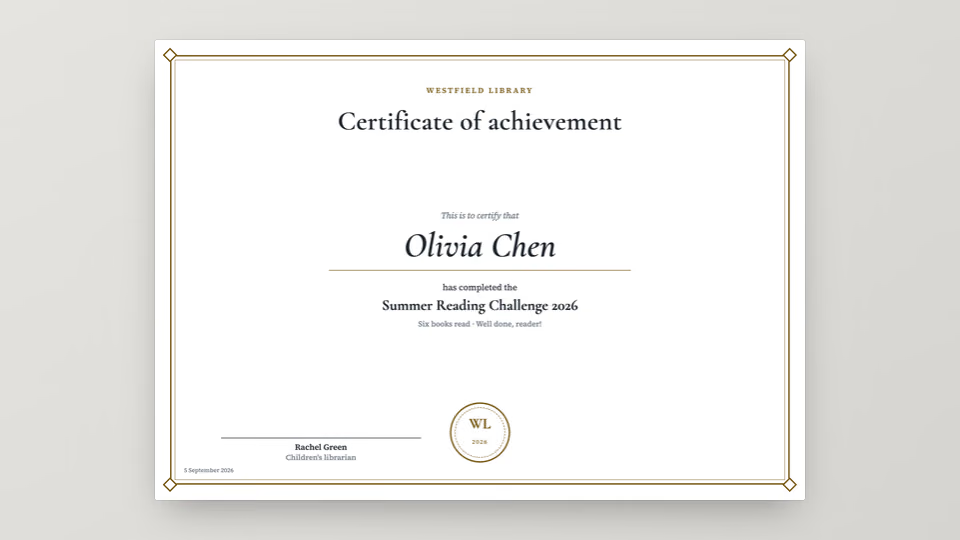
Certificates to print for a list
 Video
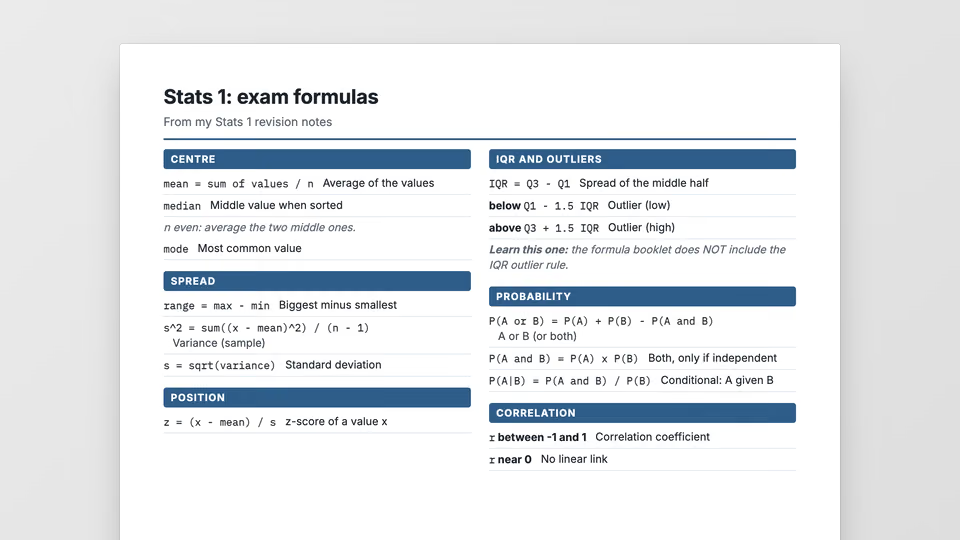
One-page quick reference card to print
You say
Make me a one-page plan for next week (it starts Monday 23 November 2026) from my notes, with my top 3 priorities
It said back
Your plan for Monday 23 to Sunday 29 November 2026 is ready as a one-page A4 sheet. I checked the preview, and everything in your notes is on it.
plan/sheet.pdfplan/sheet.pngWhat it did in run 1
No. Weekly Planner costs $9.99 once and stays in your Recaply account, or it comes with the Recaply plan ($19.99 a month), which opens every premium skill and prompt.
Claude Code, Codex, Cursor, Gemini CLI, GitHub Copilot and OpenCode.
A ZIP of the whole skill folder (60 KB): the SKILL.md your agent follows and its 10 other files, the references, templates and scripts it uses. You download it from this page whenever you need it, and install it in Claude Code, Codex, Cursor, Gemini CLI, GitHub Copilot and OpenCode. The Recaply plan opens it too, with every other premium skill and prompt.
Buy it, then download the ZIP from this page. For Claude Code, unzip it into .claude/skills/ in your project. For Codex, Cursor and Gemini CLI, unzip it and run npx skills add ./weekly-planner-sheet with your agent's flag.
A print-ready PDF on A4 or Letter, and a PNG preview. Day names and dates come from the calendar, in any language. Free to run: no key and no cost.
Node 20+ and Chrome, and no API key. Each use costs nothing beyond your agent.
11 files, about 44,788 tokens in all. The SKILL.md is about 1,908 tokens, and your agent reads it only when the job fits.
Our 1 runs took 29 s to 29 s and $0.21 to $0.21 of API use each, in Claude Code with claude-opus-5-5. On a Claude plan, a run counts toward your usage instead.
Type /weekly-planner-sheet first to make sure it loads. Without it, Claude Code may judge a small job simple enough to do without the skill.