 Video1 view, 0 downloads
Share Images


 Link previews and social cards in real type
 Claude CodeCodexCursor
 Gemini CLI
 GitHub Copilot
 OpenCode
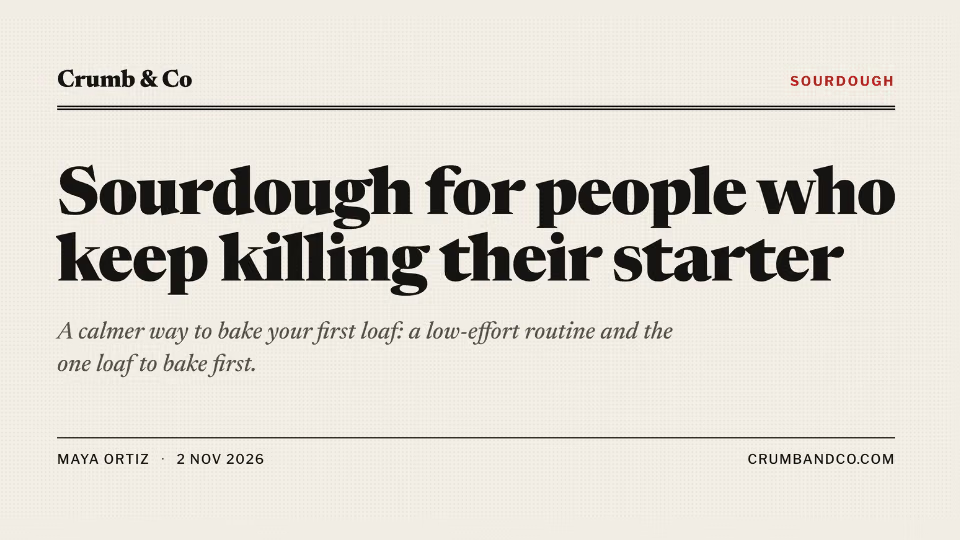
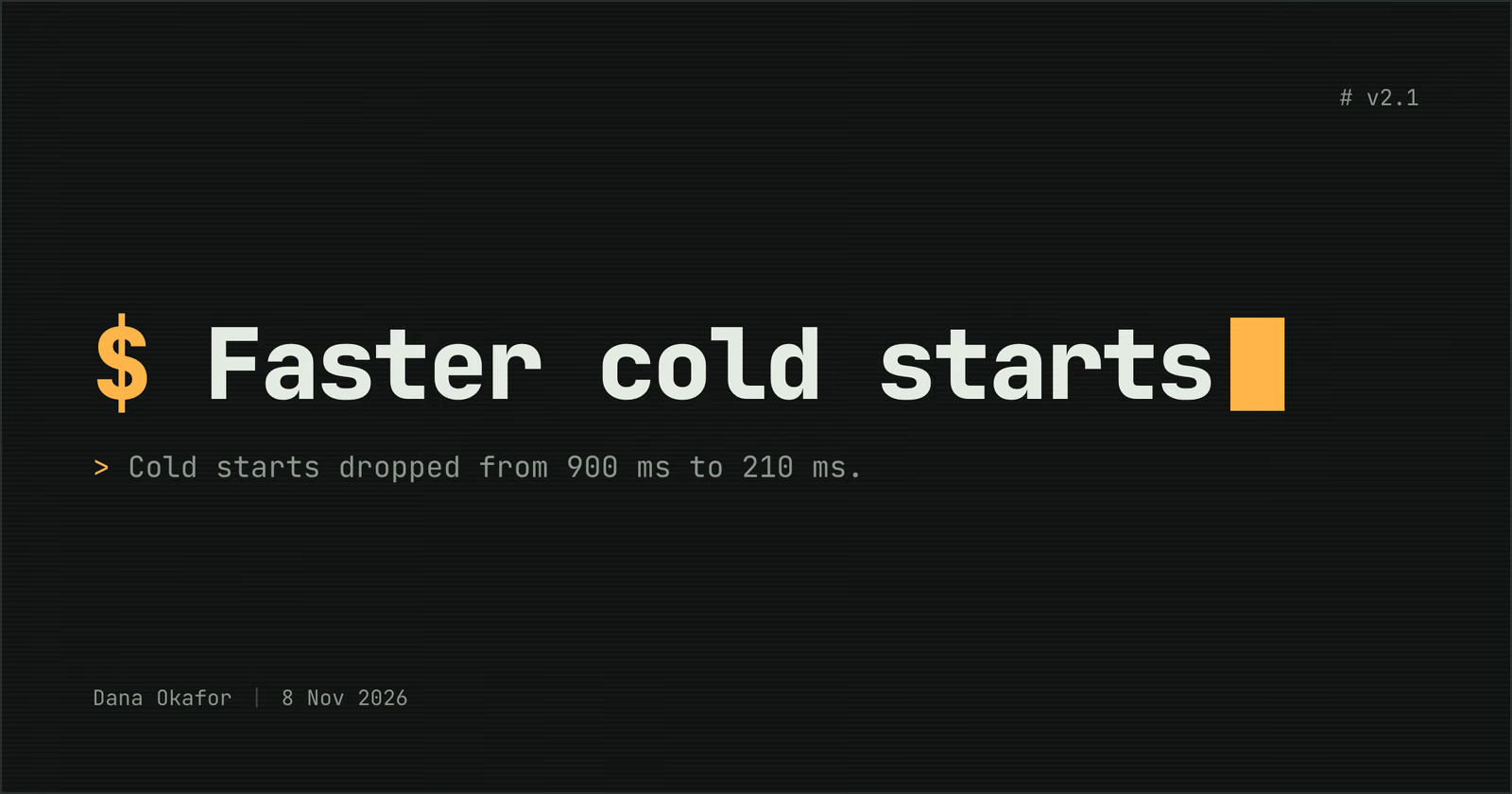
Share images that look like a terminal: a typed title after a prompt, details as output.
$9.99once, yours to keep
Payments are non-refundable. See our Terms of service.
Yours. Download it, then add it to your agent.
Makes share images styled as a shell session on a dark screen: link previews (Open Graph and X cards), social posts, and quote, stat, list and event cards, saved as PNG one at a time or as a batch. A near-black screen in monospace, the title typed after an amber prompt with a block cursor, and the details printed like command output. Every word is set in real type and checked to fit; no picture model, no key and no cost. Use when a developer blog, docs site or changelog wants link previews that feel like a terminal, or when someone asks for an OG image, social card or link preview with a terminal look.
By RecaplyUpdated 11 Nov
Video1 view, 0 downloads
Link previews and social cards in real type
 Video
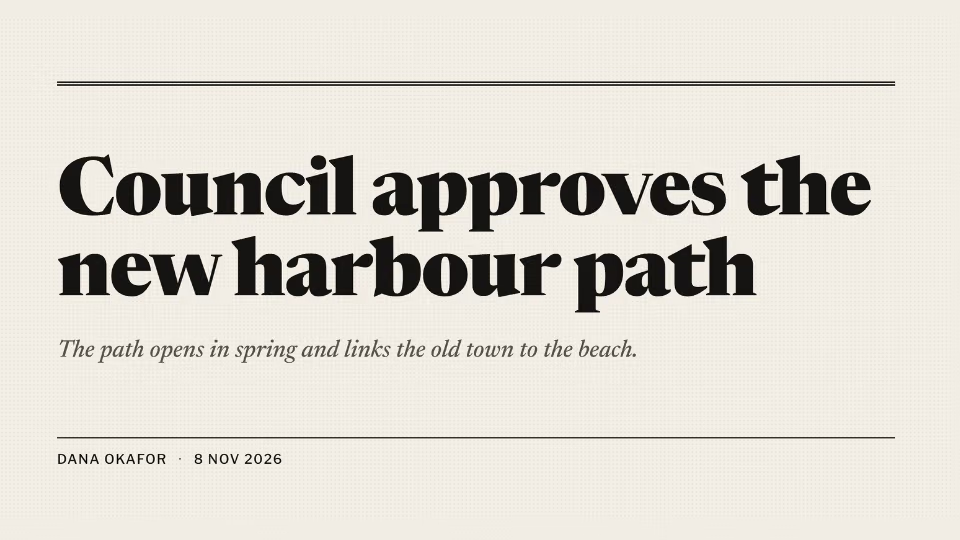
Link previews like a front page
 Video1 view, 0 downloads
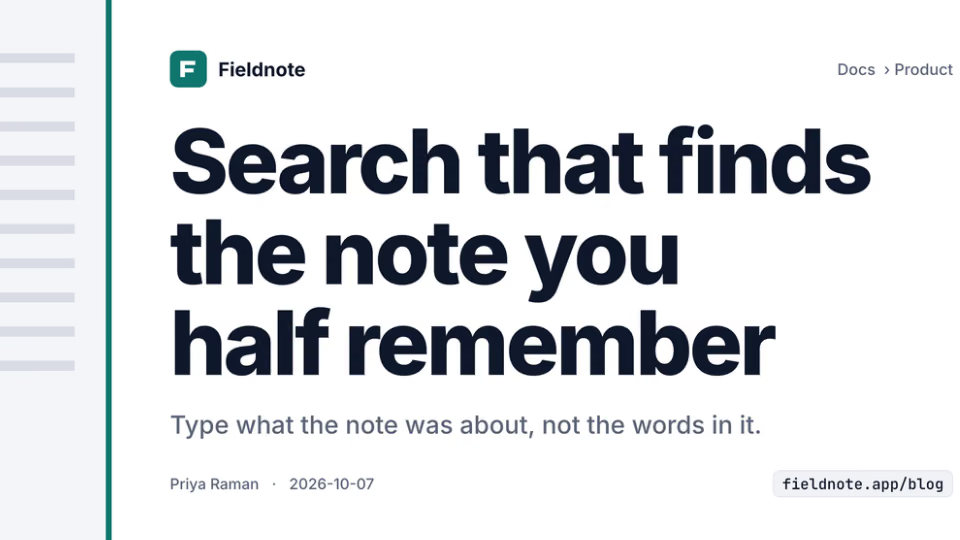
Link previews for every post
 Video
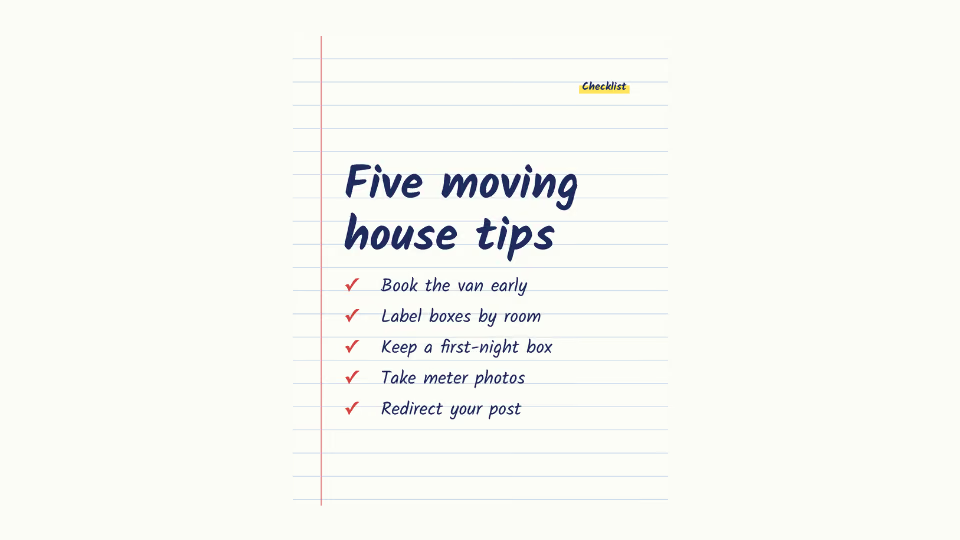
Tips and "5 things" list graphics
You say
Make an OG image for this release note
It said back
I made the OG image: share/v2-1.png. It's 1200×630 and rendered at 2× (2400×1260). I checked it and all the text is spelled correctly, fits, and stays clear of the edges. The script printed no warnings or notes.
headline, a terminal-style title and subtitle, which suits a short release note.What it did in run 1
No. Terminal Share Images costs $9.99 once and stays in your Recaply account, or it comes with the Recaply plan ($19.99 a month), which opens every premium skill and prompt.
Claude Code, Codex, Cursor, Gemini CLI, GitHub Copilot and OpenCode.
A ZIP of the whole skill folder (22 KB): the SKILL.md your agent follows and its 4 other files, the references, templates and scripts it uses. You download it from this page whenever you need it, and install it in Claude Code, Codex, Cursor, Gemini CLI, GitHub Copilot and OpenCode. The Recaply plan opens it too, with every other premium skill and prompt.
Buy it, then download the ZIP from this page. For Claude Code, unzip it into .claude/skills/ in your project. For Codex, Cursor and Gemini CLI, unzip it and run npx skills add ./terminal-share-image with your agent's flag.
PNG link previews at 1200x630, or the size each network wants. The terminal look: a shell session on a dark screen. Every word checked to fit, and the meta tags to paste in.
Node 20+ and Chrome, and no API key. Each use costs nothing beyond your agent.
5 files, about 12,749 tokens in all. The SKILL.md is about 1,858 tokens, and your agent reads it only when the job fits.
Our 1 runs took 19 s to 19 s and $0.08 to $0.08 of API use each, in Claude Code with claude-sonnet-5-5. On a Claude plan, a run counts toward your usage instead.
Type /terminal-share-image first to make sure it loads. Without it, Claude Code may judge a small job simple enough to do without the skill.