 Video
Doodle Pad Slide Deck


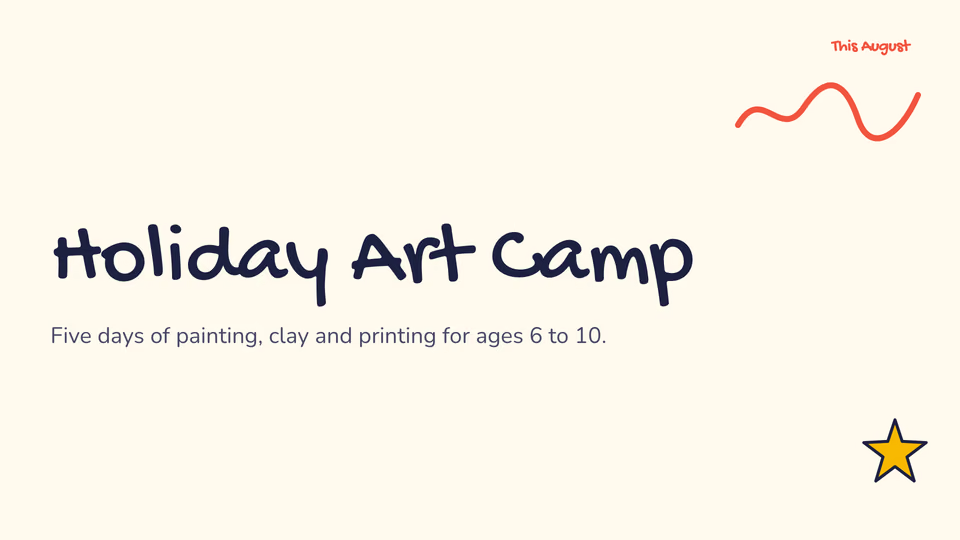
 Hand-drawn doodle slides
 Claude CodeCodexCursor
 Gemini CLI
 GitHub Copilot
 OpenCode
Slide decks that look like a tidy notebook with mint headlines and black marker, as PDF, PNGs, browser deck and PowerPoint.
$9.99once, yours to keep
Payments are non-refundable. See our Terms of service.
Yours. Download it, then add it to your agent.
Makes slide decks styled as a tidy notebook with mint headlines and black marker, from notes, a document or figures: title, agenda, section, bullet, column, card, picture, quote, big number, chart, timeline, table, formula and closing slides, saved as a PDF, a PNG per slide, a deck that plays in the browser and an editable PowerPoint file, with speaker notes. Warm paper pages, chunky deep-mint headlines and black marker squiggles, like a tidy notebook brought into a meeting. Every word is set in real type and checked to fit; no picture model, no key and no cost. Use when a team wants a friendly, practical deck for plans, retros or kickoffs, or when someone asks for a presentation, slides or a deck with a notebook marker look.
By RecaplyUpdated 11 Nov
Video
Hand-drawn doodle slides
 Video1 view, 0 downloads
Dynamic company overview slides
 Video
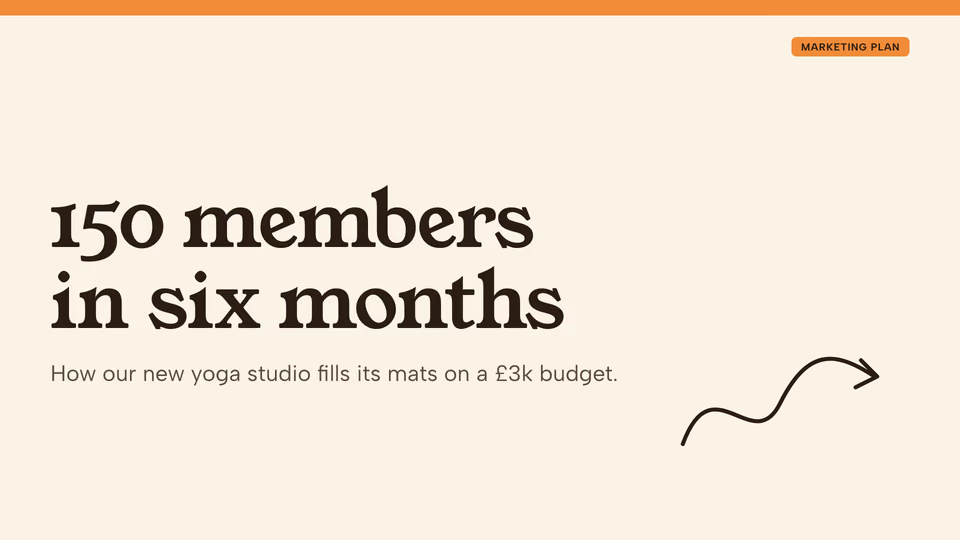
Marketing plan slides on cream
 Video
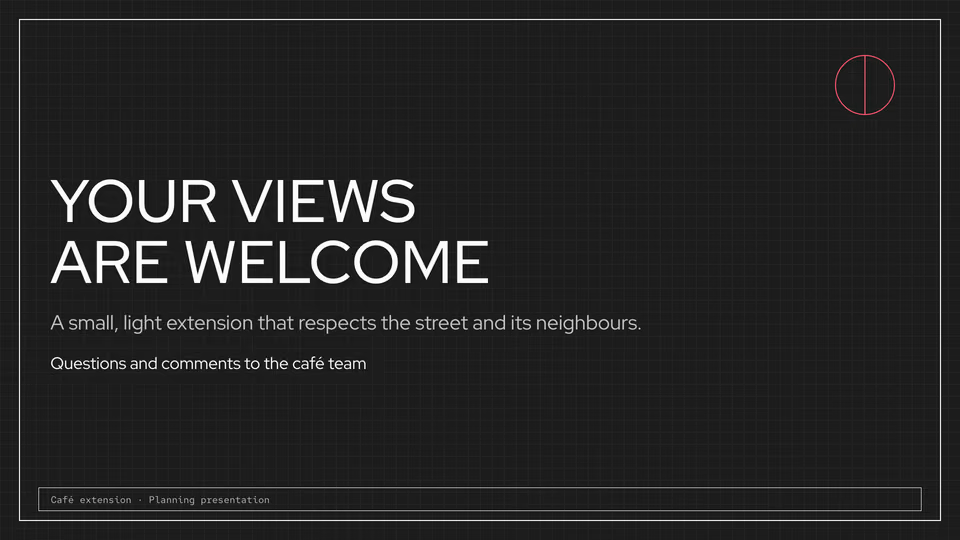
Drawing-sheet slides for projects
You say
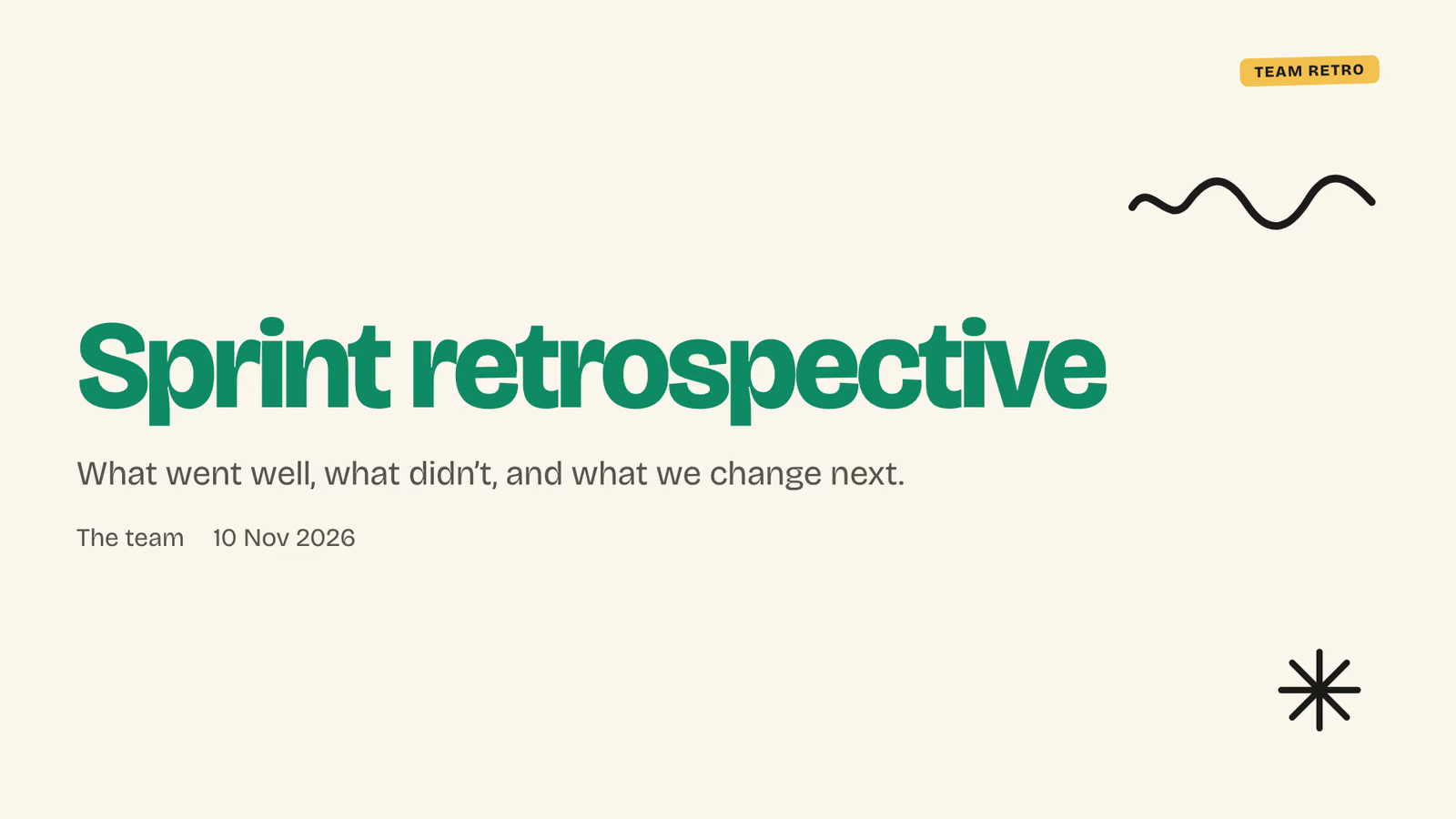
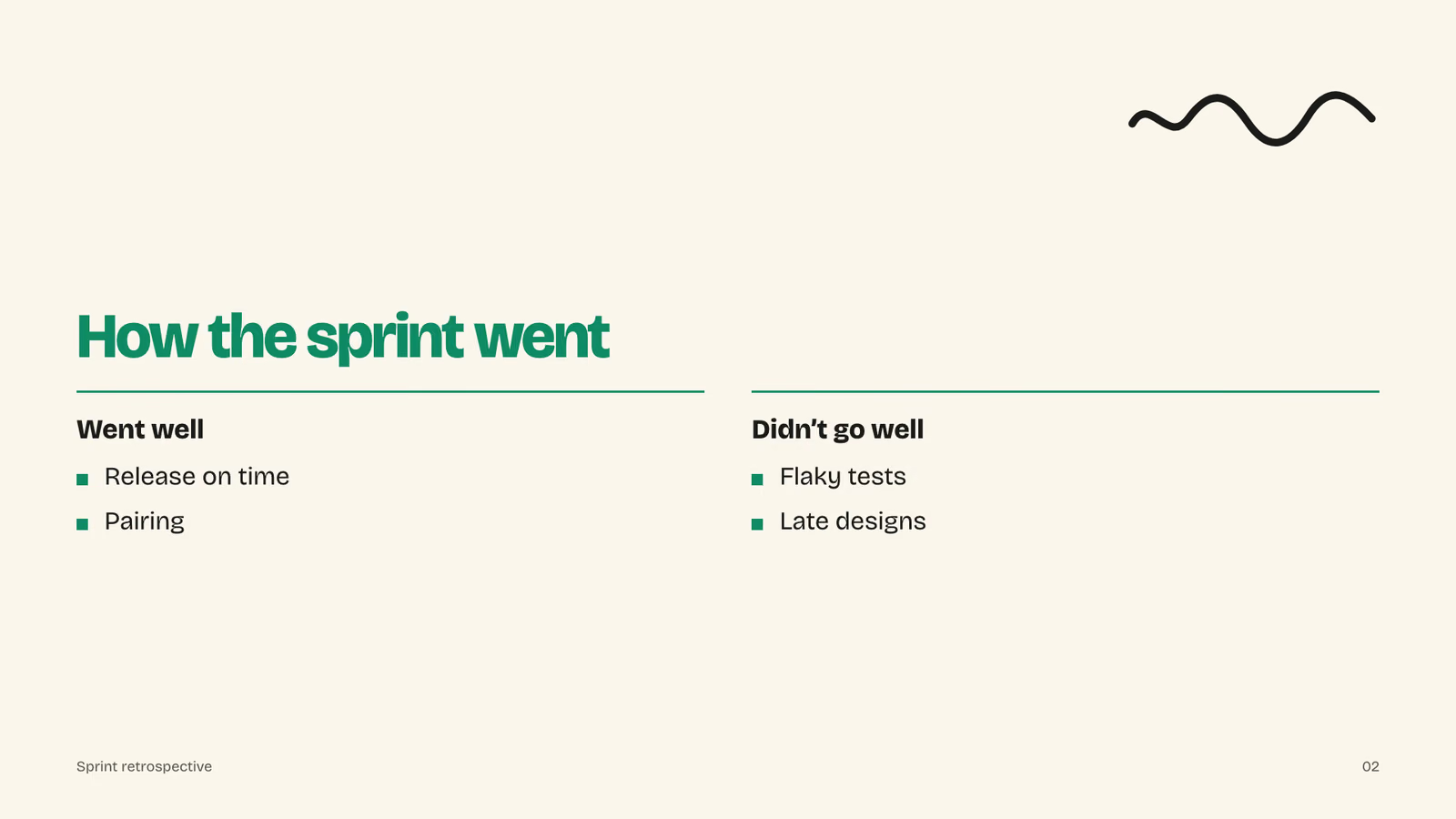
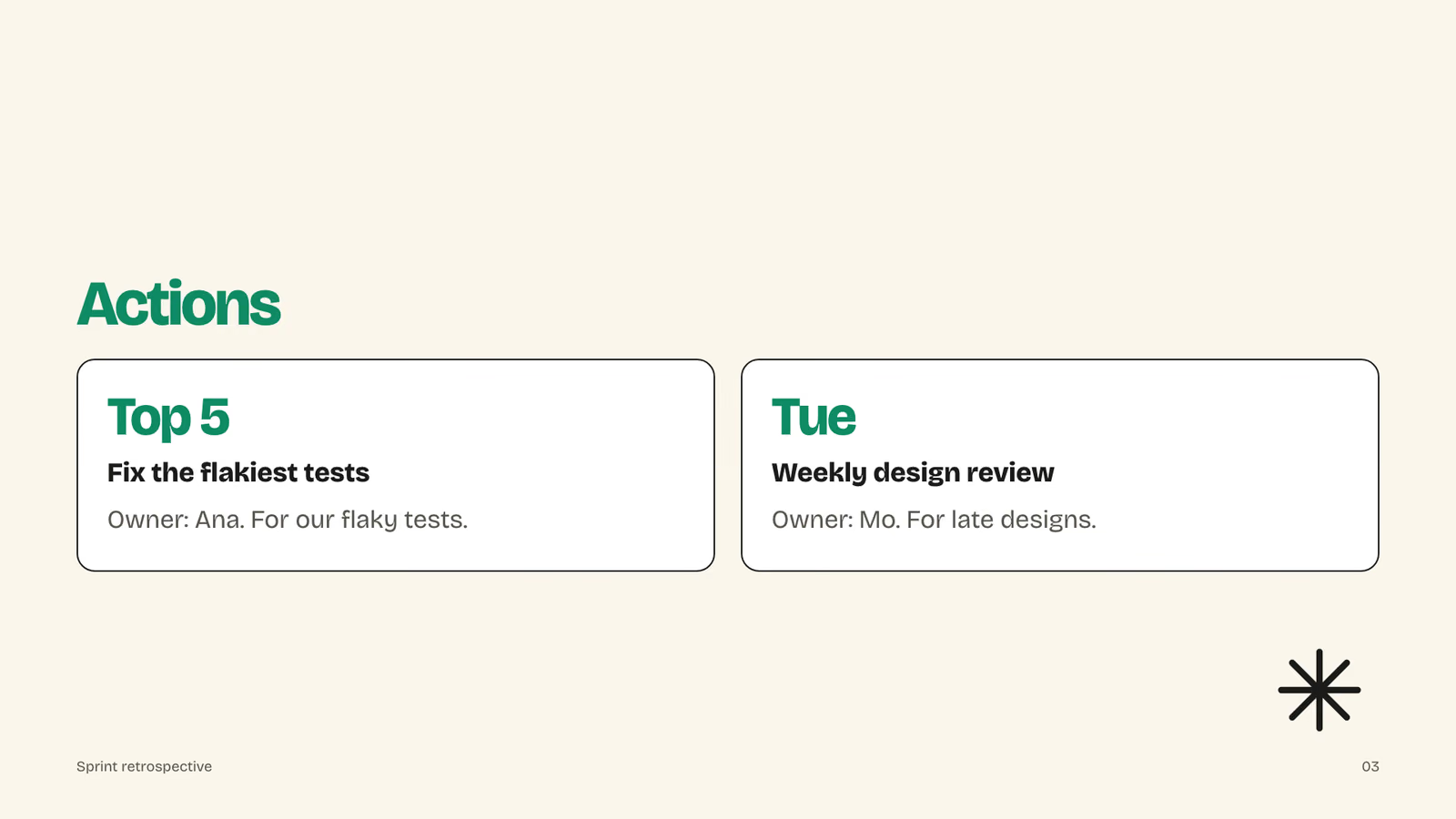
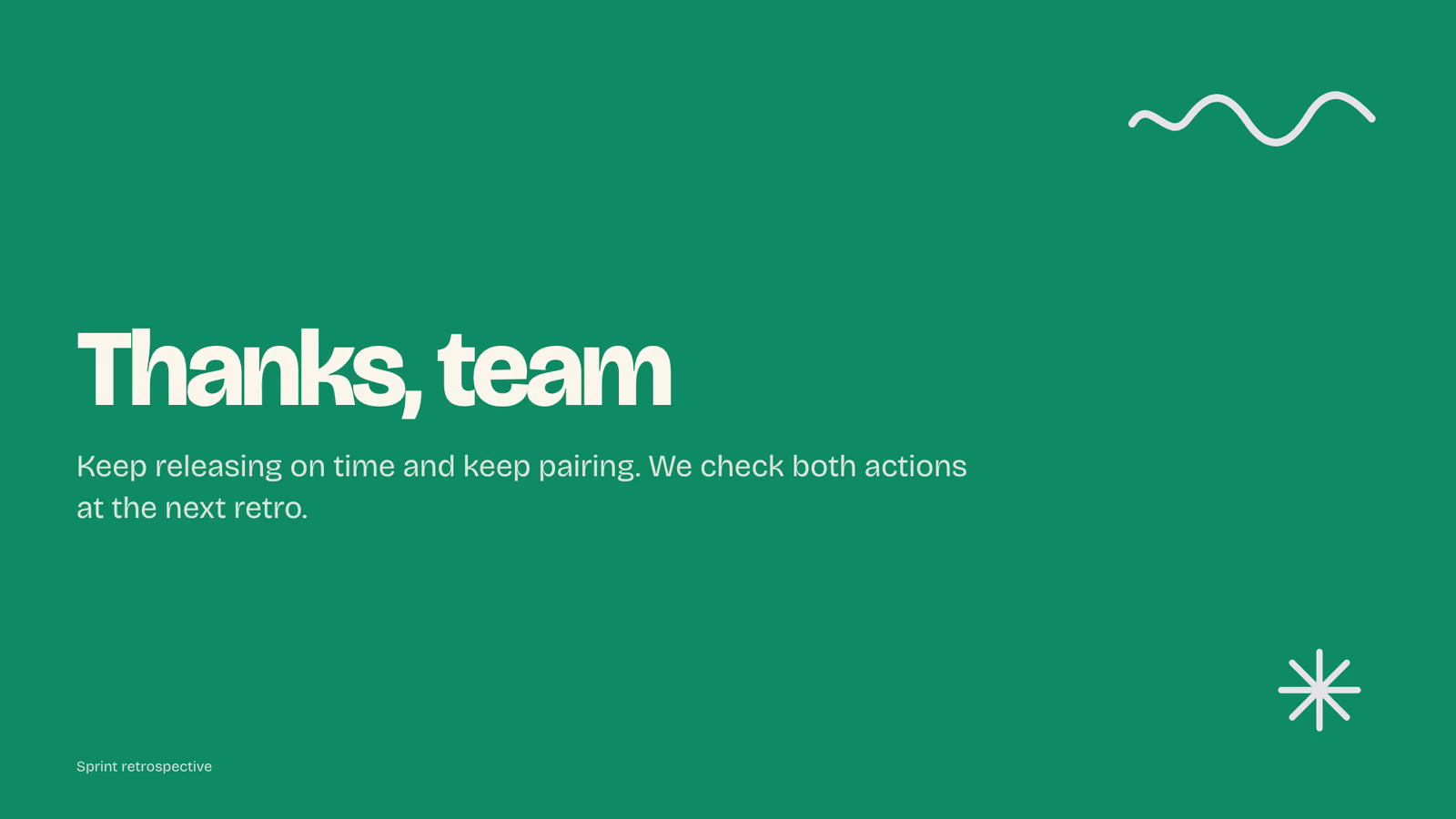
Make our sprint retrospective deck
It said back
I made a 4-slide retro deck from retro.md, in the mint notebook style. Everything fits, and I looked over every slide before writing this.
Files (in retro/sprint-retrospective/):
sprint-retrospective.pdfsprint-retrospective.pptx: the text can be edited, and it includes speaker notessprint-retrospective.html: plays in a browser (press N for notes, E to edit the text)slides/01.png to 04.pngnotes.mdWhat it did in run 1
No. Mint Notebook Slide Deck costs $9.99 once and stays in your Recaply account, or it comes with the Recaply plan ($19.99 a month), which opens every premium skill and prompt.
Claude Code, Codex, Cursor, Gemini CLI, GitHub Copilot and OpenCode.
A ZIP of the whole skill folder (40 KB): the SKILL.md your agent follows and its 6 other files, the references, templates and scripts it uses. You download it from this page whenever you need it, and install it in Claude Code, Codex, Cursor, Gemini CLI, GitHub Copilot and OpenCode. The Recaply plan opens it too, with every other premium skill and prompt.
Buy it, then download the ZIP from this page. For Claude Code, unzip it into .claude/skills/ in your project. For Codex, Cursor and Gemini CLI, unzip it and run npx skills add ./mint-notebook-deck with your agent's flag.
A PDF, a PowerPoint file and a web page to present from. The notebook marker look: a tidy notebook with mint headlines and black marker. Every slide checked to fit before it is saved.
Node 20+, Chrome and ffmpeg, and no API key. Each use costs nothing beyond your agent.
7 files, about 26,790 tokens in all. The SKILL.md is about 3,064 tokens, and your agent reads it only when the job fits.
Our 1 runs took 47 s to 47 s and $0.22 to $0.22 of API use each, in Claude Code with claude-opus-5-5. On a Claude plan, a run counts toward your usage instead.
Type /mint-notebook-deck first to make sure it loads. Without it, Claude Code may judge a small job simple enough to do without the skill.