Skip to content

DirectorySkills

Makers neon slide deck: 01, made in this run
Run 1Makers neon slide deck“Make an induction deck for our 3D printers. Everything is in brief.md, photos of the printers in photos/.”
Runs in
  • Claude Code
  • Codex
  • Cursor
  • Gemini CLI
  • GitHub Copilot
  • OpenCode
Generates with
Your agent's model
Tested with
Claude Code 2.1.322Claude Sonnet 5.51 real run, 12 Nov
Needs
Node 20+Chromeffmpeg
Licence
Recaply licence

Makers Neon Slide Deck

Slide decks that look like a maker’s cutting mat with neon tape labels, as PDF, PNGs, browser deck and PowerPoint.

$9.99once, yours to keep

Makes slide decks styled as a maker’s cutting mat with neon tape labels, from notes, a document or figures: title, agenda, section, bullet, column, card, picture, quote, big number, chart, timeline, table, formula and closing slides, saved as a PDF, a PNG per slide, a deck that plays in the browser and an editable PowerPoint file, with speaker notes. A green cutting-mat grid with ruler ticks, tall condensed headlines and neon tape labels. Every word is set in real type and checked to fit; no picture model, no key and no cost. Use when a maker space, hardware team or workshop wants a hands-on, technical deck, or when someone asks for a presentation, slides or a deck with a maker space look.

By RecaplyUpdated 12 Nov

Install Makers Neon Slide Deck

After the download, ask your agent to add it, or run the line yourself.

Read https://recaply.co/skills/makers-neon-deck/install.md and follow it to install the makers-neon-deck skill from makers-neon-deck.zip.

Paste it into your agent. It reads our install steps, finds the ZIP you downloaded and adds the skill for you.

New to skills? How to install a skill

Similar skills

All 735 skills

Who Makers Neon Slide Deck is for

What you get

  • A PDF, a PowerPoint file and a web page to present from
  • The maker space look: a maker’s cutting mat with neon tape labels
  • Every slide checked to fit before it is saved

Good fit

  • Maker spaces
  • Workshops and inductions
  • Hardware projects

Not for

  • Filling in an existing PowerPoint template
  • Decks in another company's brand

About this skill

You say

Make an induction deck for our 3D printers. Everything is in brief.md, photos of the printers in photos/.

It said back

The 10-slide induction deck is built. I checked the contact sheet and the script gave no warnings, but I haven't opened the individual slide PNGs. The files are in talk/3d-printer-induction/:

  • 3d-printer-induction.pdf
  • 3d-printer-induction.pptx (editable text boxes)
  • 3d-printer-induction.html (plays in a browser)
  • slides/01.png to 10.png
  • notes.md (speaker notes)
Show more

What it did in run 1

  1. makers-neon-deck
  2. ./brief.md
  3. ls -la . ./photos
  4. node .claude/skills/makers-neon-deck/scripts/check.mjs; mkdir -p talk && cp photos/*.jpg talk/
  5. node .claude/skills/makers-neon-deck/scripts/check.mjs; mkdir -p talk && cp photos/large-printer.jpg photos/small-printer.jpg talk/
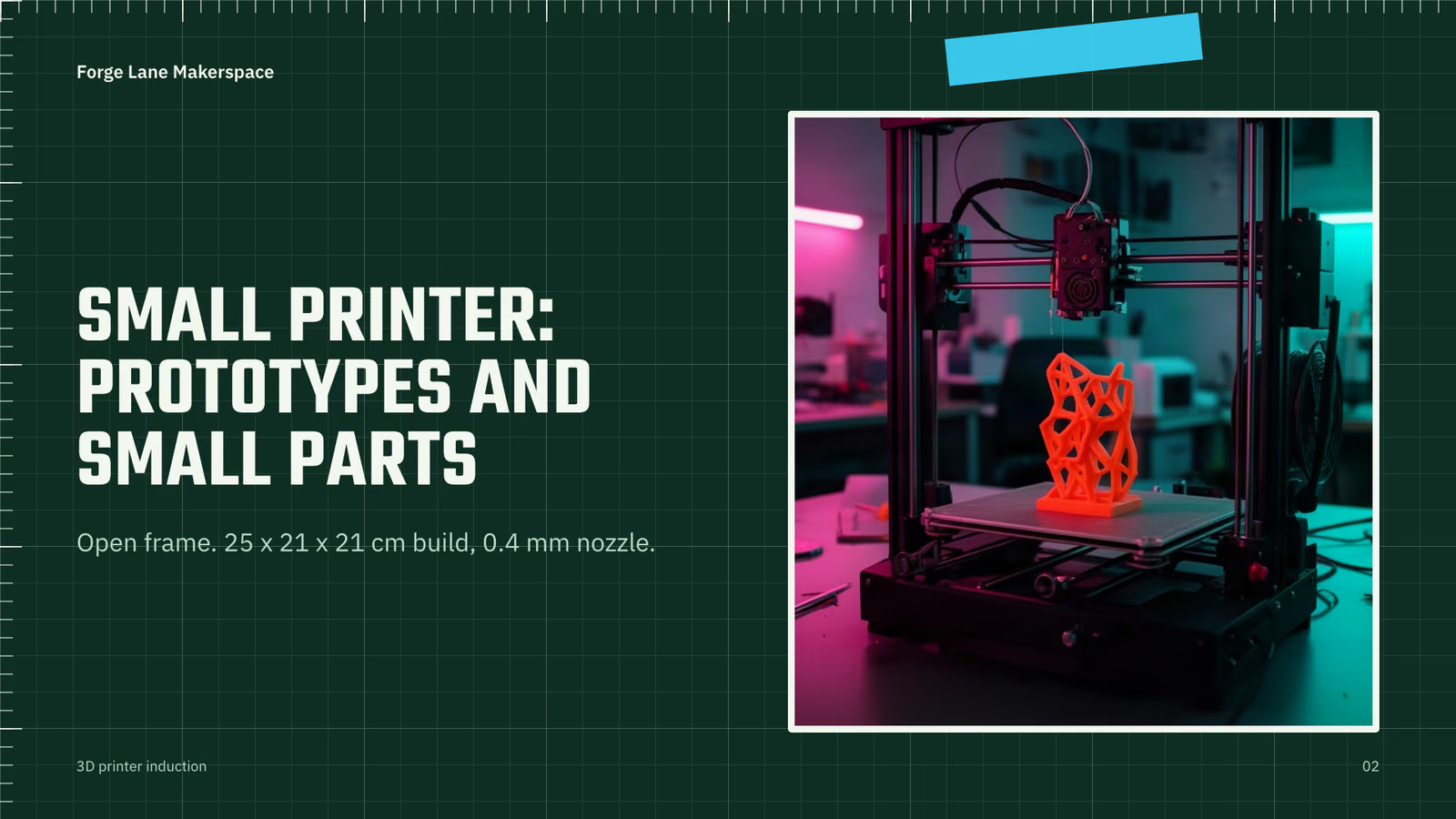
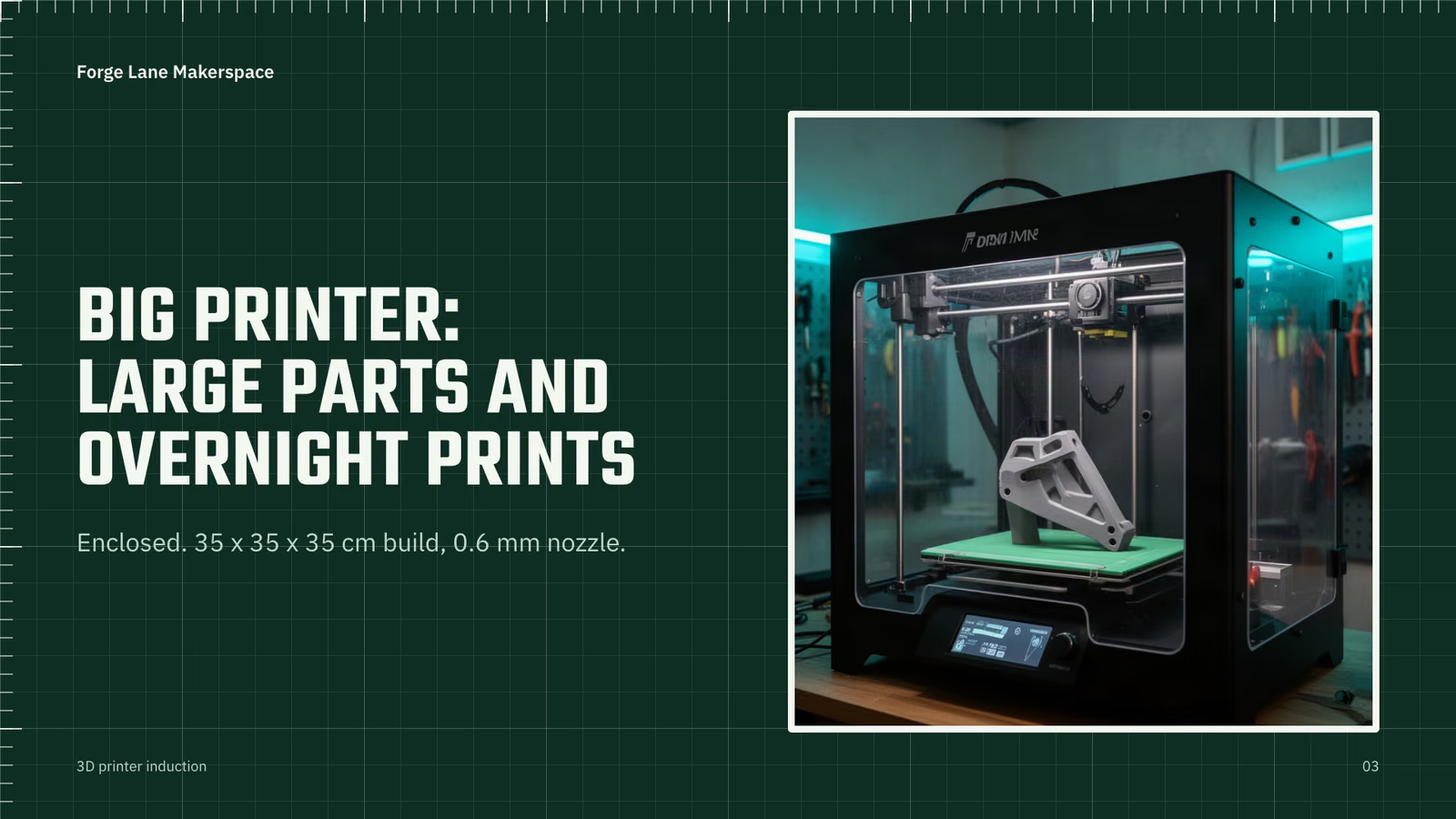
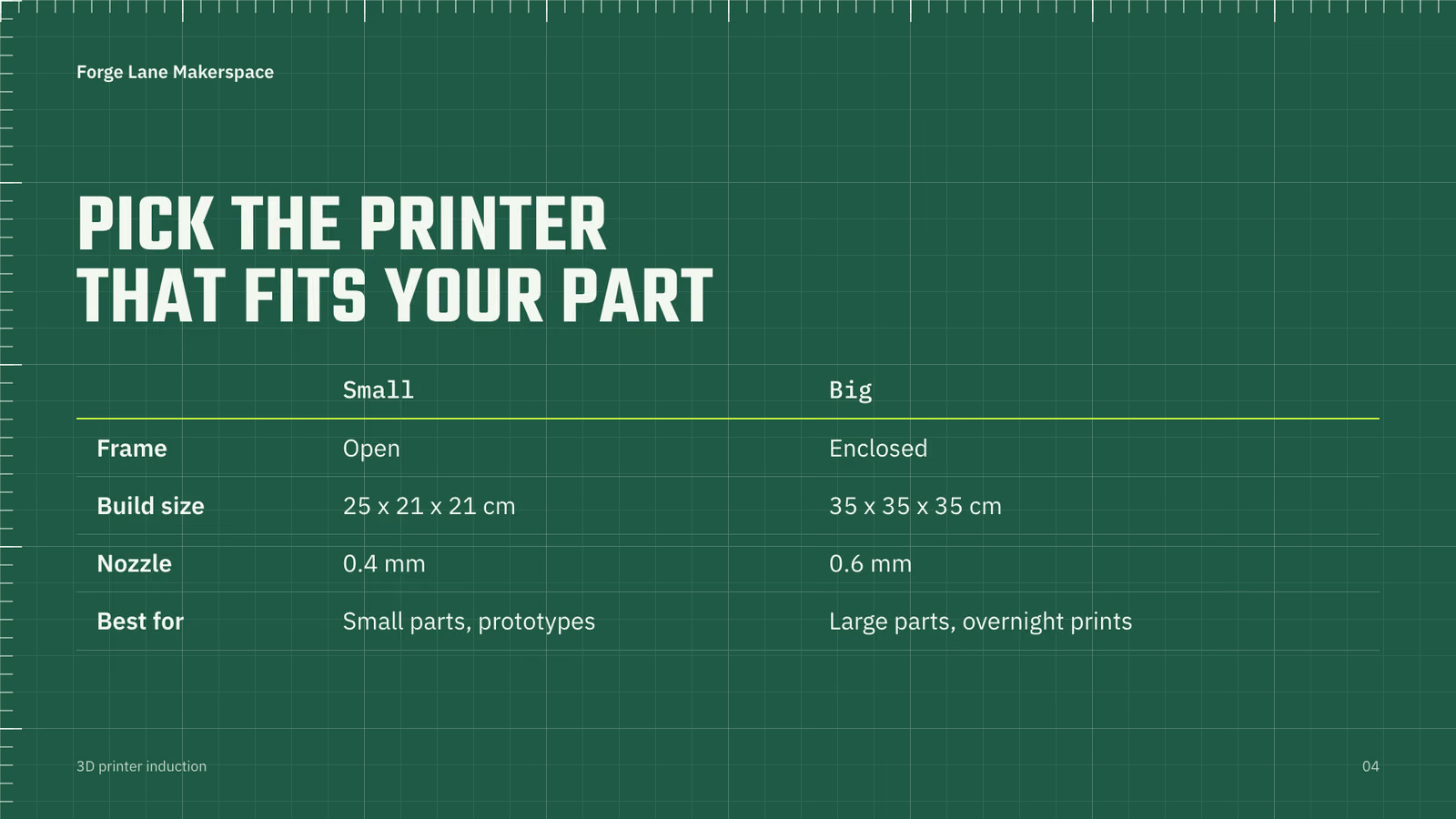
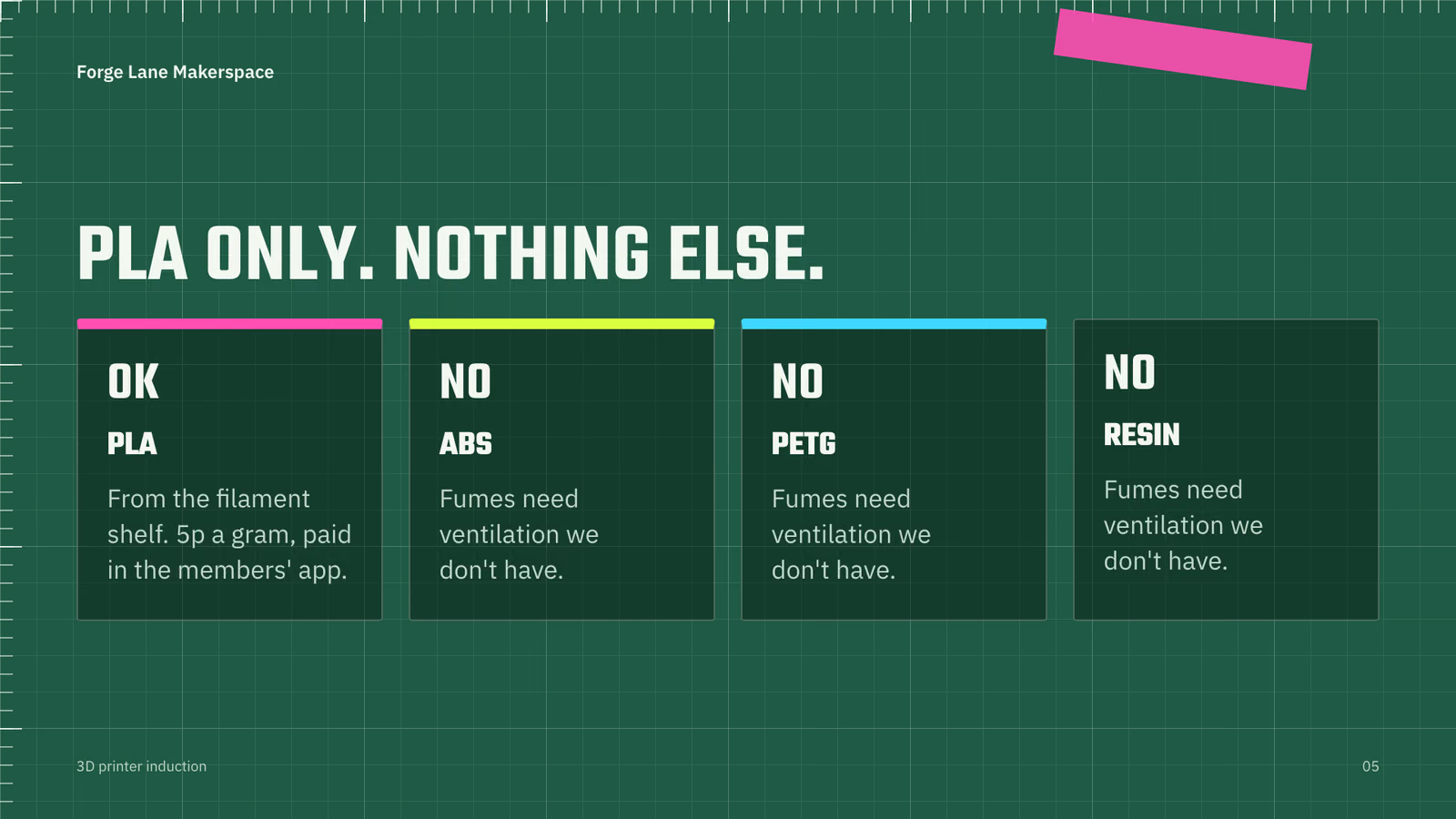
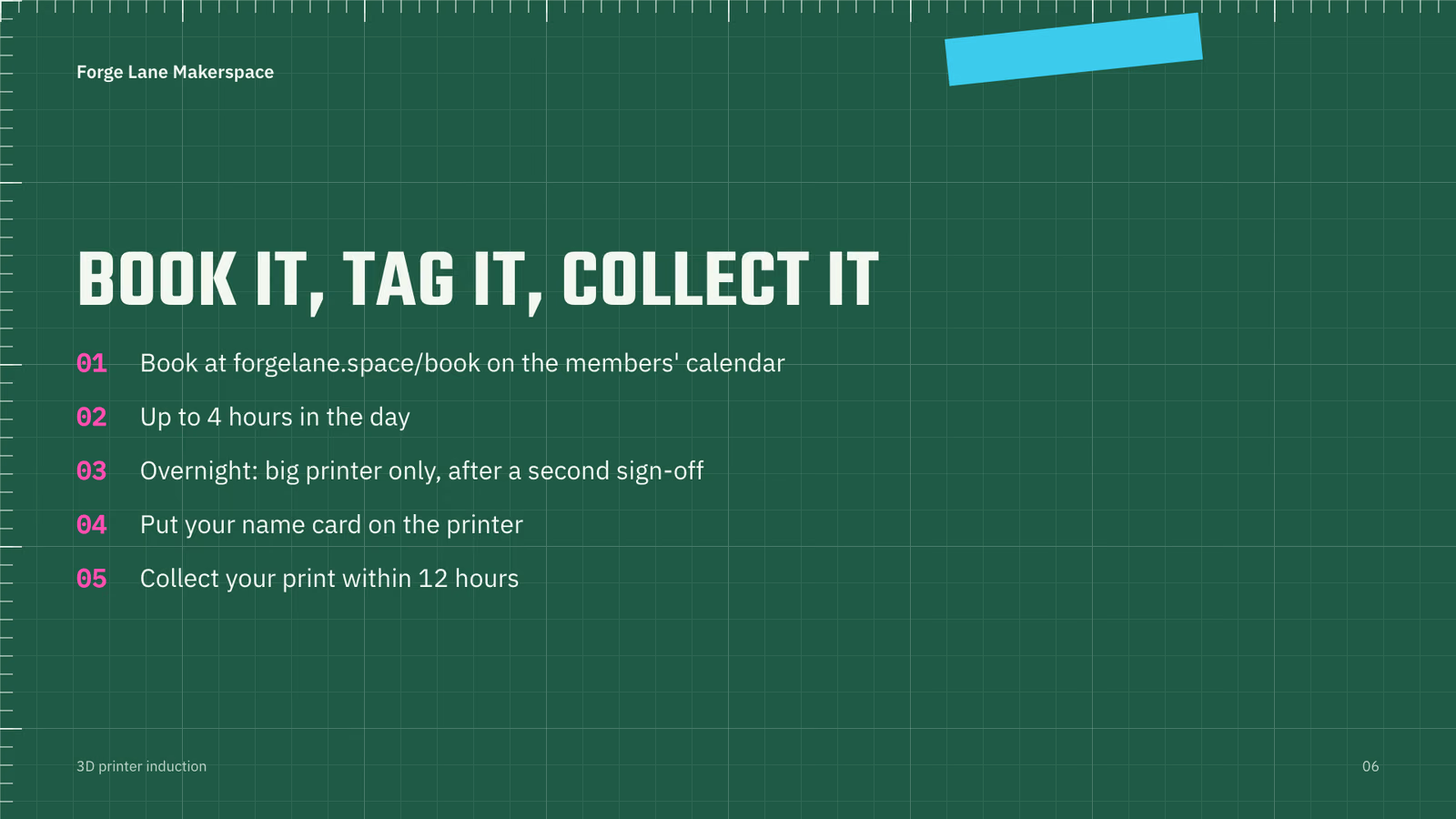
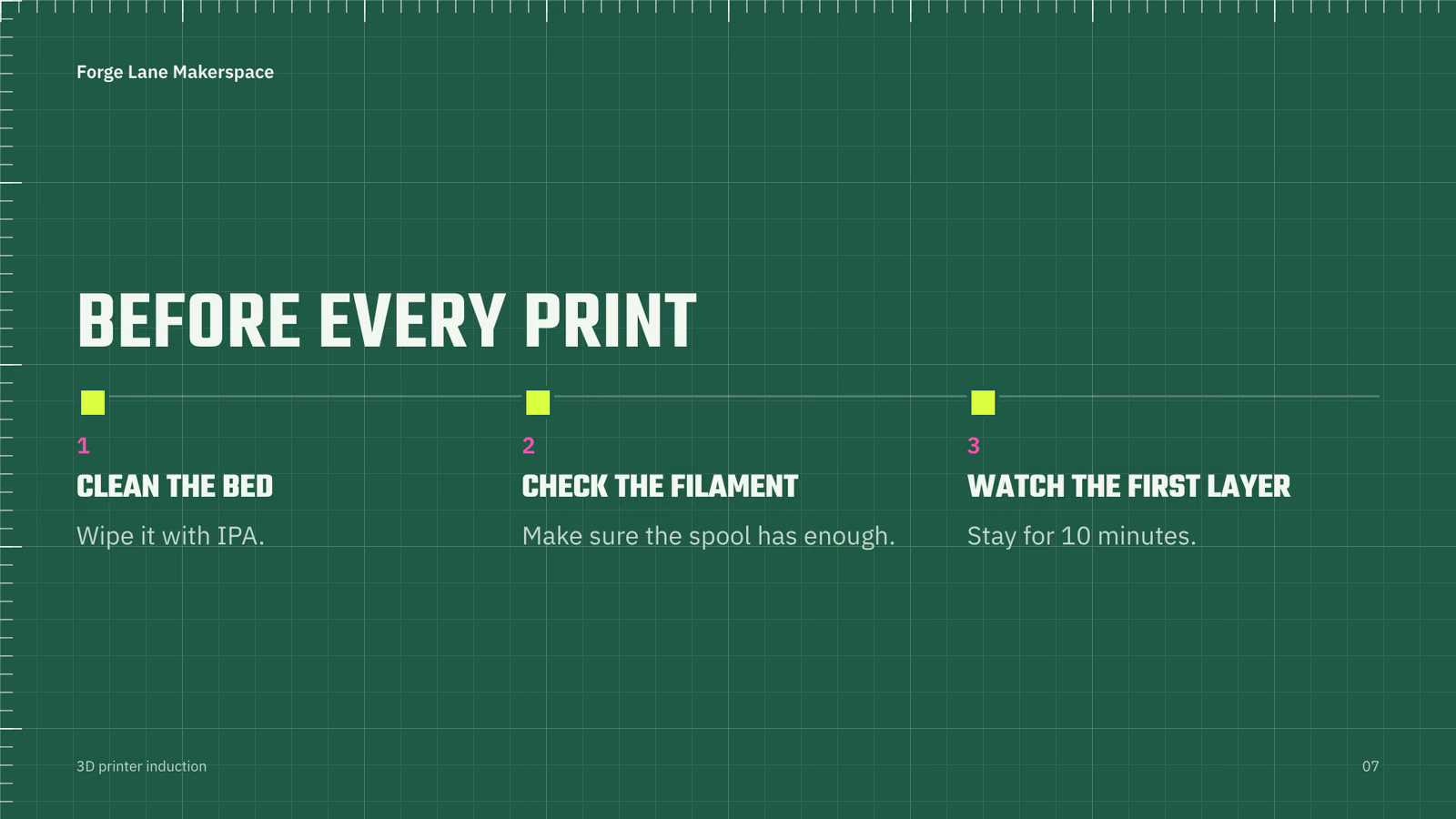
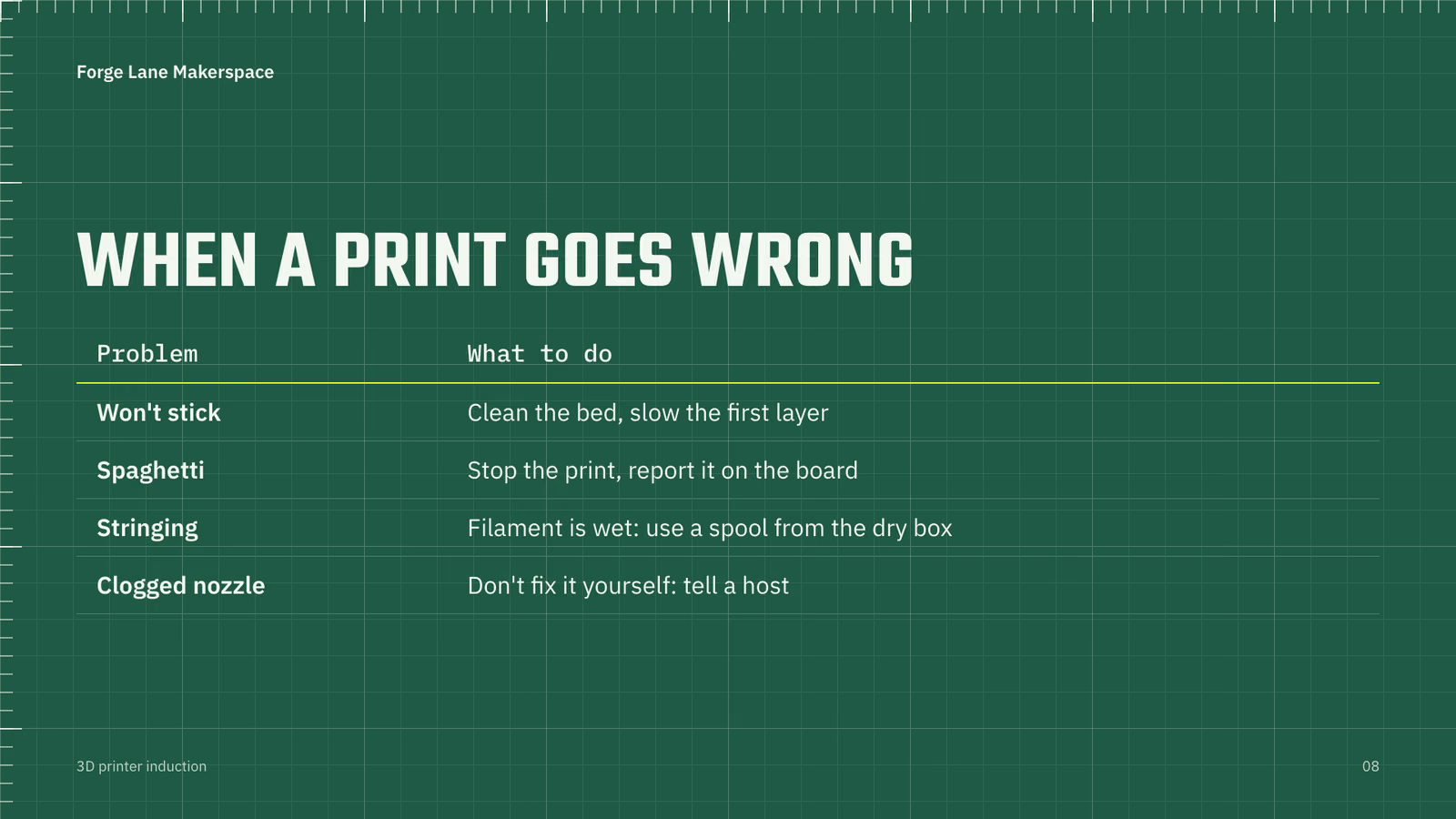
  6. cd ./talk && cat > deck.json <<'EOF' { "title": "3D printer induction", "name": "Forge Lane Makerspace", "lang": "en", "slides": [ {"layout":"title","title":"3D printer induction","subtitle":"Two printers, one filament, a few rules.","kicker":"Forge Lane Makerspace", "notes":"Welcome. This covers our two printers, what you can print with, how to book, and what to do when a print goes wrong."}, {"layout":"image","title":"Small printer: prototypes and small parts","image":"small-printer.jpg","side":"right","caption":"Open frame. 25 x 21 x 21 cm build, 0.4 mm nozzle.","alt":"The small open-frame 3D printer", "notes":"Open frame, so you can see and reach the print. Best for small parts and prototypes."}, {"layout":"image","title":"Big printer: large parts and overnight prints","image":"large-printer.jpg","side":"right","caption":"Enclosed. 35 x 35 x 35 cm build, 0.6 mm nozzle.","alt":"The large enclosed 3D printer", "notes":"Enclosed, with a bigger build and a 0.6 mm nozzle. The only printer allowed for overnight prints, and only after a second sign-off."}, {"layout":"table","title":"Pick the printer that fits your part","table":{"columns":["","Small","Big"],"rows":[["Frame","Open","Enclosed"],["Build size","25 x 21 x 21 cm","35 x 35 x 35 cm"],["Nozzle","0.4 mm","0.6 mm"],["Best for","Small parts, prototypes","Large parts, overnight prints"]]}, "notes":"If it fits on the small printer, use the small printer."}, {"layout":"cards","title":"PLA only. Nothing else.","cards":[ {"value":"OK","title":"PLA","text":"From the filament shelf. 5p a gram, paid in the members' app."}, {"value":"NO","title":"ABS","text":"Fumes need ventilation we don't have."}, {"value":"NO","title":"PETG","text":"Fumes need ventilation we don't have."}, {"value":"NO","title":"Resin","text":"Fumes need ventilation we don't have."}], "notes":"This is the safety rule. We have no ventilation for fumes from other materials."}, {"layout":"bullets","title":"Book it, tag it, collect it","points":["Book at forgelane.space/book on the members' calendar","Up to 4 hours in the day","Overnight: big printer only, after a second sign-off","Put your name card on the printer","Collect your print within 12 hours"], "notes":"Bookings are on the members' calendar. Your name card tells others whose print it is."}, {"layout":"timeline","title":"Before every print","steps":[ {"when":"1","title":"Clean the bed","text":"Wipe it with IPA."}, {"when":"2","title":"Check the filament","text":"Make sure the spool has enough."}, {"when":"3","title":"Watch the first layer","text":"Stay for 10 minutes."}], "notes":"Most failures show up in the first layer, so stay and watch it."}, {"layout":"table","title":"When a print goes wrong","table":{"columns":["Problem","What to do"],"rows":[["Won't stick","Clean the bed, slow the first layer"],["Spaghetti","Stop the print, report it on the board"],["Stringing","Filament is wet: use a spool from the dry box"],["Clogged nozzle","Don't fix it yourself: tell a host"]]}, "notes":"The nozzle is the one thing you never fix yourself."}, {"layout":"columns","title":"Get signed off","columns":[ {"title":"Sign-off","points":["A short quiz","Then one supervised print"]}, {"title":"Hosts Mo and Kat","points":["Tuesday evenings","Thursday evenings"]}], "notes":"Come on a Tuesday or Thursday evening to find Mo or Kat."}, {"layout":"closing","title":"Ready for your first print?","subtitle":"Do the quiz, then book your supervised print.","contact":["forgelane.space/book"], "notes":"Any questions? Ask Mo or Kat."} ] } EOF node ../.claude/skills/makers-neon-deck/scripts/deck.mjs deck.json --check
  7. ./talk/deck.json
  8. cd ./talk && node ../.claude/skills/makers-neon-deck/scripts/deck.mjs deck.json --check
  9. ./talk/3d-printer-induction/check.png
  10. node ../.claude/skills/makers-neon-deck/scripts/deck.mjs deck.json && ls 3d-printer-induction
  11. Done

12 Nov 2026 · Claude Code 2.1.322 with Claude Sonnet 5.5 · 1 min 13 s · $0.16 of API use

Questions

Is Makers Neon Slide Deck free?

No. Makers Neon Slide Deck costs $9.99 once and stays in your Recaply account, or it comes with the Recaply plan ($19.99 a month), which opens every premium skill and prompt.

Which agents can use Makers Neon Slide Deck?

Claude Code, Codex, Cursor, Gemini CLI, GitHub Copilot and OpenCode.

What do I get when I buy Makers Neon Slide Deck?

A ZIP of the whole skill folder (40 KB): the SKILL.md your agent follows and its 6 other files, the references, templates and scripts it uses. You download it from this page whenever you need it, and install it in Claude Code, Codex, Cursor, Gemini CLI, GitHub Copilot and OpenCode. The Recaply plan opens it too, with every other premium skill and prompt.

How do I install Makers Neon Slide Deck?

Buy it, then download the ZIP from this page. For Claude Code, unzip it into .claude/skills/ in your project. For Codex, Cursor and Gemini CLI, unzip it and run npx skills add ./makers-neon-deck with your agent's flag.

What do I get from Makers Neon Slide Deck?

A PDF, a PowerPoint file and a web page to present from. The maker space look: a maker’s cutting mat with neon tape labels. Every slide checked to fit before it is saved.

What does Makers Neon Slide Deck need?

Node 20+, Chrome and ffmpeg, and no API key. Each use costs nothing beyond your agent.

How big is Makers Neon Slide Deck?

7 files, about 26,928 tokens in all. The SKILL.md is about 3,048 tokens, and your agent reads it only when the job fits.

What does a run cost?

Our 1 runs took 1 min 13 s to 1 min 13 s and $0.16 to $0.16 of API use each, in Claude Code with claude-sonnet-5-5. On a Claude plan, a run counts toward your usage instead.

Do I have to name Makers Neon Slide Deck to use it?

Type /makers-neon-deck first to make sure it loads. Without it, Claude Code may judge a small job simple enough to do without the skill.