 Video1 view, 0 downloads
Explainer Pictures


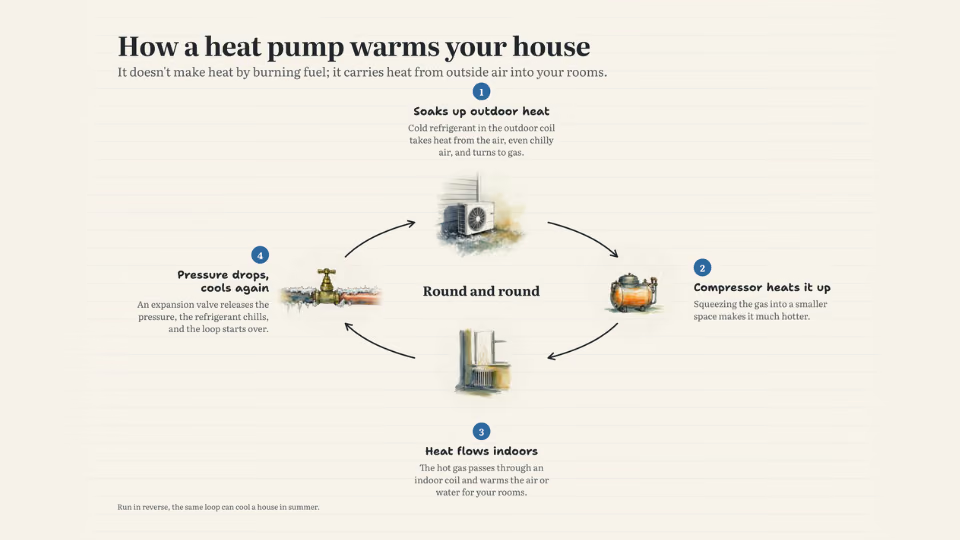
 One picture that explains how it works
 Claude CodeCodexCursor
 Gemini CLI
 GitHub Copilot
 OpenCode
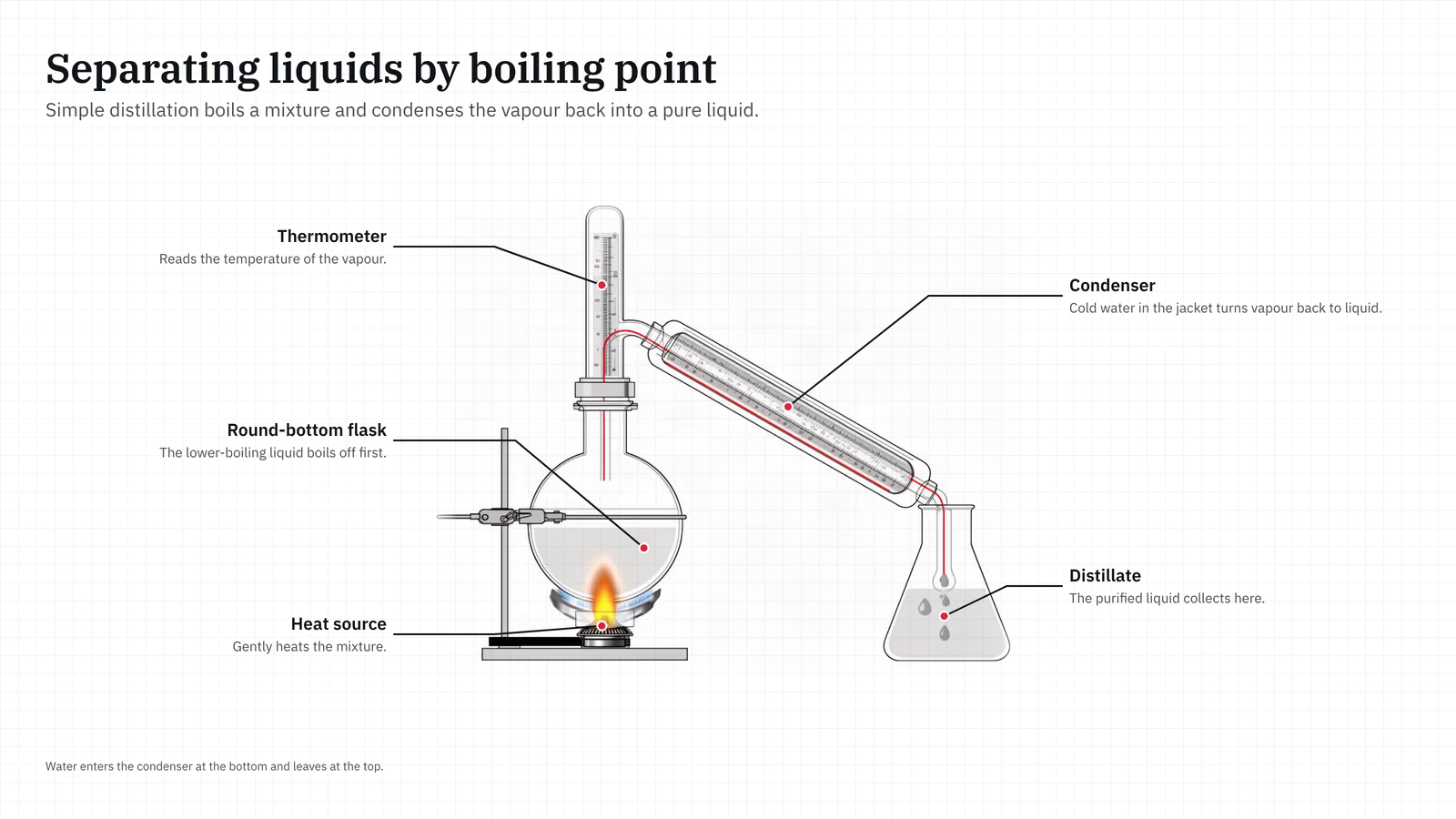
Lab and optics setups drawn as clean schematics, with the light or flow path in red.
$9.99once, yours to keep
Payments are non-refundable. See our Terms of service.
Yours. Download it, then add it to your agent.
Makes lab setup and optics diagrams as one finished PNG for a post, lesson, slide or poster: precise thin-line schematics with grey fills and one red path for light or flow, on a faint grid. The drawings come from a picture model and every word is set in real type on top, so labels are always spelled right. Best as one setup drawn left to right with labelled parts; other layouts work too. Needs a FAL_KEY or a Cloudflare Workers AI key; about $0.01 to $0.02 a drawing. Use when someone wants a diagram of an experiment, an optical bench or lab setup, or a schematic of how light or liquid moves through equipment.
By RecaplyUpdated 11 Nov
Video1 view, 0 downloads
One picture that explains how it works
 Video
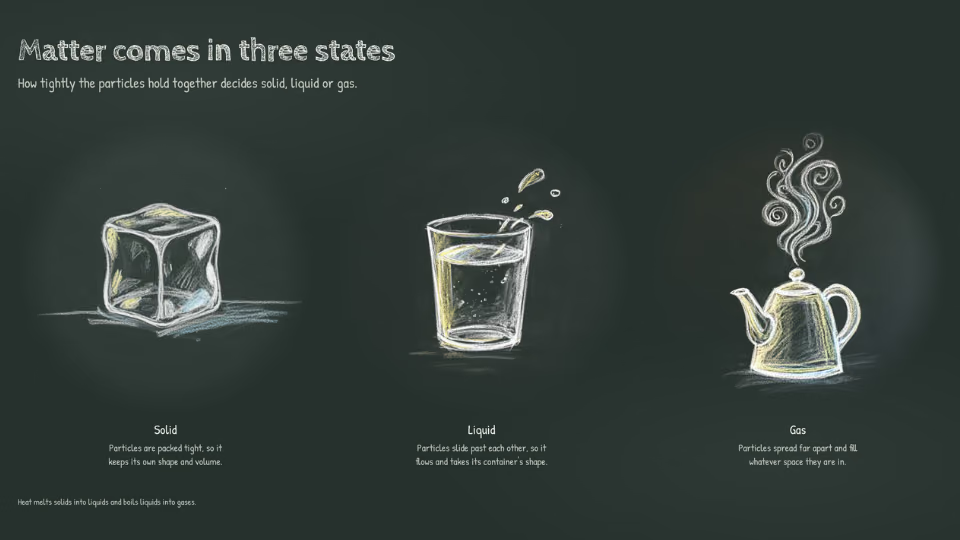
Lesson posters drawn in chalk
 Video
Medical art of how the body works
 Video
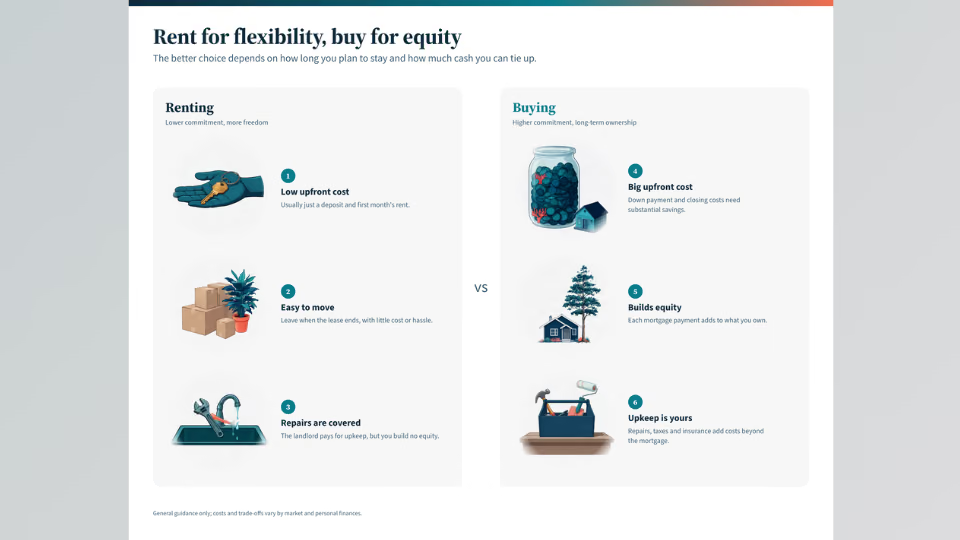
Side-by-side versus graphics
You say
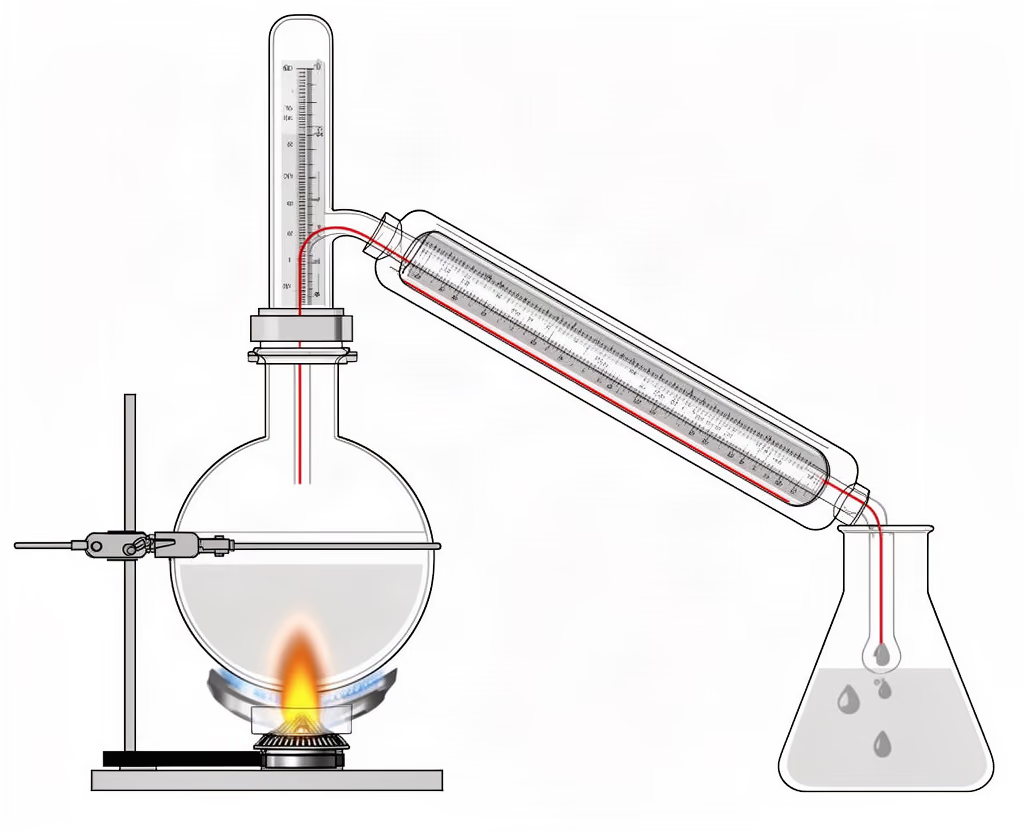
Make a diagram of a simple distillation setup for my chemistry class
It said back
I've made the diagram: distillation/explainer.png (3200×1800, 16:9 slide format).
It's one labelled drawing of the setup, left to right: heat source → round-bottom flask → thermometer → condenser → distillate. A red line traces the vapour from the flask through the condenser into the collecting flask. I read every label in the final image; all are spelled correctly and none overlap. The footer says cooling water enters the condenser at the bottom and leaves at the top.
What it did in run 1
No. Lab Setup Diagrams costs $9.99 once and stays in your Recaply account, or it comes with the Recaply plan ($19.99 a month), which opens every premium skill and prompt.
Claude Code, Codex, Cursor, Gemini CLI, GitHub Copilot and OpenCode.
A ZIP of the whole skill folder (25 KB): the SKILL.md your agent follows and its 5 other files, the references, templates and scripts it uses. You download it from this page whenever you need it, and install it in Claude Code, Codex, Cursor, Gemini CLI, GitHub Copilot and OpenCode. The Recaply plan opens it too, with every other premium skill and prompt.
Buy it, then download the ZIP from this page. For Claude Code, unzip it into .claude/skills/ in your project. For Codex, Cursor and Gemini CLI, unzip it and run npx skills add ./lab-setup-diagram with your agent's flag.
One explainer picture, with every label set in real type. Drawn as precise thin-line schematics with grey fills and one red path for light or flow, on a faint grid. Labels spelled exactly; the model never draws words.
Node 20+, Chrome and a fal or Cloudflare Workers AI key (it reads FAL_KEY). Each use costs about $0.01 to $0.02 a drawing.
6 files, about 15,247 tokens in all. The SKILL.md is about 2,268 tokens, and your agent reads it only when the job fits.
Our 1 runs took 1 min 3 s to 1 min 3 s and $0.33 to $0.33 of API use each, in Claude Code with claude-opus-5-5. On a Claude plan, a run counts toward your usage instead.
Type /lab-setup-diagram first to make sure it loads. Without it, Claude Code may judge a small job simple enough to do without the skill.