 Video
Dot to Logo Reveal


 Dot that folds into your logo, as MP4
Claude CodeCodexCursor Gemini CLI
 GitHub Copilot
 OpenCode
Pictures are picked from a side library and dragged onto a canvas.
$9.99once, yours to keep
Payments are non-refundable. See our Terms of service.
Yours. Download it, then add it to your agent.
A side panel of pictures; the pointer drags each one onto the canvas where it settles into place. A 4 to 10 second clip in 16:9, 9:16, 1:1 or 4:5, as an MP4 on its own or as one scene of a longer launch film. Renders locally with Chrome and ffmpeg: no video model, no key and no cost. Use when an editor, design or page builder shows drag and drop.
By RecaplyUpdated 11 Nov
Video
Dot that folds into your logo, as MP4
 Video1 view, 0 downloads
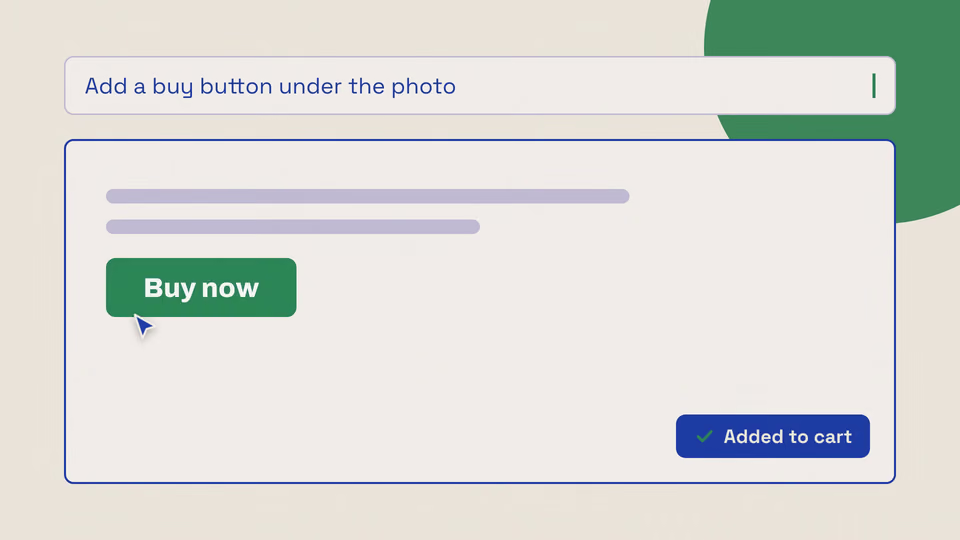
Typed ask that builds a button
 Video
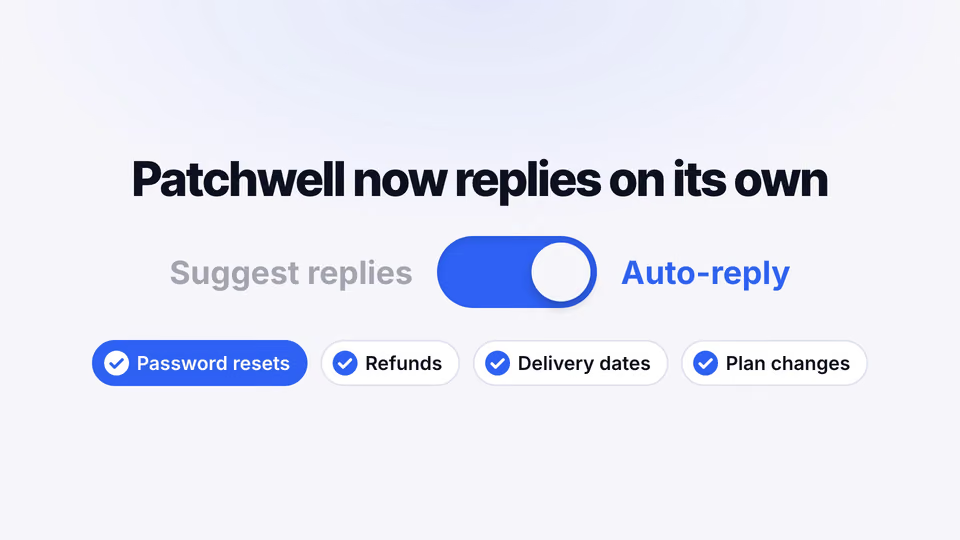
Switch from ask-first to full auto
 Video
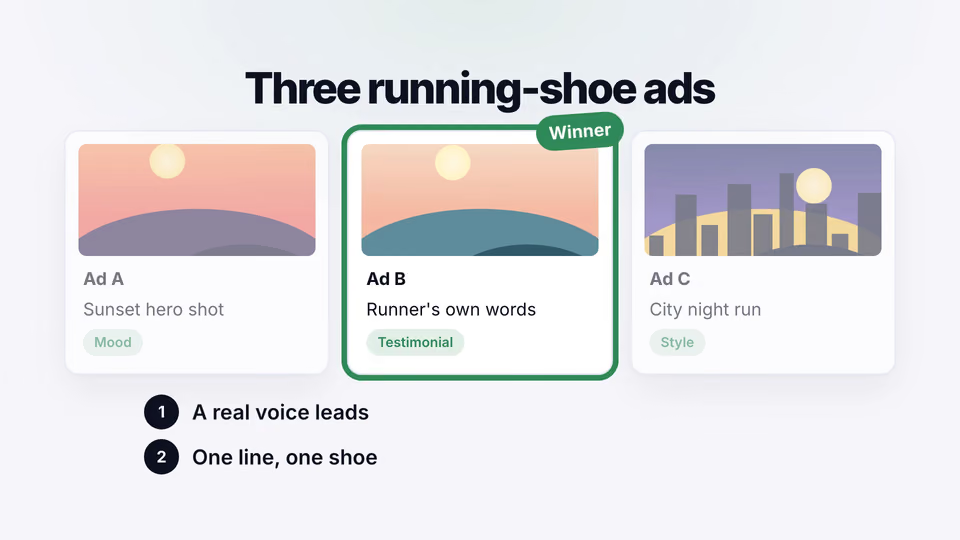
Ads scanned, ranked and remade
You say
Drag three photos onto a canvas with "Drag, drop, done".
It said back
The clip is rendered: a 6-second 1920×1080 MP4 at 30 fps, about 367 KB. The cursor drags three photos from a "Library" side panel onto the canvas, and the caption "Drag, drop, done" sits above.
The settled frame in the check sheet is clean: the caption is fully readable, nothing is cut off, and the three photos sit separately on the canvas.
What it did in run 1
No. Pictures Dragged Onto a Canvas costs $9.99 once and stays in your Recaply account, or it comes with the Recaply plan ($19.99 a month), which opens every premium skill and prompt.
Claude Code, Codex, Cursor, Gemini CLI, GitHub Copilot and OpenCode.
A ZIP of the whole skill folder (60 KB): the SKILL.md your agent follows and its 12 other files, the references, templates and scripts it uses. You download it from this page whenever you need it, and install it in Claude Code, Codex, Cursor, Gemini CLI, GitHub Copilot and OpenCode. The Recaply plan opens it too, with every other premium skill and prompt.
Buy it, then download the ZIP from this page. For Claude Code, unzip it into .claude/skills/ in your project. For Codex, Cursor and Gemini CLI, unzip it and run npx skills add ./image-picker-canvas-scene with your agent's flag.
An MP4 scene at 16:9, 9:16, 1:1 or 4:5. A side panel of pictures; the pointer drags each one onto the canvas where it settles into place. Works alone or as one scene in a longer film.
Node 22+, Chrome and ffmpeg, and no API key. Each use costs nothing beyond your agent.
13 files, about 40,638 tokens in all. The SKILL.md is about 1,628 tokens, and your agent reads it only when the job fits.
Our 1 runs took 38 s to 38 s and $0.09 to $0.09 of API use each, in Claude Code with claude-sonnet-5-5. On a Claude plan, a run counts toward your usage instead.
Type /image-picker-canvas-scene first to make sure it loads. Without it, Claude Code may judge a small job simple enough to do without the skill.